CORS Issue When Editing Pages with Brizy Page Builder and in WP Admin Panel with two domain names

Hello Brizy Support Team,
I hope this message finds you well. I am reaching out regarding an issue I am facing while using the Brizy Page Builder on my WordPress website.
Issue Description: When attempting to edit pages using the Brizy Page Builder, I encounter a CORS (Cross-Origin Resource Sharing) error. Specifically, I notice that some assets, such as icons fail to load due to the "Access-Control-Allow-Origin" header being missing in the response. This issue is causing disruptions to my editing experience and preventing me from effectively utilizing the Brizy Page Builder. As well in the admin panel the brizy icon doesn't load and in the browser console there is the CORS error.
Details:
- WordPress Version: 6.3
- Brizy Plugin Version: 2.4.27
- Brizy Pro Plugin Version: 2.4.24
- Domains: mydomain.com, mydomain.fr
Steps Taken: I have attempted to address the issue by adding custom PHP code to my child theme's functions.php file to set the appropriate CORS headers. However, this approach did not resolve the issue. I have also try to modify the .htaccess.
Request for Assistance: I am seeking guidance and assistance in resolving this CORS issue. It appears that the missing "Access-Control-Allow-Origin" header is causing the cross-domain request to fail. I would appreciate any insights, recommendations, or workarounds that can help me resolve this issue and ensure smooth editing using the Brizy Page Builder. I've thought about a multisite before but wish I didn't have to.
If there are specific settings, configuration changes, or updates that can be applied to address this issue, please provide detailed instructions. Additionally, if there are any known compatibility issues or fixes related to CORS and the Brizy Page Builder, I would greatly appreciate your advice.
Thank you in advance for your time and assistance. I look forward to your response and a solution that will allow me to continue using Brizy effectively in my multilingual setup.
Best regards,
Timothée Schmitt.
-

HelloTimothée,
Thank you for the detailed documentation of the issue you are facing. Could you please comment on the use of two domains in your WordPress instance to help us better understand the issue?
- How did you set up a WP admin panel with two domain names? What were the steps you have followed?
- You mentioned the domains, mydomain.com and mydomain.fr. How do you plan to use these two domains in a single WordPress instance?
- CORS indicates that your website interacts with resources hosted on a different domain. Are you using iframes to embed external content on your Brizy page?
- "It appears that the missing "Access-Control-Allow-Origin" header is causing the cross-domain request to fail," you explained. What drives the need for cross-domain HTTP requests in your project?
0 -
Hello George,
Thank you for your prompt response. I appreciate your assistance in addressing the CORS issue I'm experiencing with the Brizy Page Builder.
To address your questions, let me provide more context regarding the setup of my WordPress instance and the use of two domains:
-
Setting Up WP Admin Panel with Two Domains: I have configured my WordPress instance to use two domain names, "mydomain.com" and "mydomain.fr." This setup is primarily intended for multilingual purposes, with the aim of providing localized content to users accessing the website from different regions.
-
Use of Two Domains in a Single WordPress Instance: The two domains, "mydomain.com" and "mydomain.fr," are both pointed to the same WordPress installation. This allows me to serve content in English on the ".com" domain and in French on the ".fr" domain. I am using a translation plugin to manage the content translation. The translation plugin is the famouse Polylang, it contains the options to deal with two different domain names.
-
CORS and Interaction with External Resources: The CORS issue arises when attempting to edit pages using the Brizy Page Builder on both domains and in the admin panel on the left. It seems that the assets required by Brizy, are being loaded from the primary domain ("mydomain.com") while editing on the secondary domain ("mydomain.fr"). This cross-domain interaction is likely causing the CORS errors
On .com :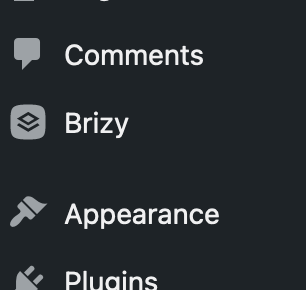
And on .fr :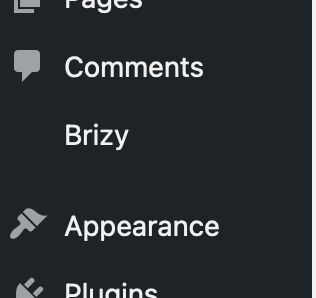 I'm not using any iframes.
 -
Cross-Domain HTTP Requests and CORS: The need for cross-domain HTTP requests arises from the fact that my WordPress instance is configured to serve localized content on two domains. While attempting to edit pages using the Brizy Page Builder on the secondary domain, the builder's resources and assets need to be retrieved from the primary domain, which leads to the cross-domain request.
I hope this clarifies the setup and the challenges I'm facing. I greatly value your assistance in resolving this issue and ensuring that I can effectively use the Brizy Page Builder for multilingual content creation. If there are any further details or steps that would help you assist me better, please feel free to ask.
Thank you once again for your support.
Best regards,
Timothée Schmitt.0 -
-
Hi Timothée,
This looks like a complex issue to solve. Please consider the solutions provided in these threads. Please take necessary precautions before modifying any code.
- https://wordpress.org/support/topic/polylang-language-is-set-from-different-domains-not-working/
- https://wordpress.org/support/topic/multiple-domains-into-single-instance-of-wordpress-with-polylang-issue/
You may also want to glance through these threads to gain a generic perspective on this topic.
- https://wordpress.org/support/topic/cross-domain-issues/
- https://github.com/polylang/polylang/issues/590
Please also consider contacting Polylang Support about this issue and see if they have a suggestion.
0 -
George,
Thank you for your response and for providing the links to the resources. I appreciate your effort in helping me address the issue I'm facing.
However, it seems there might be a slight misunderstanding regarding the nature of the problem. To clarify:
-
Issue Originating from Brizy Plugin: The CORS (Cross-Origin Resource Sharing) issue I am encountering appears to be related to the Brizy Page Builder and its interactions with the two domains in my WordPress instance. The issue pertains to assets and resources used by Brizy, such as icons not being loaded correctly when editing pages using the Brizy builder.
-
Not Specific to Polylang Plugin: The issue is not directly related to the Polylang plugin. While the use of two domains is associated with managing multilingual content, the CORS issue emerges specifically when using the Brizy Page Builder across the two domains. The issue seems to be related to the handling of assets by the Brizy plugin rather than a conflict with the Polylang plugin. There is only issue with brizy, everything else in WordPress works fine.
Again here exemple in the .fr in the builder :
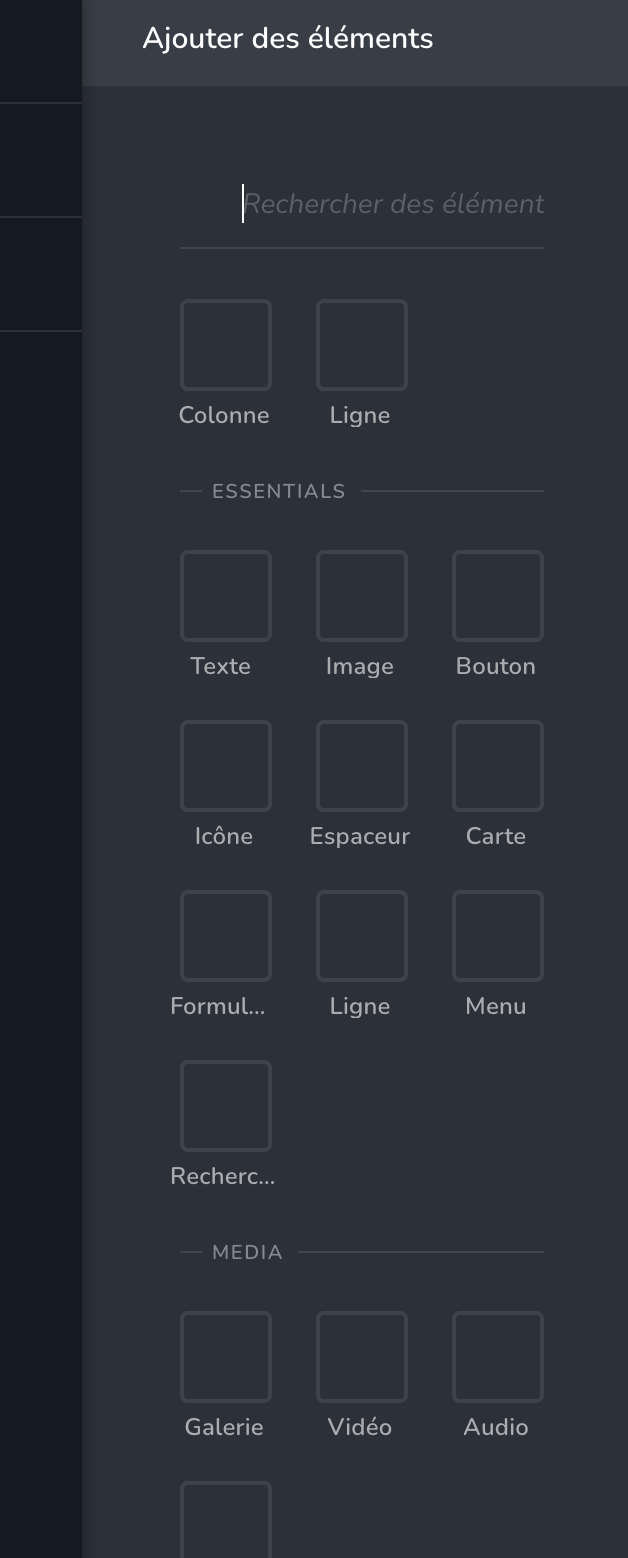
With errors in browser console :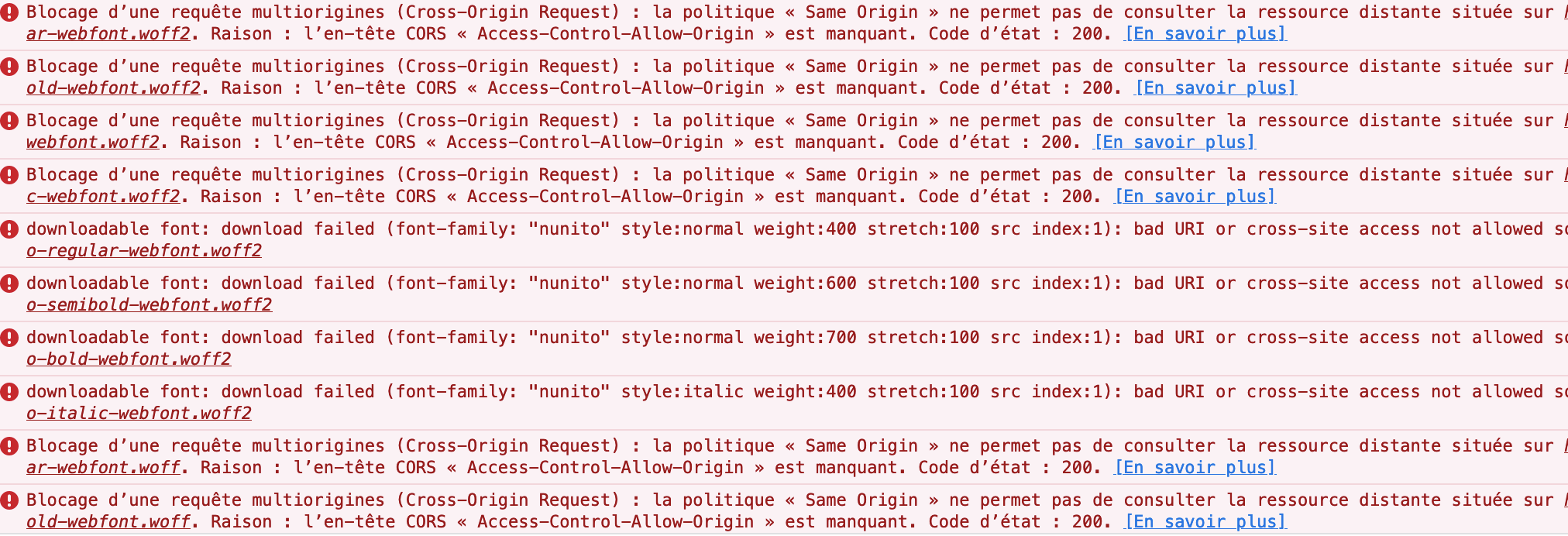
But with the .com everything works fine :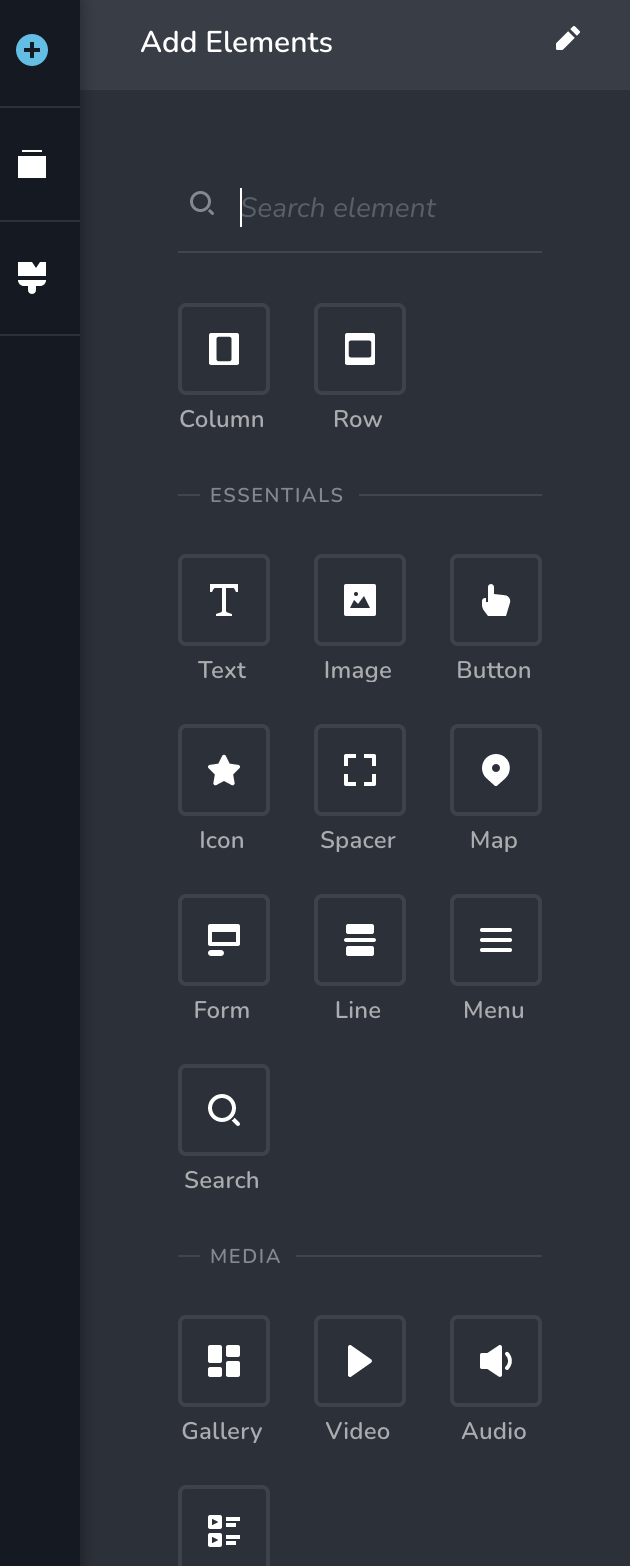
With no errors in the browser console.As the problem seems to stem from the interaction between the Brizy plugin and the dual domain setup, I would kindly request assistance or guidance specific to the behavior of Brizy when interacting with two domains in a single WordPress instance. This may involve aspects of asset loading and cross-domain requests within the Brizy Page Builder environment.
While I already reviewed the resources you provided, I want to emphasize that the issue is directly related to the behavior of the Brizy plugin and how it interacts with assets when used across the two domains. If there are any Brizy-specific recommendations, workarounds, or known solutions for this scenario, I would greatly appreciate your insights.
Thank you once again for your support and understanding. I look forward to any further assistance you can provide to help resolve this CORS issue when using the Brizy Page Builder.
Best regards,
Timothée Schmitt.0 -
-

Hi Timothée,
Thank you for keeping in touch.
I'm sorry to inform you that the desired outcome you're aiming for is not possible at the moment. This is because Brizy relies on the home and site URL settings in WordPress for its proper functioning. If you try to edit your page using a different domain name, it may result in a CORS (Cross-Origin Resource Sharing) issue - https://prnt.sc/y1B93-4B2N3z
To avoid any complications, especially if your site is translated into multiple languages, we recommend editing your pages using the main domain name defined in the Home and Site URL settings in WordPress.
Sorry for the inconvenience.
Best regards,
Ariel H.0 -
Hello Ariel,
Thank you for your response and for clarifying the situation. I appreciate your effort in helping me understand the limitations of the Brizy plugin in relation to the use of multiple domains.
While it's unfortunate that the Brizy plugin relies on the home and site URL settings for proper functioning, I understand the technical complexities that can arise in accommodating such scenarios. Your explanation regarding the CORS issue and its implications is helpful in understanding the root cause of the issue.
Given the current limitations, I'll explore alternative solutions to achieve the desired outcome. While Brizy might not be suitable for this specific use case, I'll consider other options or explore custom development to meet my needs.
I want to thank you and the Brizy team for your prompt responses and assistance throughout this process. While the current situation might not align with my requirements, I appreciate the transparency and support provided.
If there are any updates or changes in the future that address similar scenarios, I would be interested to know. In the meantime, I'll explore alternative approaches to achieving the multilingual and multiregional functionality I require.
Thank you once again for your understanding and assistance.
Best regards,
Timothée Schmitt.0
Please sign in to leave a comment.
Comments
6 comments