Custom asset - assets list

Hi,
I've created a custom asset, in which I have tools and categories. I've set a multi-reference and linked every tool with different tools that I have. The problem is on the tool page if I add the asset list or post I can't filter by Tools, only by tools category.
Is there any way to do this?
Thanks!
-

Hi Tiberiu,
Let me demonstrate how the Posts element is expected to work with custom assets and taxonomies in general. https://jmp.sh/JtKjKwVz
If you have setup Tools and Categories as taxonomies for your custom assets, then you should be able to filter your custom assets based on both Tools and Categories. Can you please share a screenshot of how you have setup your custom asset and taxonomies?
0 -

How we can use the post or assets element to filter dynamicly? For example I created an asset named product and it has categories like a multi referenced field I would like to show the categories under the description of the product with a global section and dynamic dat
0 -
Hi Osvaldo,
You can filter products by selecting the appropriate categories under the Filter tab.
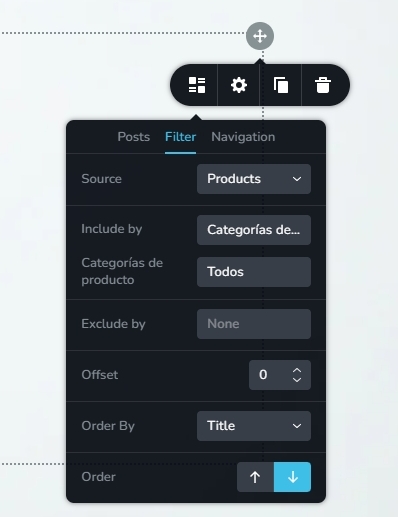
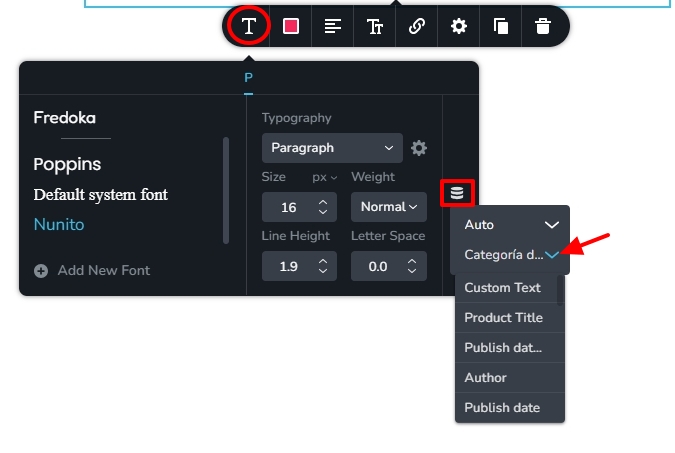
You can display categories associated with a product by adding the Text element, selecting the Typography icon, then the Database icon and selecting the dynamic value "Categories"
 0
0 -
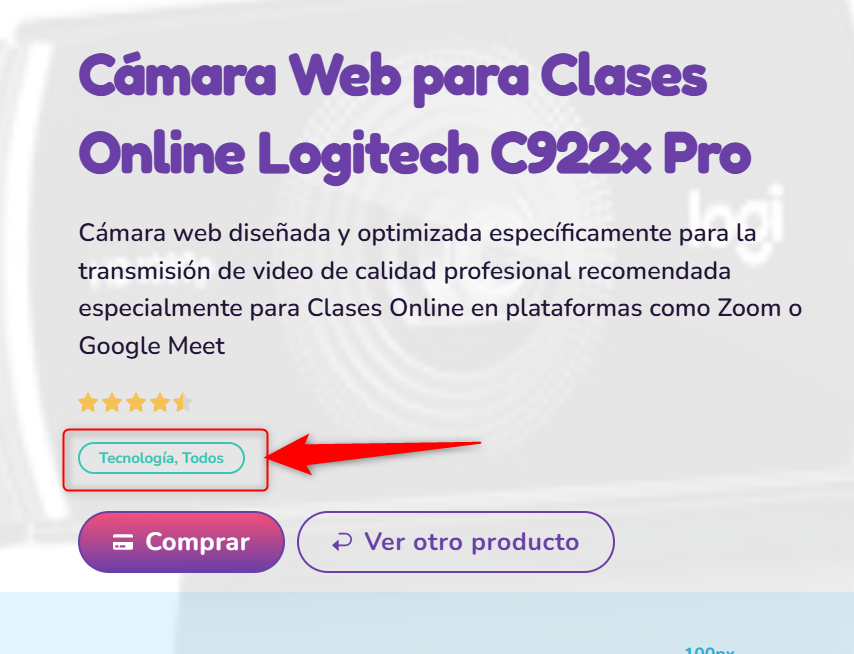
Thanks for the answer, but my goal is to show individual buttons like tags based on the current product categories including the title and link dynamically, the solution suggested gave this result:
 0
0 -
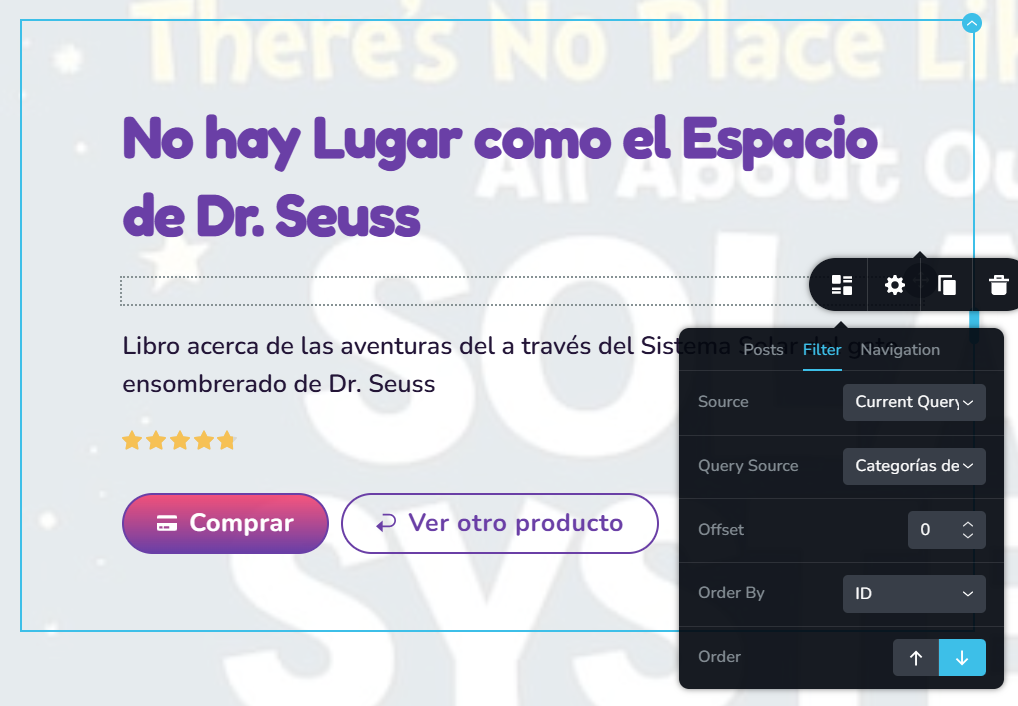
I tried this settings, but it doesn't shows me anything:
 0
0 -
Hi Tiberiu,
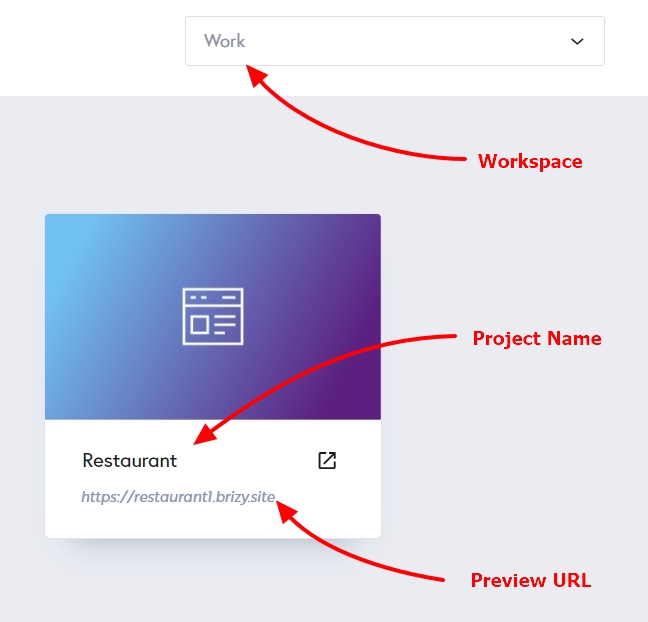
Kindly share with the Workspace, Project Name and the Preview URL of your project; we will take a look
 0
0 -
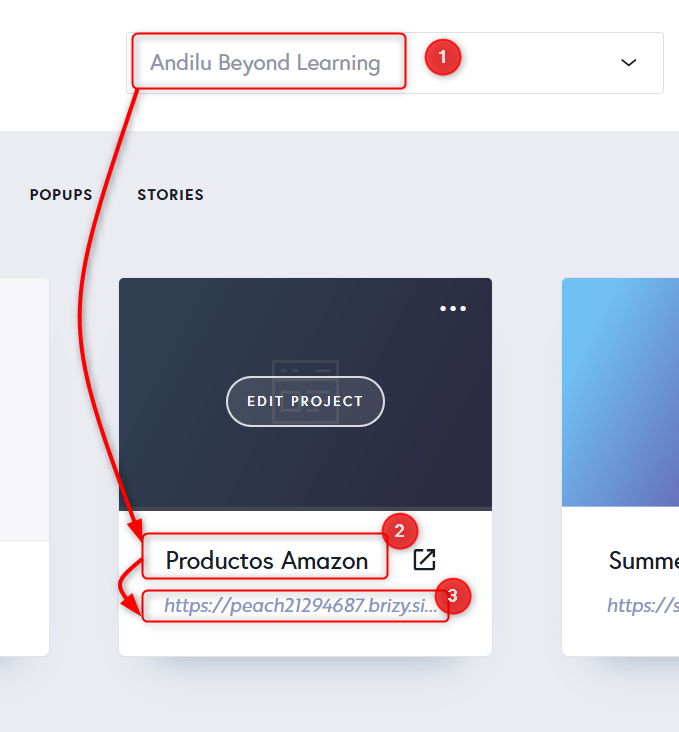
Here is it, please help me check what is wrong. BTW my name is Osvaldo0 -
Hi Osvaldo,
Are you looking for an option to display product categories as shown in the screenshot below? Brizy Cloud doesn't offer the ability to dynamically show categories in this manner. The Posts and Assets elements can only show products in this format.
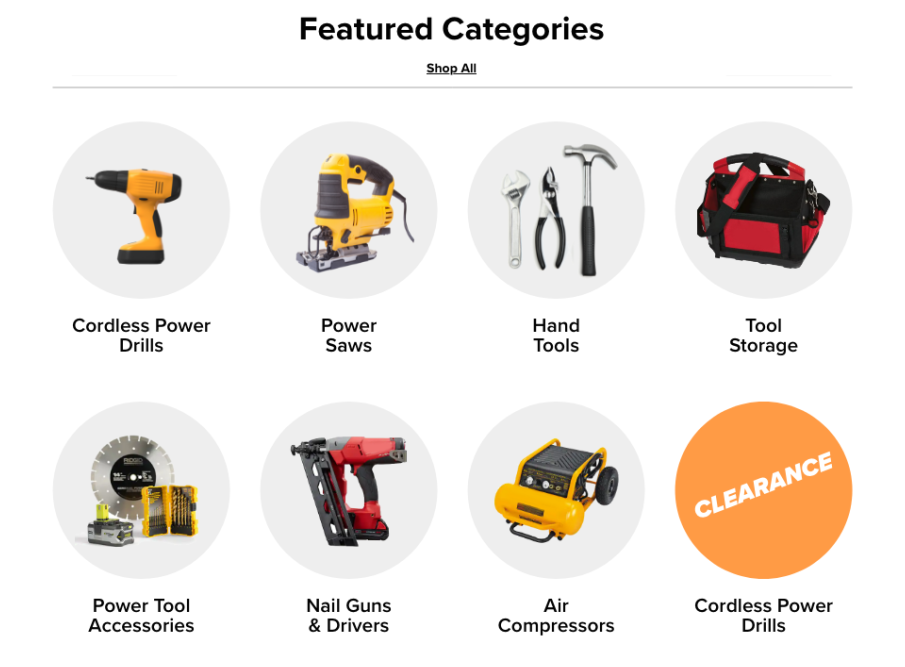
However, you can display the list of associated categories in text on the product page, as previously suggested. The above categories are also hyperlinked to their respective category archive pages.
0 -
Really? Yes in fact I was looking to show something similar to the image above. ¿Are you planning to implement something like this any soon? Cause all the data is there and is a common thing to implement on a single template. Would be really helpful
0 -
Hi Osvaldo,
Kindly add this as a feature request at https://www.brizy.io/ideas-and-roadmap This will allow other users to vote on it, and it could eventually become a feature.
0 -
I'd like that, but How would you describe this feature so everyone realize what I want to be developed. As you can notice English is not my native language
0 -
Hi Osvaldo,
You could suggest a new Brizy element to display blog/asset categories.
Category Element: An element to display categories associated with blog posts (or an asset). This element should display the list of categories associated with a blog post/asset and should include the category Image and category title like in the attached screenshot
 1
1
Please sign in to leave a comment.
Comments
12 comments