Brizy Pop-up Integration in WordPress Menu

Good day! Is there a way to integrate Brizy pop-up in WordPress Menu?
We would like to link it to "Contact Us". Is that possible?
Thank you!
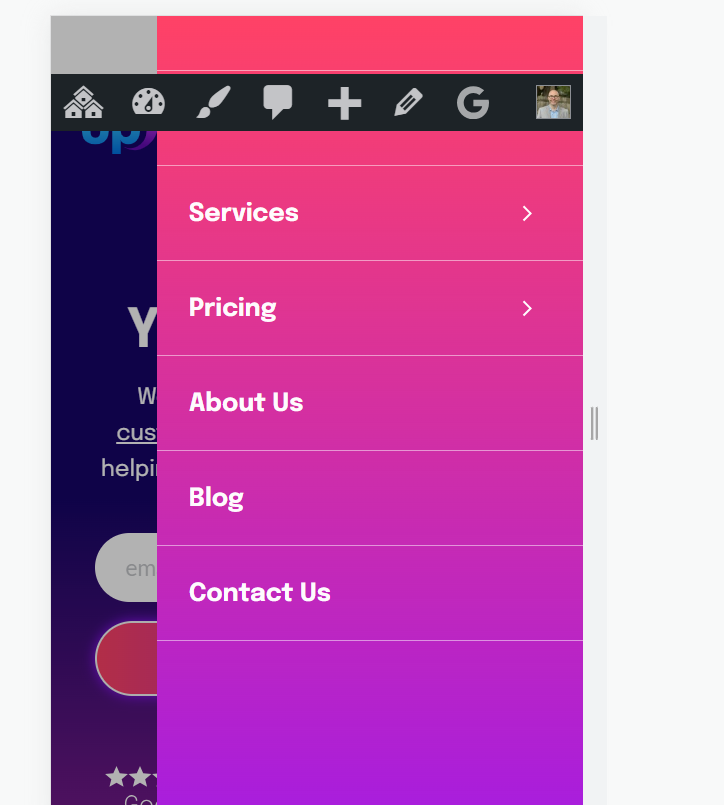
-

Hi Steven,
Currently, it is not possible to directly link a popup in the WordPress menu. However, there are a couple of alternative options you can consider.
Firstly, you can select one of the header blocks that come with a button and link it to a popup. This allows you to incorporate a popup functionality into your header design.
Alternatively, you can add a button to your existing header and then link it to a popup. This gives you the flexibility to customize your header according to your preferences and still achieve the desired popup functionality.
For more information, please refer to this link: https://www.brizy.io/wordpress-popup-builder
I hope this helps,
Best regards,
Ariel H.0 -
Hi Ariel!
We have already tried step #2 and that is not the way we wanted it to function. We really wanted it to be in the menu navigation.
Thanks for your response!0 -
Hi Steven,
Unfortunately, it is not possible to directly attach a popup to the WordPress menu. However, you can explore the option of creating a mega menu, which allows you to include a form element for building your contact form. This is demonstrated on this screencast—https://imgur.com/BjyRHrJ
I hope this helps.
Best regards,
Ariel H.0 -

Hi Steven,
Another user had similar question in our Facebook Community. Please have a look at this post and my comments https://www.facebook.com/groups/brizy/posts/1492959211467946/
It is possible to setup a mobile menu like in https://brizytest.online/popup/ and a desktop menu like in the image below. If any of these is of interest to you, please let me know. I can discuss the procedure with you.
 0
0
Please sign in to leave a comment.
Comments
4 comments