Image display in galley issue

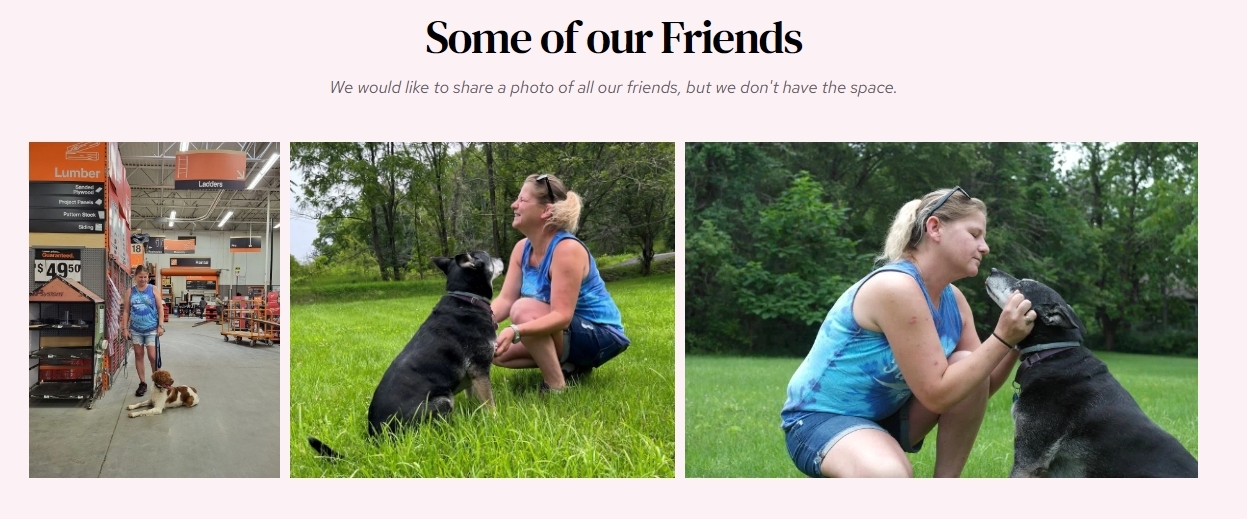
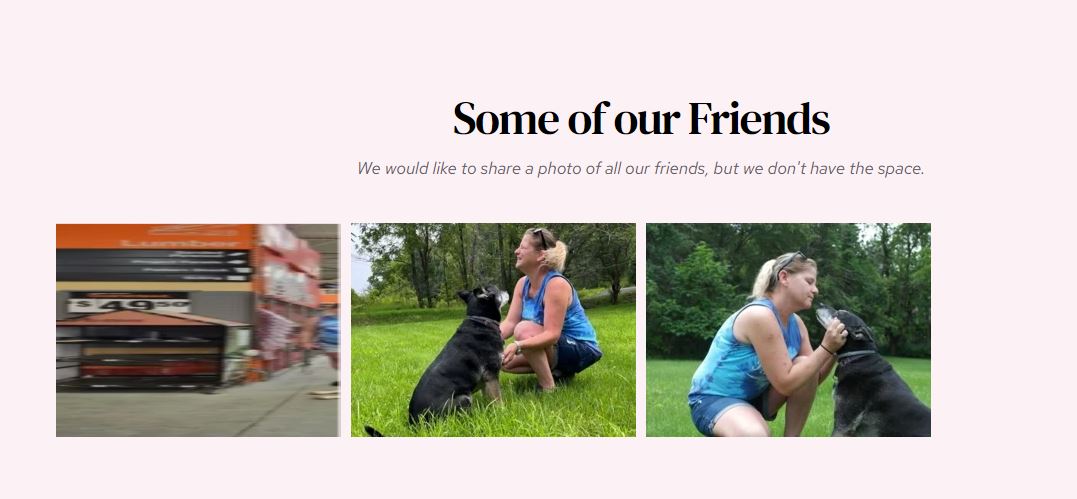
- I have a Cloud White Lable subscription, in which I am having problems with a new image I added to the galley. The image displays correctly in the builder but is skewed in the live site. (Screenshot attached)
- I created a back-to-top button (Popup), which works correctly on the first interaction but disappears after being clicked once. The load once option is unchecked, but I can't determine what I am doing wrong.
- I understand there were many white-label training videos available for my subscription. Can you please point me to the documentation or video instructions on accessing them and making them available to my clients?
Thank you for any help you can offer.
Patrick
-

Hi Patrick,
- Can you please mention the Workspace Name, Project Name and the URL of the page where you are facing the issue with the gallery?
- Popups do disappear after the initial interaction. To have a sticky 'Back To Top' icon, please consider using an icon with the fixed position following the procedure in this tutorial: https://youtu.be/G-8ZBVtAicA
- Sign into your brizy.io account and scroll down the first page you see. Under the heading 'Brizy Cloud' you will see the text "Download White Label Video Docs". Click on the 'Download button below it to download your white-label videos.
 0
0 -
Hi KC George,
The project is under my white-label account: admin.ddibuilder.com/projects/17543707/editor/page/3598987
Workspace: Trainer Tracee's Pet Services
URL: Gallery | Trainer Tracee's Pet Services (ttpetservices.com)
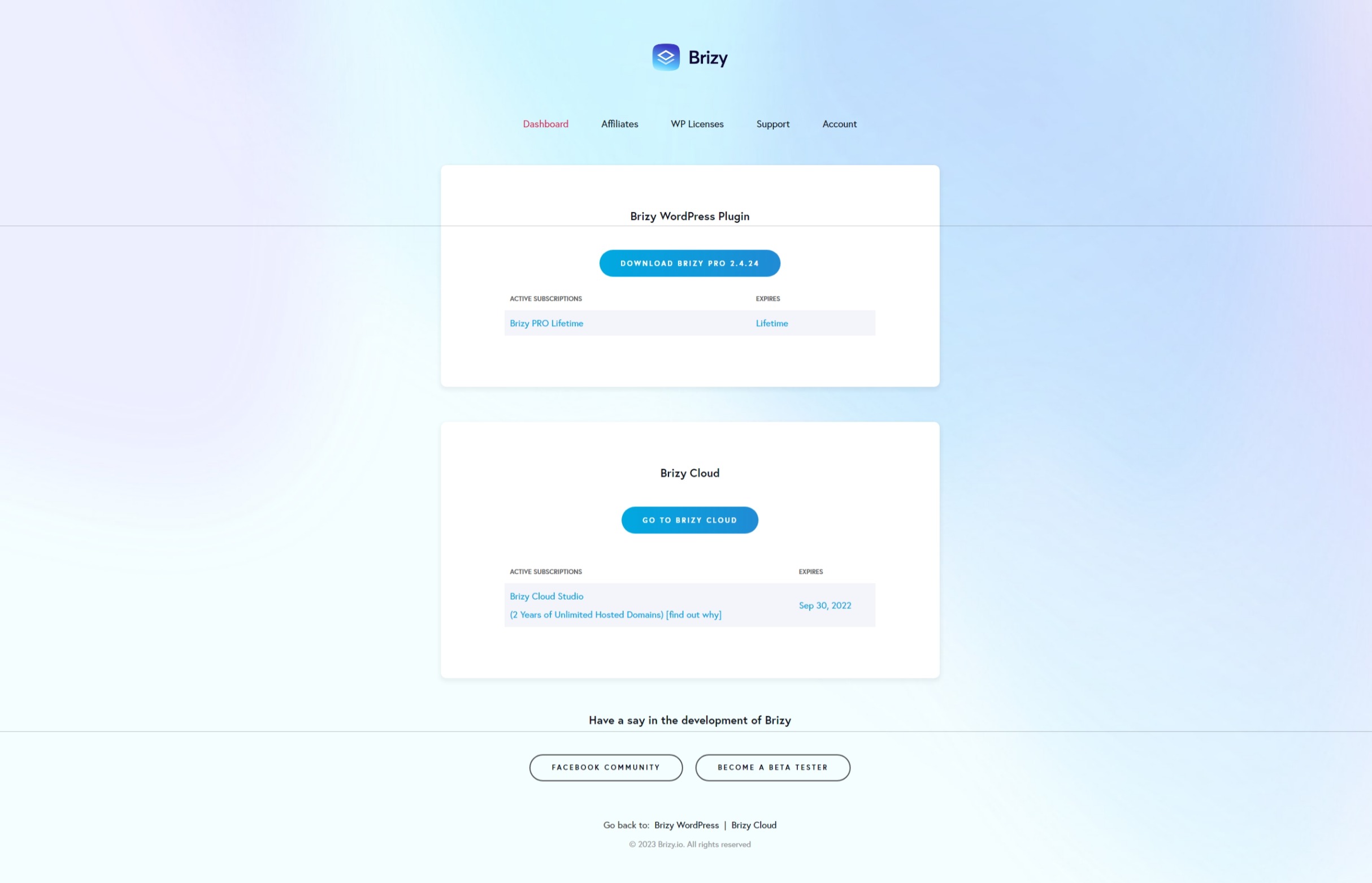
Second, those options are not available to me under my Brizy account. (Image attached)Also, my white-label subscription does not show up as an active license.
 0
0 -
Hi Patrick,
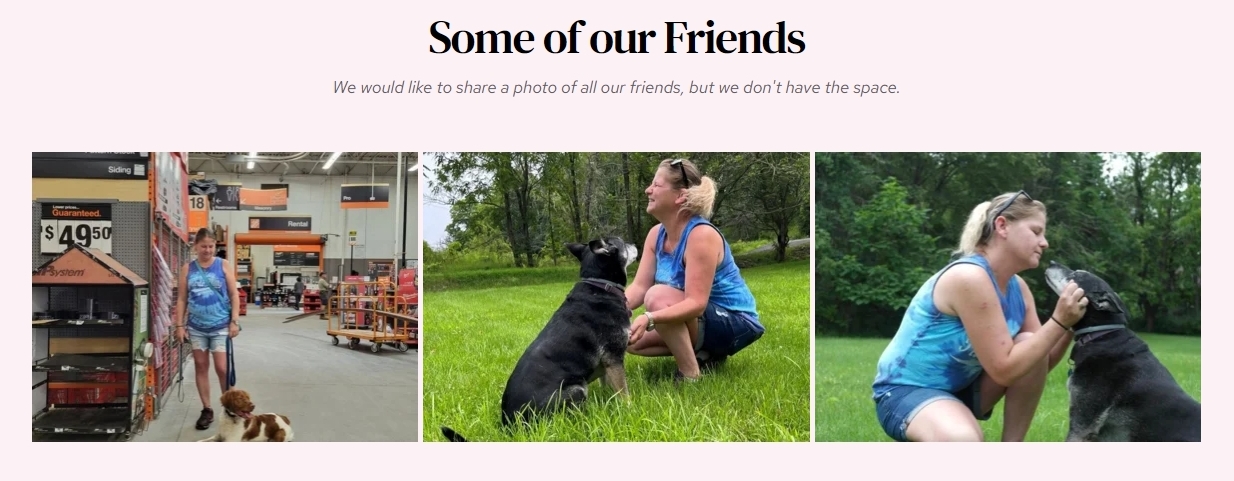
You had mentioned that "I am having problems with a new image I added to the galley. The image displays correctly in the builder but is skewed in the live site" This gallery is shown when I visit the link https://www.ttpetservices.com/gallery. All three images appear identical in the editor and on the live site. I'm not sure I understand your problem. If you are still experiencing the same problem, please provide a screenshot.
You have two accounts with us.
- patrick@.........rivation.com email gives you access to your Brizy Cloud Studio plan
- sites@......rivation.com gives you access to your white-labelled plan
You will see your white-label subscription details and an option to download the white-label videos when you sign in using the second email address listed above.
0 -
Hi KC George,
Image display
I changed the display type to "Justified," and the problem was resolved, but if the display type is "Grid" the image is skewed.
White Label Login
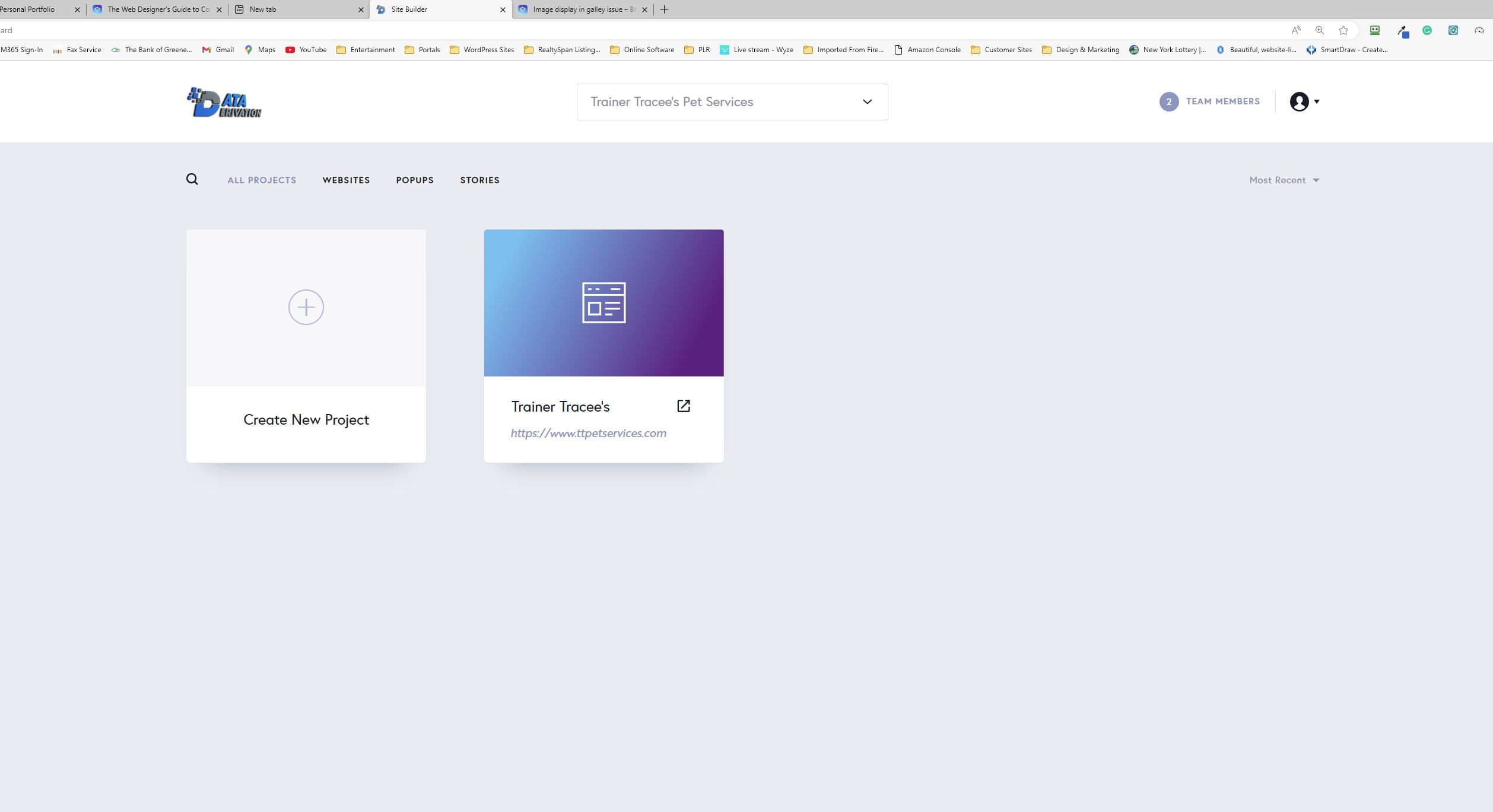
I don't see any option to download when I log in to my white label account (Image attached).
The only options I have is to create workspaces, create projects in a workspace, and add team members.
 0
0 -
Hi Patrick,
Please visit https://www.brizy.io/ and click on the 'Login' option in the header. You will see an account login page. Please use your email sites@......rivation.com and your password to sign in to your Agency account here. You can download the Whitelabel Video docs after signing in.
 0
0 -
Thanks, KC George. I didn't realize the Agency license was under another Brizy account. I was able to download the videos and docs.
Looking forward to hearing from you about the skewed images when the gallery element is in grid view.
Patrick
0 -
Hi Patrick,
I am not sure why the first image in the gallery was not displaying correctly when selecting the grid option. I recreated the gallery for you. Now all the three images are working fine. Please check https://www.ttpetservices.com/gallery
 0
0
Please sign in to leave a comment.
Comments
7 comments