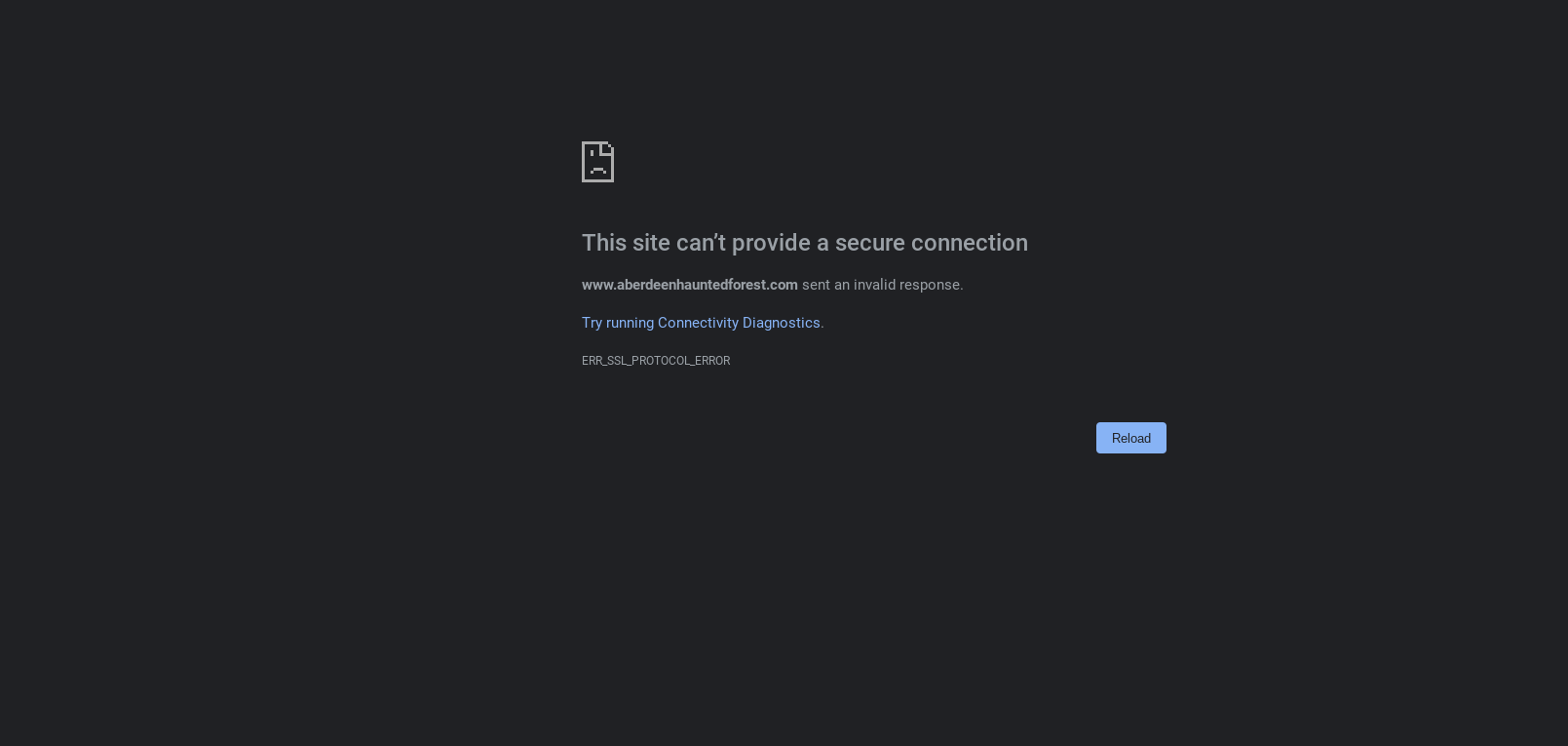
Error ERR_SSL_PROTOCOL_ERROR

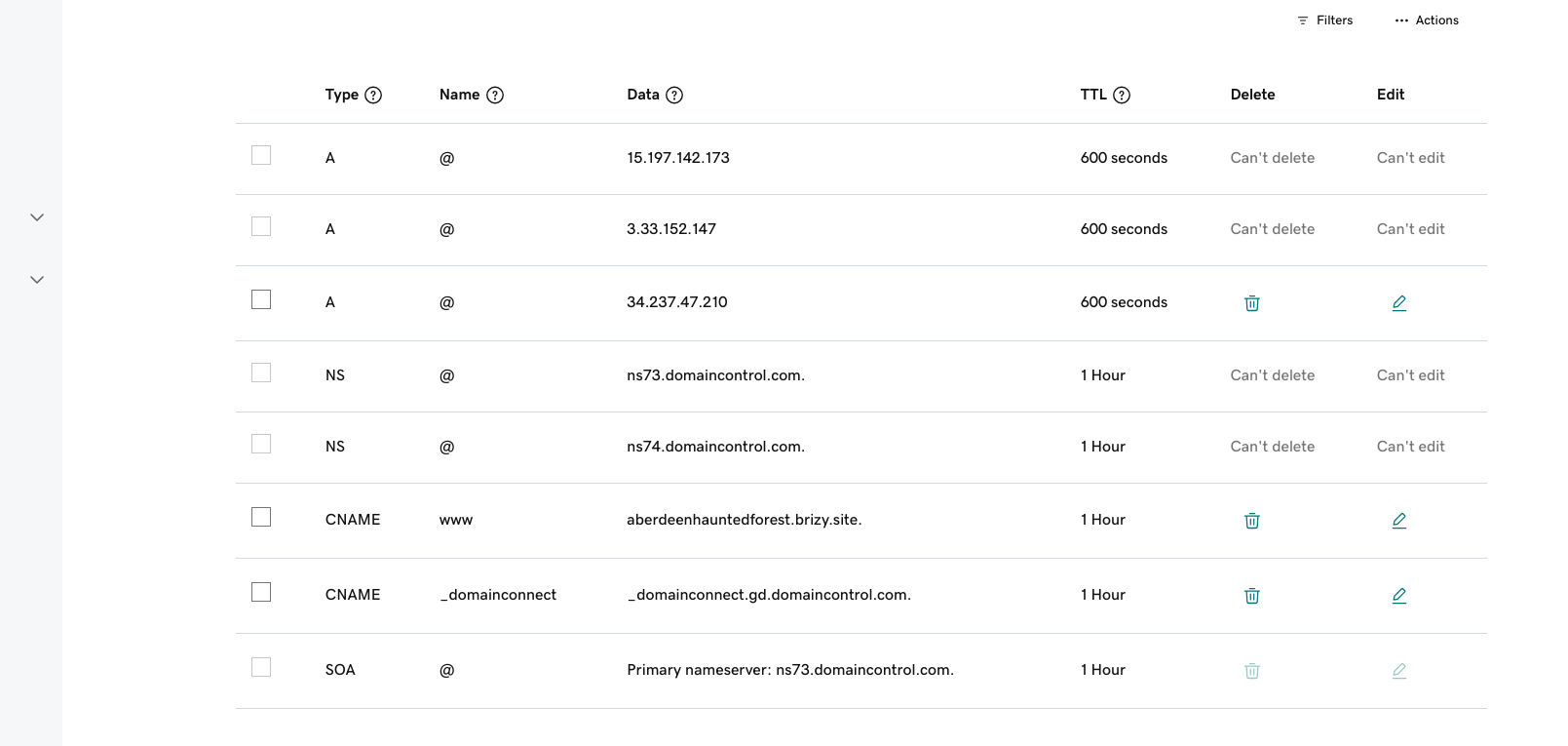
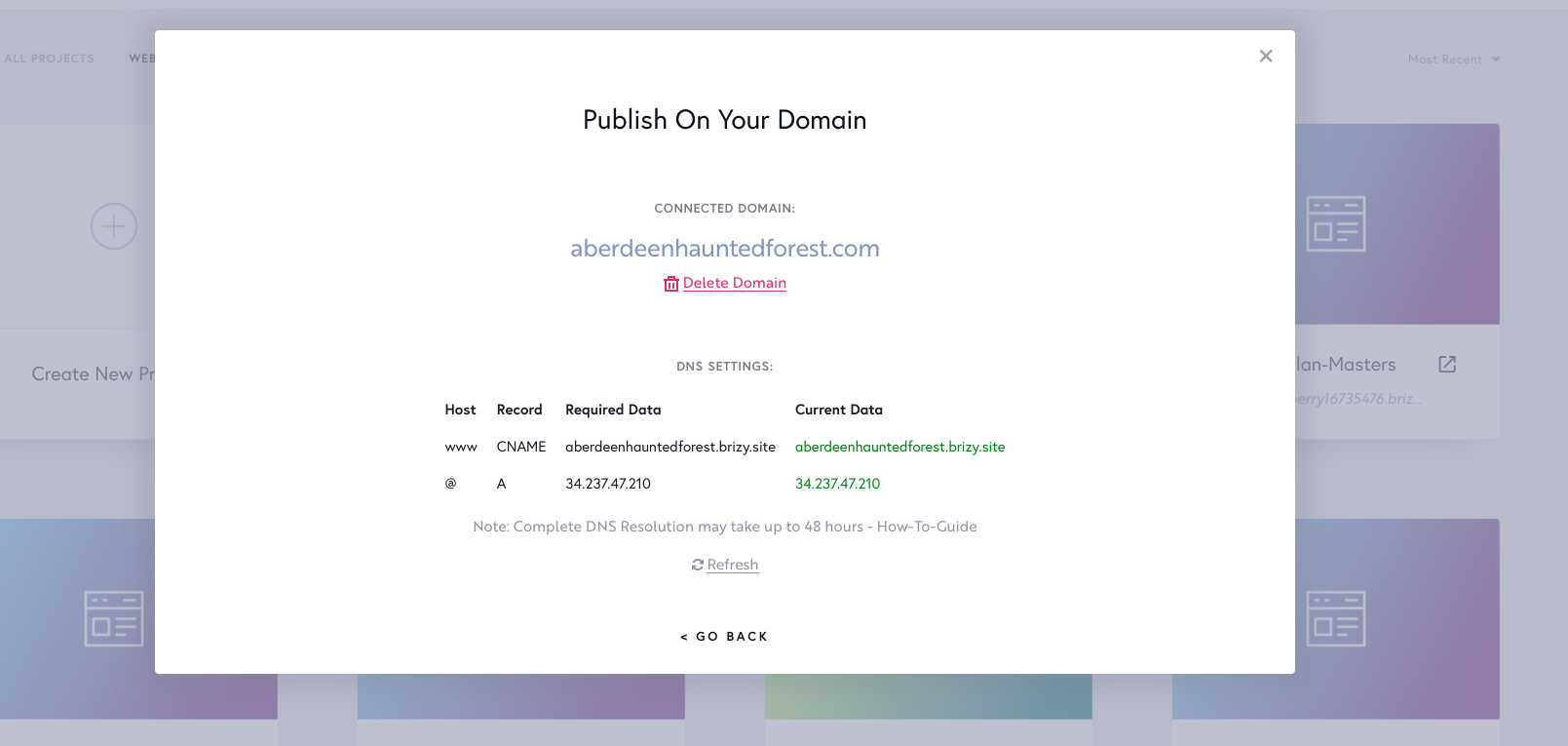
Seem to have an SSL error. To be transparent, the client had the DNS pretty goofed up. I believe I have it correct on the backend of GD now. Also, just updated this 20 minutes ago and might just be a timing thing but if not then better to submit now before I forget.
What am I missing?
Thank you KC!!!
DC
Screen shots below:
-

Hi Joseph,
Apart from the A Record you have added, your domain name aberdeenhauntedforest.com has two additional A Records with the following IP addresses associated with it.
- 15.197.142.173
- 3.33.152.147
For your domain name to resolve to your Brizy Cloud project, you must delete these two A Records.
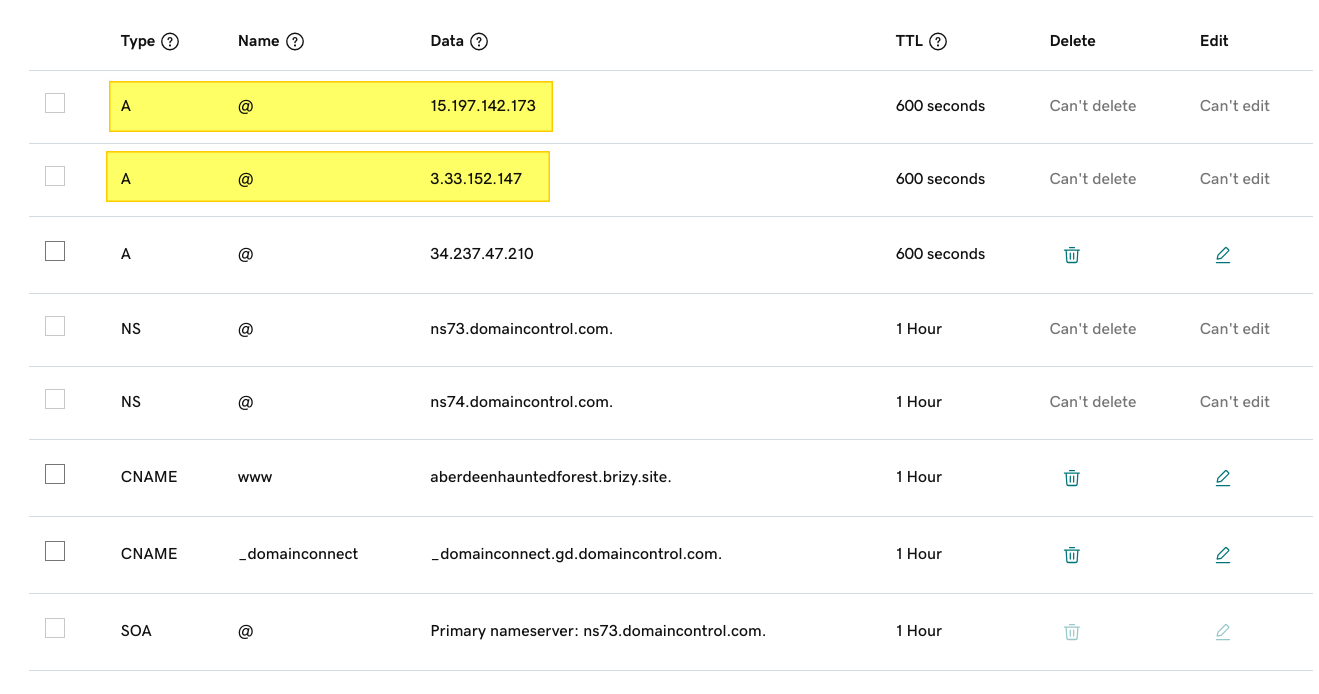
As per the above screenshot, you can't delete or edit the two domains. This could be because you have setup domain forwarding. Please remove the domain forwarding following the procedure outlined here Remove my domain forwarding Then delete the A Records highlighted above.
Once you complete these steps, please get back to us. We will help you with SSL
0 -
Got it. It is now fixed.
"Once you complete these steps, please get back to us. We will help you with SSL"
What do I need to do on this end to resolve the SSL error?
0 -
Hi Joseph,
I've installed the SSL certificate. Please check. If you are checking from your regular browser, please refresh the page to see the most recent change.
If there are no issue with domain records, SSL certificate gets generated automatically. If there are issues with domain records, once its fixed, we manually add it.
0 -
Got it. Fixed it. Still have the SSL error. Will respond in comment as well.
0 -
Hi Joseph,
I see this design when visiting https://www.aberdeenhauntedforest.com/ You may be seeing a cached error page from your browser. Please refresh the page to see the latest change.
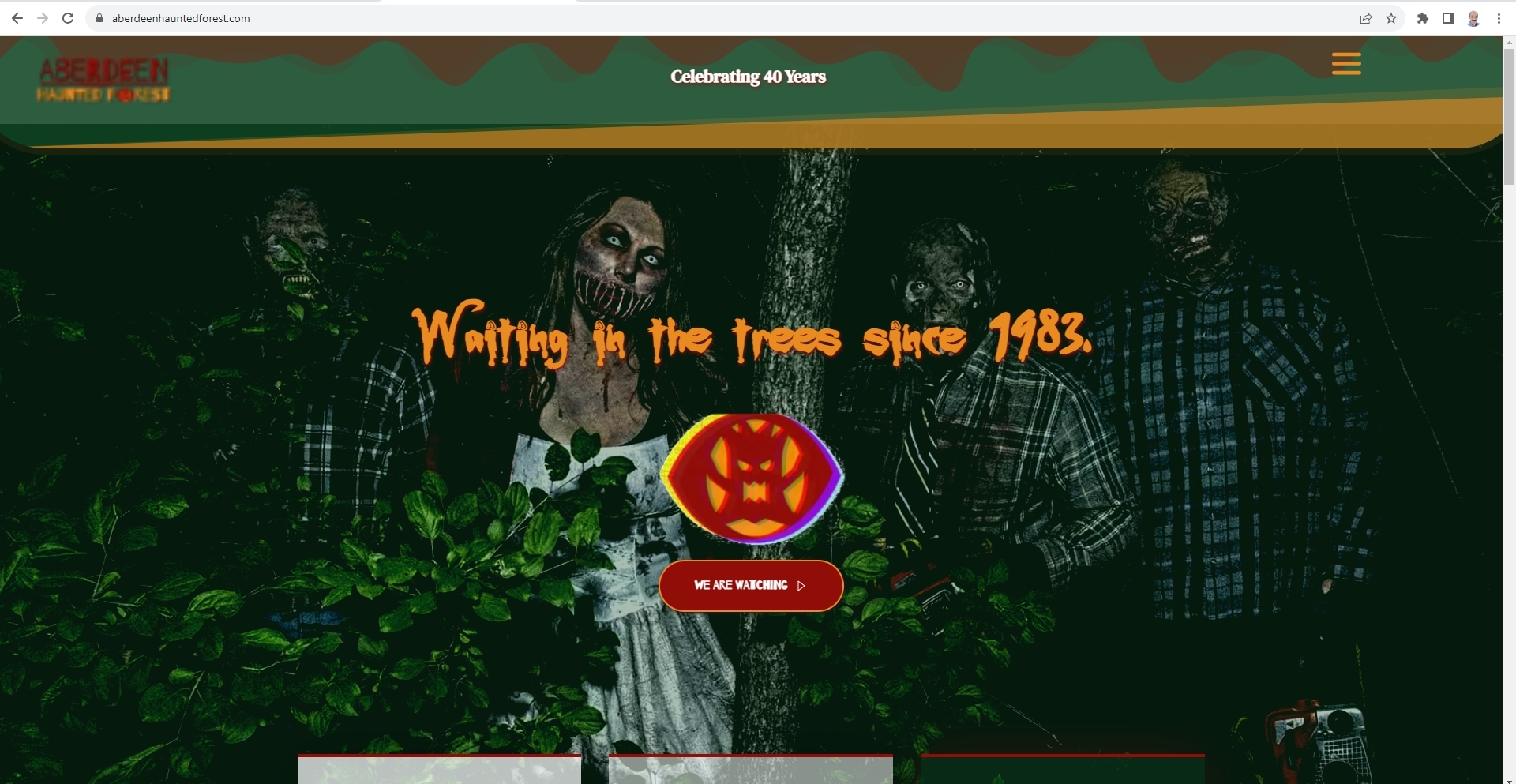 0
0
Please sign in to leave a comment.
Comments
5 comments