Blog Preview

How can I build a preview of the most current blog entries on the main page?
When I add a section, add Blog➜Posts, set "Current Query" and select the source, the preview is completely blank.
Also, is there a way to access the main blog page from the editor side? I cannot find any link to access it, only to the singular blog pages.
-

Hi Stephan,
I do not see blog posts in your Brizy Cloud project. This could be the reason why you get a blank listing. You can select 'News and Press Release' or 'Pages' as your source. You can also include and exclude categories to narrow down your selection.
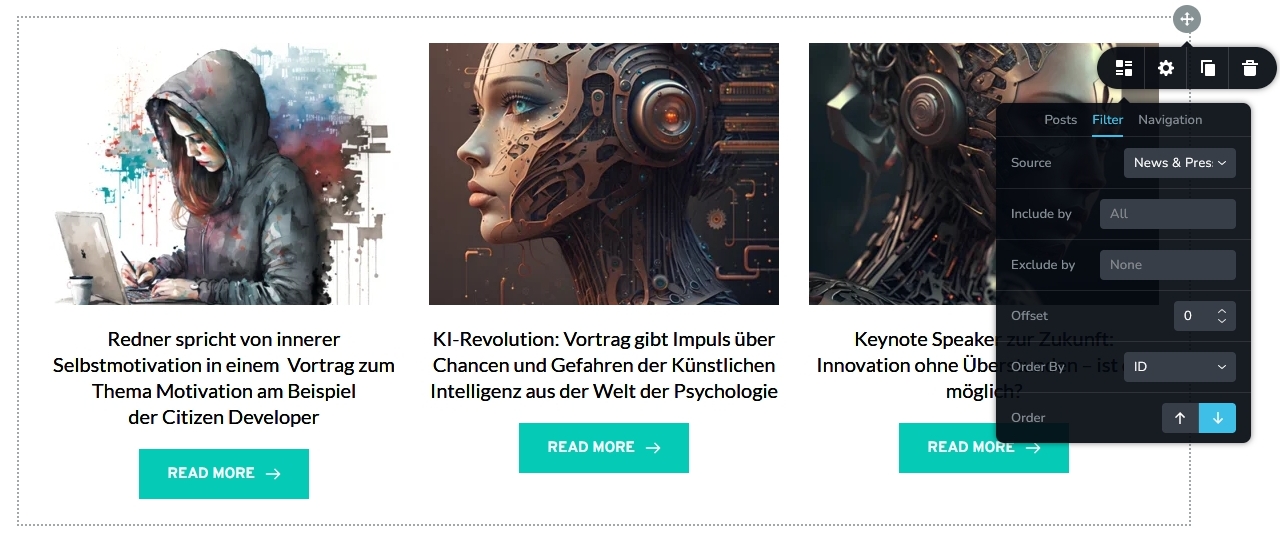
When you say "Also, is there a way to access the main blog page from the editor side?" are you referring to News and Press Releases?
0 -
Hi George,
> When you say "Also, is there a way to access the main blog page from the editor side?" are you referring to News and Press Releases?
Exactly. When talking about "blog" I mean the category "News and Press".
- Concerning your screen shot: This is the "News and Press" overview page. How did you eben get on that page? The Brizy edit menu offers no direct way to access this page in order to edit it. From my point of view, that is a bug. We need to have a link to this page in the Brizy menu.
- What your screen shot shows is the kind of preview I am referring to. I tried to replicate this on the front page (home page) with the exact same settings, but it was empty, in other words, no article previews were shown.
0 -
Hi Stephan,
I've placed the Posts element directly above the footer on your homepage. I've created a basic design for it. It displays your News and Press asset. Feel free to make changes to the initial design.
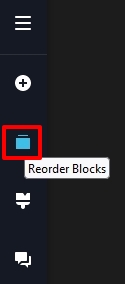
You can move this block up by clicking the 'Reorder' icon in the left sidebar.
 0
0
Please sign in to leave a comment.
Comments
3 comments