Adding to Carosuel

I have a carousel on one of my site, www.smoothfinish.ca and and am having a problem when it comes to adding more photos.
When I try to duplicate a photo so that I can then change the photo to a new one, it is duplicating the entire element, i.e. the entire carousel.
I would appreciate it if you could advise me as to how to do this. I am using Brizy Pro,
With thanks,
Jim
-

Hi Jim,
You can add more columns to the carousel in two steps
- Click on the top right corner of any column. Columns have a blue border line
- Select the + icon to add a new column.
Please see this screenshot: https://jmp.sh/oYQuuMm9
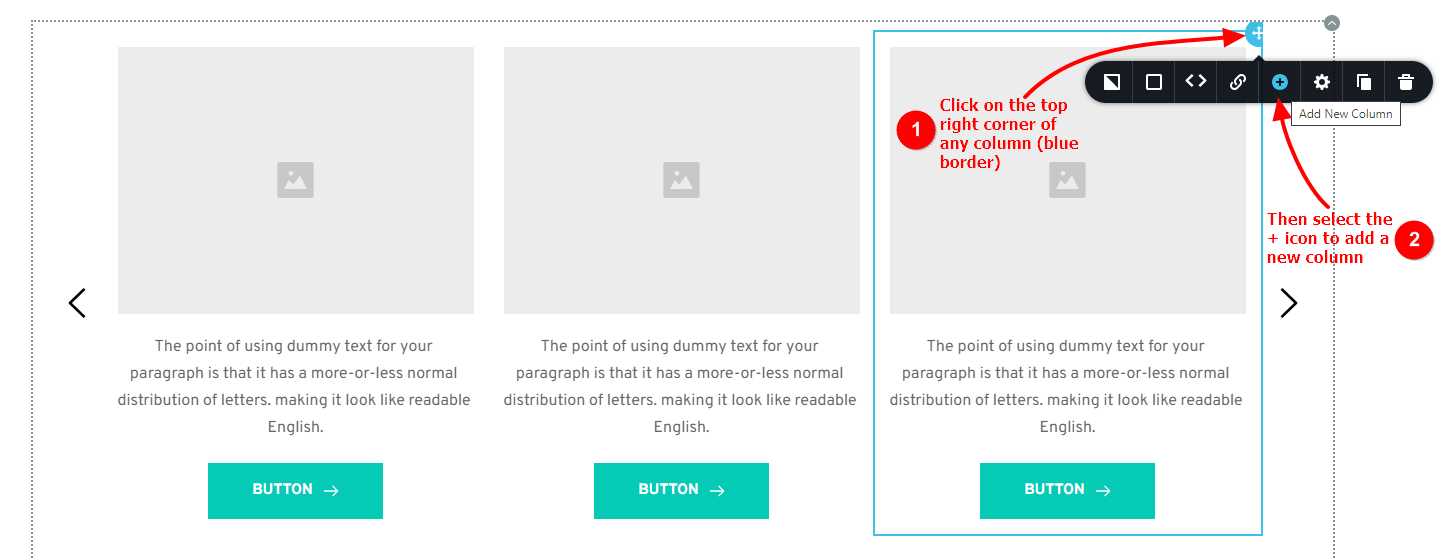 1
1 -
Hi KC,
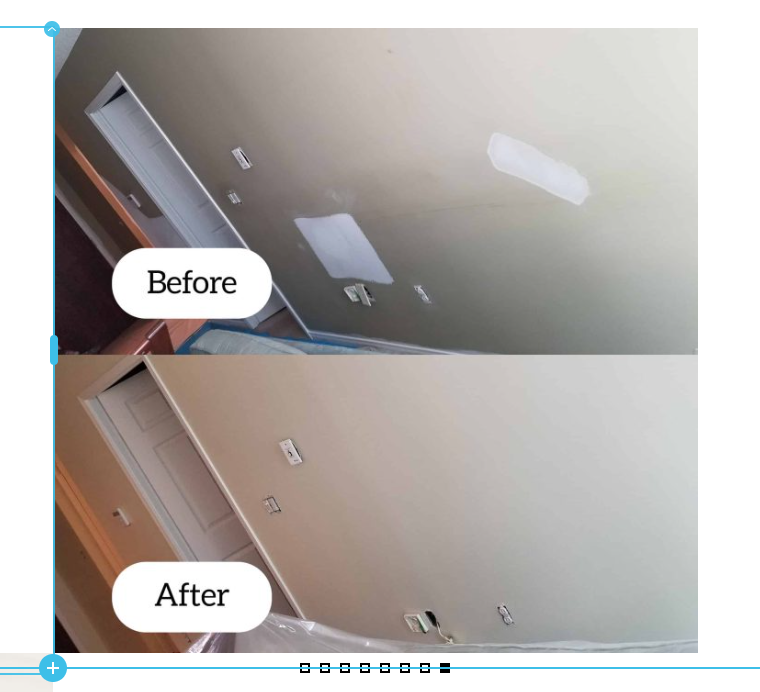
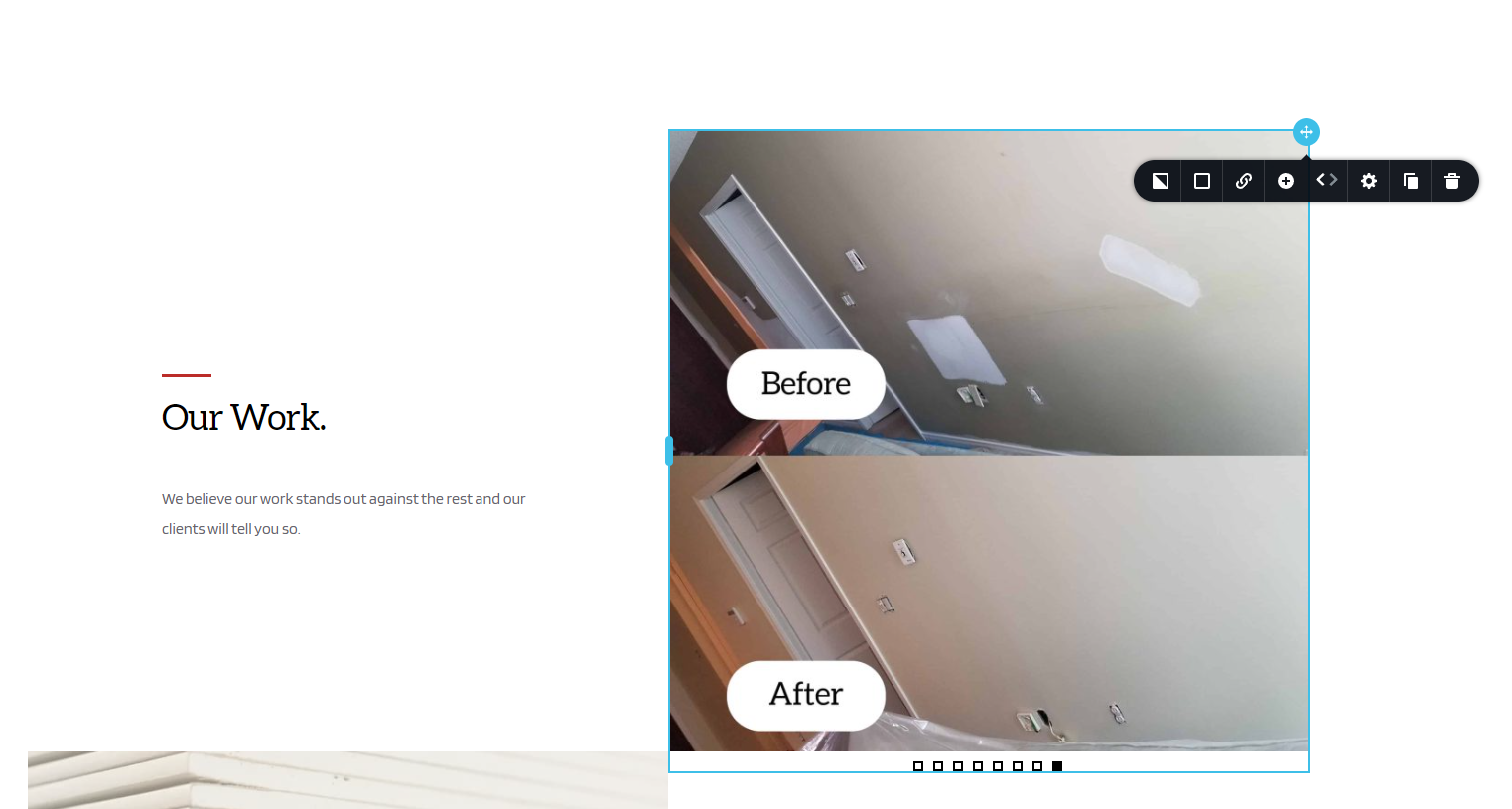
Thanks for this however, for some reason it is not working for me as I am unable to get to the +icon.
Please see the attached.
Any other suggestions are much appreciated.
Thanks!
Jim
 0
0 -
Hi Jim,
Can you please elaborate what happens when you click on the + icon here? The icon does not respond or you don't see a new column being added, or the icon is not clickable?
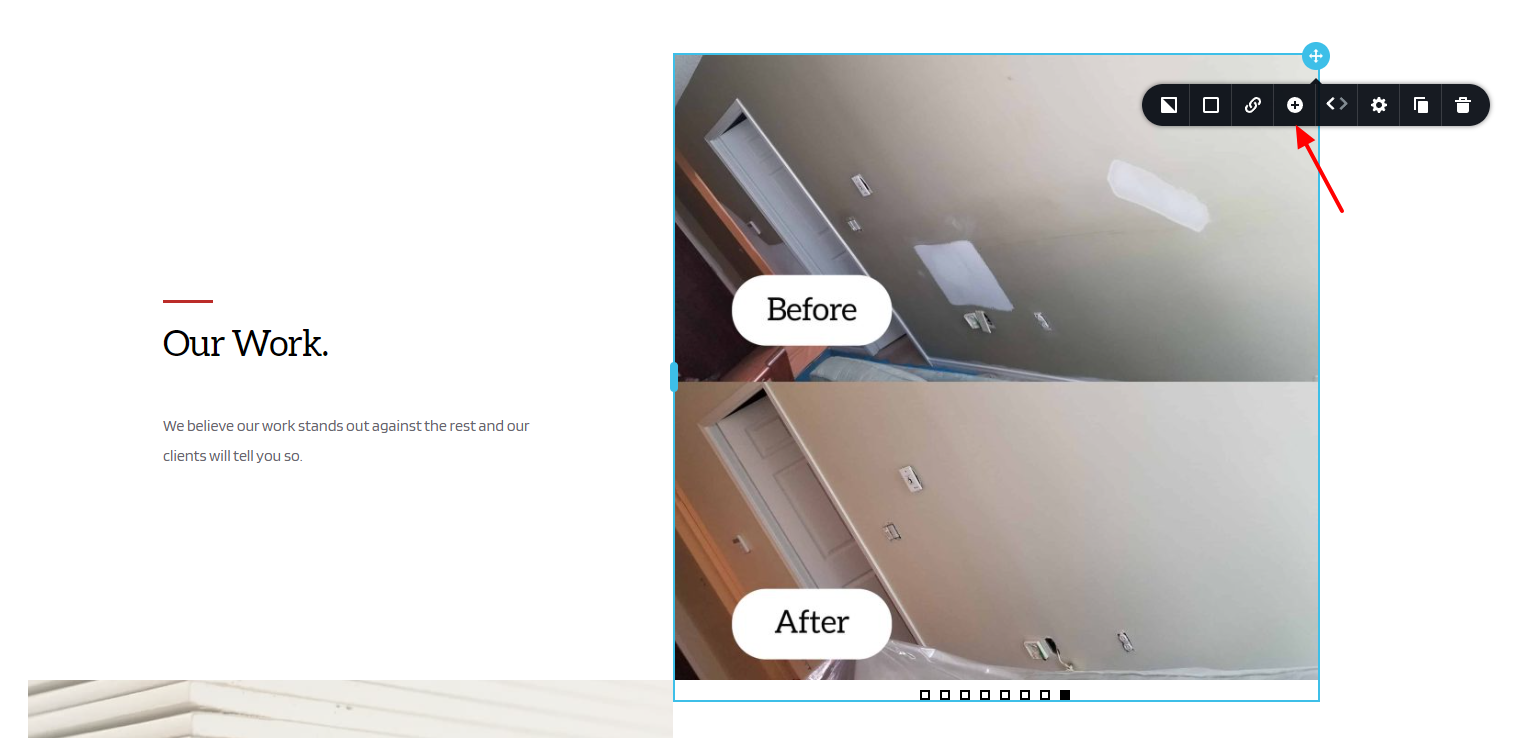
While the + icon is for adding a new column, the 'Duplicate' icon is for duplicating an existing column. You could try the duplicate option as well.
Could you record your screen to show us what happens when you click on the + icon? You can use a service like https://www.loom.com/ to record your computer screen.
0 -
KC:
Maybe it is in the original setup of the carousel? The only way I can get to expose the +icon is to reduce the padding for the block and then reduce the padding on the photo to get to the +icon.
At that point I can duplicate the photo, change it and then reset the paddings.
Seems to be there should be a better way.
Again, thank you.
Jim
0
Please sign in to leave a comment.
Comments
4 comments