Blank Page shown despite being publshed and updated

Hello,
I have created a very simple page and attempted to publish it.
On the editing page, I clicked "publish" and "update", and published on the front page as well (DNS setting had already been completed).
Despite my efforts, the page remains blank and the preview page is also blank. Incognito mode does work, however.
What can I do to resolve this issue? I appreciate your assistance in advance.
Jim
-

Hi Jim,
The blank page occurs when the page is saved in DRAFT mode, If you have seen this, please Publish the page, click on the Update, and after this on the Preview.
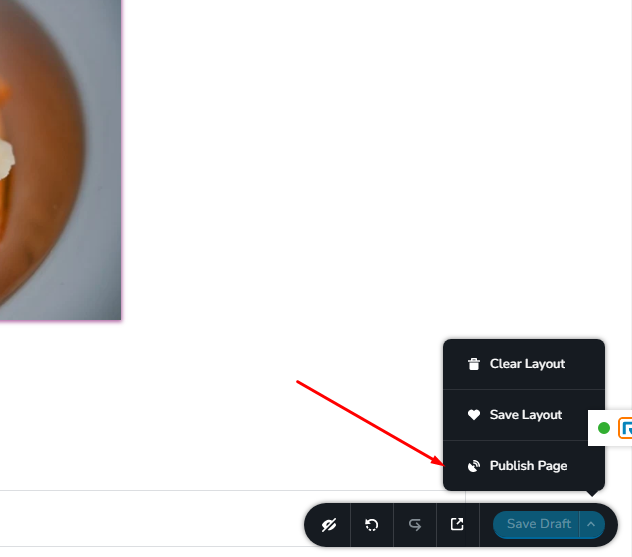
Let me know if I can help you with something else.
Best regards, Nelea.
0 -
Hi Nealea,
I already told you that I did what you indicated. It is not in "draft mode", but I already publihsed it.
I can see my page with mobile, but the page doesn't appear on PC.
Please advised me how to solve this issue.
Jim
0 -
HI,
Please send the URL of your project and we well check it.
Best regards,
Nelea.
0 -
Hi,
Ber.kr
Thanks
Jim
0 -
Hi,
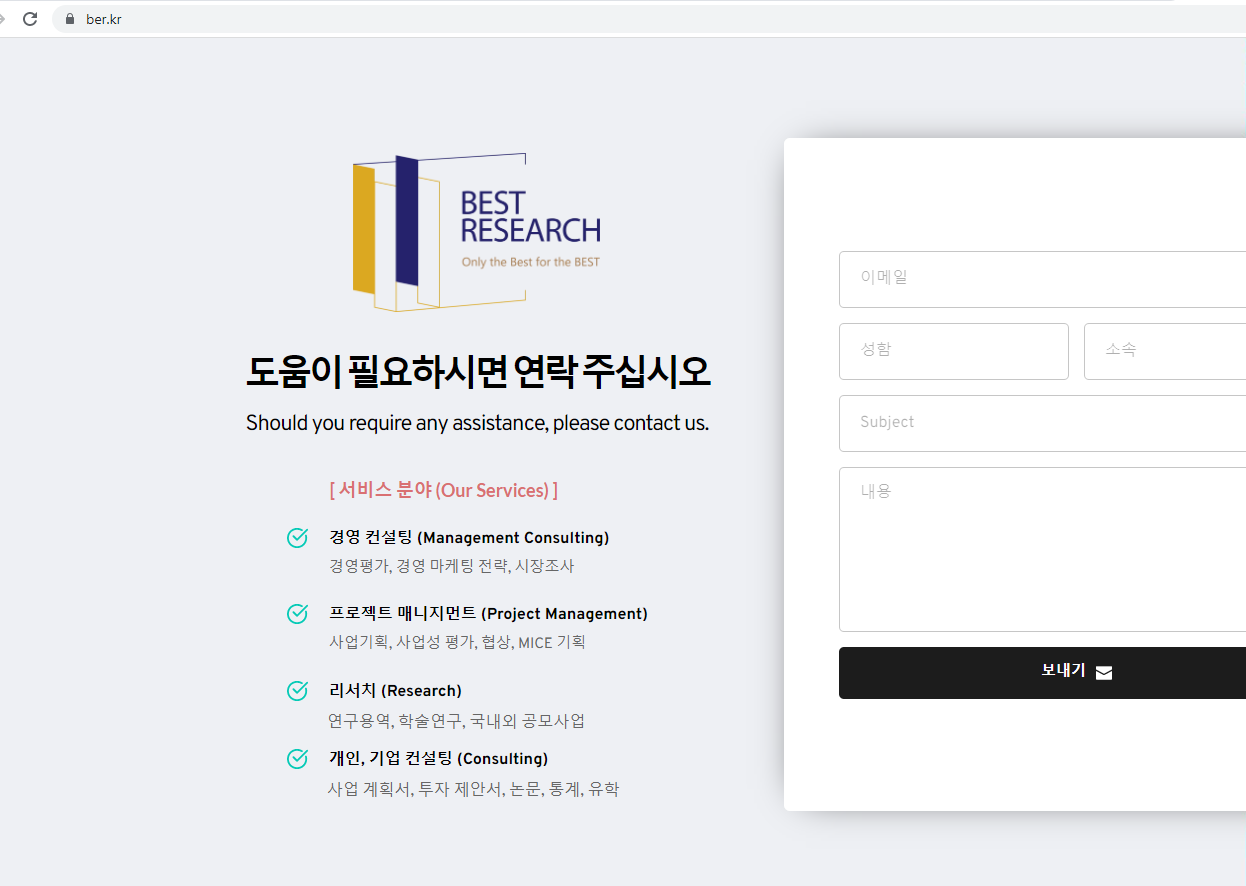
I just checked the website and the page is not blank :
 0
0 -
Hi,
It's still blank in my side. I've tested it with Chrome and Edge.
I really don't know why...
Please advise me what I can do further.
Best,
Jim
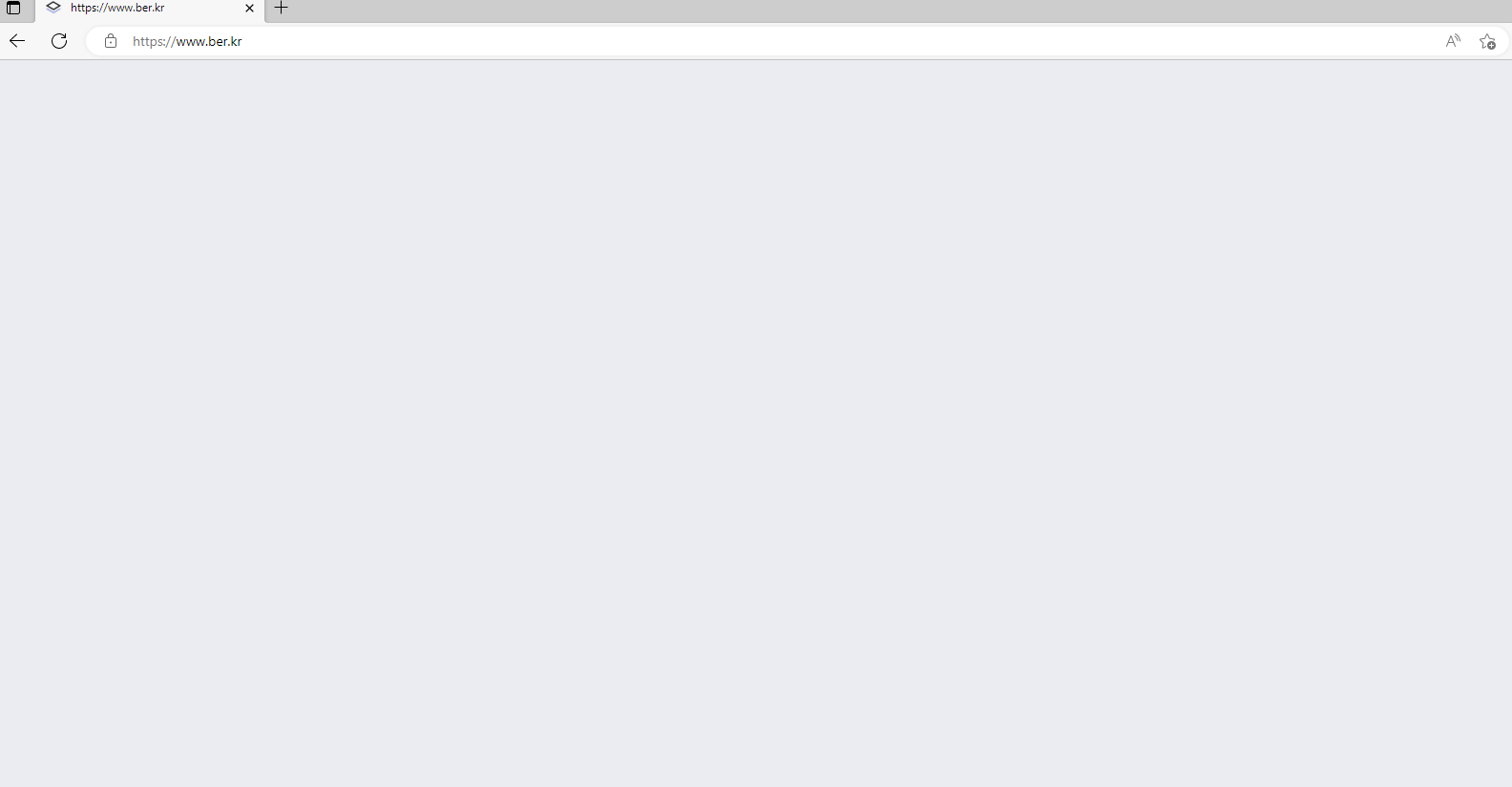 0
0 -

Hi Jim,
Thank you for the update.
Your website is working at my end as confirmed by this screenshot - https://prnt.sc/cWi45fM8ROh3
It is likely that you are experiencing issues with the local cache.
Try clearing your browser's cache or using another computer to see if this helps.You may also want to try loading your site from your smartphone and see if it works.
Best regards,
Ariel H.
0
Please sign in to leave a comment.
Comments
7 comments