Videos not displaying on mobile?

Hi,
videos are not showing up on mobile view?
They display fine on desktop.
https://robcressy.com/voice/
Brizy is up to date. Please help.
Thanks
-

Hi Colin,
Please have a look at this screen recording. https://jmp.sh/zQniviea 5 videos at https://robcressy.com/voice/ appear working fine on my Android phone. Do you still have this issue or it is already fixed?
0 -
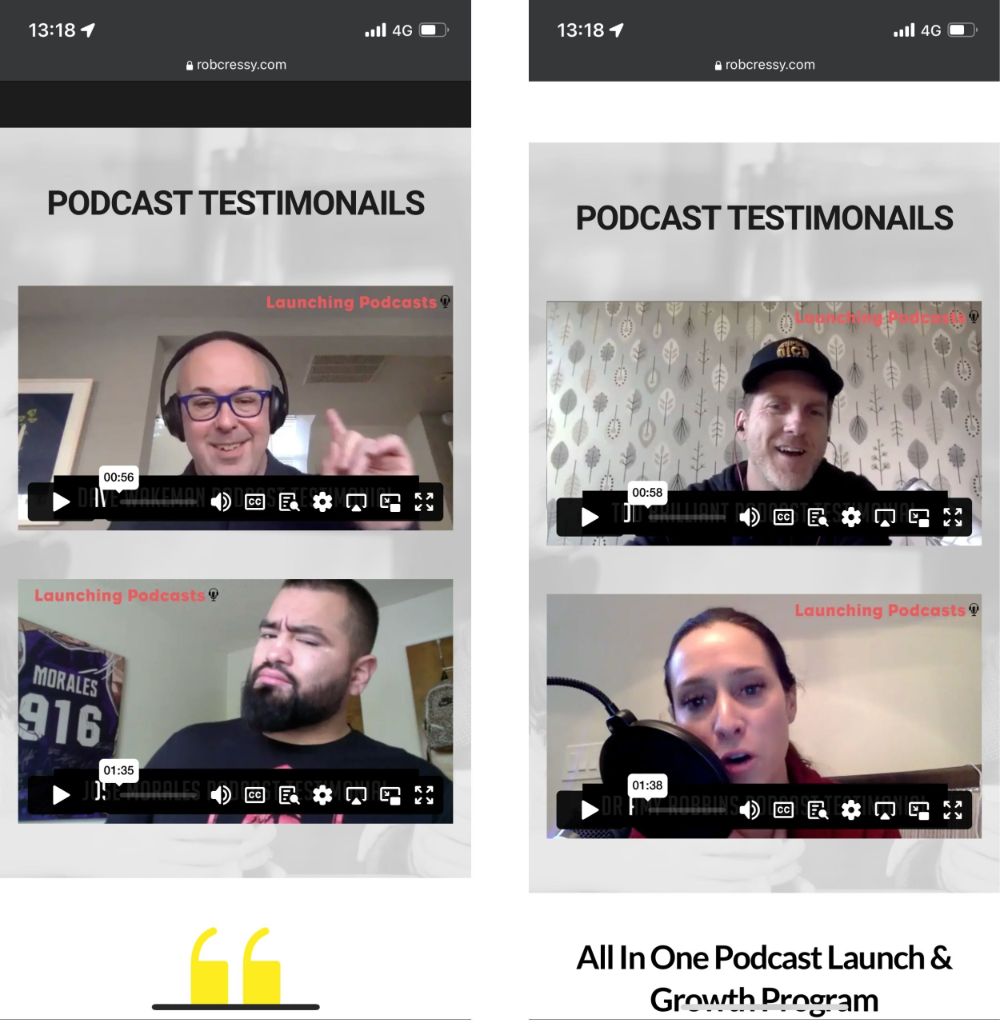
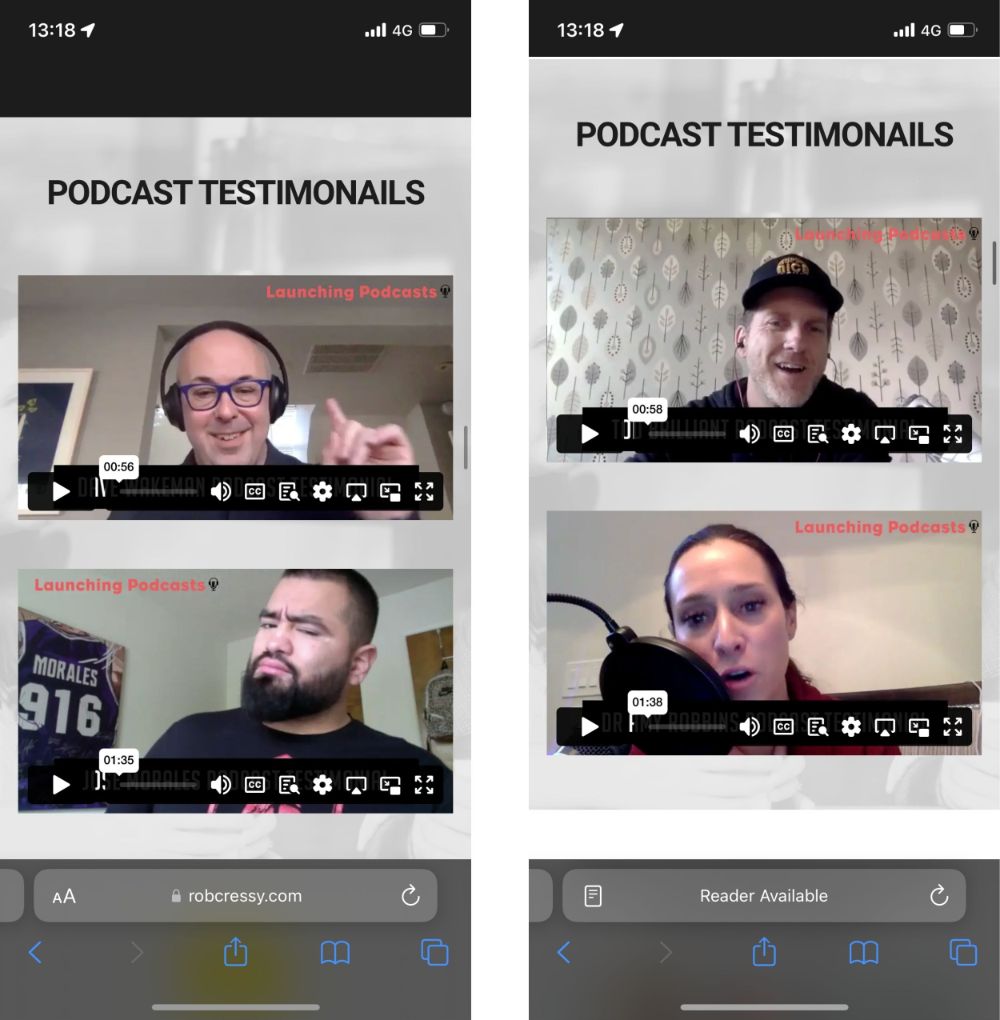
Hi there thanks for your reply. Not showing on Chrome or Safari on iPhone. See screen recording: https://drive.google.com/file/d/1zFYqq9rgXZq32NYS00ECHidIDGGq_cYK/view?usp=drivesdk
0 -
Hi Colin,
The 4 videos under the 2 headings 'Podacast Testimonials' appear to display well on Safari and Chrome on an iPhone at out end. Have you checked the page on another iPhone?
 0
0 -
Hello, tried on two different phones. Also, I am in the UK and my client (Rob) is in Florida and having the exact same issue ?
0 -
Hi Colin,
If you turn on private browsing on your iPhone, do you still have this issue? Turn Private Browsing on or off on your iPhone
0 -
Yes same issue in incognito browser
0 -

Hi Colin,
I have noticed that, your screenshot doesn't show the lock icon - https://prnt.sc/r2vZutHrH8D3
Could you please try it again and make sure that you enter https://robcressy.com/voice/ in incognito mode on mobile?If this resolves the issue, you might consider installing the Really Simple SSL plugin to ensure that your site is redirected to SSL.
Please try this and let me know how it goes.
Best regards,
Ariel H.0 -
Thanks for your response. Yes here you see same issue with the padlock on https page and incognito browser ?
https://drive.google.com/file/d/1Tp8Fl20VwbbkT2JdXdcitDBbUevaChD1/view?usp=drivesdk
0 -
Hi Colin,
Thank you for the update.
I was able to replicate the issue on an iPad - https://imgur.com/RLIpAKU
To further investigate the issue, kindly grant us temporary access to your WordPress admin by adding us as a user. Please send the necessary login details to communitysupport@brizy.io.
Here are the details we need:
Community Post Link: https://support.brizy.io/hc/en-us/community/posts/13005391875858
WordPress Admin URL:
Username:
Password:As a precaution, please make a full backup of your website.
Meanwhile, could you please try to temporarily disable WPMU DEV CDN following the below steps and see if this makes any difference?
- Log in to your WordPress admin dashboard.
- Navigate to the "WPMU DEV" section in the sidebar.
- Click on "Performance" to access the performance settings.
- In the performance settings, find the "Asset Optimization" section.
- Look for the CDN option and toggle it off to disable the WPMU DEV CDN.
- Save your settings.
- Go to your iPhone and reload your site in incognito mode and see if this resolves the issue.
Please try this and let me know how it goes.
Best regards,
Ariel H.0 -
Hi Ariel.
User has been added as requested. Credentials sent via email.
We disabled the smush CDN too as suggested and this did not resolve the issue fyi.Many thanks for your help
Colin
0 -
Hi Colin,
Thank you for the update.
Unfortunately, it seems that I have not yet received the credentials. Could you please try to send them again?
Please send the necessary login details to communitysupport@brizy.io.
Here are the details we need:
- Community Post Link: https://support.brizy.io/hc/en-us/community/posts/13005391875858
- WordPress Admin URL:
- Username:
- Password:
I am looking forward to your response.
Best regards,
Ariel H.0 -
Hello, I just triggered a password reset email to communitysupport@brizy.io
Please confirm receipt. Thanks 🙏0 -
Hi Colin,
Thank you for your cooperation.
It appears that the issue you are experiencing is related to the optimizations performed by Smush Pro. When the plugin is disabled, the issue no longer occurs as demonstrated in this screenshot: https://imgur.com/FCLrID9.
To further investigate and address the issue, I have left Smush Pro disabled on your website so that you can test it on your end as well.
To prevent Smush Pro from optimizing embedded videos, you may need to adjust the plugin's settings accordingly.
Best regards,
Ariel H.0
Please sign in to leave a comment.
Comments
13 comments