Brizy and GetResponse integration issues

Hi,
I noticed that after correctly connecting the GetResponse APIs with Brizy forms, only if I completely fill in the form (in all its fields), I got the contact in the GetResponse list, however, I completely miss the contact in the list and I just get the e-mail notification from Brizy Cloud. How is it possibile to get the contact even if the form in some of its fields could be left empty?
Thank you,
Giovanni
-

Hi Giovanni,
Thank you for reaching out to us.
Kindly verify that all the form fields are correctly connected to their respective GetResponse fields, following the example in this screenshot - https://i.imgur.com/yxOM5lw.png.
If this didn't help, please consider duplicating the form and reconfiguring it, this step might help resolve the issue.Please try this and let me know how it goes.
Best regards,
Ariel H.0 -
Yes, everything is perfectly linked. The problem is that if I leave empty a specific form field, then I don't get the contact. Of course, it's not mandatory to fill in all the fields, but it's not ok that for an empty field I miss a contact. Do you get my issue?
0 -

Hi Giovanni,
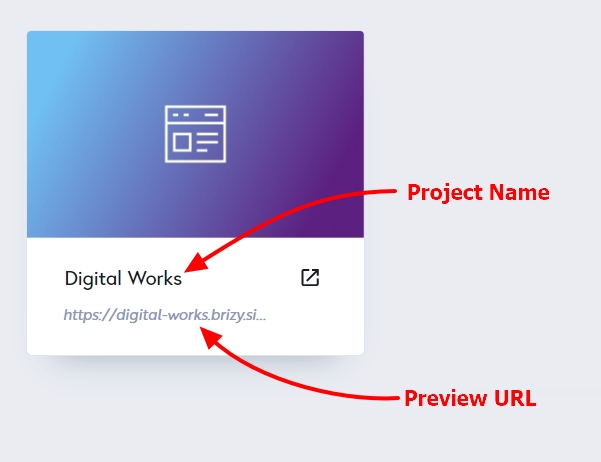
Can you please share with the the name of your project and its preview URL so that we can check? If your form is not on the homepage, please also share the URL of the specific page.
 0
0 -
Hi,
Project Name: EveUP
Preview URL: https://www.eveup.it/it/eveupforbusiness (specific page of simple eveup.it)
It's the last form, the one with very different fields and types of data.
Thank you,
Giovanni
0 -
Hi Giovanni,
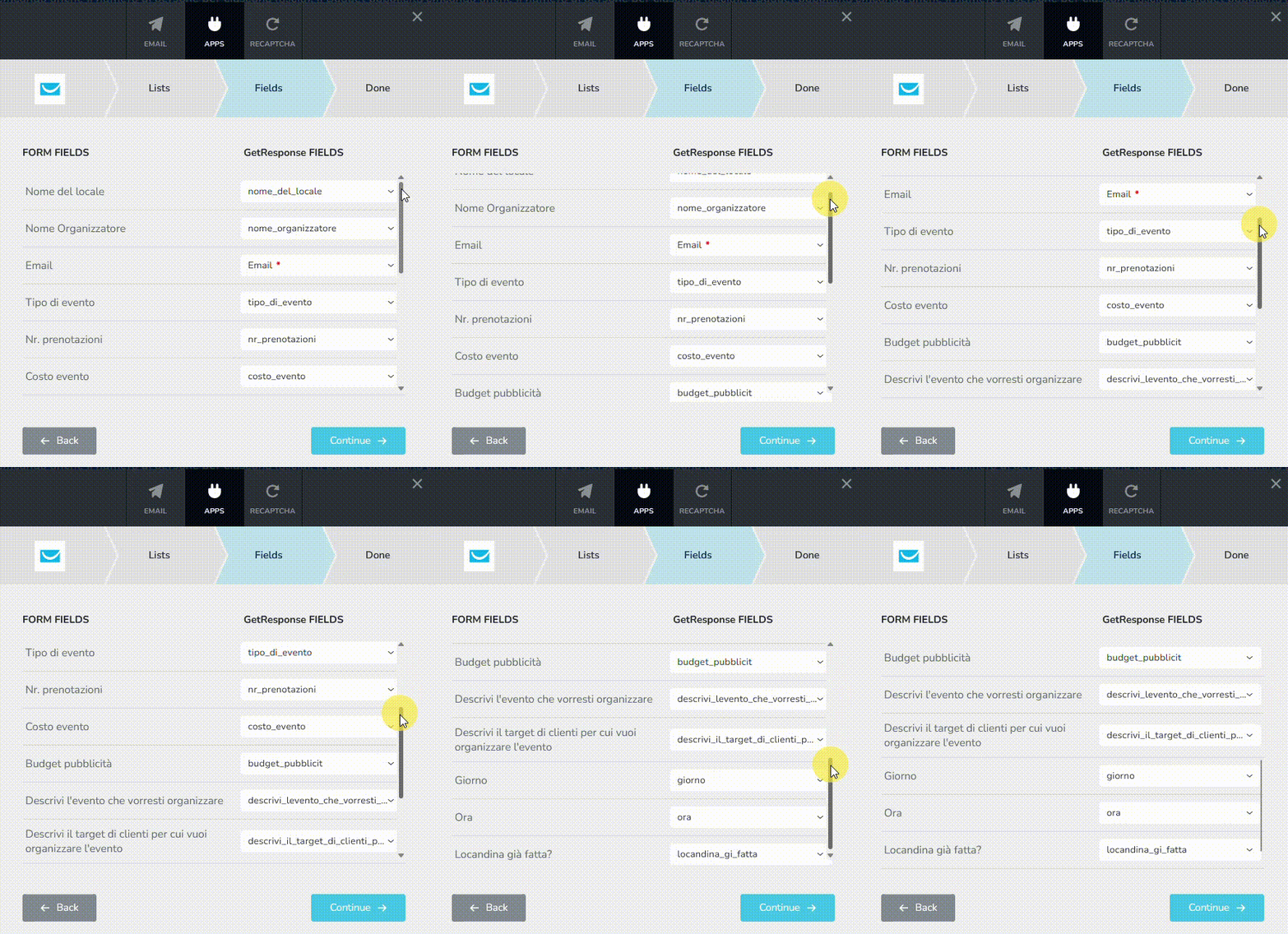
The form fields were not mapped to the GetResponse fields. I have now mapped it. Please check and ensure all fields are correctly mapped.
I have filled up the form with just the mandatory fields few minutes ago. Please check if my test enquiry is added to your GetResponse Generale B2C list.
 0
0 -
Hi,
Unfortunately it didnt' work. I have not you in my GetResponse General B2C list. It seems that all the fields must be filled in even if they are not strictly required. Moreover, I'm not sure it will work also filling in all the information.
Let me.know if is there a reason. Thank you,
Giovanni0 -
Hi Giovanni,
Could you please ask GetResponse to check your API integration? You can contact their chat support and ask their tech team to look into your API integration. Please describe what happens when you test the form, send them the URL of the form page (https://www.eveup.it/it/eveupforbusiness) and provide an example of an email address that was not added when testing the form.
If they could not fix the issue, please get back to us. We will need access to your GetResponse account to offer further assistance.
0

Please sign in to leave a comment.
Comments
7 comments