Critical bug in Brizy Editor - cannot edit pages

Dear Brizy team,
I am writing to inform you of an error I am experiencing when trying to edit pages with the Brizy editor. After modifying a global header and clicking the Save button, the editor got stuck during saving. After this event, it is no longer possible to edit the Brizy pages. The editor gets stuck with the loading indicator and never displays the editor. Another problem I was experiencing before this blocking issue occurred, is that when pressing the save button (light blue color), it gets stuck in the saving progress and never concludes the saving process. However, upon refreshing the page, the changes were saved. But as I mentioned, now it is not possible to edit Brizy pages. I have tried restarting the browser and the problem persists. I have also tried clearing the cache and cookies, but the issue remains unresolved. It is worth mentioning that I have the latest versions installed, both the Brizy plugin (v2.4.26), and Brizy Pro (v2.4.24). The PHP versión is 7.4.
I attach a screenshot of the problem. I would appreciate if you could investigate this issue and provide a solution.
We are in the process of going to production and it is urgent that this problem be solved as son as posible.
Thank you for your time and consideration.
Regards,
Juan Pablo Sepúlveda.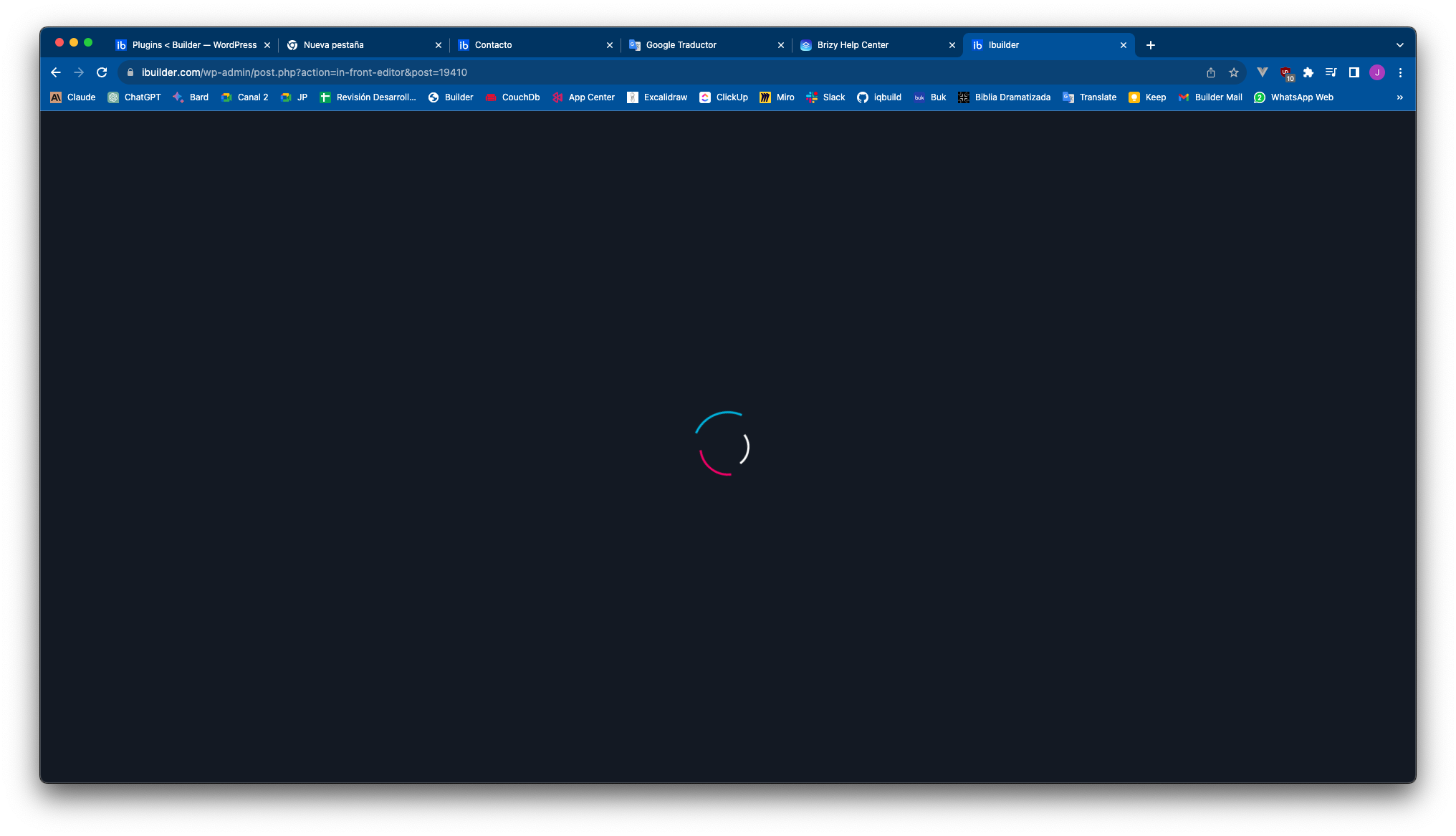
-
The site is hosted on Wordpress.com. It would be ideal if you could access to check what's going on. We'll coordinate internally to send the Access credentials.
0 -
We are experiencing serious problems that make its use impossible on our website.
We have cleaned the database and executed optimizations on the site, but the problems persist. The Brizy editor does not display when trying to create new pages, freezing on the animated progress icon. We also cannot edit existing pages, since the editor does not even get to be displayed.
It is urgent to resolve these issues as soon as possible. We urgently need your help to fix the software failures, which currently blocks our work on the website.
We appreciate your prompt assistance in resolving these serious technical problems, so we can move forward with our web project.
We await your valuable support.
0 -

Hi Juan,
We apologize for the delayed response. We do not offer support during the weekend.
We will need access to your WordPress Dashboard to troubleshoot this issue for you. I am making a private ticket. Please look for an email notification from support@brizy.io and in your reply email, share with us the login credentials to your WordPress Dashboard.
0
Please sign in to leave a comment.
Comments
3 comments