Hero background image low quality

I'm creating a test page. But my hero image is low quality when viewing on my iOS iPad Pro (any browser):

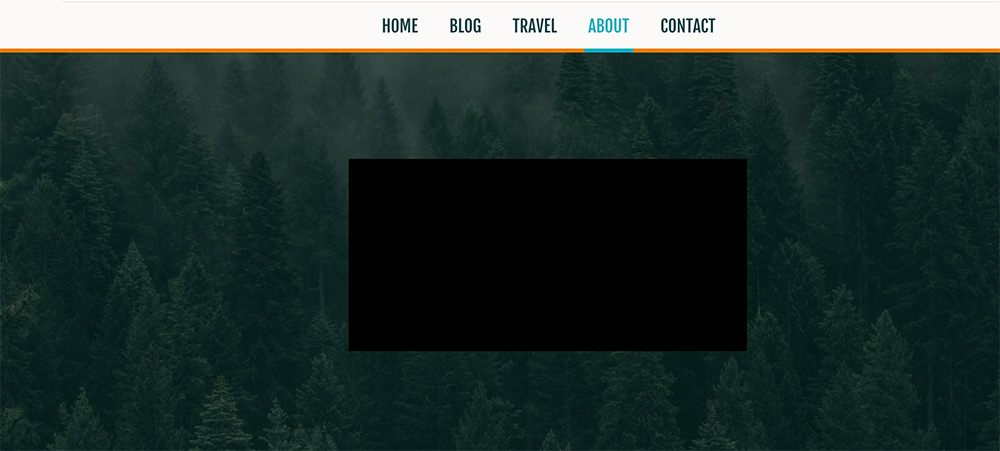
vs chrome on MacBook Pro:
here's the link : (deleted by Brizy team)
Not sure if it's a cache issue or a bug?
I would hope it works great on all devices before I commit further with brizy.
Please don't disclose the website url to the forum.
-

Hi,
Thank you for contacting us.
I have checked your website in all the browsers and the image is the same like in the below screenshot. The background image it is clear, sorry but i cannot reproduce the issue you have reported.
 0
0 -
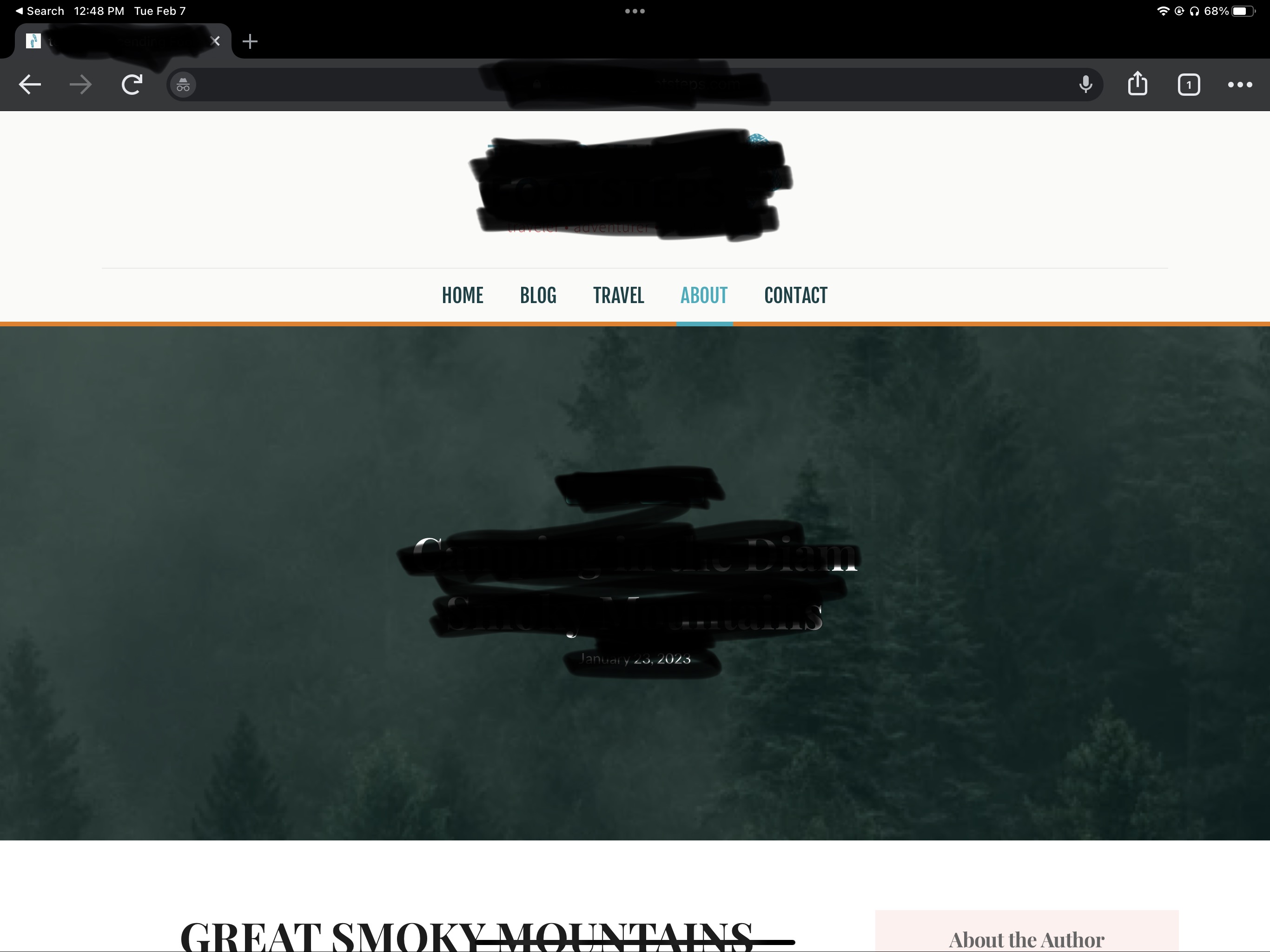
Trust me it's still an issue. It's fine on my laptop and other devices (as you checked) but... Upon checking on my iPad in full screen, the issue is present as in the image below. I assume it has to do with the iPad being a tablet, and it's a bug. As you can see the background is blurry compared to the other examples. What's the fix for this? If this bug can't be fix, I don't know if I can continue with Brizy. I love the editor of Brizy but the bug is a deal breaker.
 0
0 -
Update: So I've changed the background image from fixed to none and it's working fine on a iPad now... but now it's not fixed, which is not what I want. Because I want the parallax effect.
0 -

Hi Mikenzie,
Adding parallax effect does not normally make a background image dark. Please have a look at this page for an example. https://digital-works.brizy.site/parallax Please let us know how this page looks on your iPad Pro
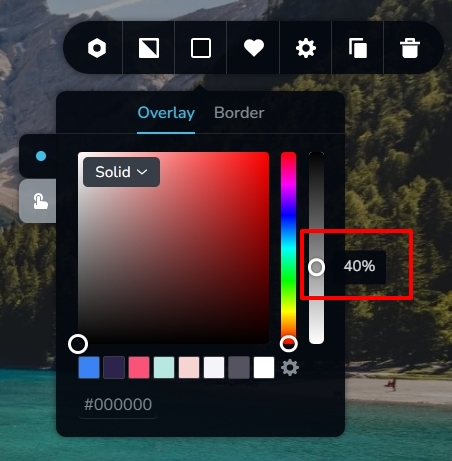
If you apply an overlay color with 100%, the background image can hide behind the color. In my example, I have applied 40%. Try reducing the overlay color percentage to make the background image more visible.
 0
0 -
Hi KC,
It's not the overlay being the issue, it's the background-size: cover not being used. so we only see the top left corner of the image instead of having it over the block to fit the whole image (when on a tablet device like the iPad). Laptop is fine but iPad is not. The only solution I can think of is to upload a smaller resolution file or turn off the fixed parallax effect.
Macbook:

iPad:
 0
0 -
Correction, top center of the image.
0 -
Hi Mikenzie,
Looks like this issue is specific to Safari on iPads. For example, please have a look at https://wordpress.org/support/topic/front-page-images-zoomed-specific-to-safari/
0 -
Thank you! I have found a solution by using this code below. It works on my Mac devices with the fixed background. On my iPad, I've set it to normal background attachment of scroll.
@supports (-webkit-touch-callout: none) {
  @media screen and (min-width: 48em) {
    .brz-bg .brz-bg-image {
      height: 100%;
      background-attachment: scroll !important;
    }
  }
}
0
Please sign in to leave a comment.
Comments
8 comments