Archive element for search results page/template

Hello! Quick question...
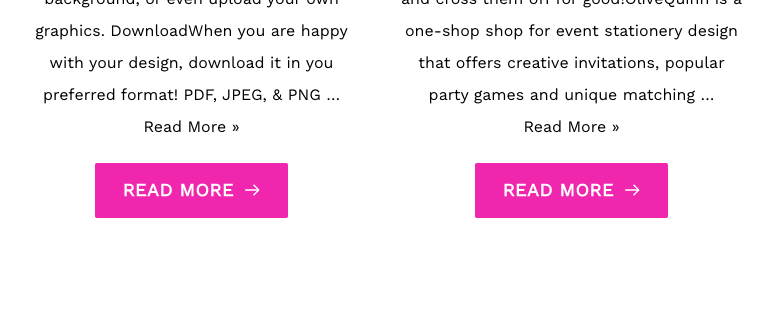
I am creating a template for search results and only used the archive element as is. What I noticed is that it shows "Read more" twice. First in the form of text and then in the form of a button, as you can see below. I didn't see any option to remove one while building?
Also, is it possible to bring the results without the feature image?
Thank you, Sofia
-

Hi Sofia,
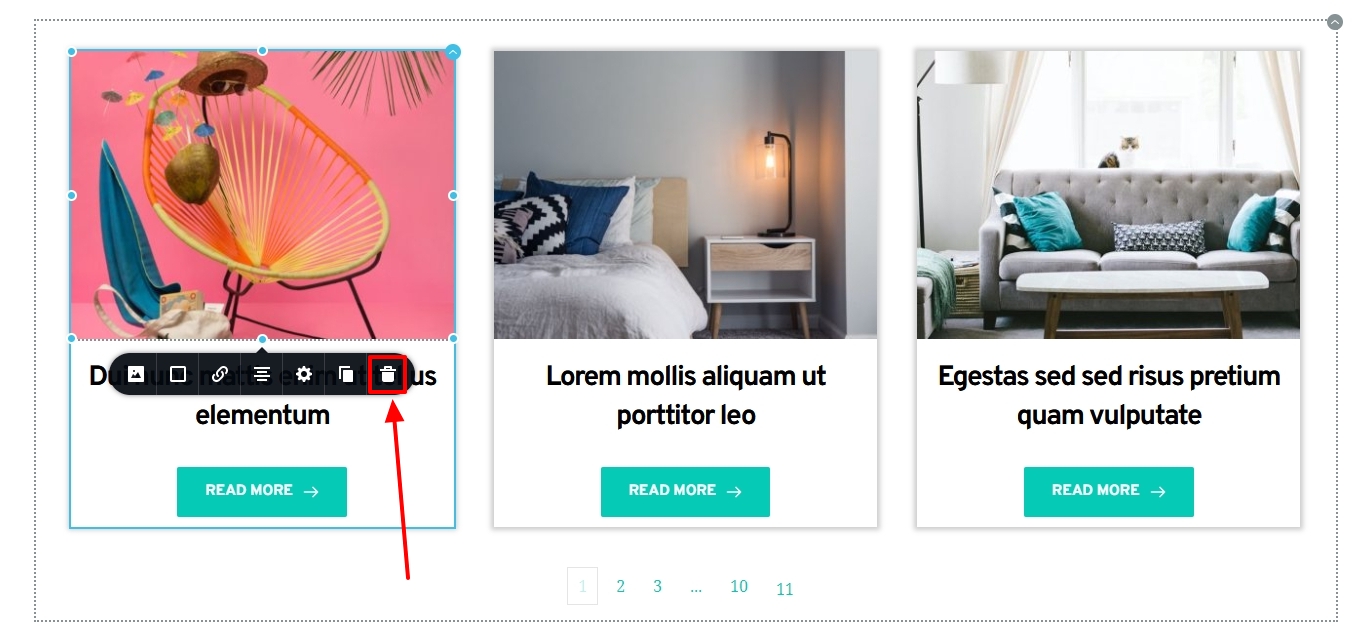
The Read More text is not normally part of the Excerpt in the Brizy Archive element. It looks as if you have added it manually. You should be able to delete every part of the Archive element. Click on the Read More text below the Excerpt. See if you get an option to delete it. Click on the Featured Image. You should get an option to delete it also.
 0
0 -
Hi KC George!
Thank you for your reply.
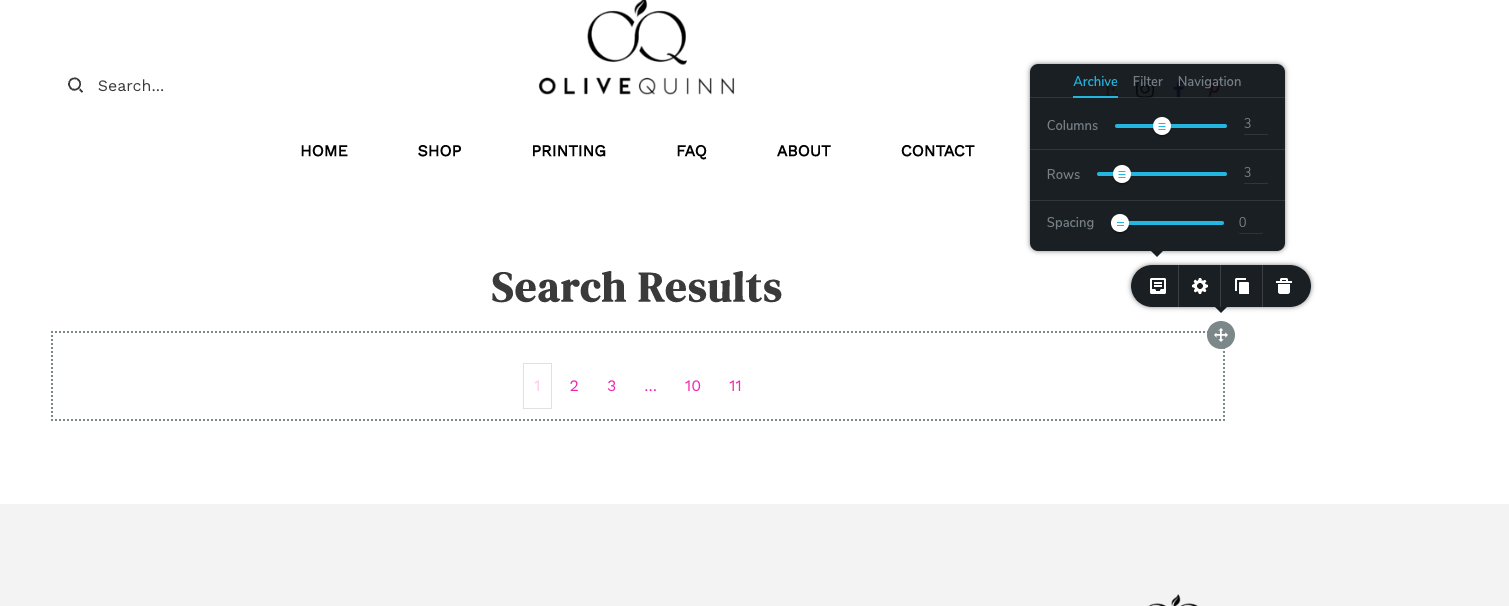
I actually don't see any of that on the builder side (as you can see below). I guess its because what I am using the archive for is the search results... so there's nothing to show on the backend. I don't have a blog on this site so I can't really see it the way you see it. What's the solution?
I didn't input any additional "read more". As you see below, I don't have anything on the screen so it's quick difficult to make the template. I would actually like to remove the image and the excerpt. Since my site is not a blog, I'd just need the title and the click button. But since I can't see any results for the search template...?
Looking forward to your feedback!
Sofia
 0
0 -
Hi Sofia,
You are right; the Archive element does not display anything in the editor when you do not any have blog post. Can you try adding a test blog post with just the title and check if that helps?
0
Please sign in to leave a comment.
Comments
3 comments