Can not scroll tu select H2, H3 etc.

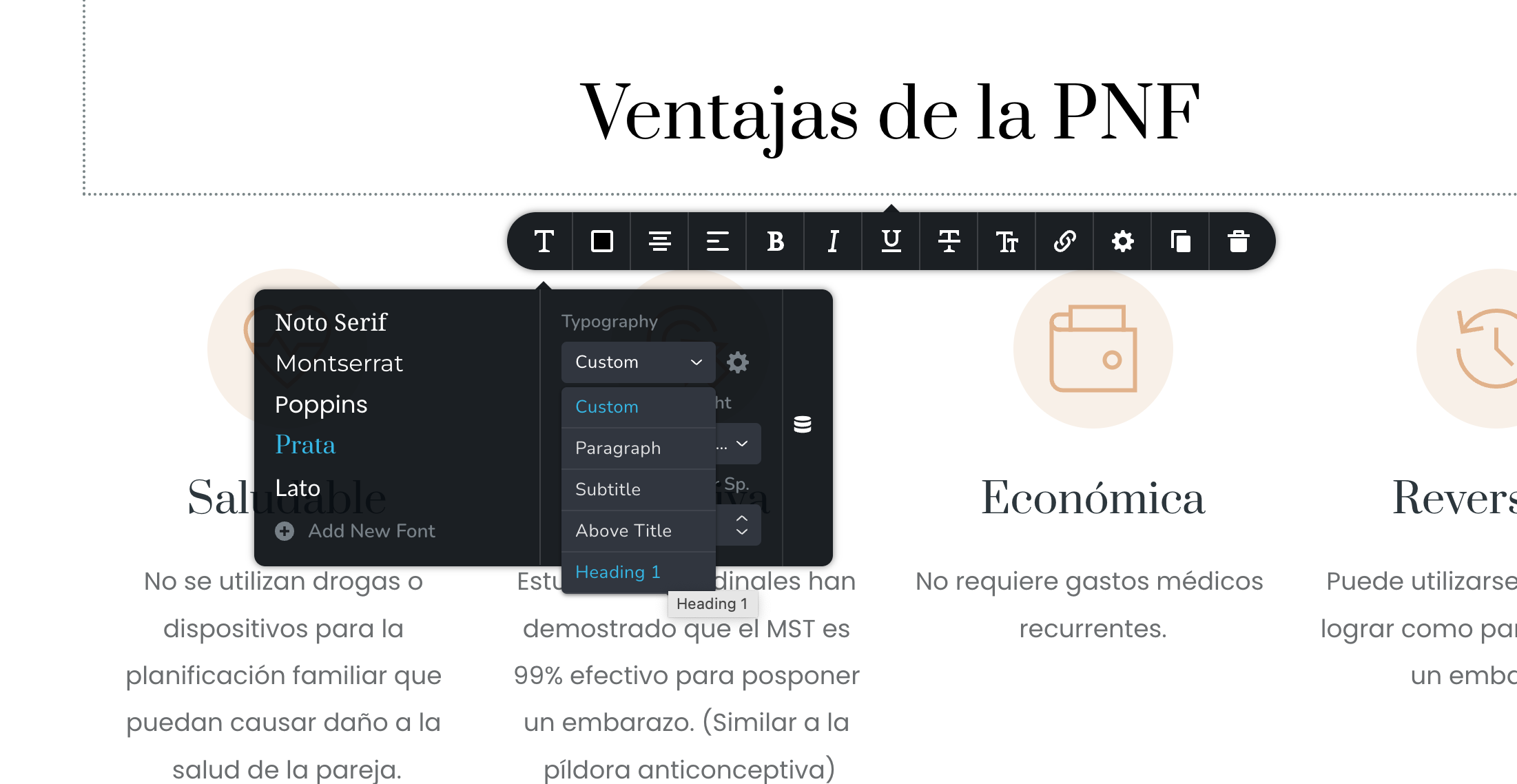
Scrolling to select the various subheading or button styles does not work. For example, if I try to select H2, the typography menu only shows up to H1. trying to scroll after H1 just scrolls the whole page. I tried in Safari and in Chrome.
-

Hi Iván,
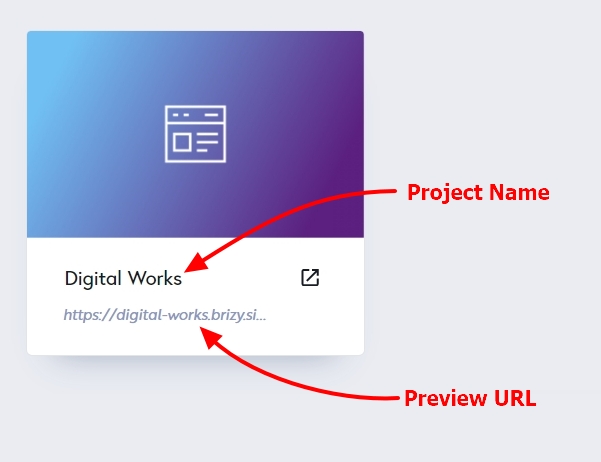
Is this happening on a specific project or all projects? If the issue is specific to a project, please mention the Project Name and the Preview URL so that we can check.
 0
0 -
Hello, KC.
Just found out if I can reach the mini scroll bar, I can manually move the scrollbar, but still, scrolling with the mouse does not work.
It happens in some of the projects. Here is one example:
Planificación Natural
https://planificanatural.brizy.site/Thanks.
0 -
Hi Iván,
I checked the Typography toolbar on the Planificación Natural project. I do see a scrollbar and was able to scroll down the typography options using the mouse pointer. Please see this screen recording. https://jmp.sh/1KBVd3D4
Please try accessing Brizy Cloud using an alternate browser and check if the issue persists.
0 -
Thanks, KC. I know, using the mouse, clicking and dragging the scrollbar works.
In other projects, I just open the the typography options, hover and swipe down to scroll. Seems like a minor inconvenience, but in a day, it gets very annoying after a while, specially working in a laptop with a trackpad.
Could you do the "swipe" to scroll, not using the scroll bar (you need a wheel mouse or an apple magic mouse) in that project?
0 -

Hi Ivan,
Thank you for keeping in touch.
Could you try to put your mouse on top of the list, wait a few seconds and start scrolling? This worked for me as demonstrated on this screencast - https://youtu.be/vE1H2NR9OWQ
Please try this and let me know how it goes.
Best regards,
Ariel H.0 -
Hello, Ariel.
No, doesn't work either. It is very project specific. Some work, some does not.
Checked with Safari, Chrome and now with Firefox (Mac).
I can use the click scroll bar- drag method. Just worried that it is a bigger problem underlying there at some point.
Thanks.
0 -
Hi Iván,
Thank you for keeping in touch
The scrollbar scroll method also works on my end as demonstrated on this screencast—https://youtu.be/w2GZrNvxLSI
Would it be possible to try changing your screen resolution and see if this helps?Best regards,
Ariel H.0 -
As I said, It is a project-specific problem.
Look at the first 4 comments. Do you have access to that example?
0 -
Hi Iván,
This issue look specific to your homepage. I have added a test page to the above project and in this page, I am able to scroll down the typography options using the mouse wheel. Please have a look at this screen recording. https://jmp.sh/En5JwmRV
I am sorry; but I am unable to identify what is causing the unusual behavior on your homepage.
0
Please sign in to leave a comment.
Comments
9 comments