Hook for product shop loop widget

Hi,
I'm trying to integrate a variation swatch plugin with Brizy on my WordPress/WooCommerce webshop. Brizy is overriding some of the settings (https://paste.pics/1a5d8613376523ff2f460aa1309b0291)
After contacting support of the plugin, they asked me to ask you to provide a hook for the Brizy Product Shop Loop widget.
So that swatches can be pushed with that hook.
Hope to hear from you soon.
Jotte
-

Hi Jotte,
Thank you for contacting us.
Unfortunately, Brizy relies on the hooks provided by WordPress and WooCommerce to render the content.
Furthermore, the link you provided is not working, could you please send it again, so we will have a better picture of the issue?
In addition, please also provide the swatch plugin that you are using, so we can reproduce the issue at our end?I am looking forward to your response.
Best regards,
Ariel H.0 -
Hi there
See screenshtos below. Using this plugin (recommended by KC George) - paid version.
https://getwooplugins.com/plugins/woocommerce-variation-swatches/
I can give you access to the WordPress site (www.to-oblivion.com) if needed.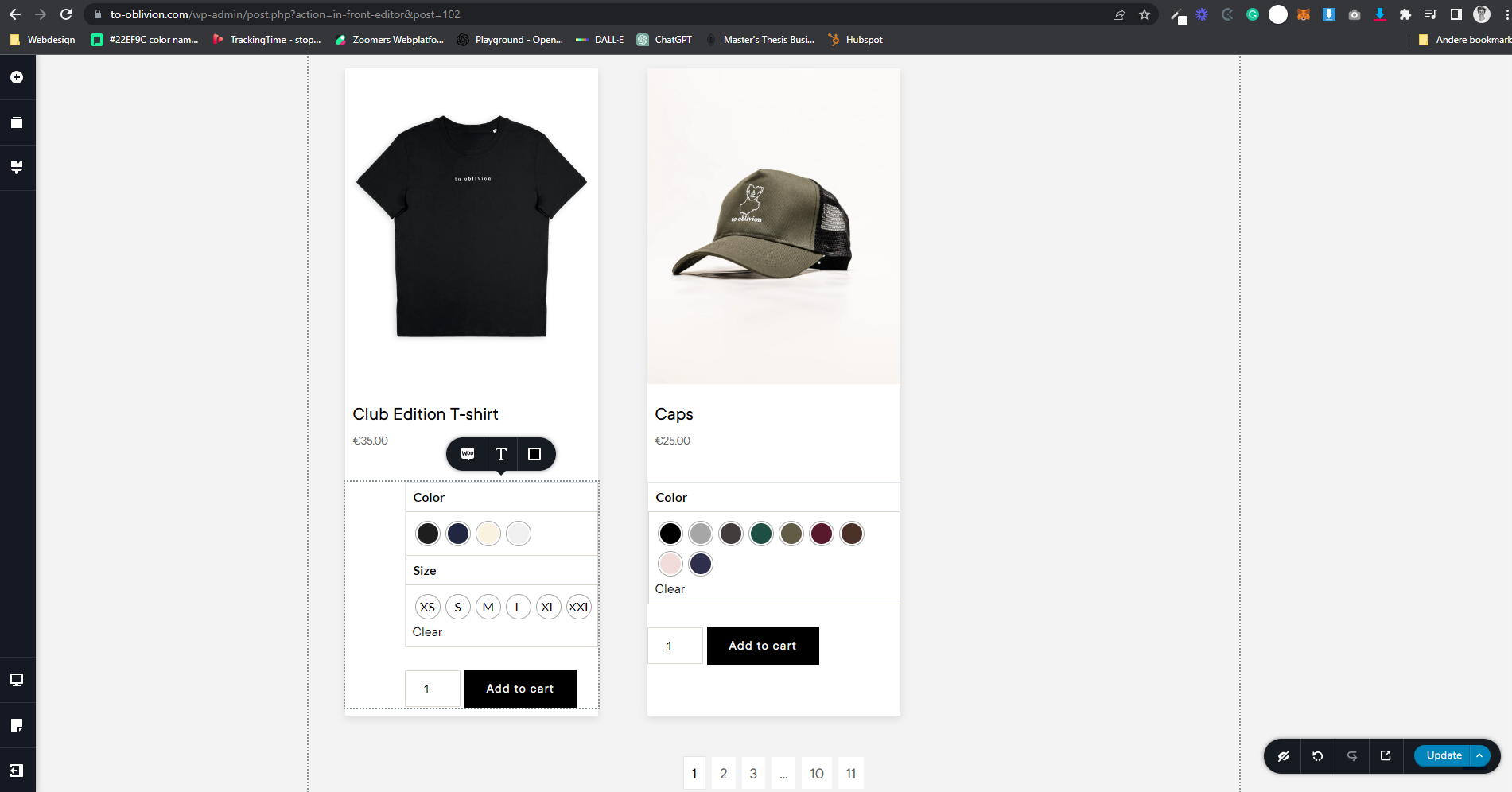
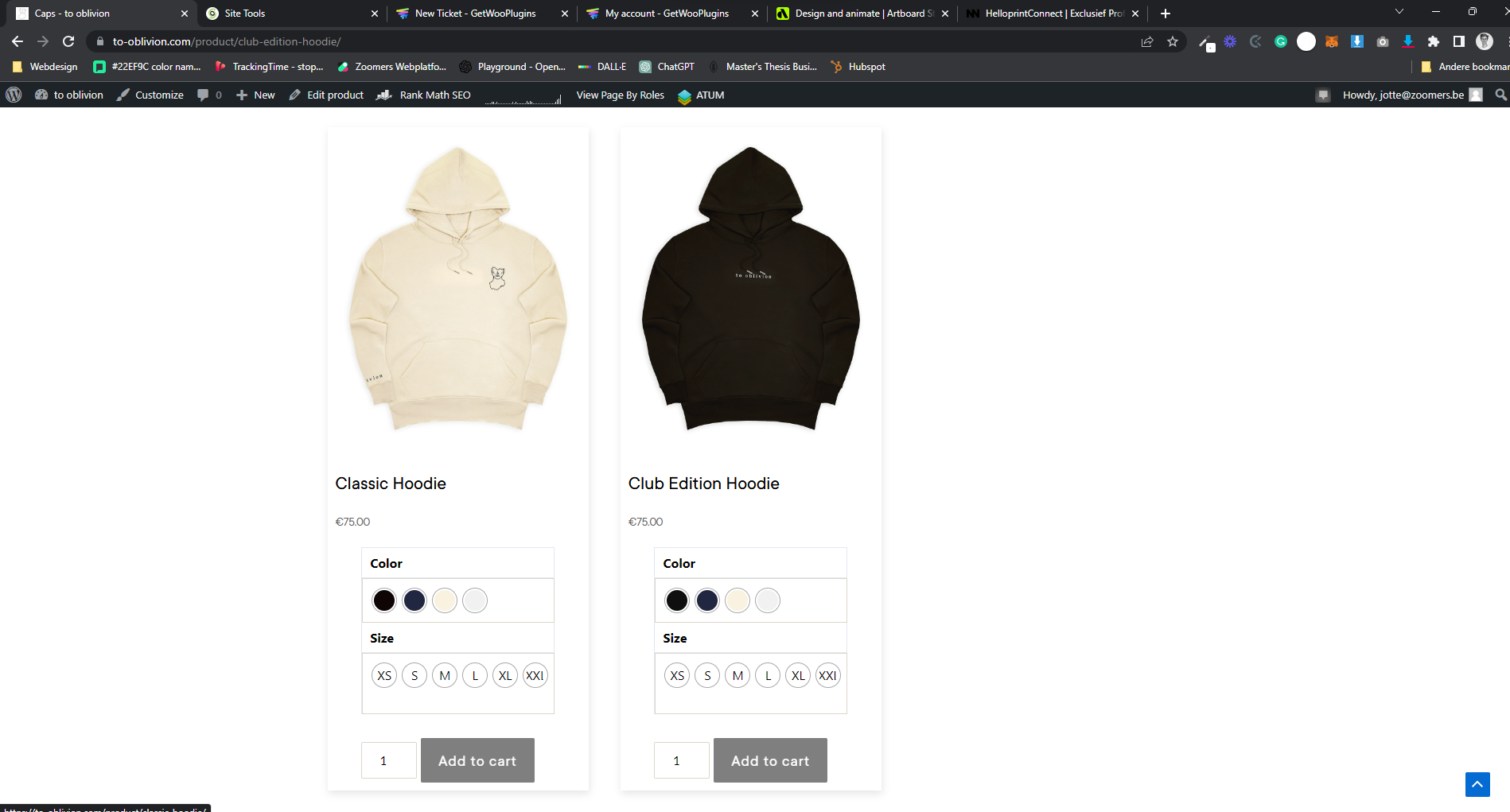 0
0 -
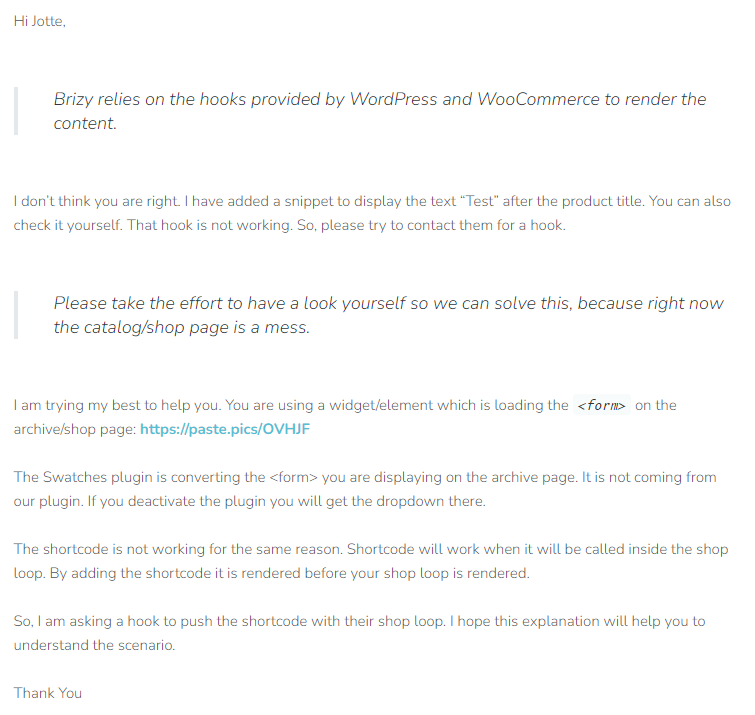 0
0 -
Hi Jotte,
Thank you for keeping in touch.
Could you please provide more details about the issue you are trying to address by implementing a hook?
Additionally, could you elaborate on your statement "Brizy overriding certain settings"? Specifically, which settings does Brizy override?
To help us understand the problem better, it would be beneficial if you could outline the steps to reproduce the issue you have mentioned.
Thank you for your cooperation.
Best regards,
Ariel H.
0 -
So my client wants to show color swatches on his catalog/shop page and on the product pages.
Everything works when implementing swatches on product page as I just need to add an 'add to cart' button on my Brizy product page.
Same goes for archive/shop pages, the swatches and sizes show automatically/are attached when adding an add to cart button. In this case; I added the WooCommerce catalog element in my shop page and thanks to Brizy I can style how every product is displayed. Added an add to cart button to show the swatches.
Now, the plugin has an option to only show color swatches on catalog: https://getwooplugins.com/documentation/woocommerce-variation-swatches/#set-single-attribute-for-shop-instead-of-many-special-attribute-catalog-setting
And has an option as well that if you hover of a color it shows the product color variation image.
This is not working. Even though I set up everything correctly. Plugin support says it's because of Brizy and are asking a hook (whatever that is, I'm not a developer) like stated in the screenshot I send in my previous message so we can just paste the shortcode they gave within a catalog element (that shortcode is not working now, see screenshot below).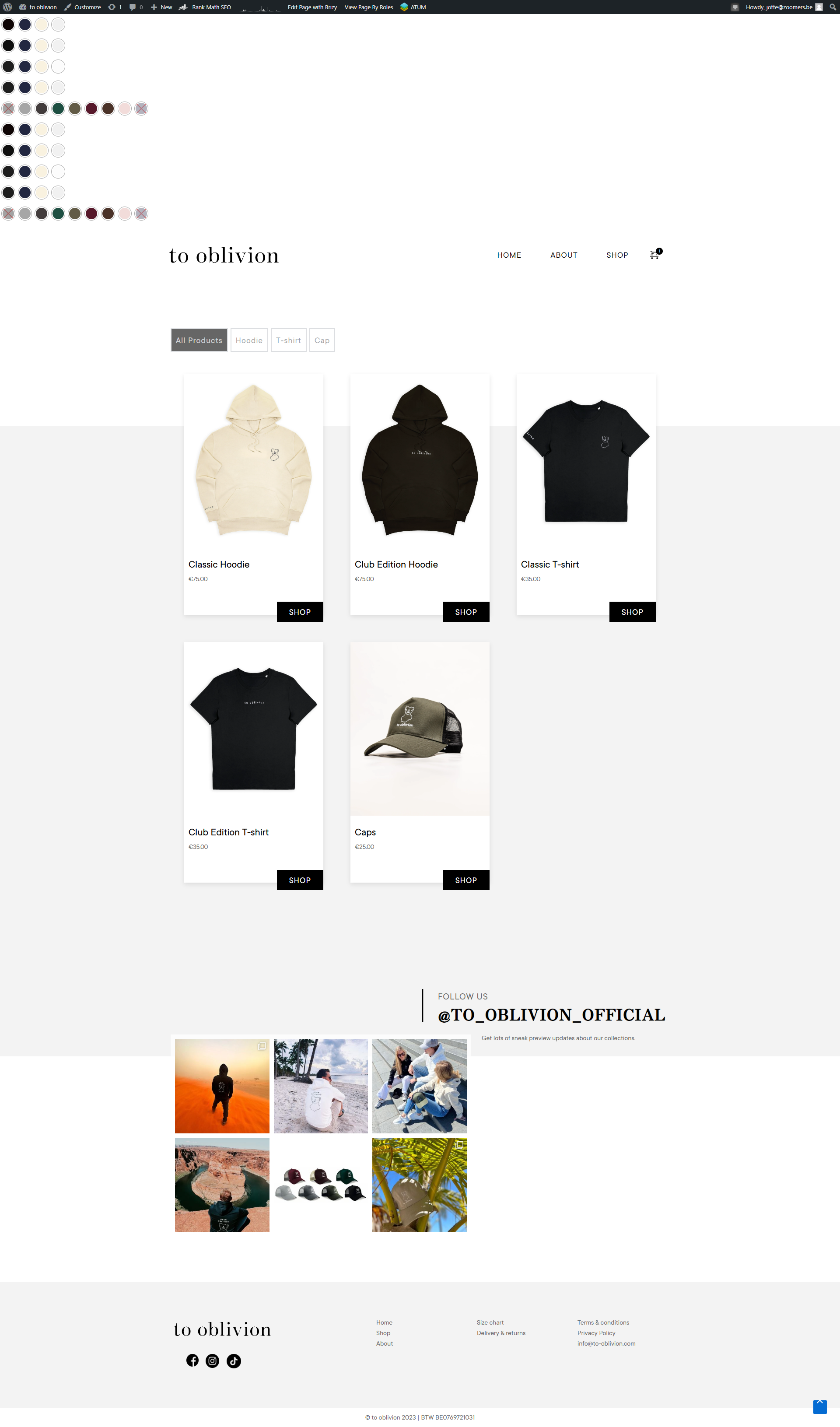 0
0 -
Basically, the problem is that there's no default 'add to cart' button in de products element used above. There's just a button that links to 'post URL'.
I did a workaround by saving the block with the add to cart button from a product page and loading it into this catalog page. Then dragged add to cart button to product card. This works, but then shio page redirects automatically to the product URL from which I saved the block (while still showing the shop page). But that's why lay-out of add to cart button was different for caps card (block I saved came from caps product page) in comparison with the other cards.
Other option is to use a Brizy Woocommerce 'page' element and select products. But the problem then is that I can't style the lay-out0 -

Hi Jotte,
Let me suggest an option you could explore. Please check if the Astra shop page displays the product color variation images when hovering over color swatches. If it does, consider setting up your shop page with the Astra shop page design.
Delete the Brizy Product Archive element from the Shop Template and drag and drop the Brizy Shortcode element and paste the following shortcode. This should display your Shop page with the Astra design. In this approach, you must stylize the shop page using Astra customizer options. For instance, I have setup this shop page using the same shortcode. https://brizytest.online/shop/ This shop page design is from Blocksy theme.
[products]
0 -
Hi George
Default Astra shop page works fine: https://to-oblivion.com/test-shop/
- Shows only colour swatches
- Shows variation image on hoover
Trying your solution now.
Keep you posted, thx!
0
Please sign in to leave a comment.
Comments
8 comments