How to hide admin bar in editor

Hi there,
I'm having an issue with the Brizy Editor and TranslatePress. When a user is has the role translator, the WP admin bar shows up in the Brizy Editor. I have contacted the support of TranslatePress in order to resolve the issue, but I was wondering if you could help me out with some CSS code so I could hide the WP bar in the editor until a more permanent fix has been found. The users of my site find it confusing and the WP bar does not work as it should when using it in the editor.
Thank you,
best regards,
Wim
-

Hi Wim,
Please have a look at this blog post for multiple ways you can disable admin bar for different users. How to Disable WordPress Admin Bar for All Users Except Administrators
0 -
Hi KC
Thank you for your reply, but the translators need the amdin bar, just not within the Brizy editor. It should not be hidden everywhere, just when the editor is opened. Any ideas?
0 -
Hi Wim,
When you say admin bar in the Brizy editor what exactly do you mean? I do not see the WordPress admin bar in the Brizy editor. Please share a screenshot to help us understand better.
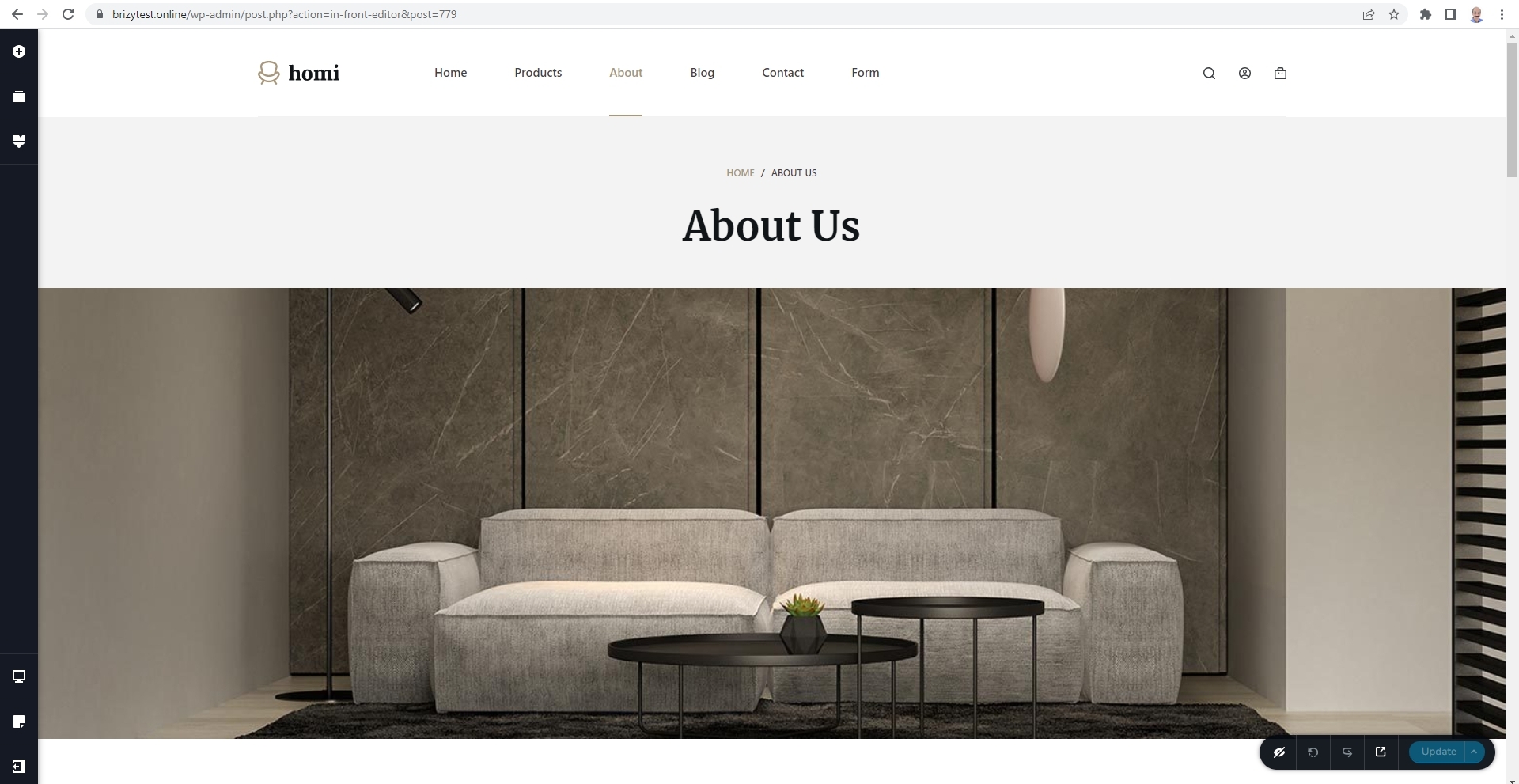
Can you describe the purpose of hiding the admin bar for the translator? We can probably suggest an alternate solution.
0 -
Hi KC,
Thank you for your reply. Users who have the role Translator see the admin bar appear in Brizy: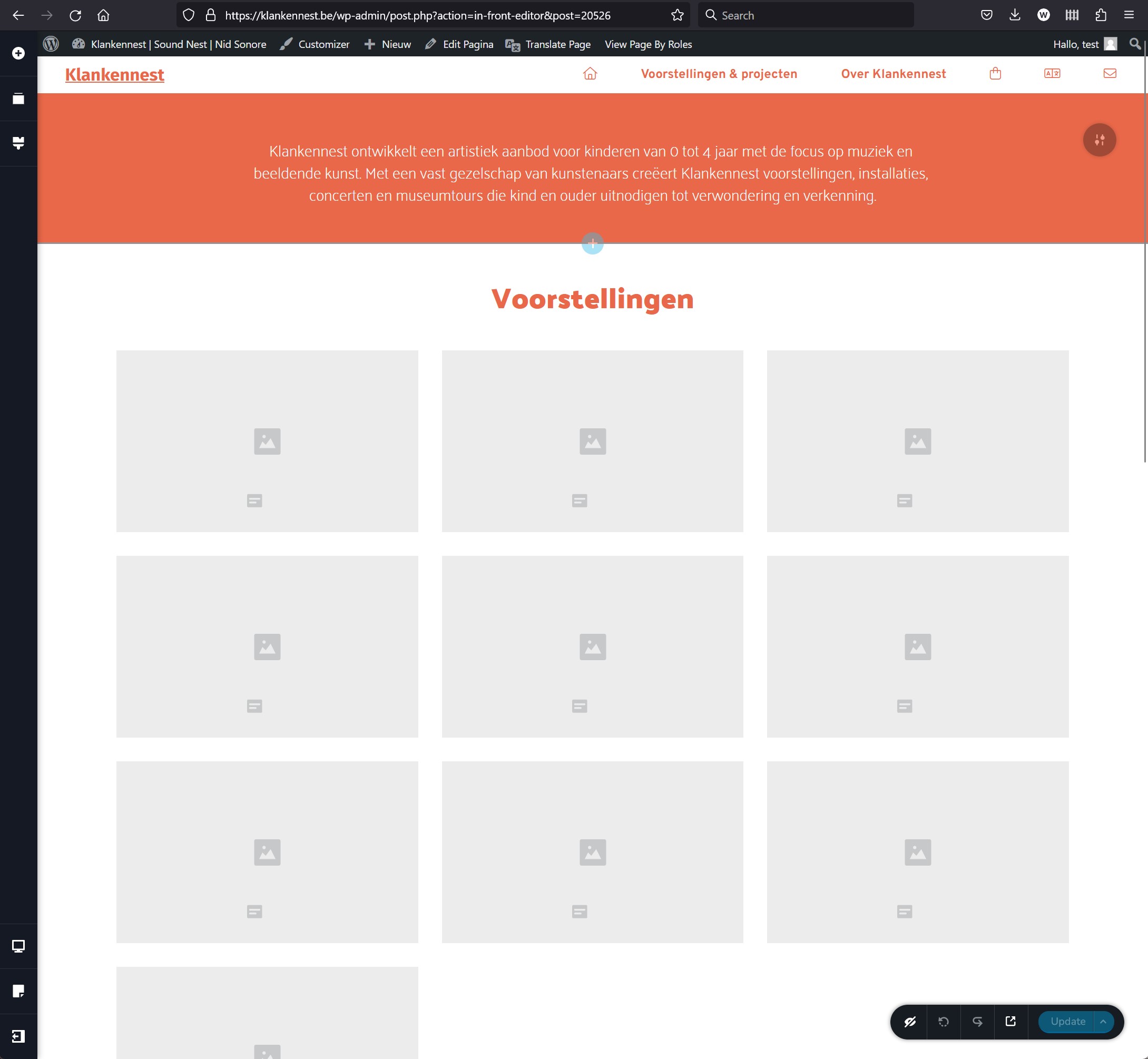
The admin bar appears due to a conflict between Brizy and TranslatePress. When the role Translator is not applied to a user, the admin bar is not visible in the Brizy Editor. When users are in the editor and they start using the admin bar to navigate or to translate, things do not work as expected. Therefor, I would like the admin bar to be hidden when the Brizy Editor is being used, but I don't seem to figure out how.
Thank you for your help,
best regards,
Wim0 -
Hi Wim,
I guess the admin bar in the Brizy editor is added by the Translator Accounts Addon for TranslatePress. Unfortunately we do not have access to the premium version of TranslatePress. Hence can't reproduce the issue.
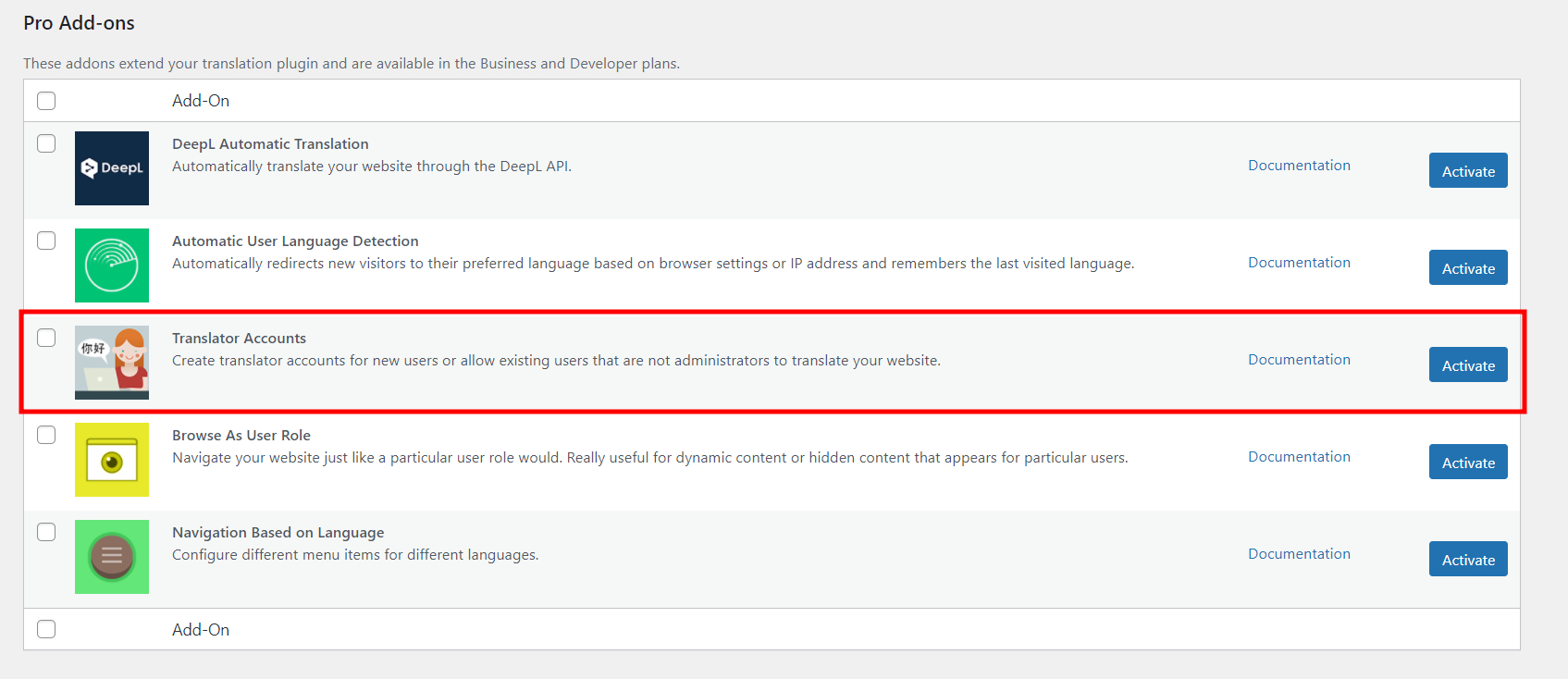
TranslatePress Support may be able to offer better help. If you are not able to resolve it with them, we can take a look at your project and check if the admin bar can be disabled.
0
Please sign in to leave a comment.
Comments
5 comments