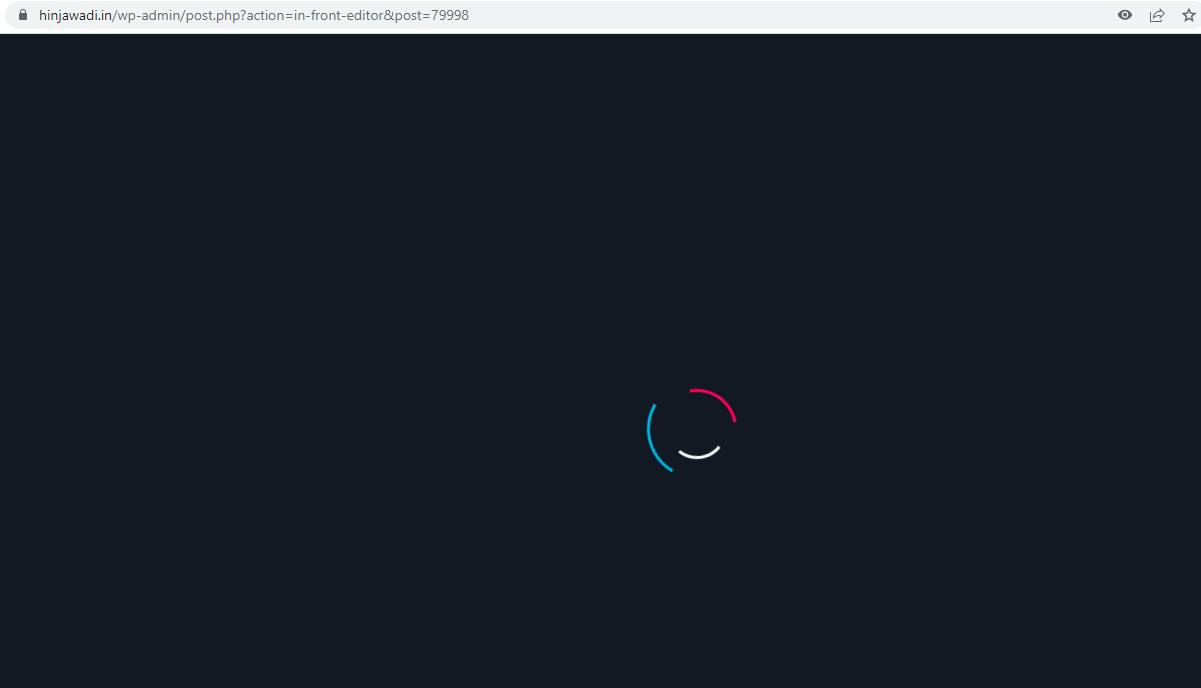
Unable to open page under brizy wordpress pro plugin

-

Hi
Usually the looping pre-loader indicates that a software in your hosting server environment is interfering with Brizy editing. To fix the problem, please log into your hosting account and check if any of this software is turned on your account. Disable these systems one at a time and see if that makes a difference.
- Security system
- Malware protection
- Firewall
- DDOS
Please also check if you have installed a security plugin. Deactivate the plugin and check if the error disappears. Once you identify the interfering software, relax the security restrictions to allow Brizy editing, in consultation with your hosting company.
Please contact us again if you need assistance in identifying the interfering software. We will require access to your WordPress Dashboard to troubleshoot this for you.
0 -
Hello KC George sir, thanks for your response. I tried all possible permutation combination and yet still having the same issue. Hence would request your team to look into please.
Note: i have opened access to access from US, UK and Singapore. If you access from any other country, you may likely face issues with login. Pls let me know.
thanks in advance.
regards,
parag
0 -
Hi Parag,
I have looked at your WordPress Dashboard. I could not replicate the issue you are facing at my end. Please see this screen recording. https://jmp.sh/hf4mkBqB I have also shared with you a possible reason why your website is relatively slow in the screen recording.
Please try accessing your WordPress Dashboard from an alternate browser or from the Incognito (private) window of your browser
0
Please sign in to leave a comment.
Comments
3 comments