Posts

Hi
I have inserted a Google Map link in a post:
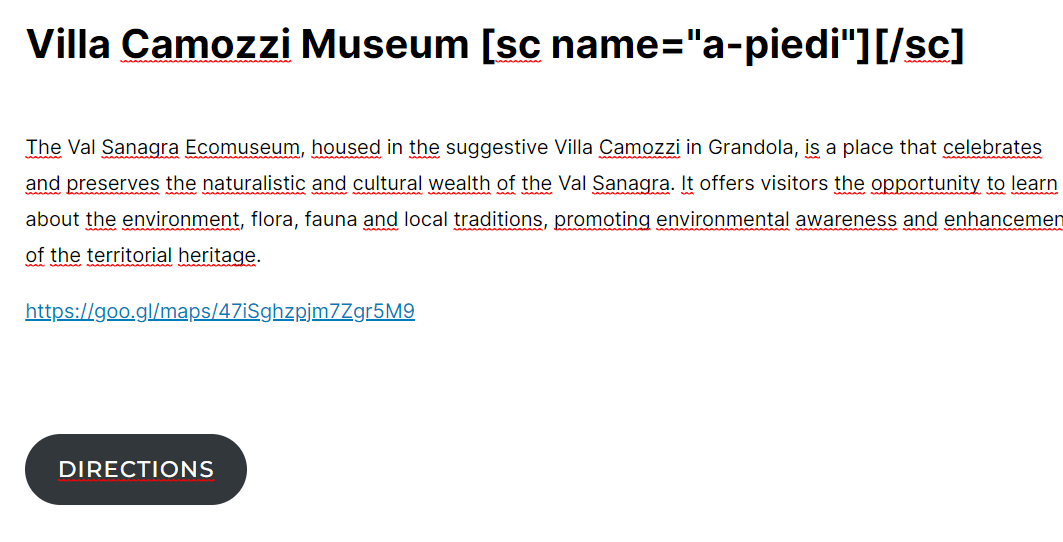
but when I save it and chek it in the page that has Brizy template, the link is not active:
https://casavacanzeagnello.it/en/#onfoot
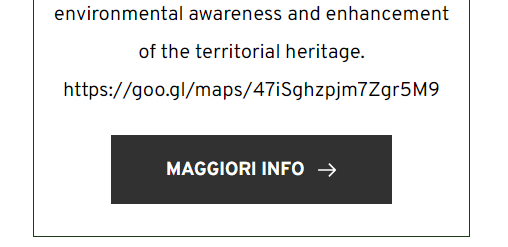
I have also tried to insert a button in Gutenberg, but that doesn't even show up. What can be done?
Thanks
-

Hi Gianpietro,
Thank you for contacting us.
Unfortunately, we cannot guarantee that the shortcode will work as expected in both Gutenberg and Brizy. This is because the shortcode is generated by a third-party plugin. To address this issue, we recommend that you reach out to the plugin developer for assistance. Sorry for the inconvenience.
If you have any further questions, please let us know.
Best regards,
Ariel H.0 -
Hello
thanks for your answer.
I'm sorry I explained it wrong.
Please dont' refer to the shortcode, but to the Google Map link and to the button I have inserted in Gutenberg.
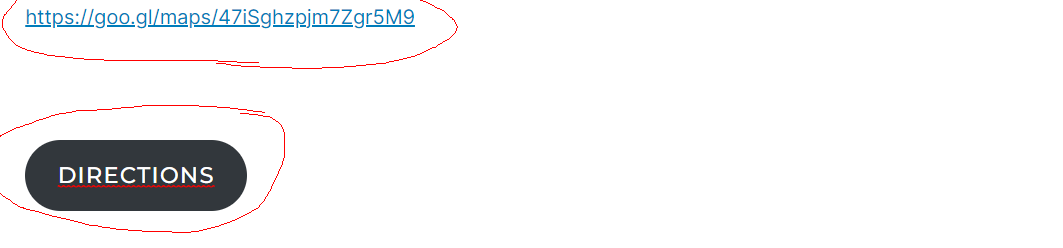
what happens is that the Google Maps link is visualised without link and the button is not visualised at all:
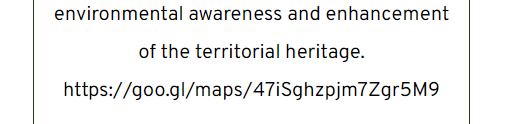
please refer to the links I have provided
how can I make the link a link? and visualise the button?
thanks
0 -

Hi Gianpietro,
To add a link to a map from blog posts in your blog page, please follow these steps.
- Install the Advanced Custom Fields plugin
- Add a Map URL custom filed to blog posts using the plugin
- Enter the map URL values for each blog post
- In the Blog listing template, add a link to the map using Map URL custom field
For more detailed instructions, please watch this video. https://jmp.sh/uIm1HbPp
0 -
Wow KC!
it works perfectly!! Thanks a lot!!
0
Please sign in to leave a comment.
Comments
4 comments