Update relative url

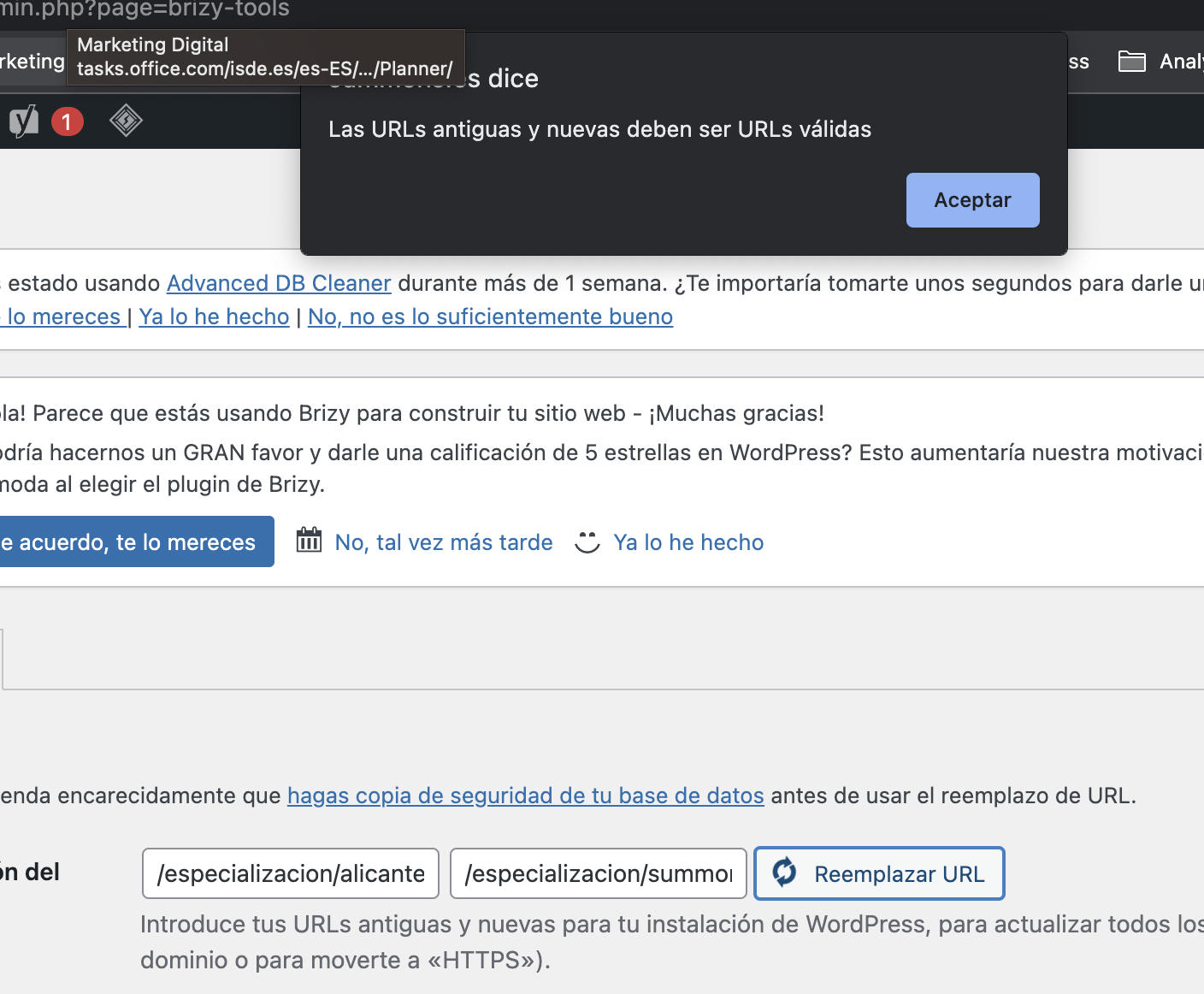
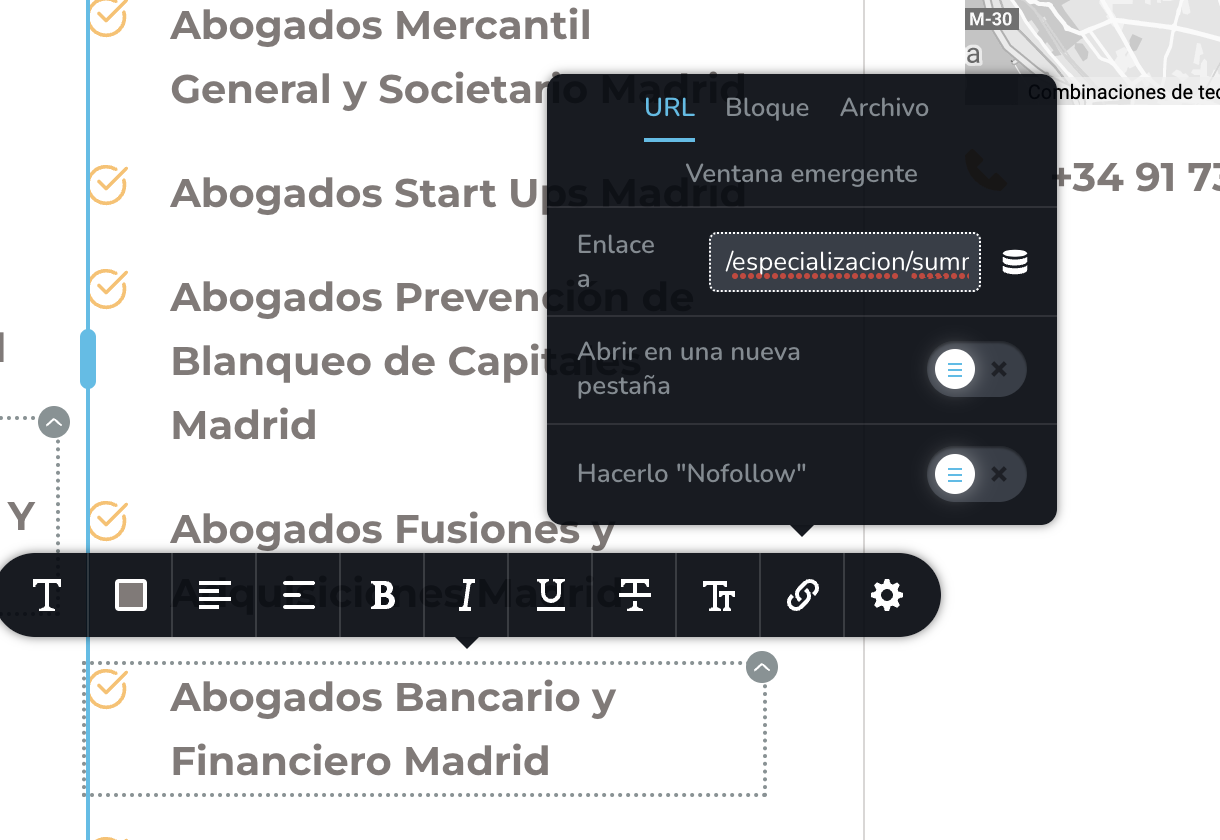
Brizy update urls words if you have the full url writen in the link, but doesn't work when you have the links in relative, like the one attached.
How can we update this links?
Thanks.
-

Hi
Let me explain the purpose of the Replace URL functionality. When migrating a website from one URL to another, hyperlinks added to texts/buttons/images with full URLs would be carried over. This tool can be used to replace full URLs that have been added to various elements using the Brizy Link tool.
Only hyperlinks added with full URLs beginning with https://www must be replaced following a migration. Relative URLs beginning with forward slashes do not require URL replacement. As a result, this feature is not available.
0 -
And how can we change relative urls?
0 -
Hi
The relative URLs should work fine after migration and hence using the Replace URL tool is not necessary for these URLs.
There is no automated mechanism for replacing relative URLs. You will have to do it manually.
0 -
Hi,
The point is that its not about a migration, its about we have several old links that now redirects to another slug (we change slugs but have lots of links in the site) and edite one by one will take a huge time.
So we need a way to bulk update that relatives links.
0 -
Hi
You could consider this plugin. Better Search Replace Please take a backup of your website before trying this plugin out. You could also try out the search and replace operation on a staging site and then repeat the same on the live site.
0 -
Hello,
We already have tried that plugin and doesn't work. Any idea?
0 -
If the plugin did not help, I guess the only other option is to find and replace using MySQL Query. Please refer to this article for the procedure. How to Perform a WordPress Search and Replace in the Database You will find the procedure under the heading Using MySQL Query. Please create a staging site before trying out this procedure.
 0
0
Please sign in to leave a comment.
Comments
7 comments