Block cookies before the user gives consent to the cookie banner


-

Hi,
Thank you for contacting us.
Regrettably, Brizy does not offer a built-in function to automatically restrict the cookies of a YouTube video displayed on a page until the cookie banner is accepted. It will require custom code to accomplish this.
However, there are third-party plugins available that can help you with this issue. For further details, please visit the following link: https://complianz.io/youtube-and-the-gdpr-how-to-embed-youtube-on-your-site
We hope this information is useful.
Kind regards,
Ariel H.1 -
Hi,
Thanks for the answer.
I work with brizy.cloud.
1.) Are the plugins possible to use in brizy.cloud or only in the WordPress version?
I found plugins like Cookieyes. If i implement it in "Code injection > Header," it is a GDPR conform banner? Would it be like it had to be accepted to get the cookies, and if rejected, it didn't use the cookies? Because now if I make the cookie banner with the "popups & alert" it's not possible to make it accept or reject the cookies?
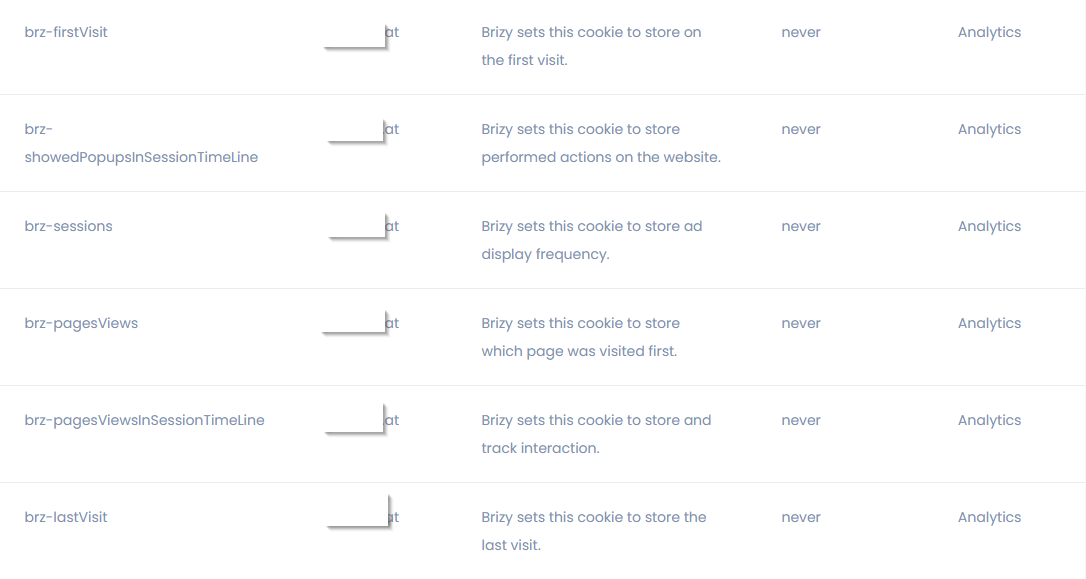
2.) Is there any way to disable these cookies?
Thanks!
Elias
1 -

Hi Elias,
As explained in this article, What cookies does Brizy store? Brizy does not use cookies. Instead it uses Local Storages. Unlike cookies, Local Storage data is saved in the visitor's web browser and never transferred to servers. As mentioned in the above article 'Anonymous Statistics' is the right categorization for these Local Storages. In GDPR and other cookie law, anonymous statistical data is not considered personal. Hence you may not need a consent before saving it in their browser. You could make a cookie declaration document by copy pasting the content from the above article to make the use of Local Storages transparent.
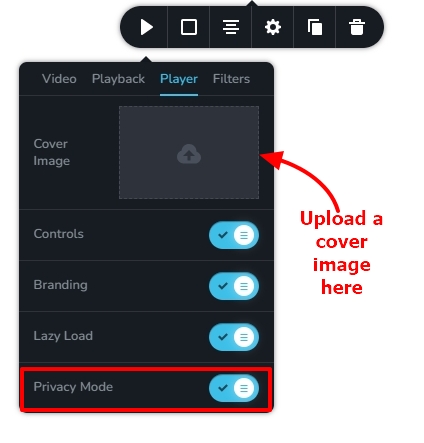
Please add a cover image and enable the 'Privacy Mode' option in your video and check again if your page passes the EU Cookie law compliance test.
 0
0 -
Hello,
Thanks for the reply George!
Thanks. That woked!
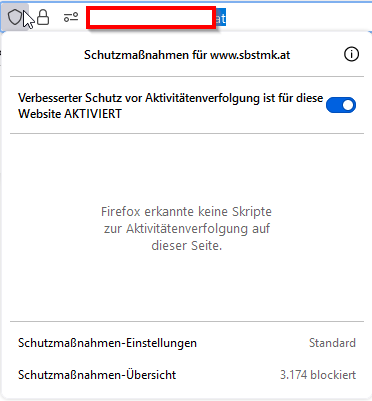
1.)Why dose websites like https://cookie-script.com sill see youtube Cookies? I have enabled Privacy mode and uploaded an cover image. now at my browser i don!t see any cookies.

1.1) here from cookieyes.com
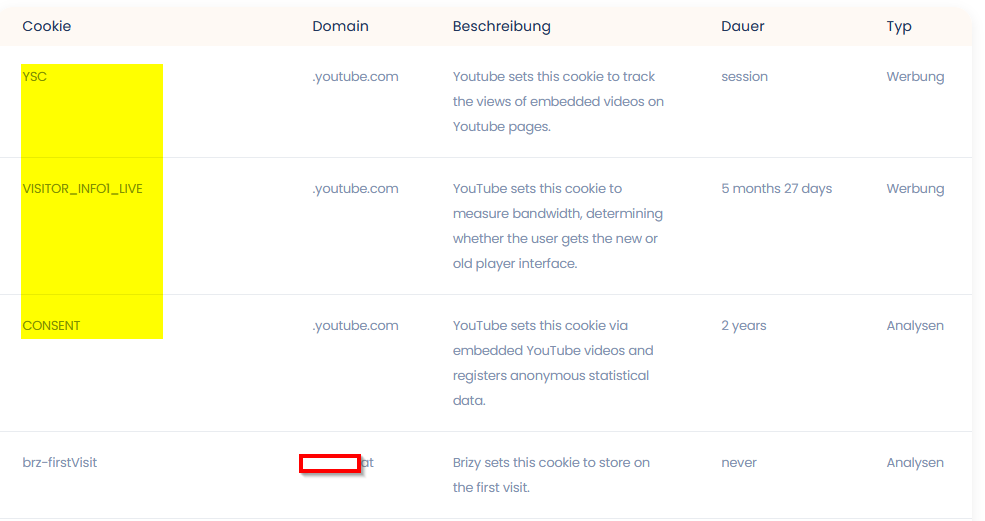
1.2) or here from https://2gdpr.com/
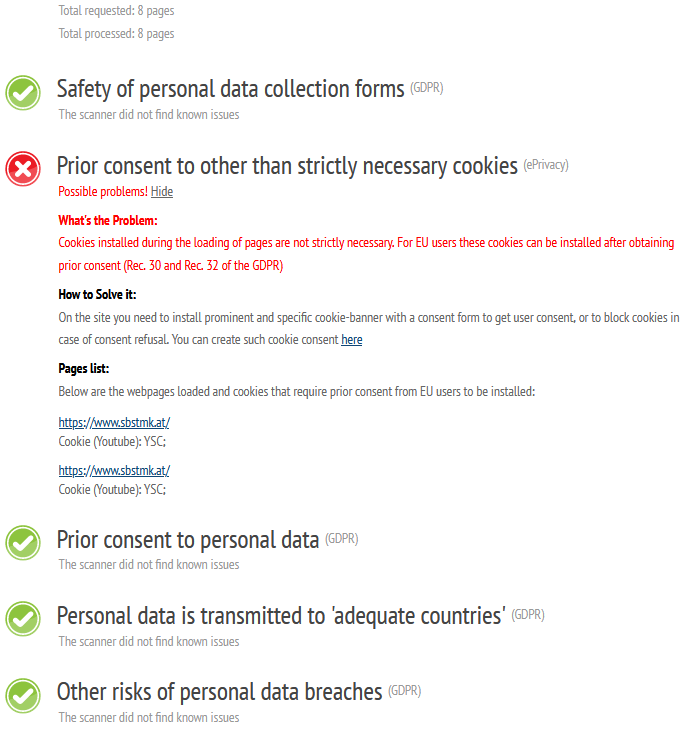
2.)Is it possible to block some of the Local Storages witch we don't need?
if yes how?
Thanks
0 -
Hi Elias,
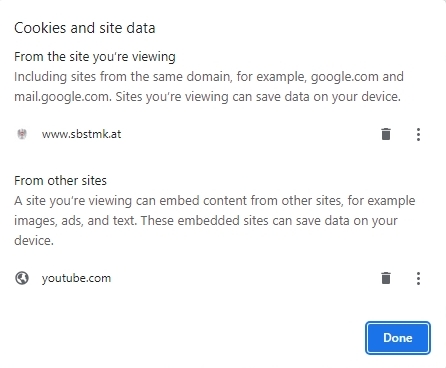
It appears that YouTube is still saving cookies on your website. As a result, the YouTube cookies are visible in the compliance testing. The screenshot below comes from Google Chrome.
Here is an experiment you can try. Sign up with one of these Digital Asset Management providers and upload your videos to your account. Copy the video link and paste in the Brizy Video element and check if cookies gets saved.
The video URL should link to an MP4 file For instance, something like https://media.publit.io/file/Limitless-with-Chris-Hemsworth.mp4 Please have a look at this page https://digital-works.brizy.site/publitio. The video on this page plays from Publit.io. Unlike YouTube, Publit.io does not seem to save cookies when embedding a video.
At the moment, specific Brizy Local Storages cannot be blocked on a webpage.
0 -
I have done it with a local video uplaod. now it works. Thanks for your support!
BR,
Elias
0
Please sign in to leave a comment.
Comments
6 comments