Export layout icon missing in Cloud

Hi there,
The "Export" or "Download" icon in the saved blocks and layout section of the builder is missing. Is this temporary?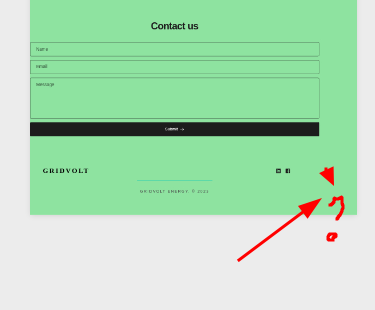
-

Hi Matthew,
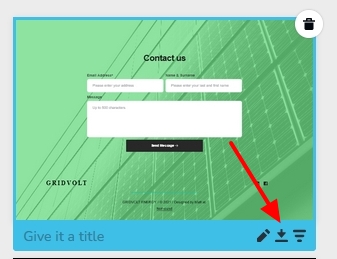
You should ideally see 3 tiny icons at the bottom right corner of a saved block when you hover over it. Please click on the middle icon to downloading the block.
If you are not seeing any icons, it implies that you are checking the saved blocks from a project which was created before Feb 2021 and the project has the older Brizy Cloud project format. Please look at the saved blocks and layouts from a recently created project and you will see the three icons on hover.
 0
0 -
Great. I'll create a new project with the saved layout and let you know if I can see the download elements. Thanks for the response.
0 -
Yup. Reloaded template into old project and it gave me the option. Thank you, KC.
0
Please sign in to leave a comment.
Comments
3 comments