Contact Form Options Not lOading

Hi there, Brizy.
Trying to update email settings in a contact form and see that the form isn't loading on Brizy Cloud. Is there perhaps a bug at the moment while things are being updated?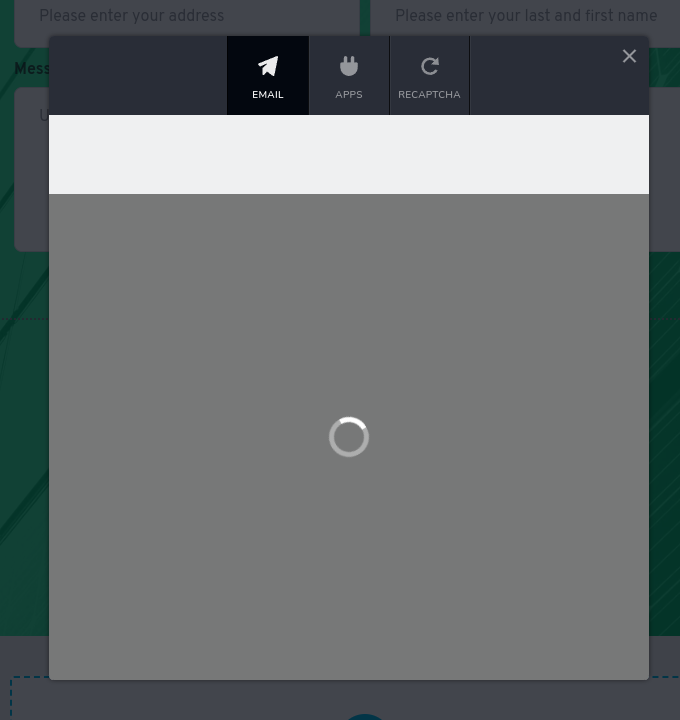
-

Hi Matthew,
I just checked the Brizy Form element on Brizy Cloud. The Email Notification, Apps and ReCAPTCHA options appear working fine at my end.
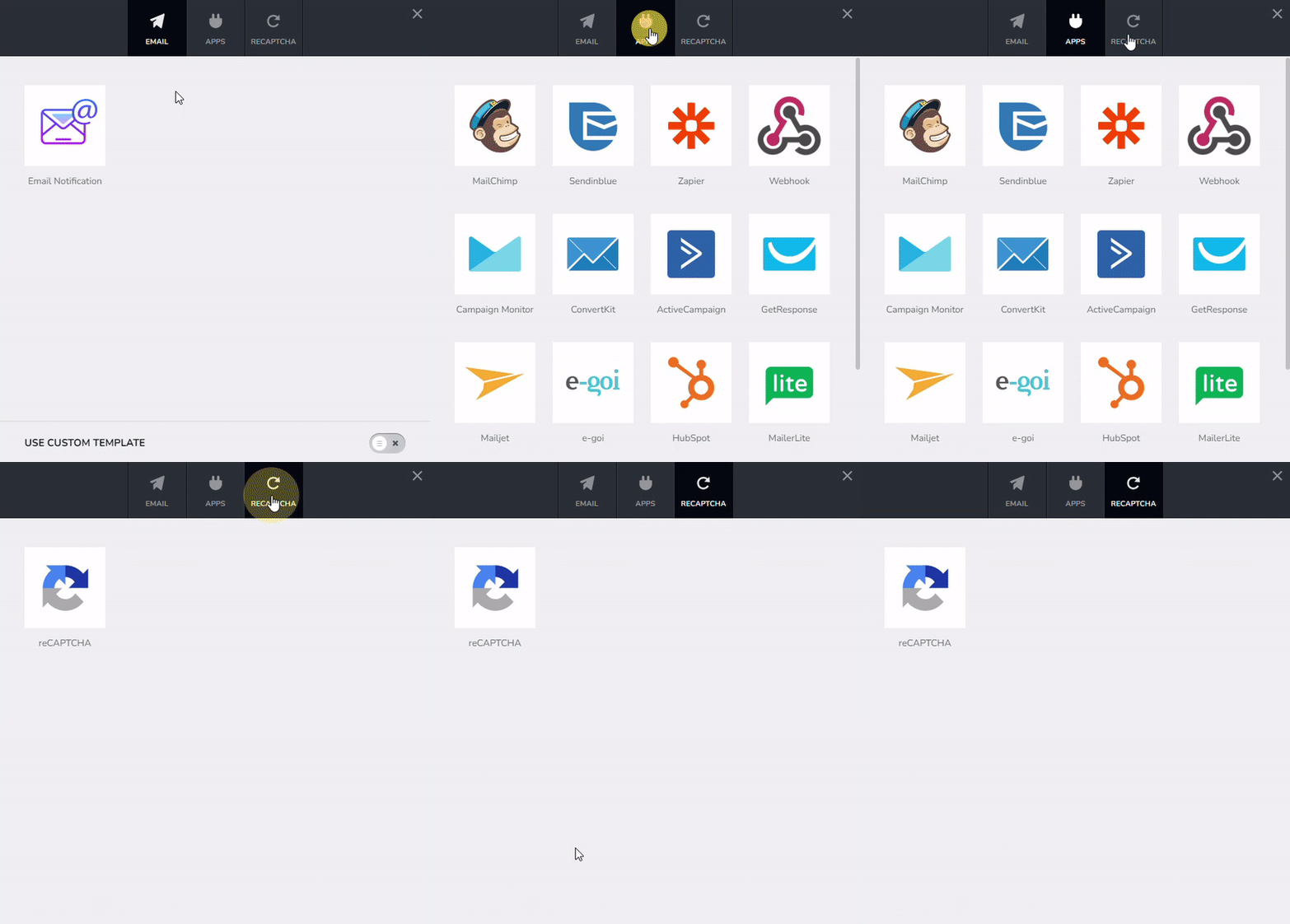
If you have an embed code on the page, can you remove the code temporarily, save the page by clicking on the 'Update' button, refresh the editor window and try to add the Email Notification settings again?
Please also try signing into your Brizy Cloud dashboard from a private (incognito) window of your browser and check if the issue persists. You could also try accessing Brizy Cloud from an alternate browser.
0 -
I also found a "solution". The forms created before the update don't load, but if you delete them, the options appear. Will there be a fix for this, as I dread having to recreate forms on every site.
0 -
Hi Matthew,
When you say "The forms created before the update don't load" do you mean that the Email Notifications for previously created forms stopped working and hence you need to first recreate all the older forms and add the Email Notification settings?
0 -
Nope. :)
The form delivery options for old sites (maybe 2021 sites on my cloud dashboard) do not appear, but if you reload the layout onto new project, the delivery options appear.0 -
Hi Matthew,
Do you have multiple old projects with forms which needs to be converted to the new project format? Do you have an estimate for the number of old projects?
0 -

I also have similar problem. When I move the project from Workspace 1 to Workspace 2.
I won't be able to fix my email, spin loader forever. I have to delete and creat forms again0 -
Hi Vantrinh,
I could reproduce the issue when moving a project from one workspace to another. I will report this.
As a work around, you can duplicate the form (instead of recreating it) and then add the Email Notification settings.
0
Please sign in to leave a comment.
Comments
7 comments