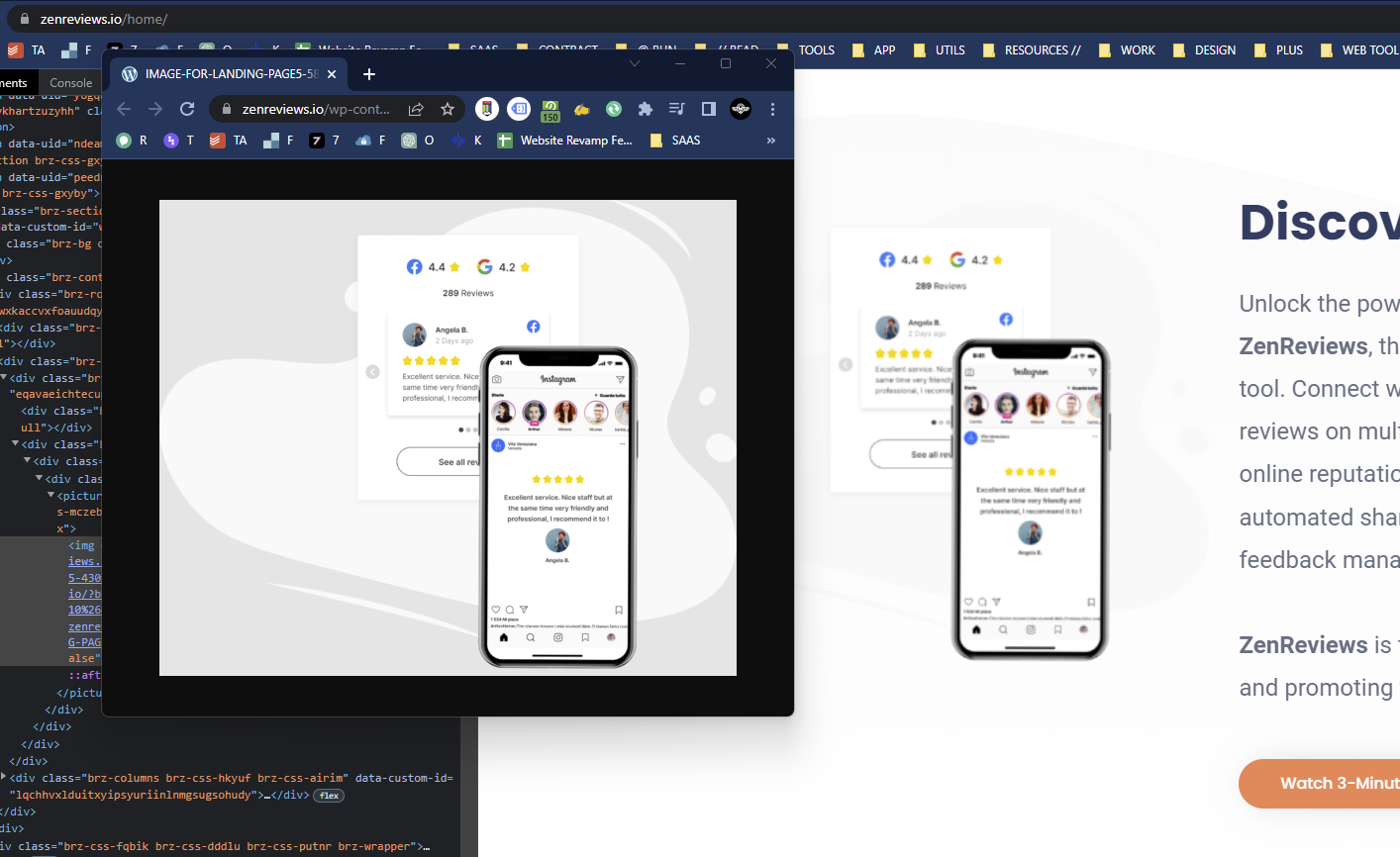
why images embedded is sharp in editor but blurry on live site

It looks like lot of other users experience this. What's the fix?
Test page: https://zenreviews.io/home/
-

Hi Quang,
The specific image you have highlighted above is of size 322 x 481 (after cropping out the blank space around the image). Please consider uploading an image of minimum 800 pixel width (instead of 322 pixels)

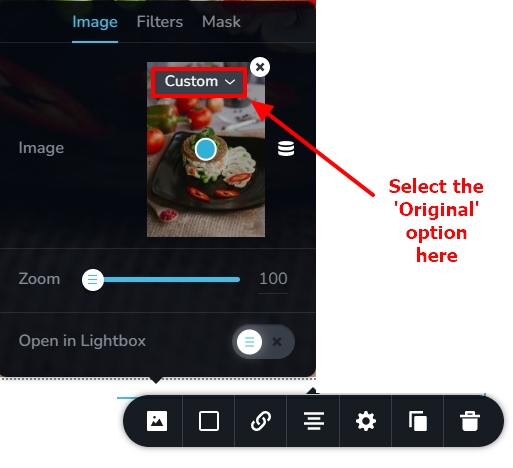
Selecting the Original size option in the image element helps retain the original quality. If you have selected Custom size, please try the 'Original' size.
 1
1 -

Here's another solution if the logo is too large when you choose Original and needs to be resized.
Go to the Styling->Advanced. In the Custom CSS enter the following:
element {width:70%!important}
or choose another percentage your prefer.
Voila! The image maintains its sharpness.
0
Please sign in to leave a comment.
Comments
2 comments