Site elements displaying as full width, but when viewing website outside of WP the elements are not full width.

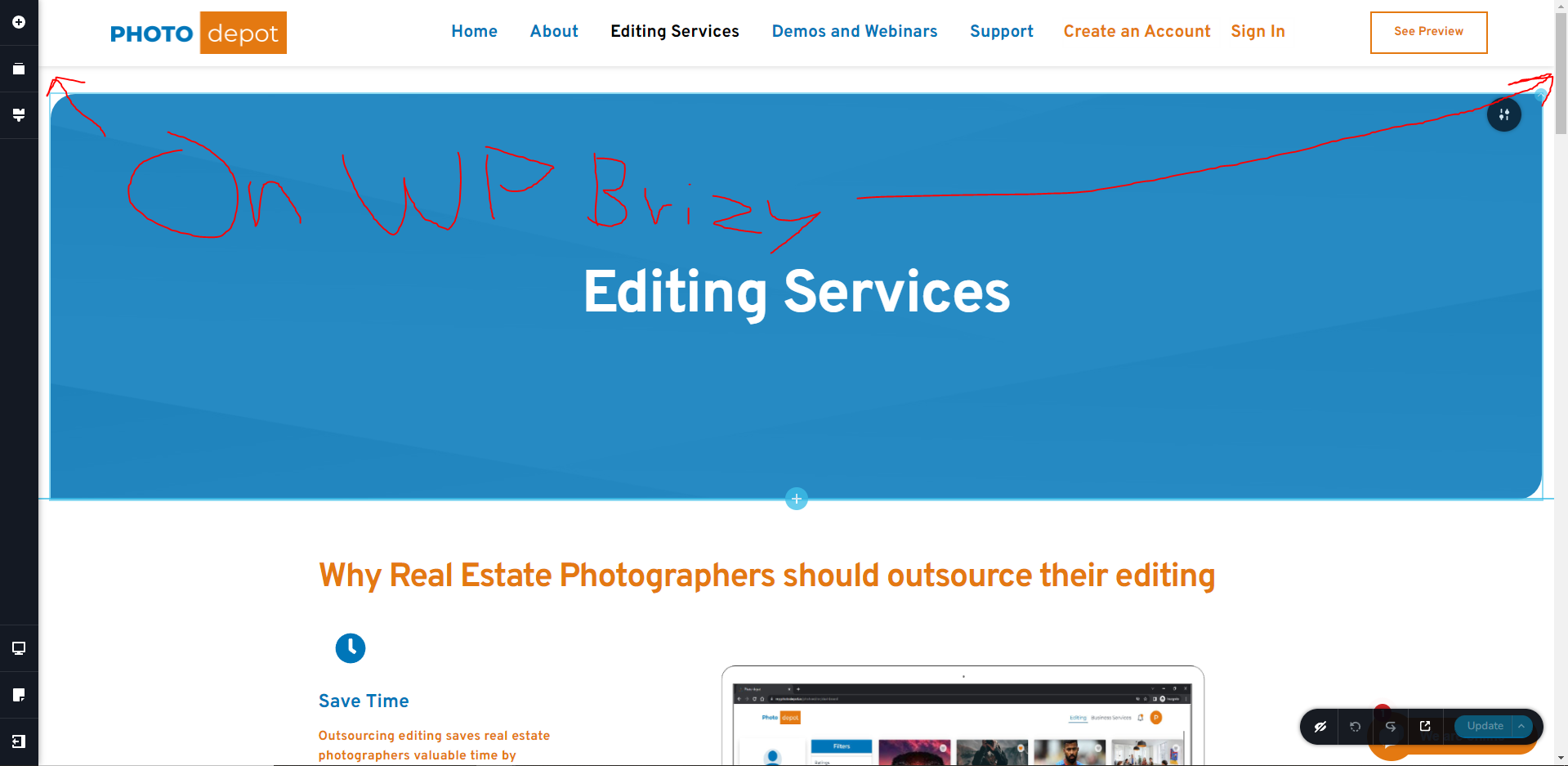
When I view my website in Brizy, with the brizy website template selected I am happy with the widths of my elements. When I view my website in an incognito browser my elements are not full width. I would like my element widths that I see in brizy with the brizy template builder selected to match what I see when viewing my website outside of being on WordPress.
Here are two screenshots: The screenshot where "Not on WP" is written is a screenshot that I took while viewing the page in an incognito browser. The screenshot where it says "On WP" is when I was viewing the page in wordpress, in brizy with brizy template selected. NOTE: For this page "Brizy Template" is also selected when I am editing the page before clicking on "edit with brizy"
Also here is a 3rd screenshot of what the page looks like when I click "Preview" when I am editing this page. 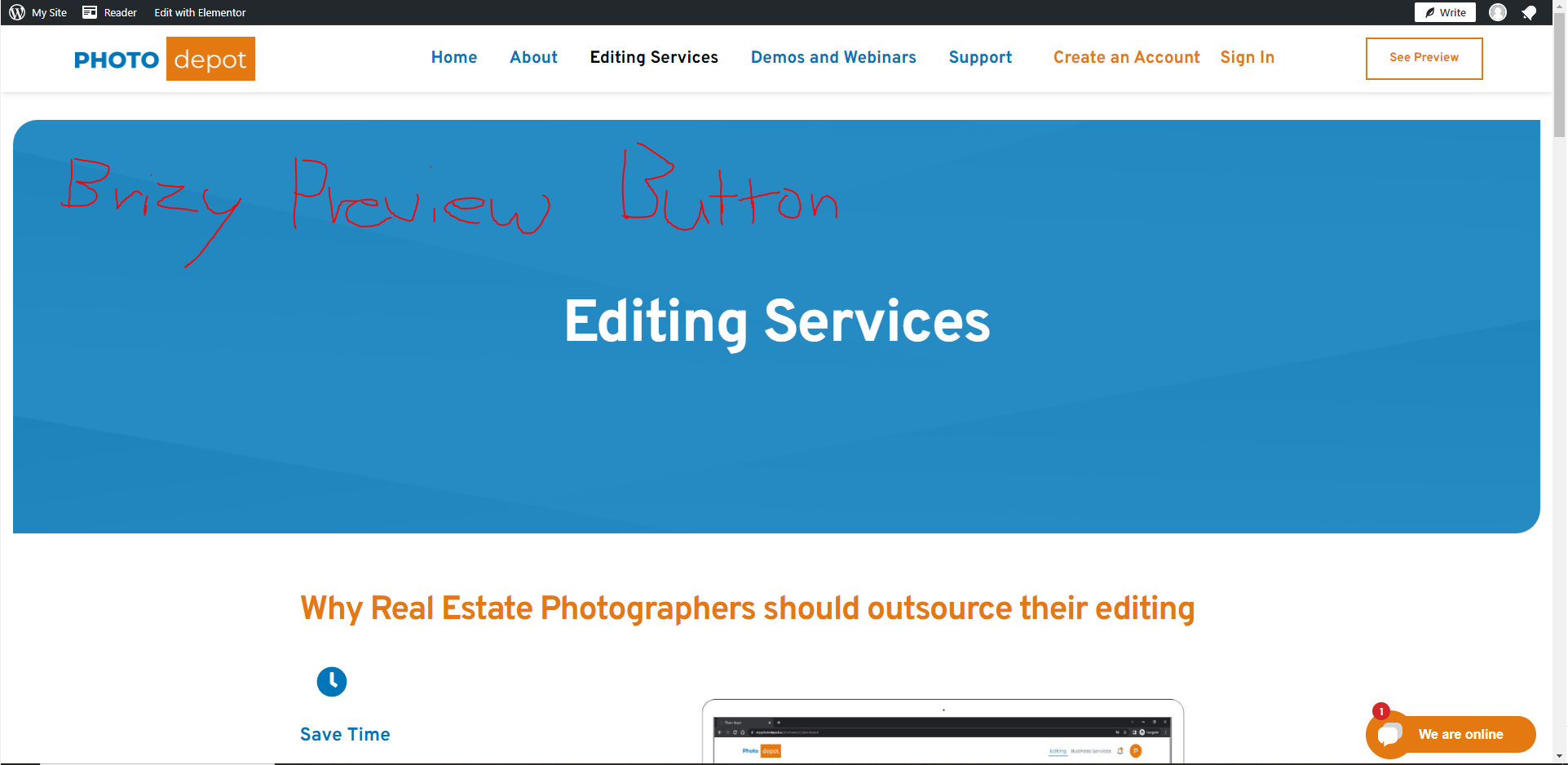
-
This issue is solved. The issue is that the pages were getting saved to other templates rather than the brizy template that I designed them on. Solved it by making sure that brizy template is selected on every page before I save.
For me the template is always the default template which makes my website when I am viewing on desktop mode look VERY narrow. I think this should be a fixed option where once you set it once it stays like that. Maybe that is a feature already but I am unaware.0
Please sign in to leave a comment.
Comments
1 comment