Brizy Pro Update

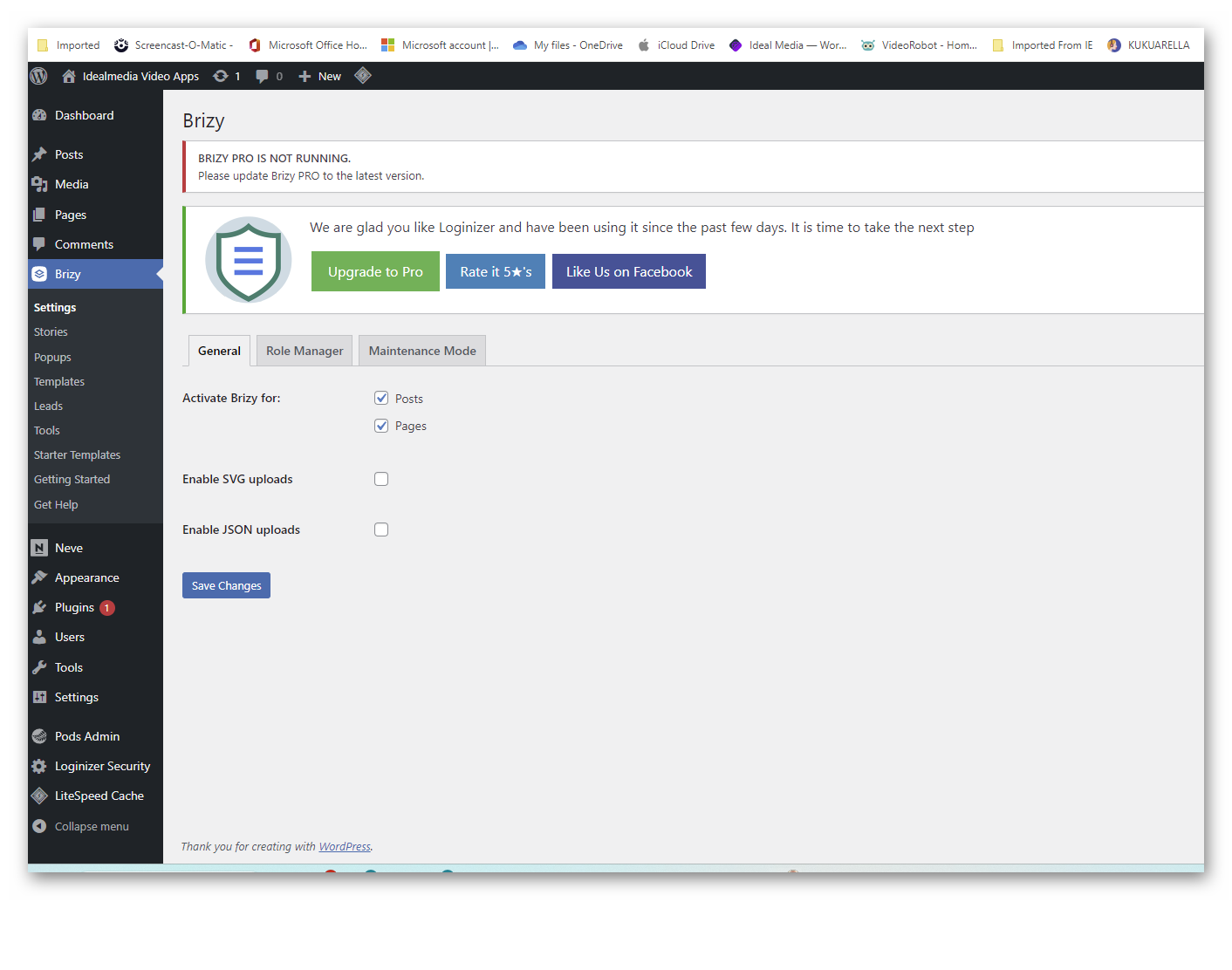
I am attempting to add a new sub-domain site to Brizy but find that there is no place for entering a new Licence.
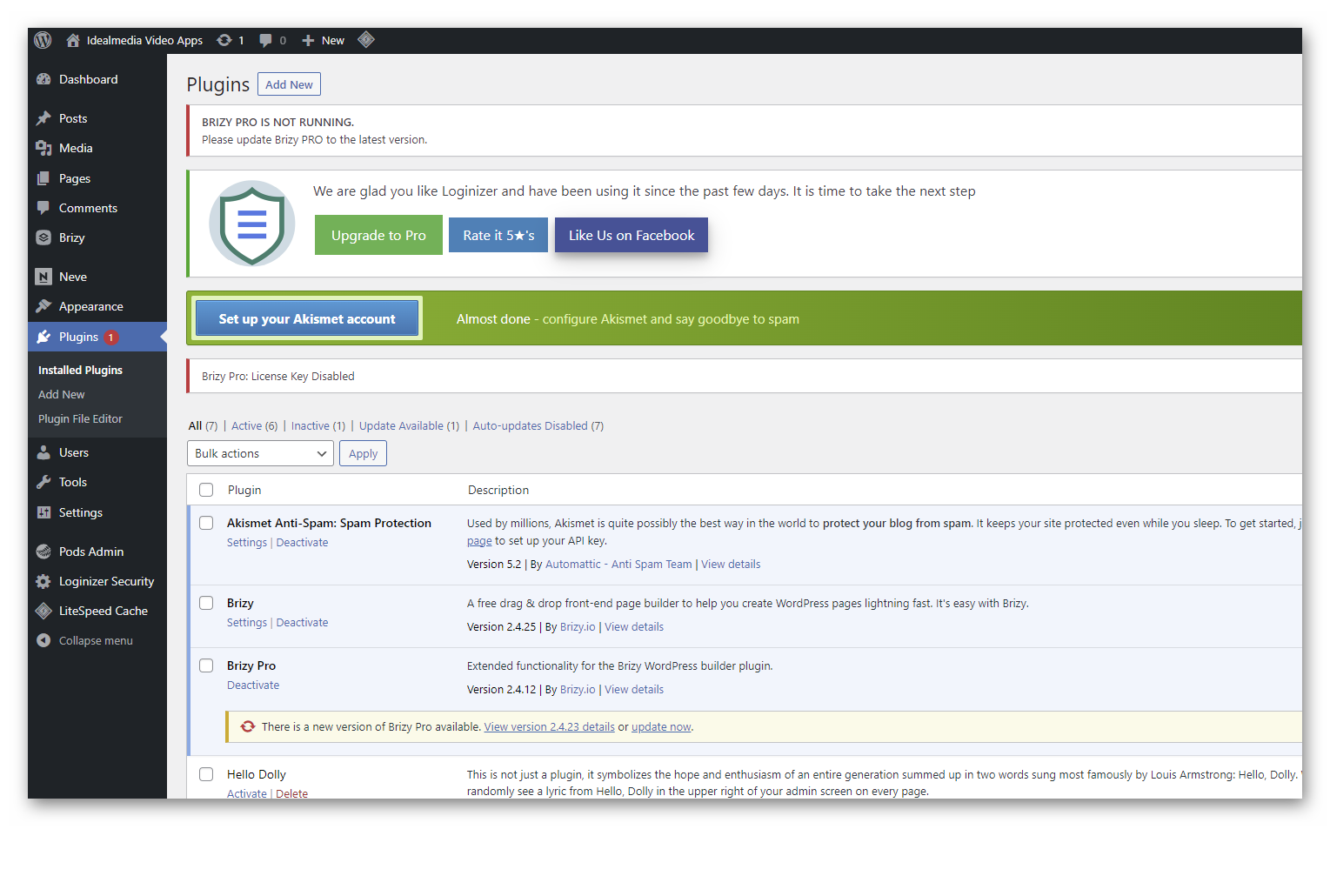
I'm informed that Brizy is not running and to update the new version - when I do so I'm informed it will take several hours!
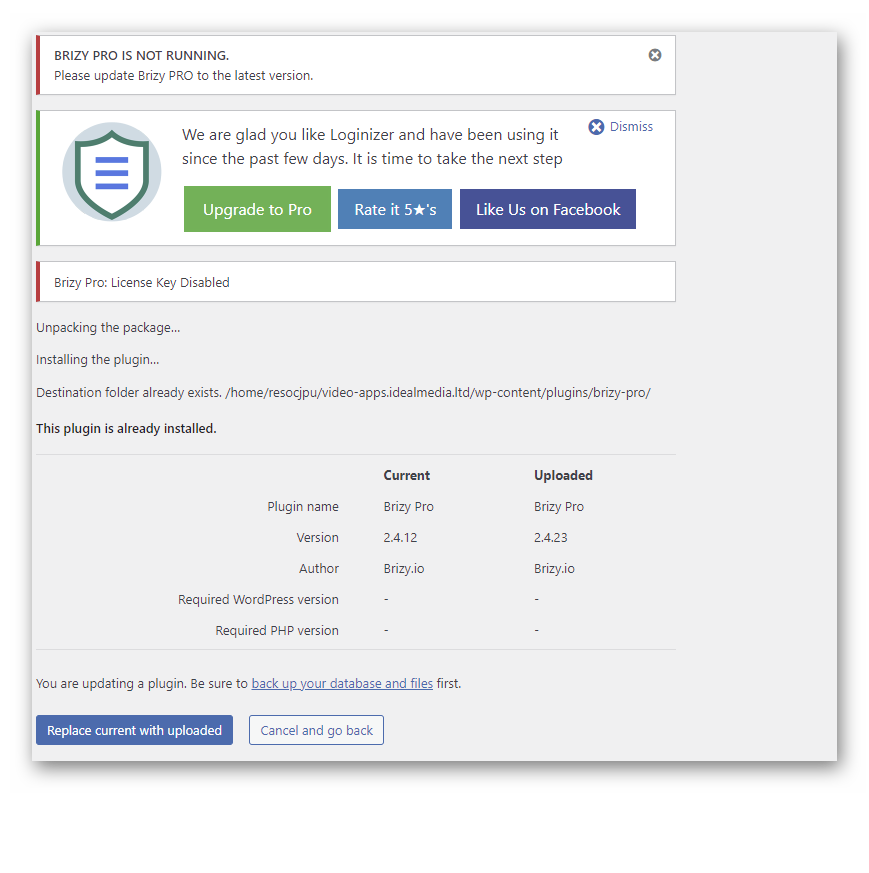
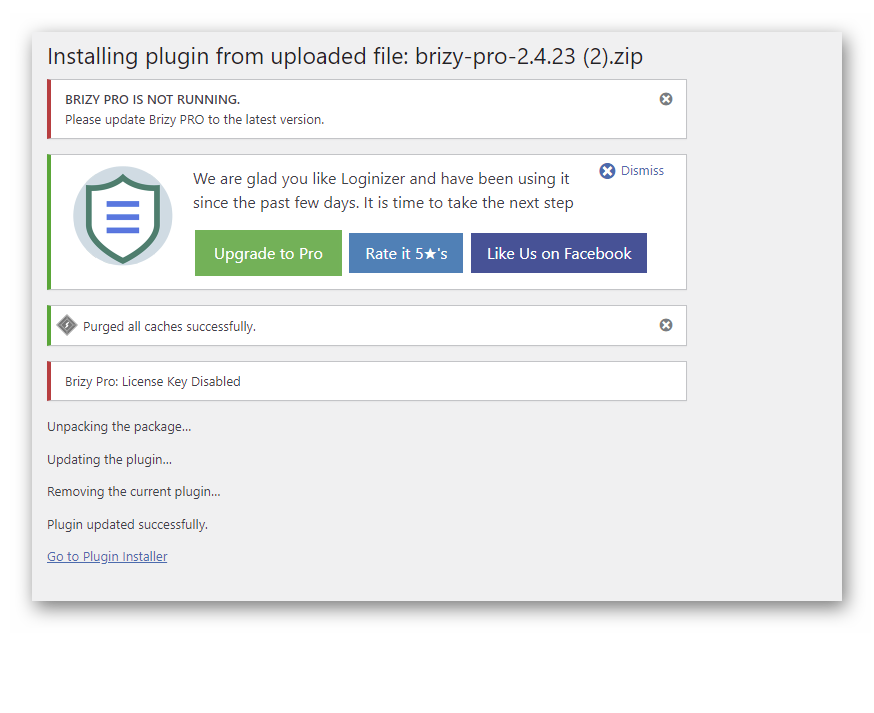
When I decide to download the new version of Brixz Pro manually, I'm informed it's already activated (which it is not on this sub-domain site as you'll see on the screenshot 'Brizy Settings).
I'm perplexed to say the least - anyone got an answer?
Kindest regards,
Mike
-

Hi Mike,
Thank you for contacting us.
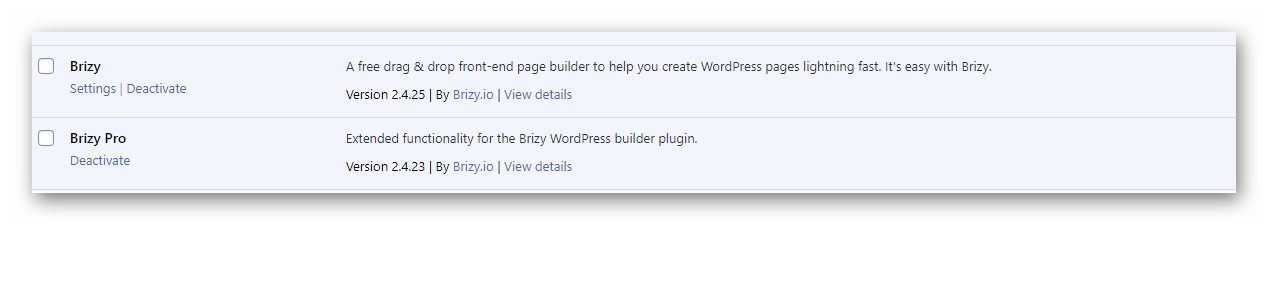
We have noticed in your screenshot that you are currently using an outdated version of Brizy Pro on your website. Please log in to your account dashboard and download the most recent version – https://i.imgur.com/JKU2epT.png.
This should give you the option to activate your license.
I have included this support link for your reference:
https://support.brizy.io/hc/en-us/articles/360019679472-How-to-install-Brizy-PRO-and-activate-your-PRO-licensePlease try this and let me know how it goes.
Best regards,
Ariel H.0 -
Hello,
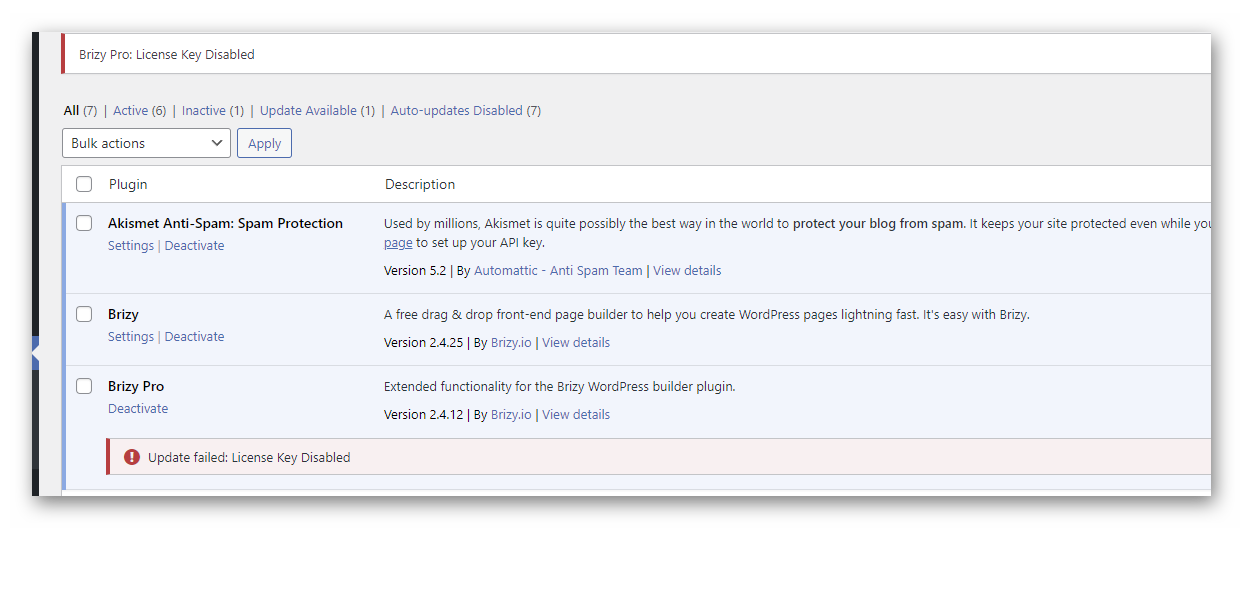
I'm not sure your reading the screenshots in my previous email. I have tried unsuccessfully 3 times to update the plugin and also download it from my account!
I'm sending you 3 more screenshots of the current situation!
Regards,
Mike
 0
0 -
Hi Mike,
Thank you for the update.
Could you please try to deactivate and delete the current version that is installed on your site? Once you have deleted the older version, please upload the new version. To activate the license, please refer to the steps provided in the link mentioned in my previous email.
If the issue continues, this is something we would like to investigate from your dashboard. Could you please provide us with the WordPress credentials, so we can look into this issue further?
Please add us as a user to your WordPress Dashboard and send the following details to: communitysupport@brizy.io
Community Post link: https://support.brizy.io/hc/en-us/community/posts/12386714400786
WordPress Admin URL:
Username
PasswordPlease make a full backup of your website as a precaution.
Best regards,
Ariel H.0 -
Hello,
Thank you for that advice, Everything is working fine now!Kindest regards,Mike0

Please sign in to leave a comment.
Comments
4 comments