bug in video element

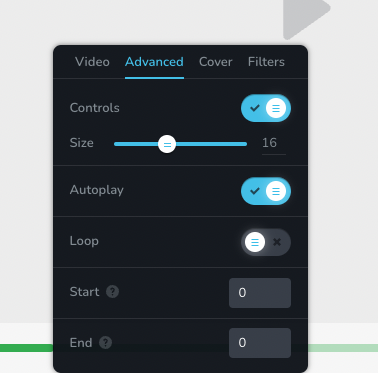
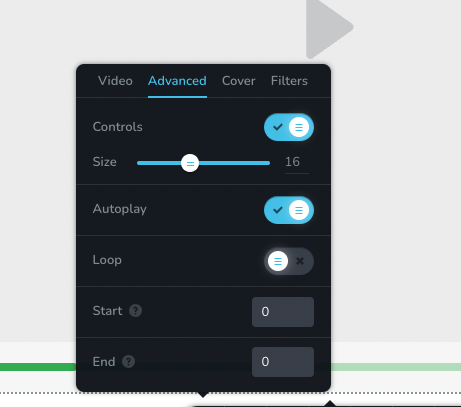
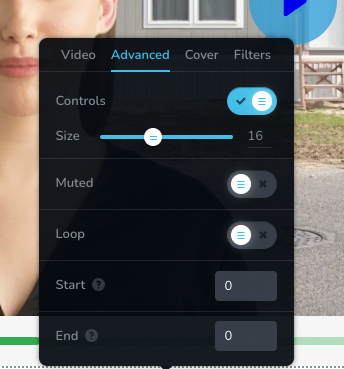
1) Muted option does not appear at first in advanced.
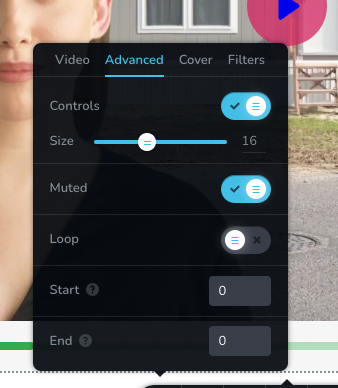
2) If I add a cover, the autoplay option disappears and the muted option appears.
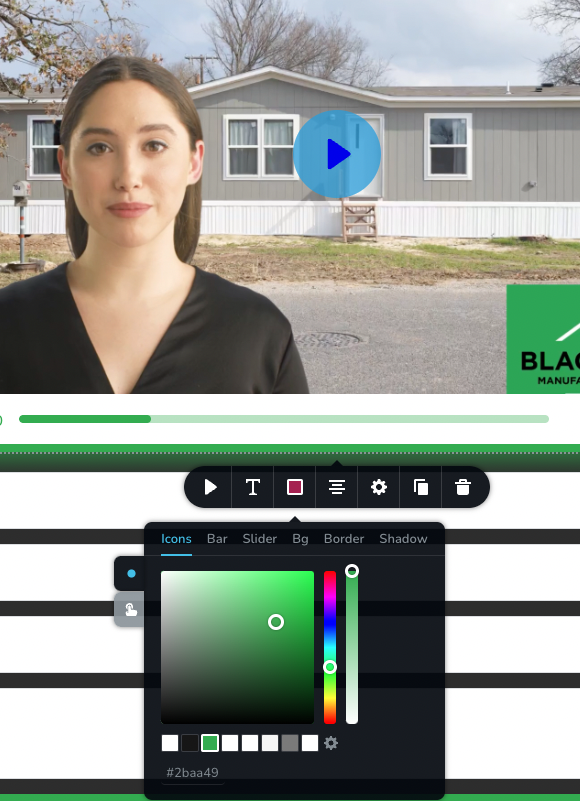
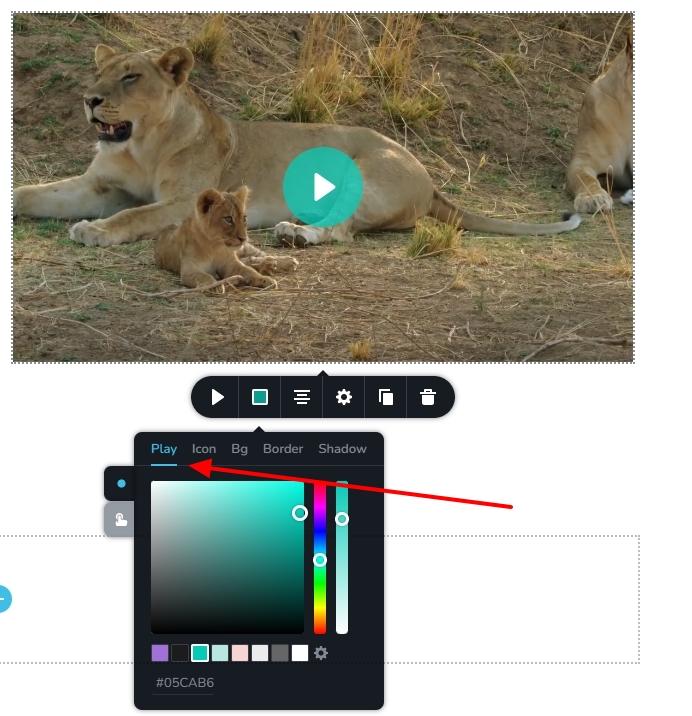
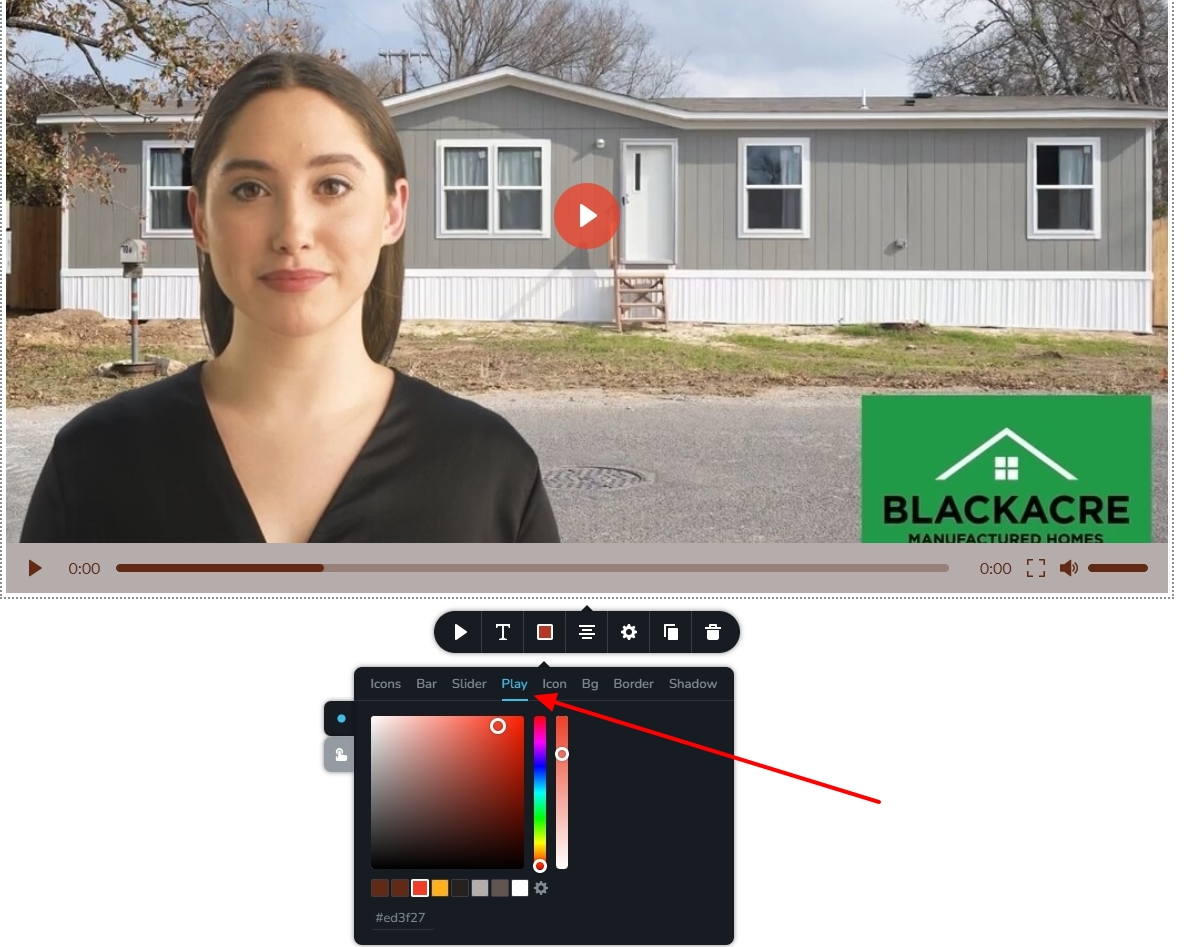
3) No where is it possible to change the color of the play button.
4) I cannot have autoplay and not muted at the same time--which is very important. Nor can I change the play button color
I am using Chrome. Brizy Pro. Wordpress. Popup.
-

Hi Diane,
Modern browsers allow auto playing of videos only if the video is muted.
- https://developer.chrome.com/blog/autoplay/
- https://developer.mozilla.org/en-US/docs/Web/Media/Autoplay_guide
Hence when selecting auto play, mute is automatically selected and the option to enable sound is not available.
Adding a video cover helps prevent the video files getting downloaded on page load. This in turn helps make the page load faster. However, if the video is on auto play mode, it must play on page load hence adding a cover to delay the downloading of the video does not make sense. Hence when you add a cover, you do not find the auto play option.
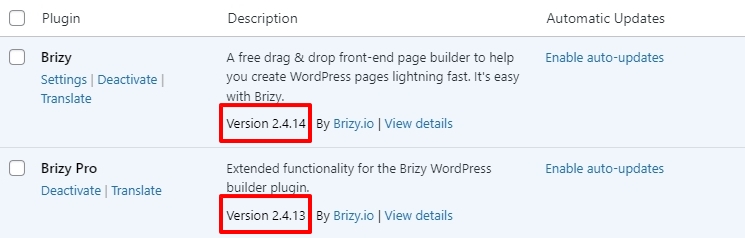
Ideally you should be able to set the color for the play icon. Can you please check if you are using the latest Brizy versions? Please change to one of these themes and check if that makes a difference. https://www.brizy.io/theme-partners
 0
0 -
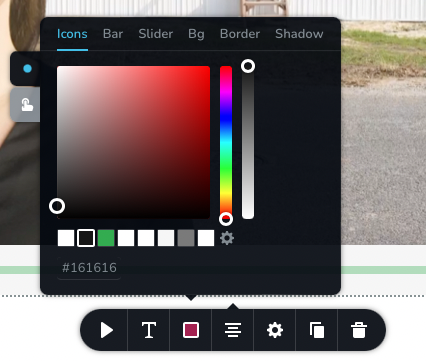
Big tech trying to control our lives again. Bleh. Anyway, I have the latest Brizy Pro there is no Play option. See the attached.
 0
0 -
Hi Diane,
To help you with this issue, I need to take a look at your project. Please add me as a user to your WordPress Dashboard if you need assistance with this. My email: kc.george@brizy.io. As shown in this screenshot: https://jmp.sh/sOSGGR3, please turn on the option "Send the new user an email about their account"
Please let me know here when you send me an invitation.
0 -
invitation sent. it's on the test video page
0 -
Hi Diane,
Only after adding a video cover, the play button colors can be set for custom videos. I have now added a cover image and set some colors. Please have a look at https://cheeryart.com/test-video/
The Custom Video option has a bug. It displays a black strip on the top. We have reported this issue and are working on fixing it. If you need to get rid of the black strip on your project, the only option would be to upload the video to YouTube/Vimeo and embed it using the Video element.
 0
0 -
okay thanks.
0
Please sign in to leave a comment.
Comments
6 comments