504 error

One of my pages has been displaying a 504 error for several hours now. I was in the middle of updating it when the problem occurred. Any suggestions?
-

Hi
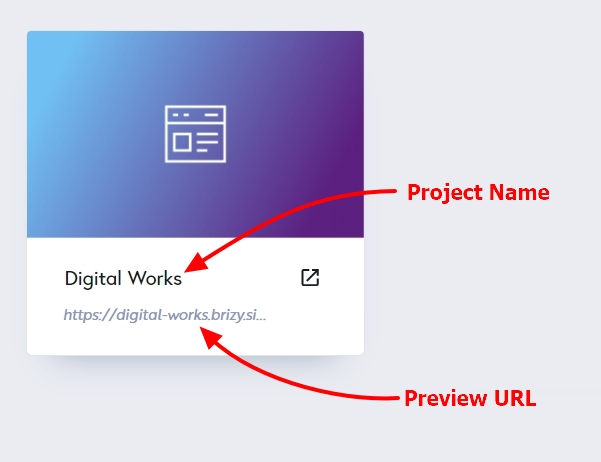
Please mention the Project Name, Preview URL and the Page Name of the page where you are facing this issue. We will take a look.
 0
0 -
Hi KC, it's Vivid Biology, vividbiology.com, and the page is Patterns.
0 -
Hi
In the Patterns page, each pattern looks like the below screenshot. The 'Preview About Variations' links within each pattern is causing the page to break. If you remove the Posts element and recreate it without these three links, the page should work fine.
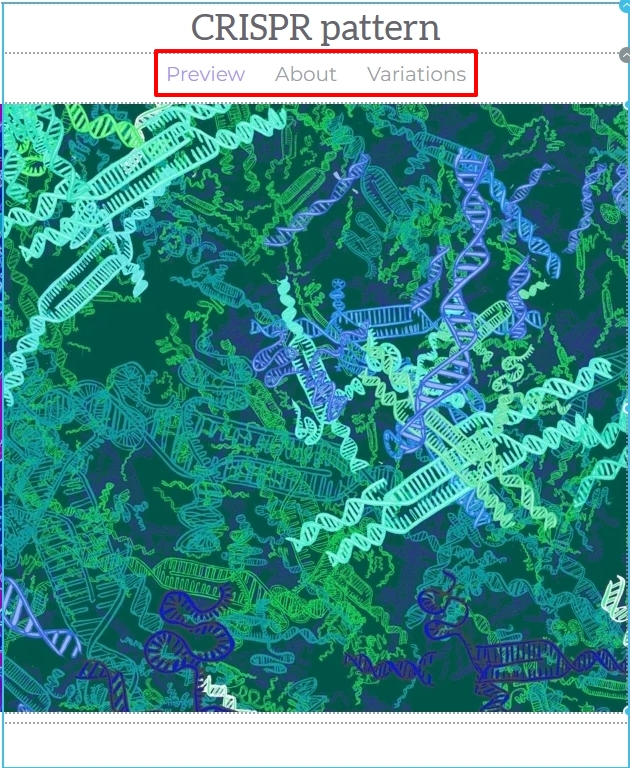
Please have a look at https://www.vividbiology.com/test I have created this page with the listing of Patterns but without the three links. This page works fine.
0 -
Thanks for that. Is there a reason why using the menu within the post causes that issue? We previously had all the elements stacked on top of eachother, but it looked a bit cluttered so we split them into different panes on the menu. There were no problems when we used a slider.
0 -
Hi
Usually we add only dynamic data specific to the Pattern within a Posts/Assets element. Was the menu you had added specific to each pattern?
0 -
Yes, one page on the menu showed the preview image, the other the description, the other some other content related to the pattern. We previously showed these all at once using the post widget however it made the page cluttered.
0 -
Adding dynamic links to each Pattern should not result in an error. Perhaps something else related to the implementation was the cause. You can try rebuilding it. Keep saving your work after adding every small change.
0
Please sign in to leave a comment.
Comments
7 comments