Worpress theme logo appears with my url

Hello please help!
I created this website https://nubopay.io/
Everything is fine just lately the link to the website shows the WordPress theme logo, like when you paste the link in WhatsApp or Messenger and Telegram, I didn't have this issue before I updated everything in my plugins but still have the same issue. How can I fix this?
-

Hi Natalie,
The page design at https://nubopay.io/ looks messed up. This is what I see https://jmp.sh/WamidTdo Few Brizy and Brizy Pro files are showing 404 (File not found ) error on your website. Please delete both Brizy and Brizy Pro and reinstall it to fix this issue.
You can set the social sharing image for your website, which will appear when you share your URL on social networking sites such as Whatsapp, Messenger, and others. To set the social sharing Title, Description, and thumbnail image, you'll need an SEO plugin. Please see these articles for instructions on how to add a social sharing image using Yoast SEO and Rank Math.
0 -
Unfortunately, nothing worked. I still get the same issue
0 -
Hi Natalie,
Can you please confirm if you could install an SEO plugin and setup the social media image in the plugin? Which plugin could you install? Can you please share a screenshot of the social sharing image you have added?
Your website frontend continues to look messed up.
0 -
I don't understand The website looks fine to me
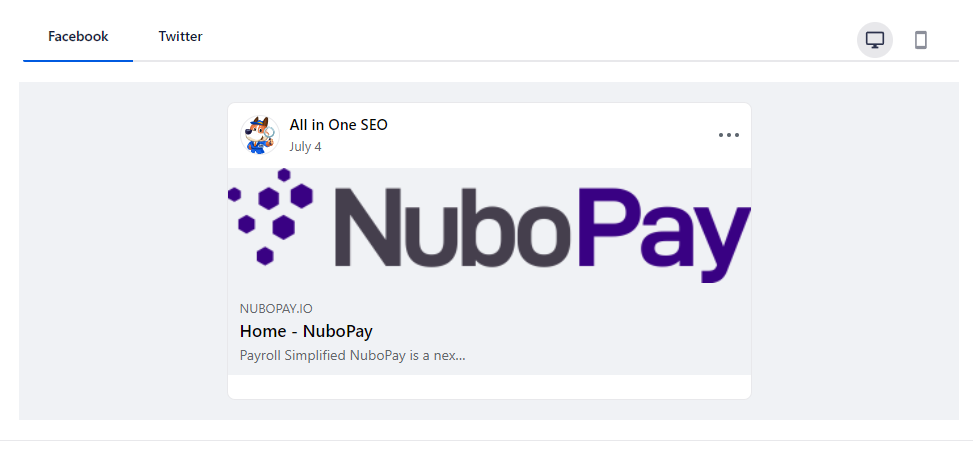
I added yoast
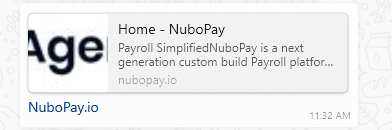
this is what appears in whatsup
 0
0 -
Hi Natalie,
To offer further help, we need access to your WordPress Dashboard. Please add me as a user to your WordPress Dashboard and send the following details to our email: communitysupport@brizy.io
- Community Post link: https://support.brizy.io/hc/en-us/community/posts/12300445483922
- WordPress Admin URL:
- Username
- Password
Please let us know here when you send us the email.
0 -
thanks but i resolved the issue!
0
Please sign in to leave a comment.
Comments
6 comments