Brizy Pro - Cant edit in the builder after update

-

Hi,
Thank you for contacting us.
Can you please delete the Brizy plugins and installed them again? Also, what exact error do you have in the builder, can you please send us a screenshot?
Best regards,
Nelea.
0 -
Hi Nelea,
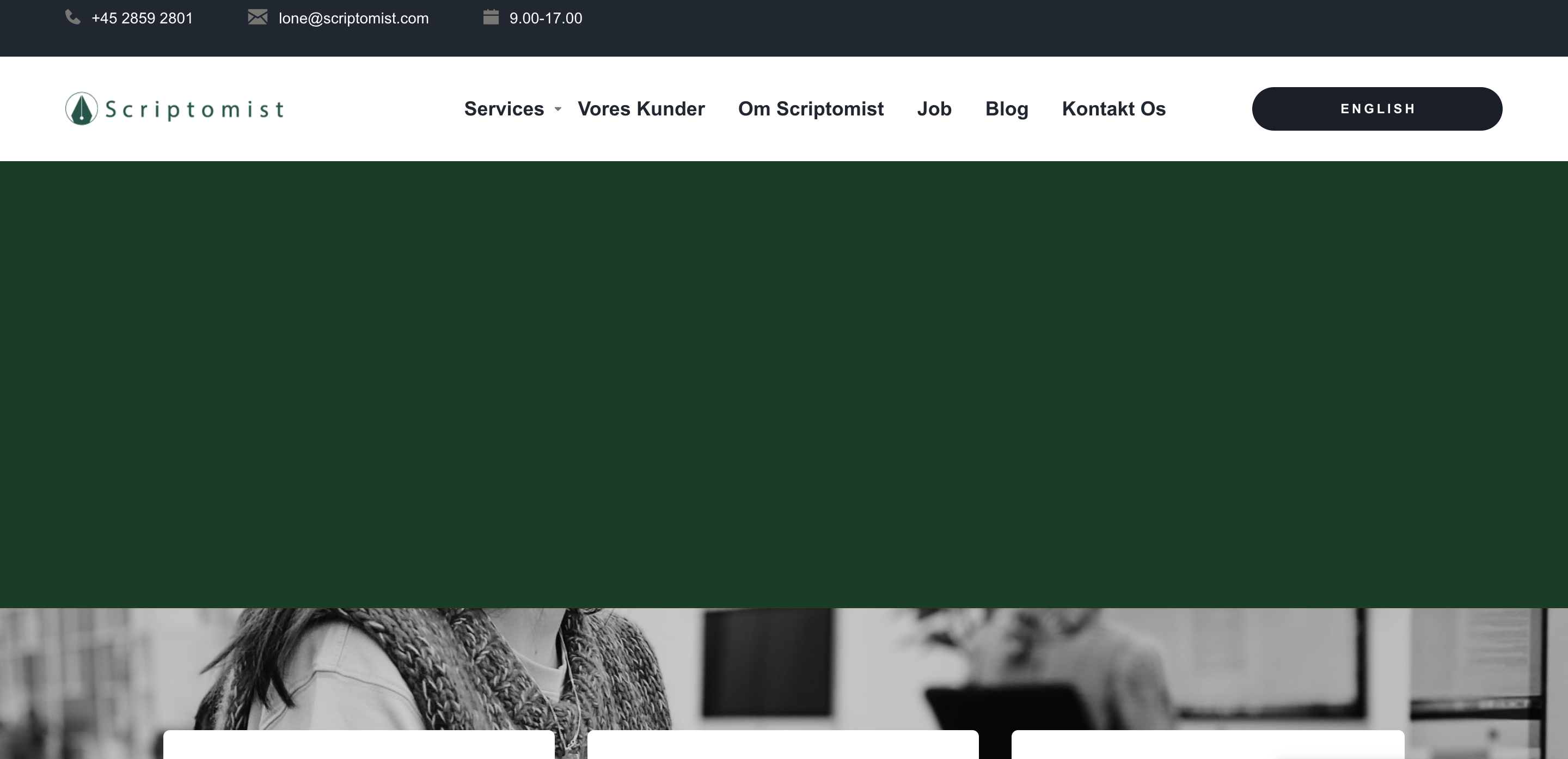
I will try to delete and install the plugins again. It's mainly my front page (but the error is on all pages). I cannot edit the page. Even if I insert a new block I cannot edit it. It's like the edit is locked somehow. If I remove the green color in the block on the front page - I can see the text, but I cannot edit it?
 0
0 -
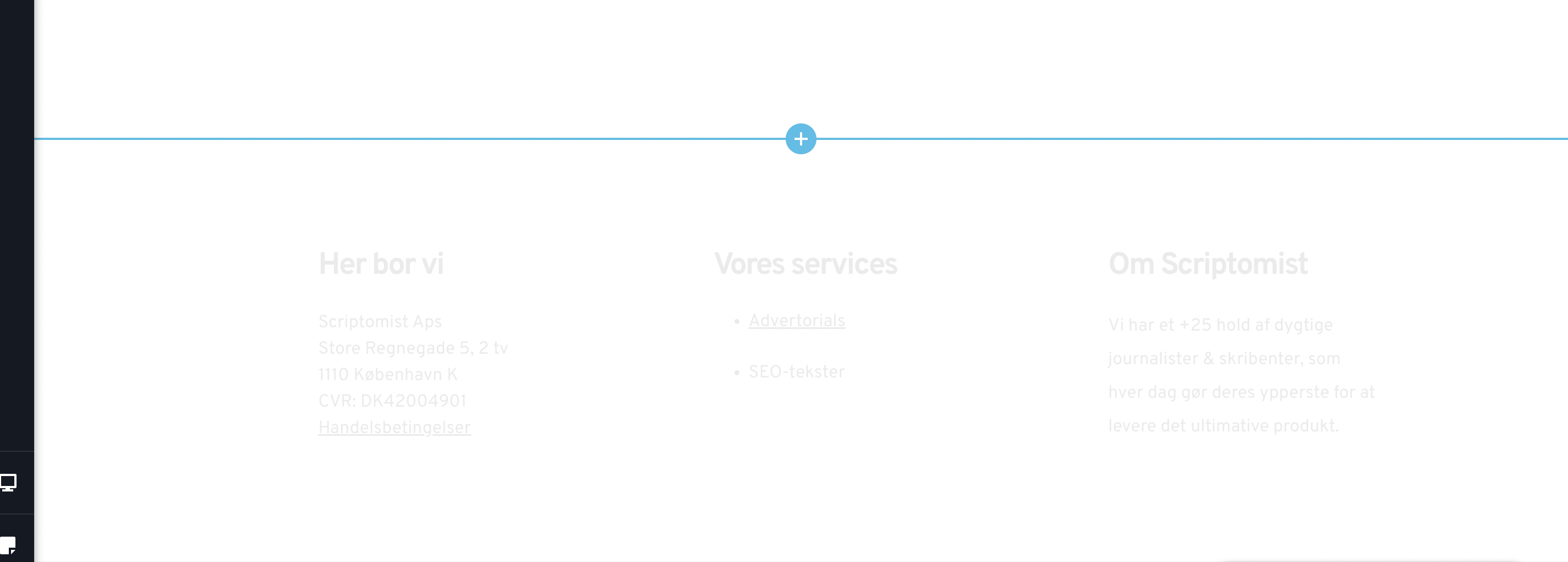
It didn't help to uninstall and install plugin. It's the same.
 0
0 -
Hi,
Could you please temporarily deactivate all external plugins (except Brizy Free, and Brizy Pro) and check if the problem still occurs? To identify which plugin is faulty, reactivate them one by one until the error reoccurs.
The active theme can also trigger the error. Please download a different theme, such as “Twenty Twenty” and check again the issue.
Also, Let me know if it works, although I will create an issue in our internal channel.
Best regards,
Nelea.
0 -
Hi Nelea,
It was the theme. Thanks for your help :)0
Please sign in to leave a comment.
Comments
5 comments