Woocommerce Tax

Hi
I have set Woocommerce to display tax amount and so it does:
and
https://tistampa.ch/pagamento/
except for the brizy template
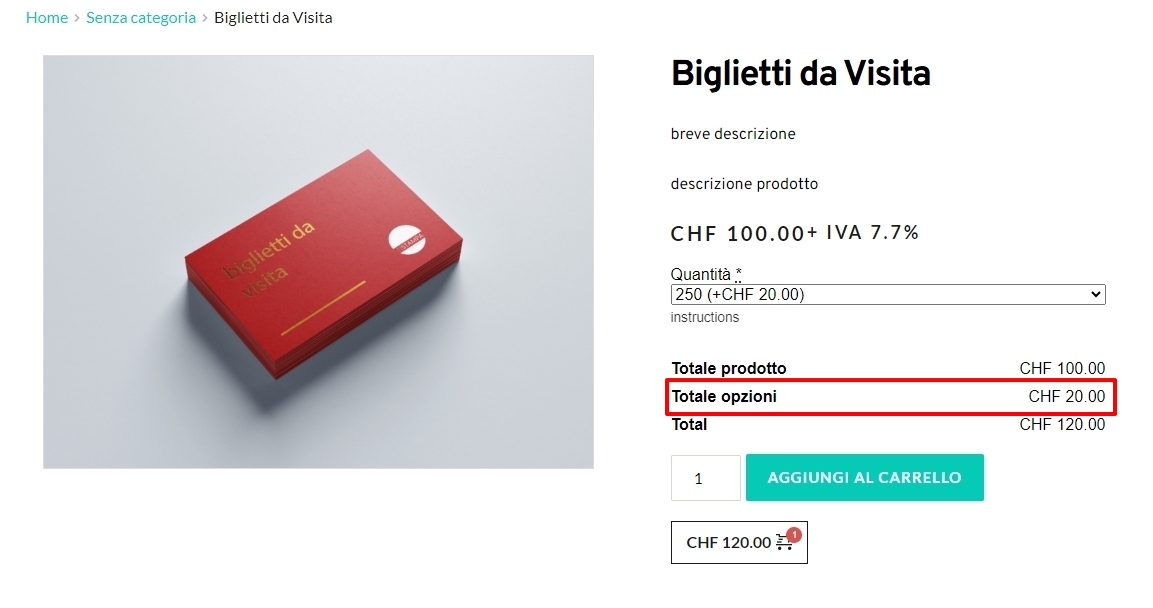
https://tistampa.ch/prodotto/biglietti-da-visita/
is it possible to display tax value here to?
thanks
-

Hi Gianpietro,
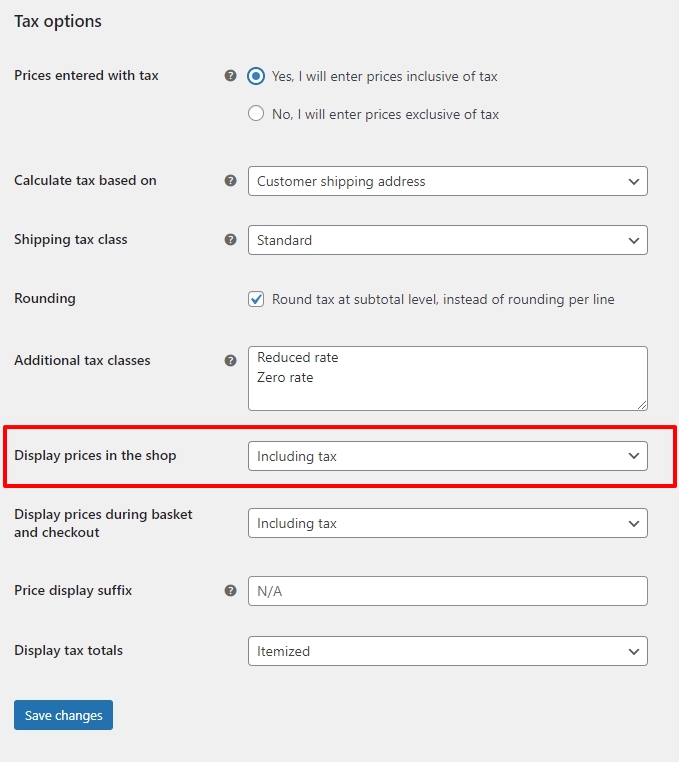
In your WordPress Dashboard under WooCommerce - Settings - Tax tab, please look at configuration options to include or exclude taxes in the shop. You could also look at this article Setting up Taxes in WooCommerce
 0
0 -
Hi KC
thanks for your answer.
Yes I have seen this video and many other, but the problem is that while in the cart
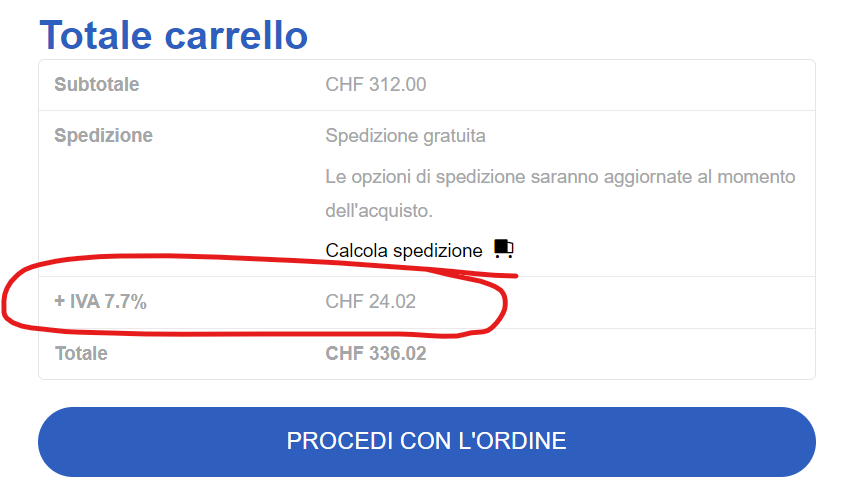
and in the checkout
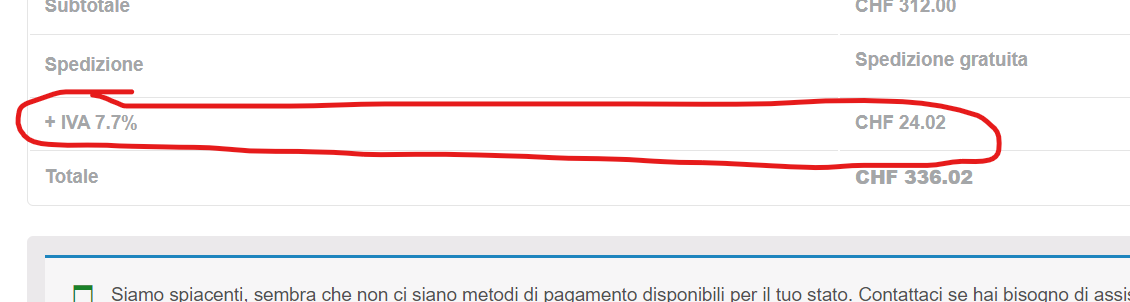
the value is displayed, in the product page (Brizy template) the tax value is not displayed.
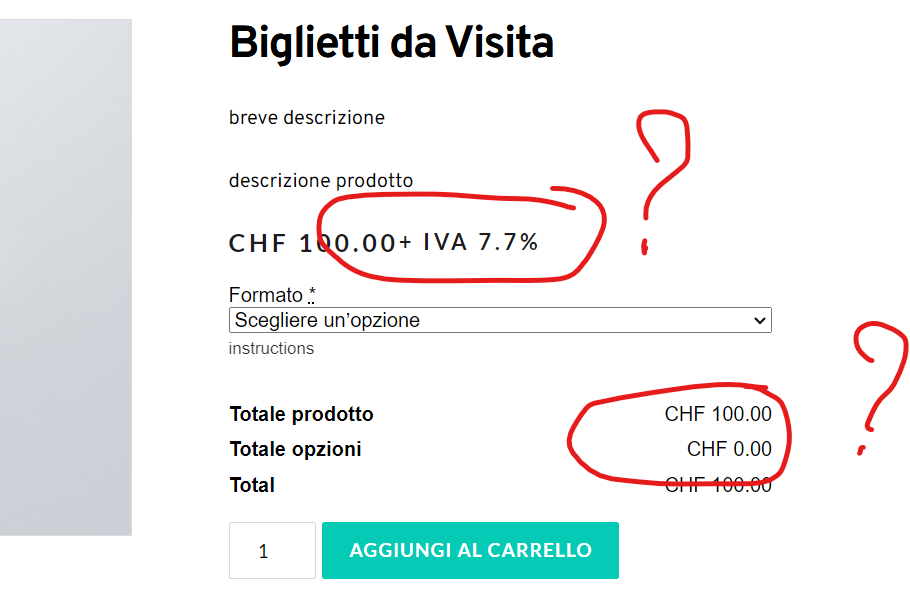
But I would like it to.
Is that possible?
thanks
0 -
Hi Gianpietro,
In your product page, what does CHF 20 represent?
 Please set your Brizy Product Template to draft and check if the theme's default product page displays tax.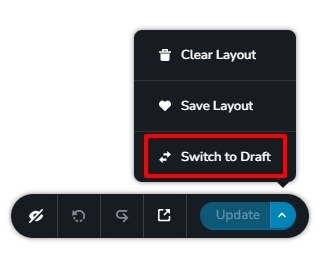
If you do not see tax being displayed correctly in the theme product page as well, it could be due to a tax configuration setting in WooCommerce. We do not have expertise in WooCommerce tax configurations.
0 -
Hi KC
20 refers to the option above it's the quantity of selected items.
I have set Brizy Product Template to draft and the theme's default product page does not display tax.
I have tried all the possible configurations and the tax does not display in the product page. I will then contact WooCommerce support. Thanks again.
0
Please sign in to leave a comment.
Comments
4 comments