Edit Timeline Widget

Hi, this is my test page page
Since the timeline widget does not have many customization options, i tried to modify it with custom css. Problem is, seems that the page is not able to retain the css code through time and on the next page refresh it can't read the css anymore. I'll attach screen.
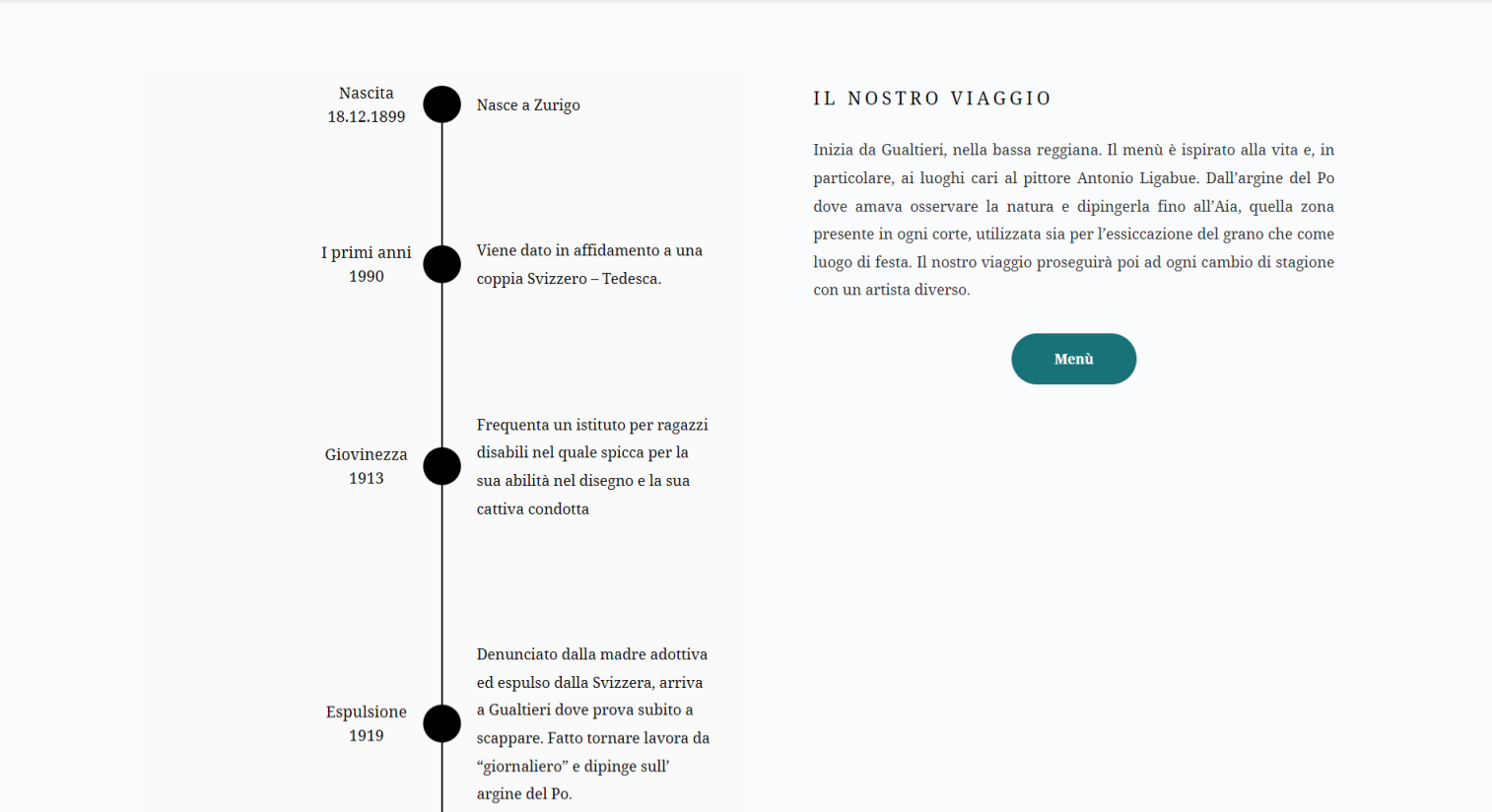
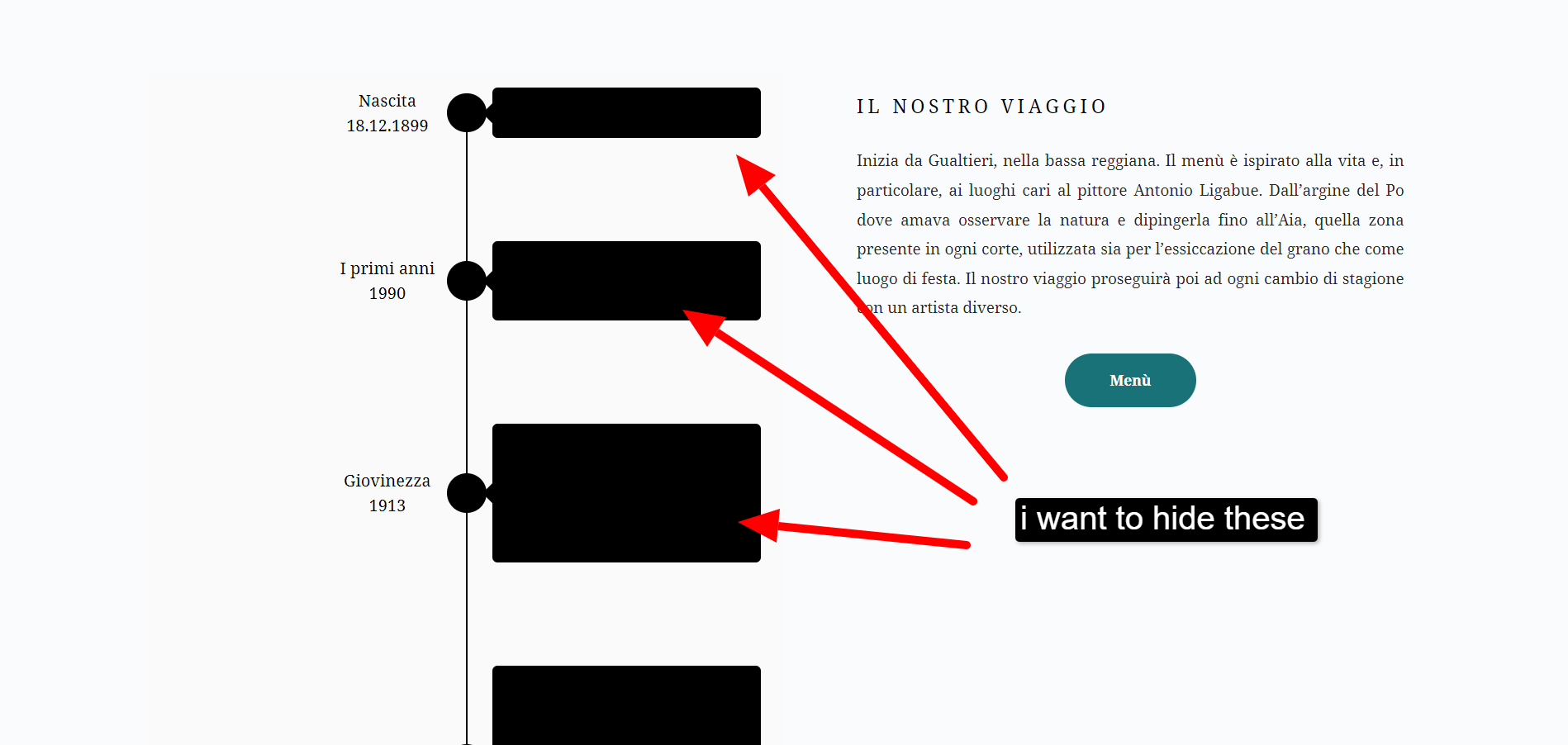
This the custom css in the theme customization panel. (using blocksy pro, brizy pro)
.brz .brz-css-suctu .brz-timeline__tab .brz-timeline__content{
        background-color:transparent !important;
    }

.brz .brz-css-suctu .brz-timeline__tab .brz-timeline__content:before {
    background-color: transparent !important;

}-

Hi Davide,
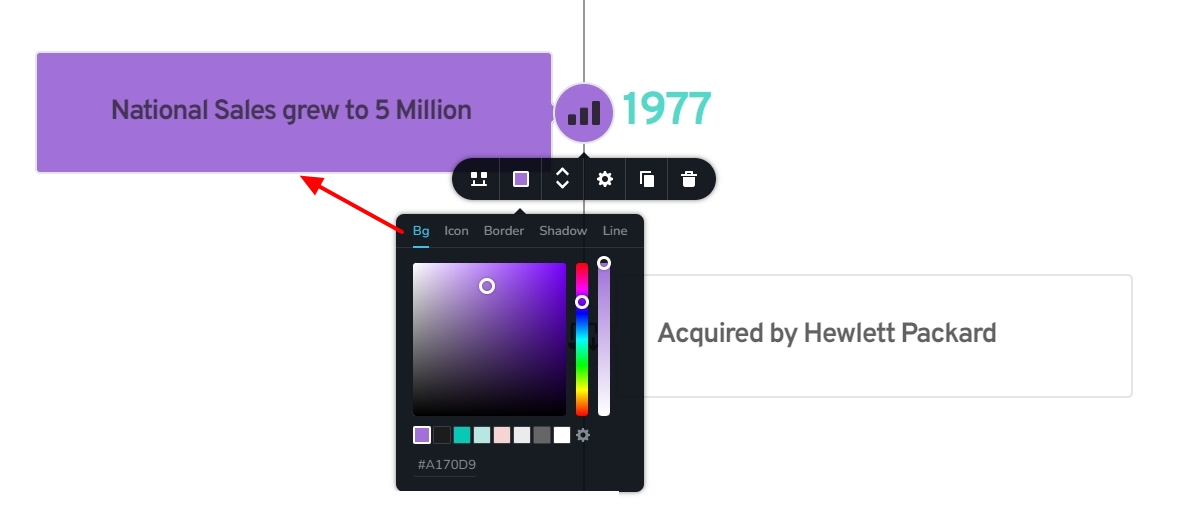
Have you tried setting the background color using the user interface?
 0
0 -
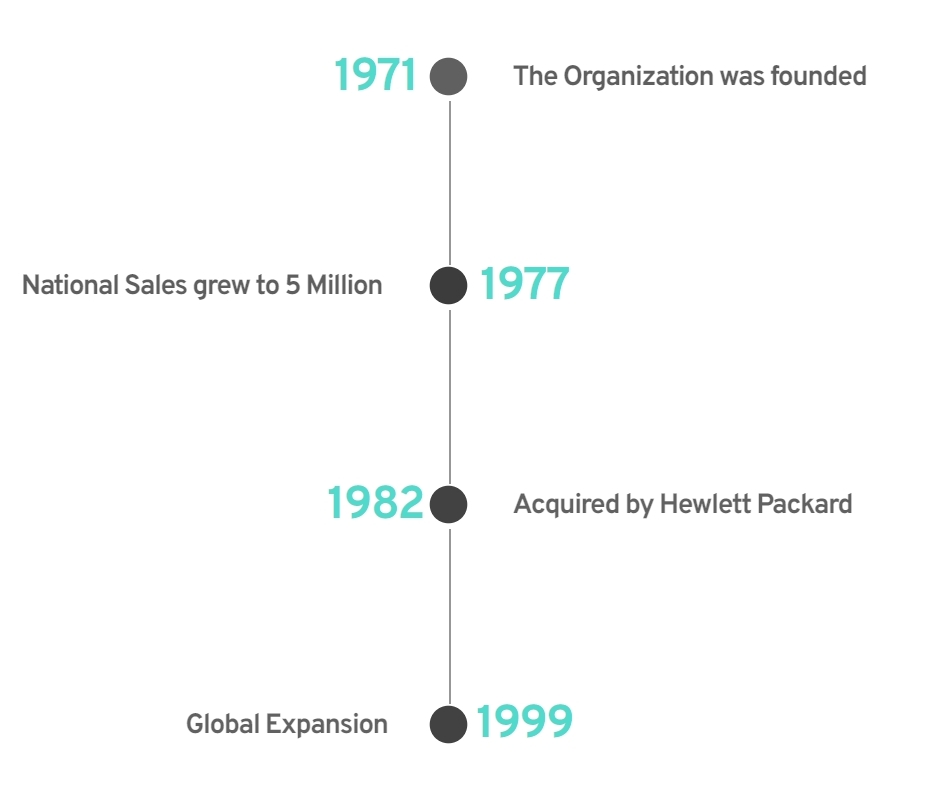
I can't achieve my goal by using the ui because it controls both the icon dot and the label. I only want the dot/icon to be black and hide the label (as shown in first image), which is not possibile at the moment
0 -
Hi Davide,
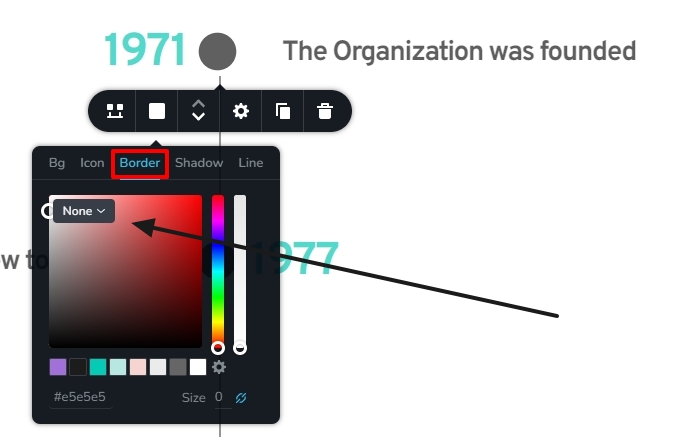
Let me suggest another work around for you. In the list of icons, please search for "circle" and select the icon I have highlighted below
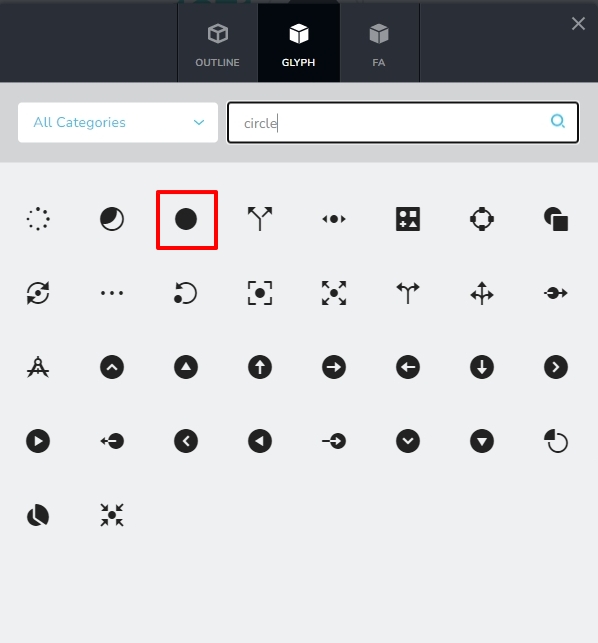
You can create a timeline like this by selecting this icon and setting the border to None.
 0
0 -
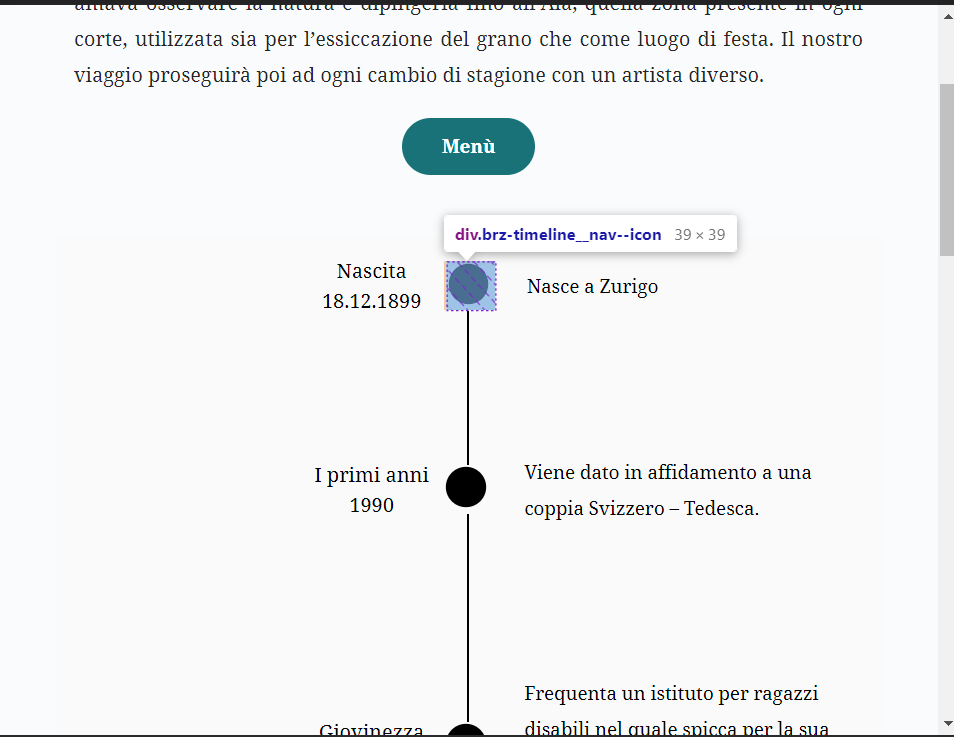
Thank you, but in this way the icon its not centered as shown in screen below, plus the line gets interrupted. What can i do?
 0
0 -
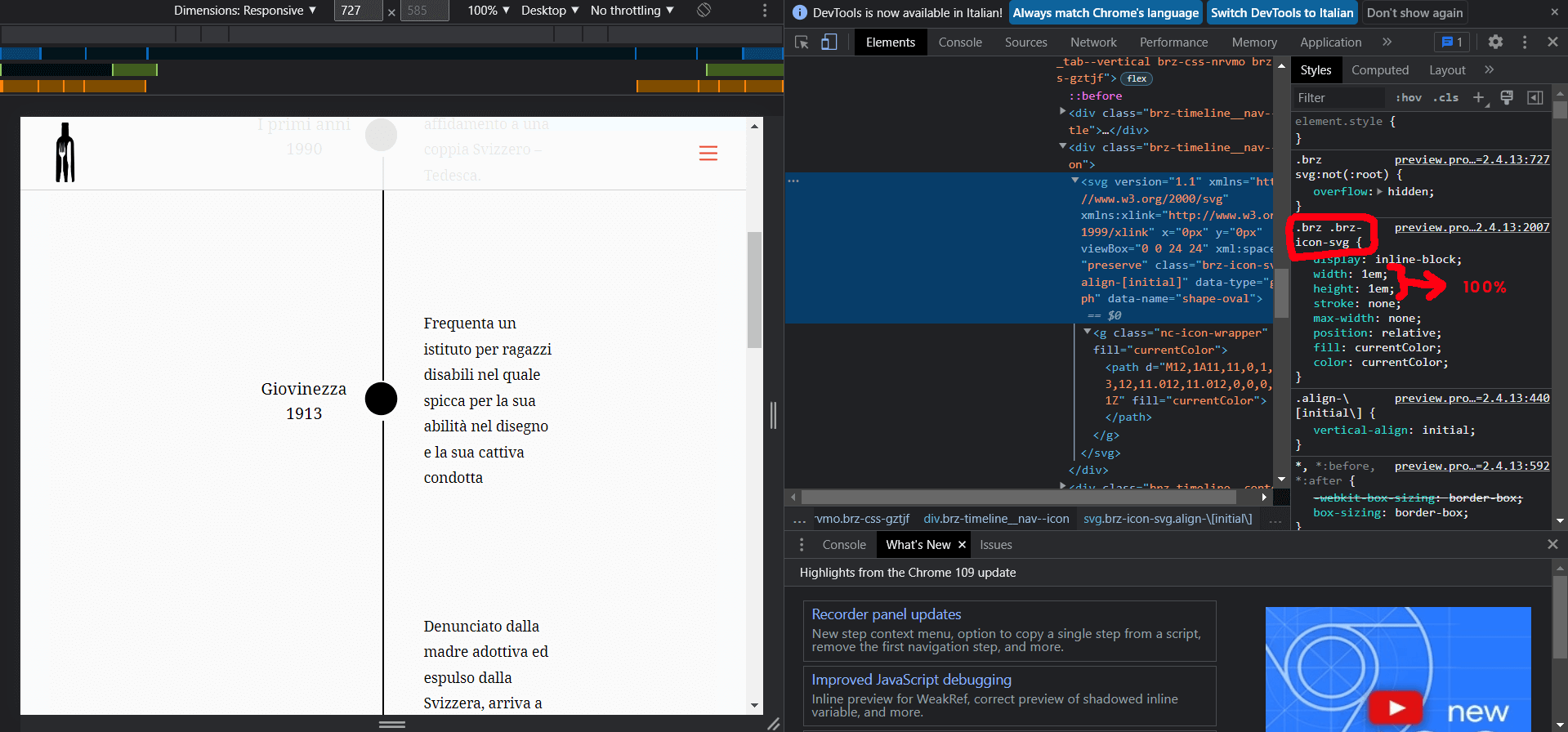
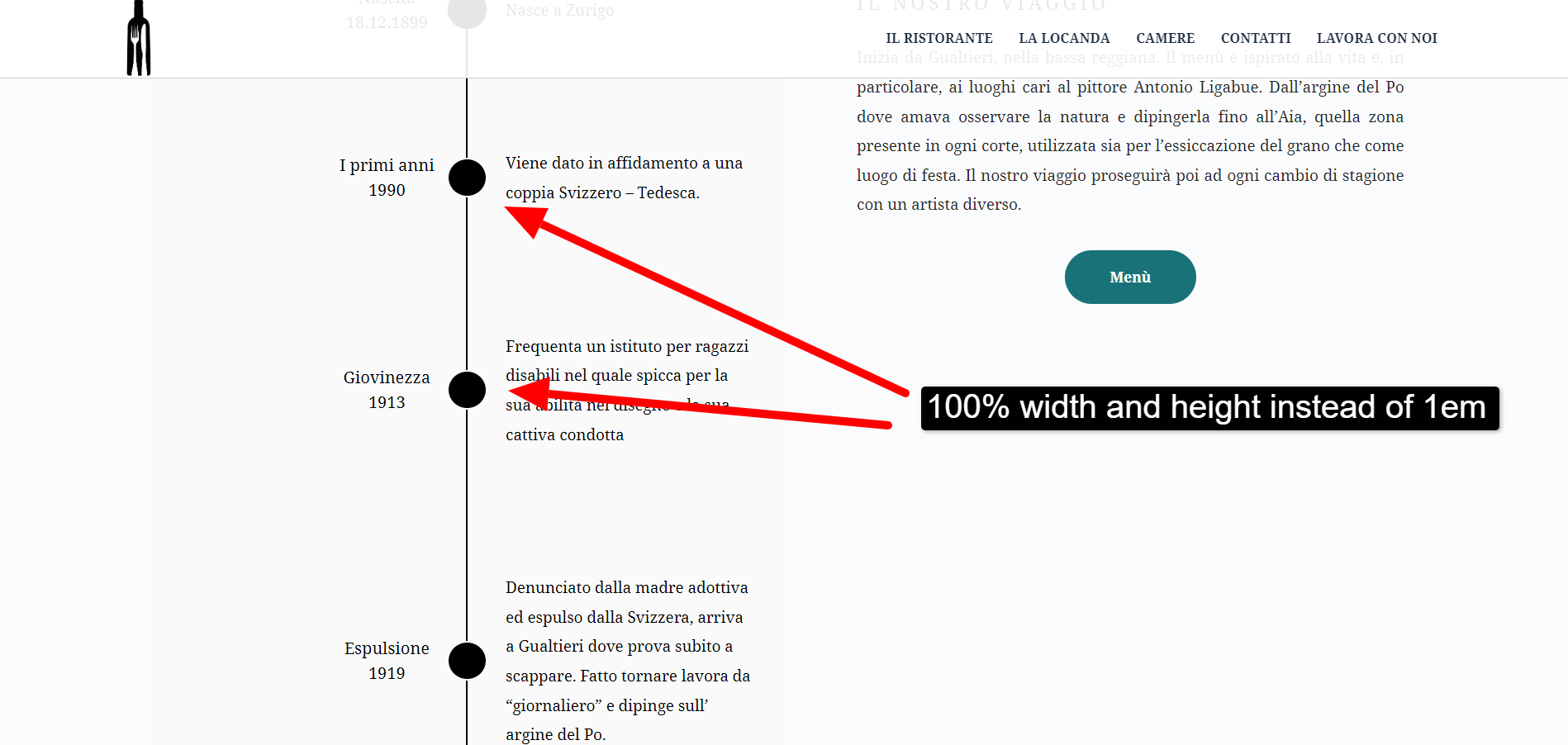
If i could overwrite the default height and height of 1em and changing it to 100%, result would look nicer, it would look more centered. But you can't do it via custom css
 0
0 -
Hi Davide,
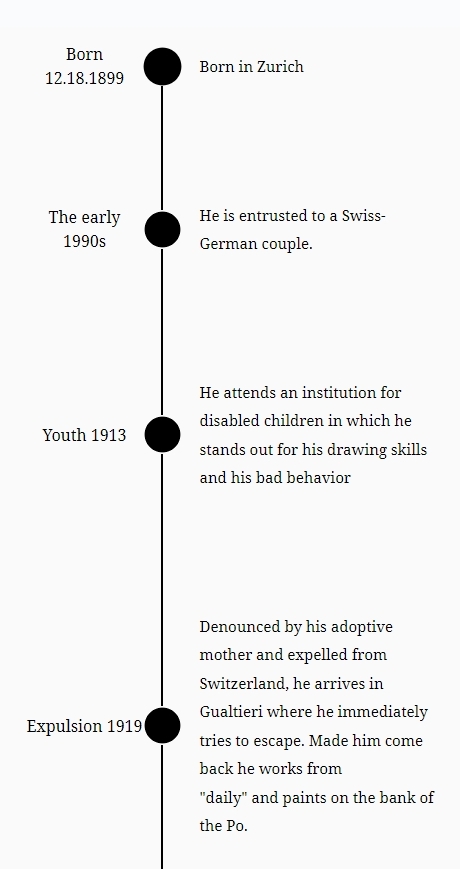
In your test page at https://sanmartinolocanda.it/testpage/ the icons look centralized now. Possibly you could fix the issue yourself?
 0
0 -
i did some edit but they still are not perfectly centered. i guess i'll leave em like this for now. If i could over write the core css i would be able to fix that
0
Please sign in to leave a comment.
Comments
7 comments