Problem with carousel

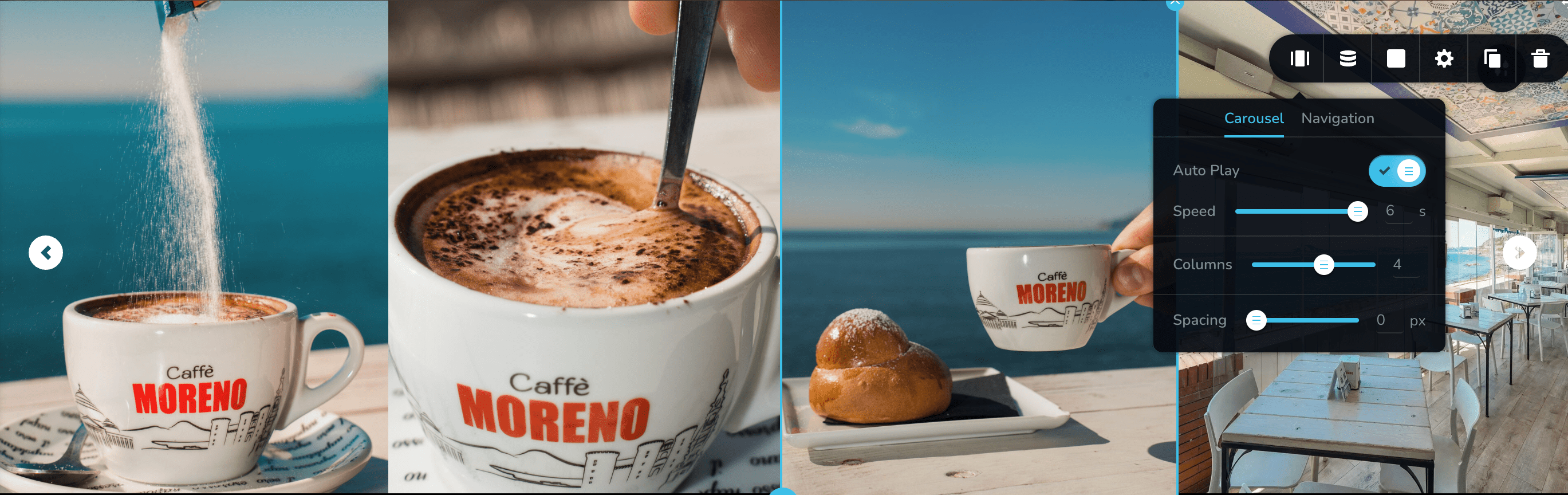
Hi, i am create an carousel in section and add the element carousel in the section.
But when i update i don't see this solution in mobile version.
Why?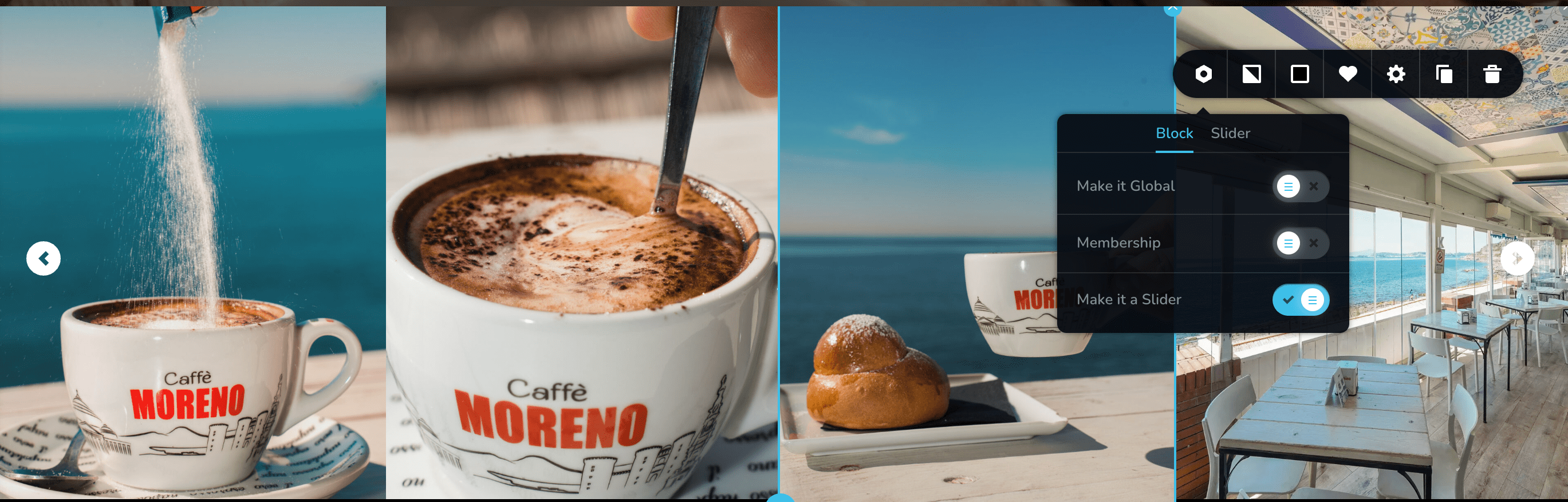

-

Hi
Can you please share your URL so that we can check?
0 -
0
-
Hi
In the mobile design view, please click on the 'Show Hidden Elements' icon at the bottom right.
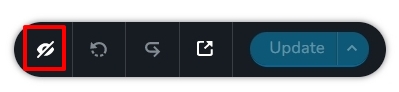
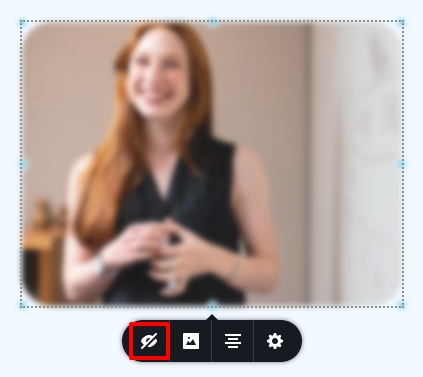
The hidden elements will be displayed in blur. Click on the hidden element or its container (column or row) and unhide it by clicking on the eye icon.
 0
0 -
Hi, the carousel item is not hidden
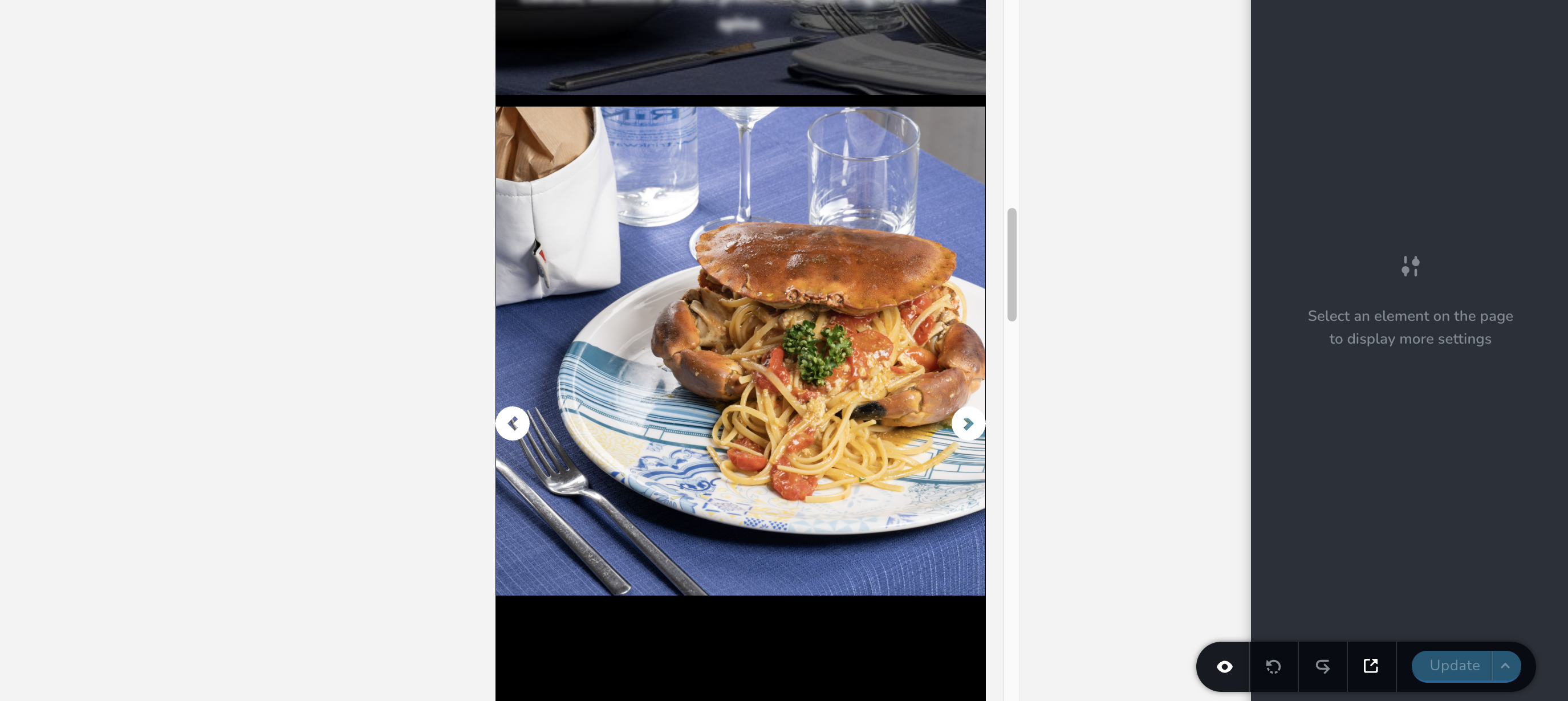 0
0 -
Hi
To offer further assistance, I need access to your project. Please add me as a user to your WordPress Dashboard if you need assistance with this. My email: kc.george@brizy.io. As shown in this screenshot: https://jmp.sh/sOSGGR3, please turn on the option "Send the new user an email about their account"
Please let me know here when you send me an invitation.
0 -
Hi, i send you the invite
The page in the screenshot is "Home Zenith"
I wait you0 -
Hi
The carousel blocks were set as sliders. I removed the slider setting for the block and it started working well on mobiles. Please check https://zenithpozzuoli.it/newwp/home-zenith/ on a mobile.
0 -
You can sen an image where you removed the blocks pls?
The carousel is perfect now! I can remove the user?
Thank you for the support0 -
Hi
The three blocks with carousels had the setting "Make it a slider' enabled. This setting is normally used to turn a block into a slider. When using a carousel, you don't need to enable this option.
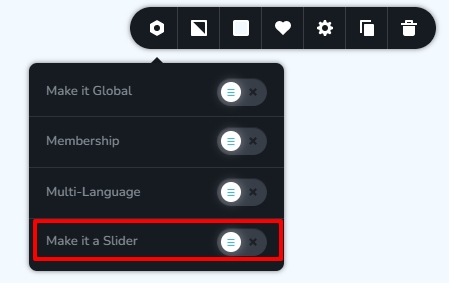
Yes; you can remove my access.
0
Please sign in to leave a comment.
Comments
9 comments