Brizy Pro update breaks site when using Litespeed Cache.

Hi there,
When we update sites to Brizy Pro to Version 2.4.13, it's breaking how the site looks in the front end when the site uses LiteSpeed cache.
All plugins are up to date so not sure what's going on. See screenshot of how a site looks once it's been updated and we're viewing it in a private window - it works fine if logged in as admin.
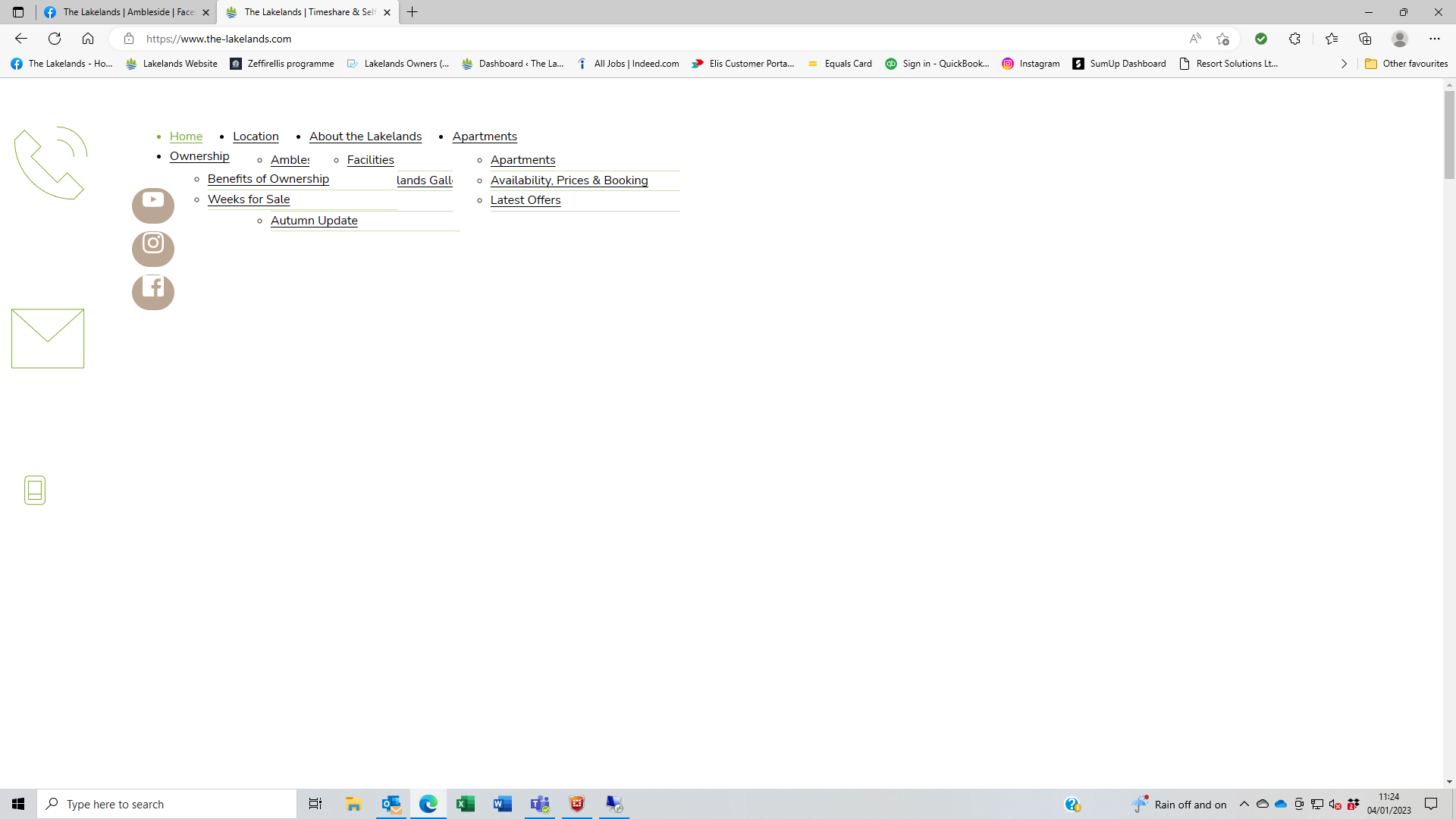
Currently we're just disabling LiteSpeed cache to solve the issue.
-

Hi Darren,
When Litespeed cache is enabled if the frontend displays well to logged-in users, the issue could be due to cache. Please purge all Litespeed cache and see if that makes a difference.
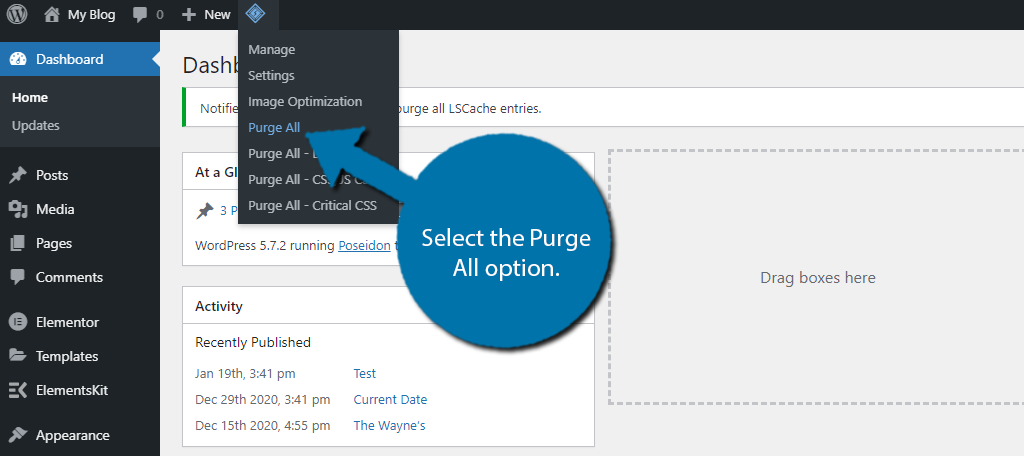
You could also place the string ?LSCWP_CTRL=NOCACHE after your site URL to see the non cached version of your website.
0 -
Hi there,
We've tried that - Purge All but it didn't change anything.
Our hosting company also looked into this and they advised us to turn off CSS Minify, JS Minify and HTML Minify under Page Optimisation. And this worked.
That said it would be good if Brizy still worked with those turned on as of course it effects page speed.
Thanks,
Darren0 -
Hi Darren,
Yes; you should be able to make use of the optimization settings in Litespeed cache.
Does your hosting company allow you to create a staging site? If they do, can you create a staging site for us so that we can investigate the problem?
0 -
Hi KC,
Yes they do. I think we've got a solution for now but it's something we'll re-address.
Thanks,
Darren0 -
Hi Darren,
We have been in communication with the Litepseed Cache plugin developers. They have agreed to roll out a fix for this issue in their next update. Until then, if you disable the CSS Minify option in Litepseed Cache, as in this screenshot https://jumpshare.com/j/5AOqjezAttg1SpwcOxBT you can fix the issue.
1
Please sign in to leave a comment.
Comments
5 comments