desktop vs mobile view not matching

Hi, I have two problems in this page: https://alessiapandolfi.com/it/stanza-delle-diginecessita/
From desktop everything is visible, however from mobile only the very first top title block is visible: you can see only the bold title and not the text in the green part below it and I have tried everything, but I can't manage to make it visible from mobile too.
Then if you scroll down to the slider with the testimonials, you will see that in slide 1 - from desktop - the title in bold is way too close to the top edge of the block, while in the other two sliders the title is in the right place.
Consider that slide 1 is a duplicate of slide two, so the title should be in the right position, however it is impossible to move it lower, as it seems that the two colums reach above the title block, if that makes sense.
thanks
-

Hi Alessia,
To fix the missing text issue, please open the page https://alessiapandolfi.com/it/stanza-delle-diginecessita/ in the Brizy editor and switch to the mobile design view and at the bottom right corner click on the 'Show Hidden Elements' icon and check if you see the missing text in blur.
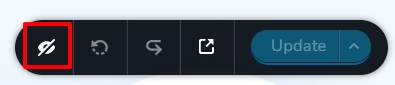
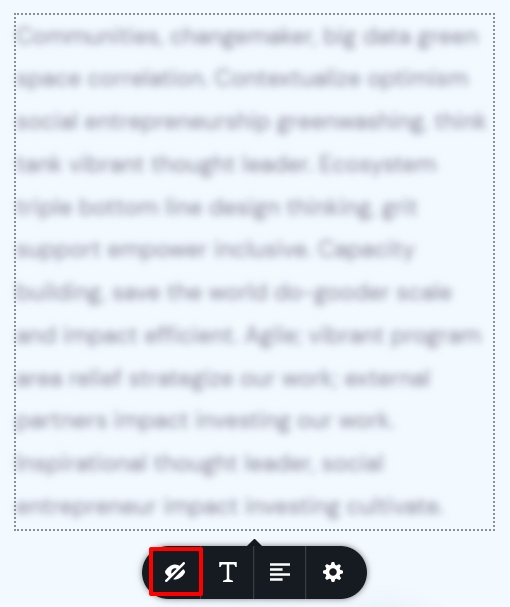
If you see the missing text, it means that it was hidden. Click on the Text element or the column around it and unhide it by clicking on the unhide button.
Coming to the second issue, looks like the first testimonial block is filled with the content and hence there is very little blank space to adjust the heading. There is a little whitespace on the top and you may be able to bring the heading a bit down by adjusting the margins and paddings of different elements. If you need more help with this, I will need access to your project.
I can suggest an alternate and better solution. Add a new block above the testimonial block slider and give it the same background color as the testimonial block. Drag and the heading text from one of the slider blocks to the new block and remove the heading from all the other blocks. Once you implement this successfully, the heading will remain static while only the testimonials would slide.
0 -
aaaah everything clear, I managed to fix both, thank you so much! I'm using Inbox When Ready (https://inboxwhenready.org/?utm_campaign=signature&utm_medium=email&utm_source=signature) to protect my focus.
0
Please sign in to leave a comment.
Comments
2 comments