Menu Navigation

I created pages in the CMS and the pages I created are not showing up when I click on Menu. Is there a glitch going on with Brizy?
-

Hello,
Thank you for contacting us.
At the moment we don't have problems with the menu in the Brizy Cloud, everything works well. Did you select the pages you want in your Menu and press the Add to Menu button? You must choose the pages and then add them in order for them to display in the menu. Please see here and please check this video too.
Please let me know if you have any other questions.
Best regards, Nelea.
0 -

I too do not see where I can change the menu. Both the link and screenshot above show there's a settings (gear) tool on the left that I don't have.
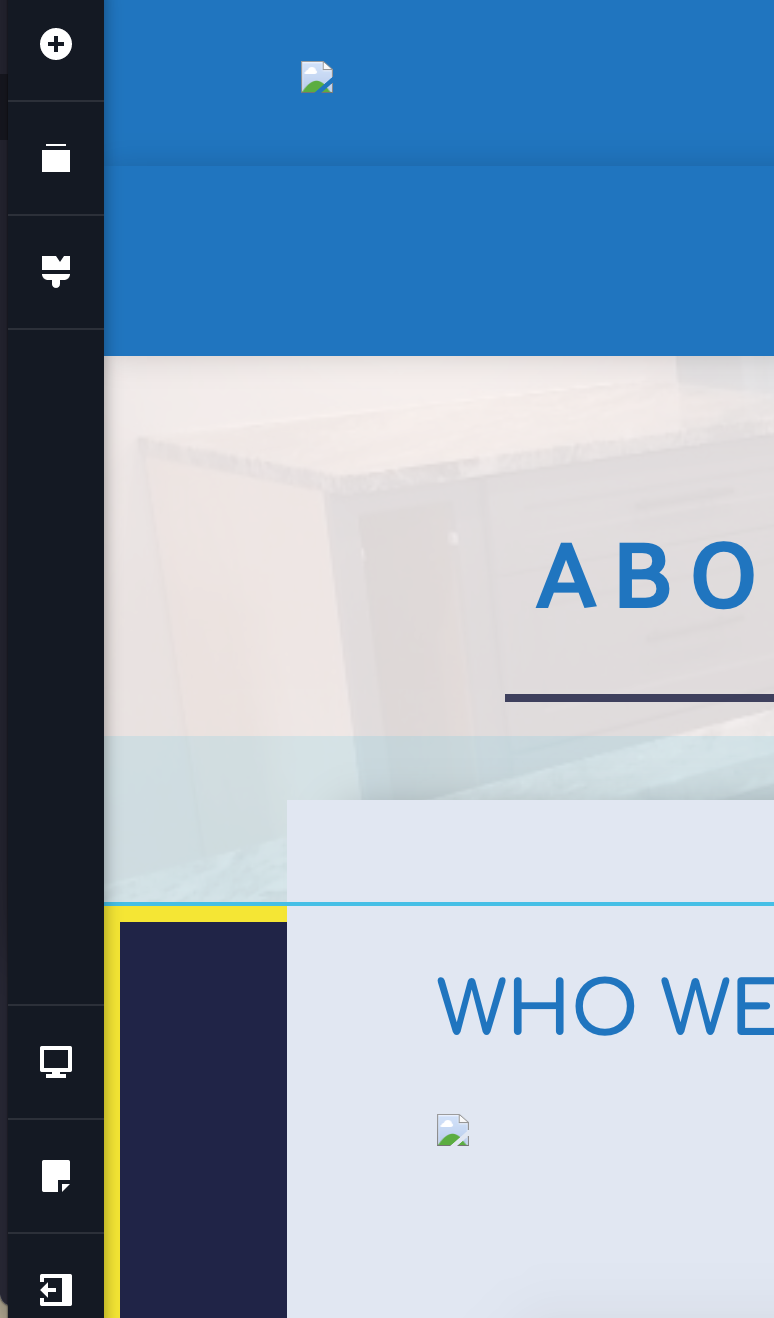 0
0 -

Hi Christine,
The above video was a bit outdated. Please have a look at this more recent video. Menus & Navigation | Brizy Cloud 101 | Lesson 21
If you have more questions, please get back to us.
0 -
Hello,
Please specify if you have this problem with Brizy WordPress or Brizy Cloud. I notice that you have posted the question for Brizy Cloud but in the dashboard, you have the Brizy Worpress Freelancer plan.
Brizy Cloud and Brizy Wordpress are two different environments the menus between them are very different. Please see this video about how to add a menu in Brizy WordPress: https://www.youtube.com/watch?v=qY7xjLbyr2I
Best regards, Nelea.
0
Please sign in to leave a comment.
Comments
4 comments