Font changing

Hey
On several of my Agency Cloud websites, I noticed the comforta font for titles was changed to satisfy (not for text), although in the settings it still says comforta... the strange thing is that when I change for something else, I see the font change on screen as usual, but when I put comforta again all the headings display as satisfy, a problem with this particular font ? It happens on all my sites running this font, not on others
Thanks
-

Hi Yves,
Could you provide us with a couple of URLs where we can take a look at this problem?
0 -
hey
thanks for your quick answer, I thought it was ok, but it's not
allinaform.net doesn't show comfortaa as it should, in the builder and sometimes online
of3boulonnais.fr has the same problem with montserrat
musee-faience-desvres.net with dancing script
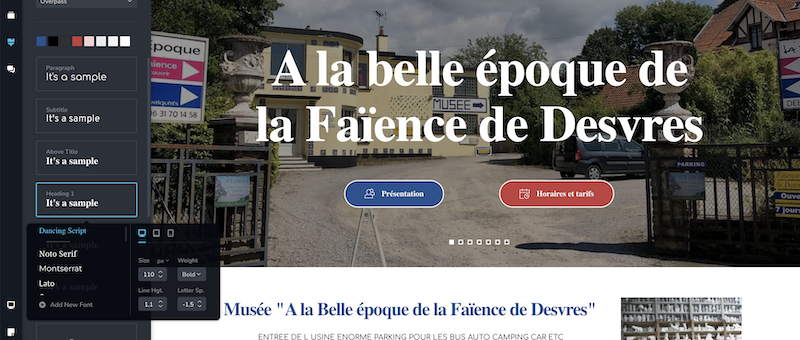 ets-sgard-frederic.com with comfortaa
I hope you can help
Thanks a lot
0 -
Hi Yves,
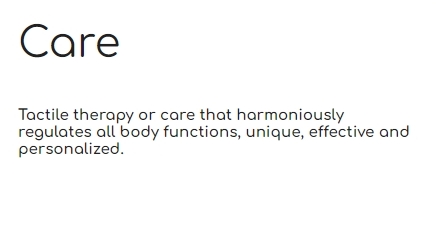
I have taken a sample text from https://www.allinaform.net/ and have reproduced the same font size and weight at https://fonts.google.com/. Rendering of the font looks identical on your website and at Google Fonts.

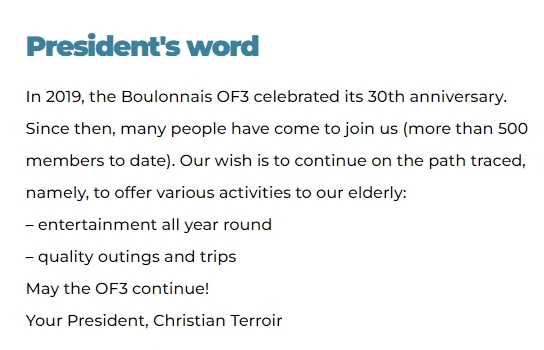
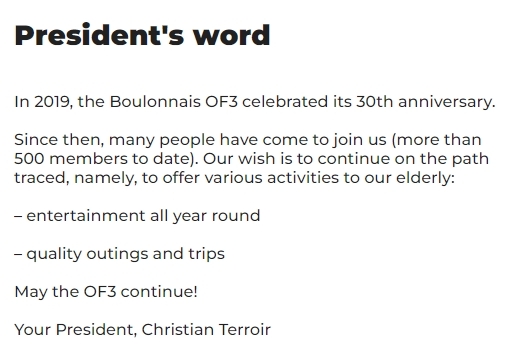
I also took a sample text from https://www.of3boulonnais.fr/ and compared it to the same text with exact size and weight at https://fonts.google.com/. Rendering of the Montserrat font looks identical in both.
I also copied text from https://www.musee-faience-desvres.net/ and pasted at https://fonts.google.com/ and set the exactly same font size and weight. Dancing script font rendering looks identical on both websites.


I guess I do not see the problem you are seeing. How do I reproduce the issue you are seeing?
0 -
hey
as you can see in this loom video, in the backend for Allinaform.net, all titles show as another font, in the video I change it twice to other fonts and the changes display instantly on the website, but when selecting comfortaa again, it goes again with the other font
look at the menu font too, which is suppose ti be comfortaa too, sometimes the front end is ok, sometimes it show this alternate font too...
0 -
Hi Yves,
In the frontend the font seems to display correctly. The heading you edited is shown as Comfortaa 700 and 42 px.
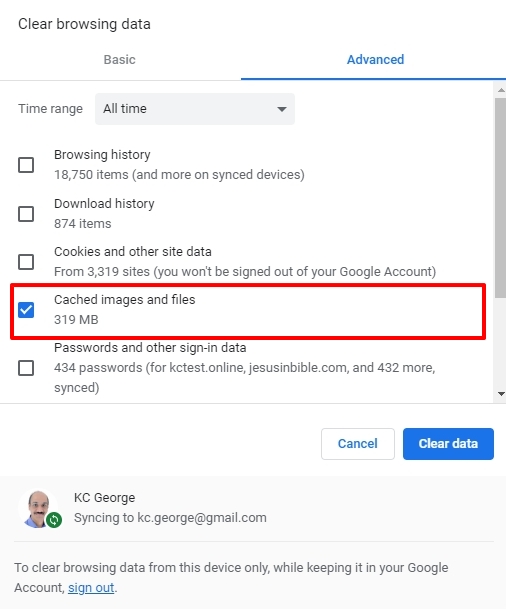
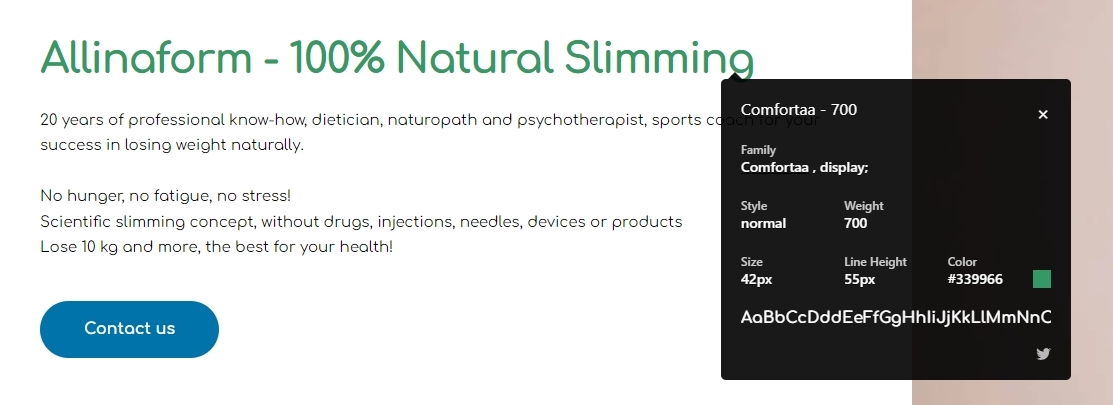 If you are facing problems with font rendering in the editor, it could be due to cached files and images in your browser. Please try accessing Brizy Cloud from the browser's private (Incognito) window or try a different browser or try clearing Cached Images and files in your current browser.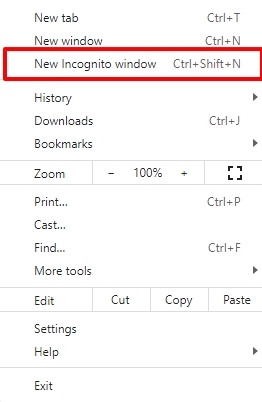
 0
0 -
Thanks a lot !
0
Please sign in to leave a comment.
Comments
6 comments