Problem with animations looking sluggish

Hi.
I recently noticed some slide in (from left or right) animations look a little sluggish, I noticed that the issue is caused because it seems the elements are "waiting" there just visible on the viewport before starting their animations.
I'm attaching some images showing those elements are just there when the page is first loaded, and then start their movements.
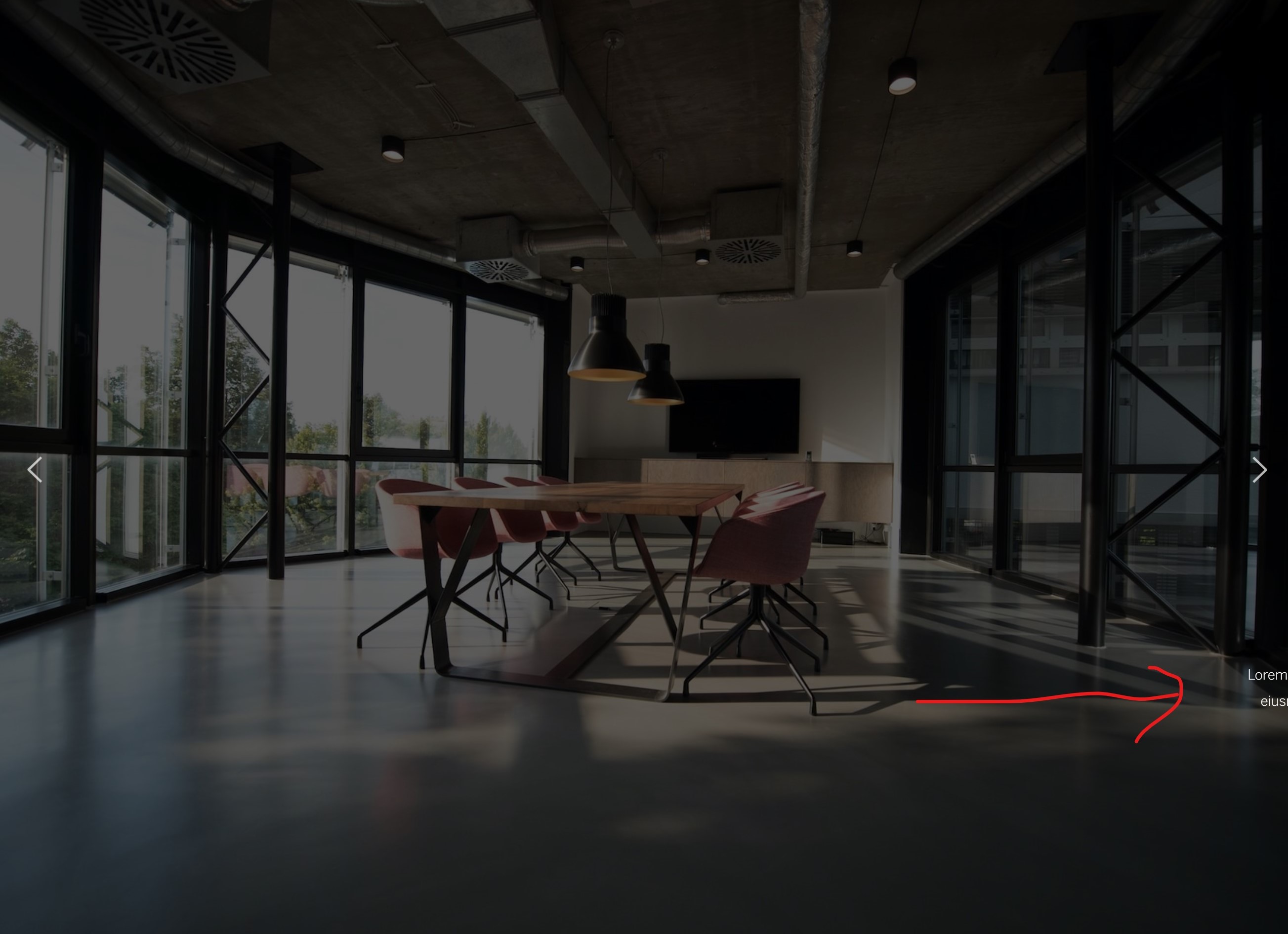
In this example, the image is just there, before starting it's slide up animation.

Can this be fixed, or is it a bug?
I'm using:
Wordpress: 6.1.1
Blocksy theme: 1.8.63
Brizy: 2.4.14
Brizy Pro: 2.4.13
-
This is somewhat solved by changing the Slide - > Up animation to the Fade -> Up one. So the image/text starts with 0 opacity.
Is this how it was intended those animations to work?
0 -

Hi Luis,
Can you please share the URL of the page where you are experiencing this issue so that we can check?
0 -
You can see the effect here
https://www.somosterraestudio.com/proyectos2
The last image at the bottom, when it slides up.
You can also see it here, I reverted the animations back to Slide, so you can see the issue
https://www.somosterraestudio.com/inicio
0 -
Hi Luis,
You are right; when applying the slide-in entrance animation to a Text element, some part of the text is visible before the animation begins. This seems to happen however only if the text is wrapped around within the element. If you split the text into multiple Text elements, you can avoid this issue. For example, please have a look at my test page https://brizytest.online/slide-in/ In this page, I have placed the paragraph text in three different Text elements.
I am unable to reproduce the second issue you have mentioned when the image slides up. Please have a look at this page https://brizytest.online/slide-up/
0 -
Hi KC George.
I saw your test pages and it seems the text block's animation is solved that way.
Regarding your second test page (the images), I have some issues
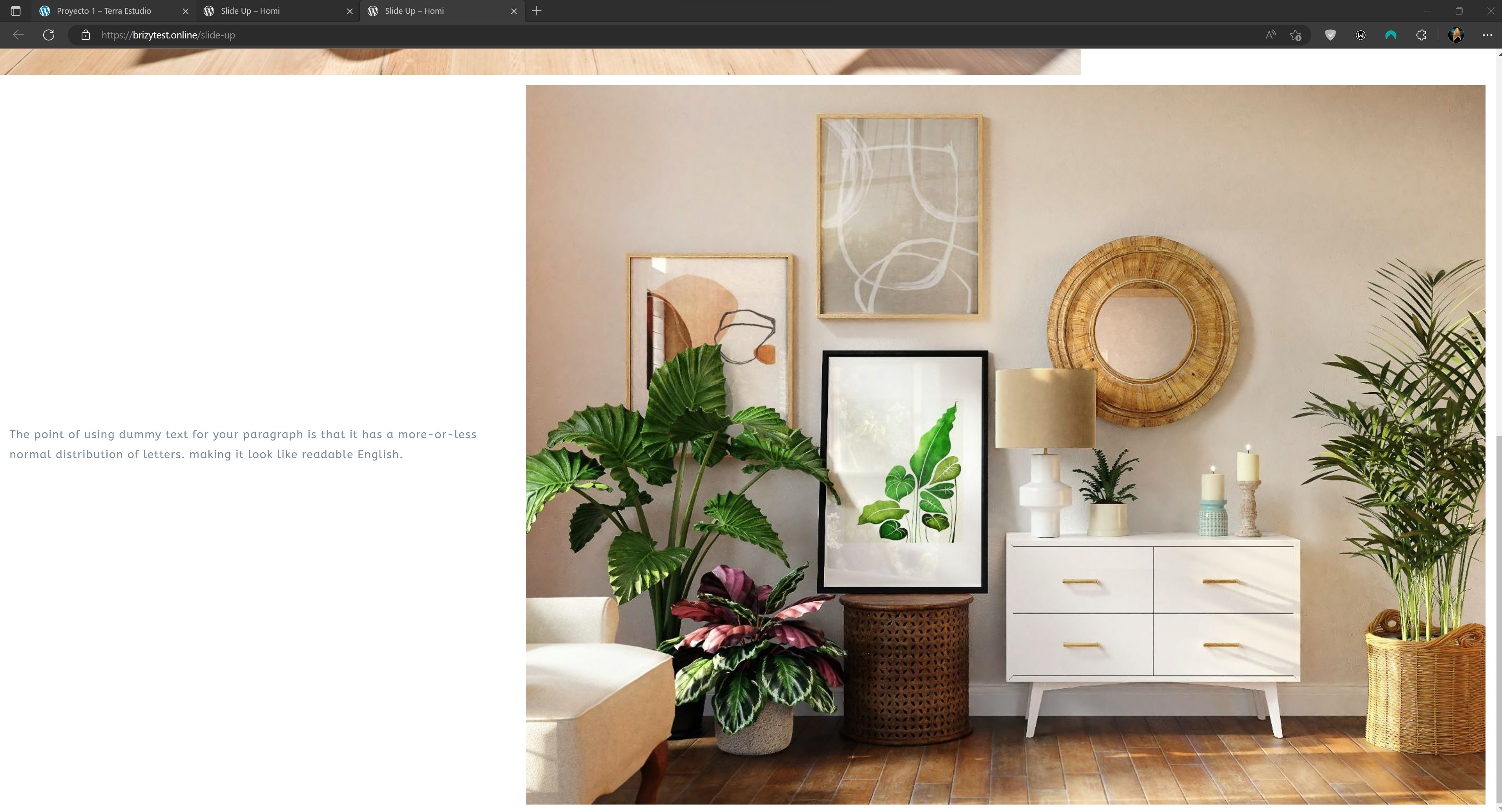
1. If you have a full screen browser window, it works fine (though the text is also present at the right before the animation starts).
2. But if you use a browser window in an aspect ratio not wide enough (for example I use a square window on the side of my screen), the first image is present before starting the animation, and the second image doesn't load at all when you hit the bottom of the page. In a full screen window it loads fine.
Square browser size
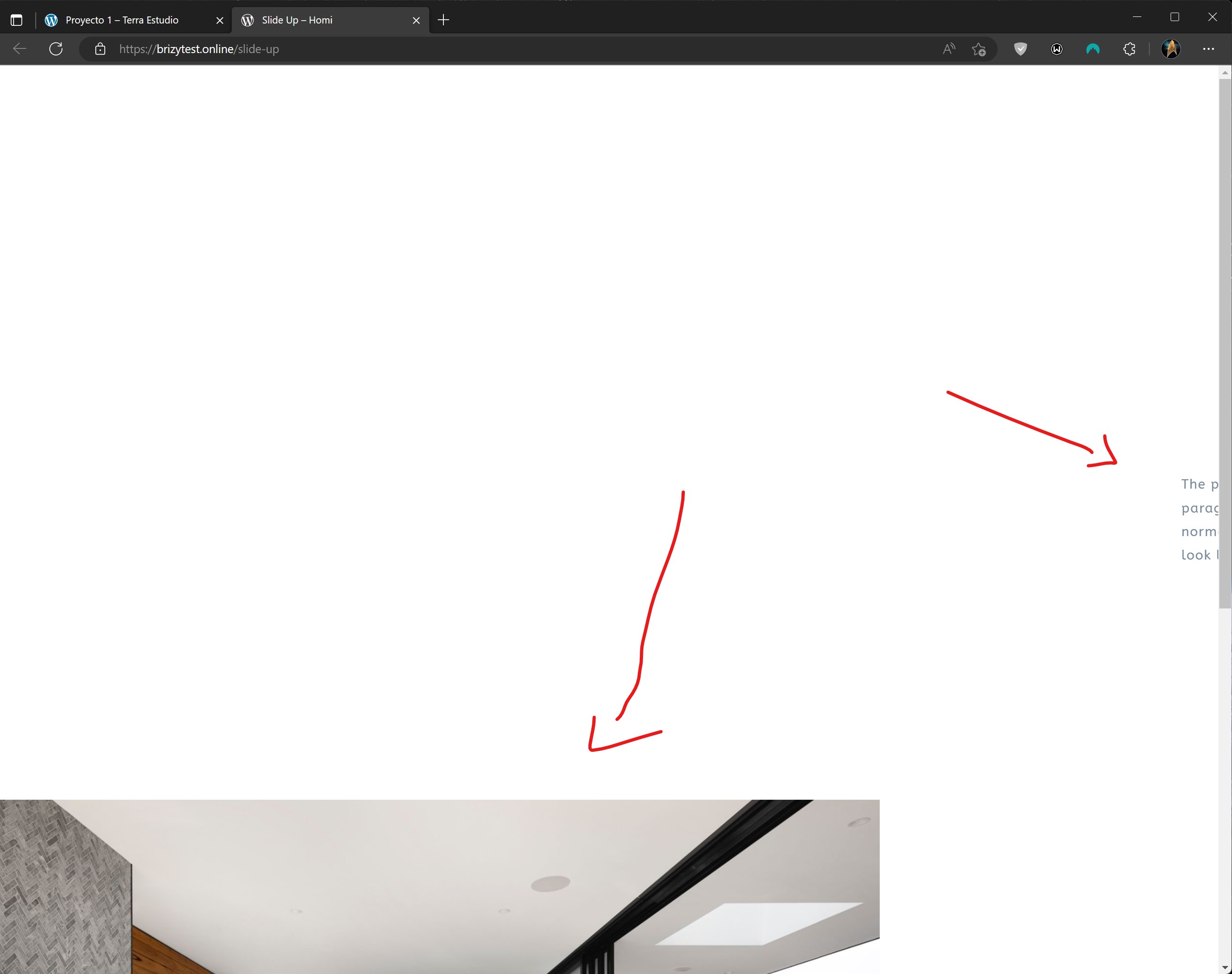
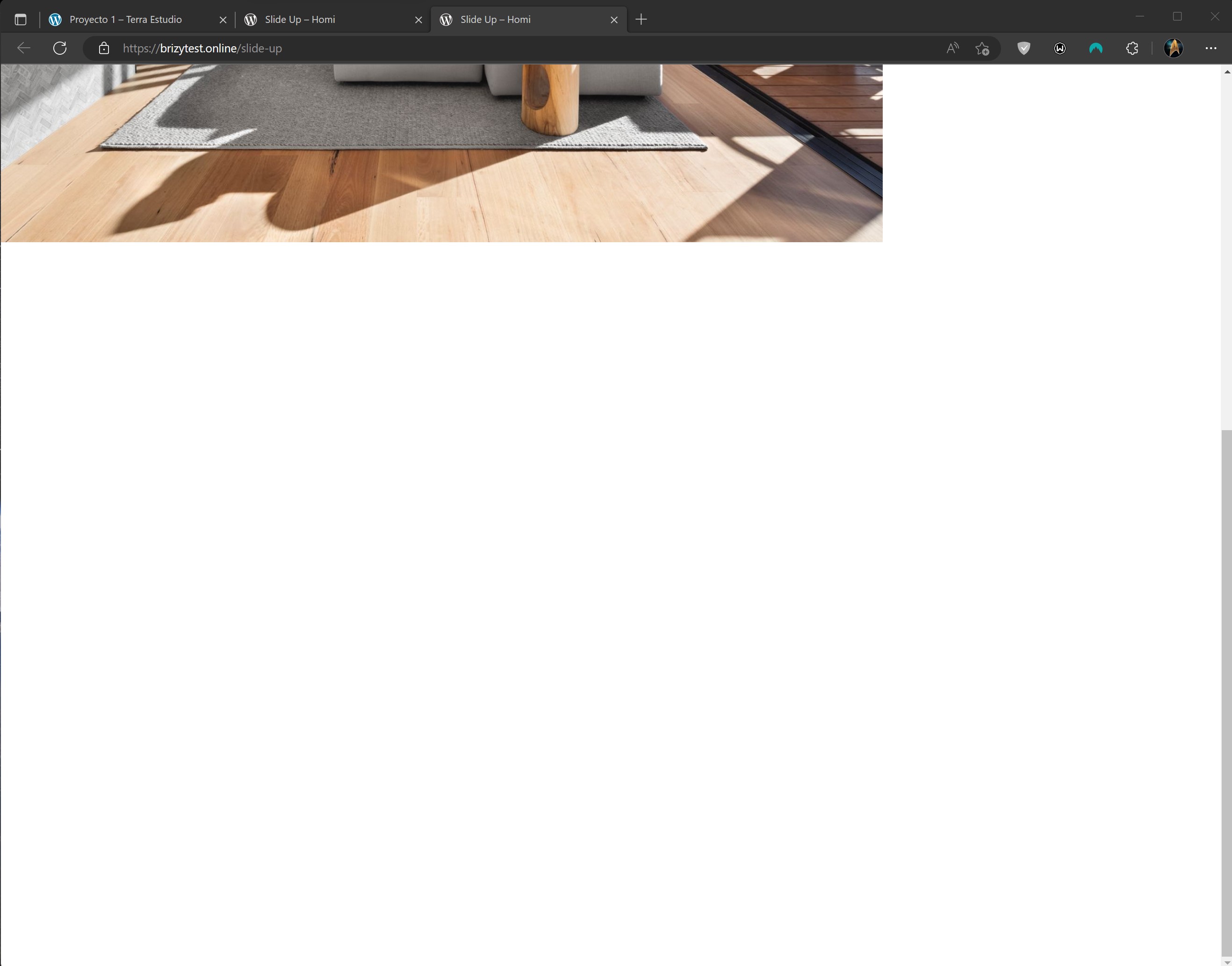
Full Screen Browser
 0
0 -
I believe that when size of the image doesn't allow it to reach the bottom of the page, it can't hide completely before starting the animation.
Please look at these images, the size of the blank space between the image and the bottom of the viewport is the same size of the visible part of the image before starting the animation. Same with the paragraph maybe.
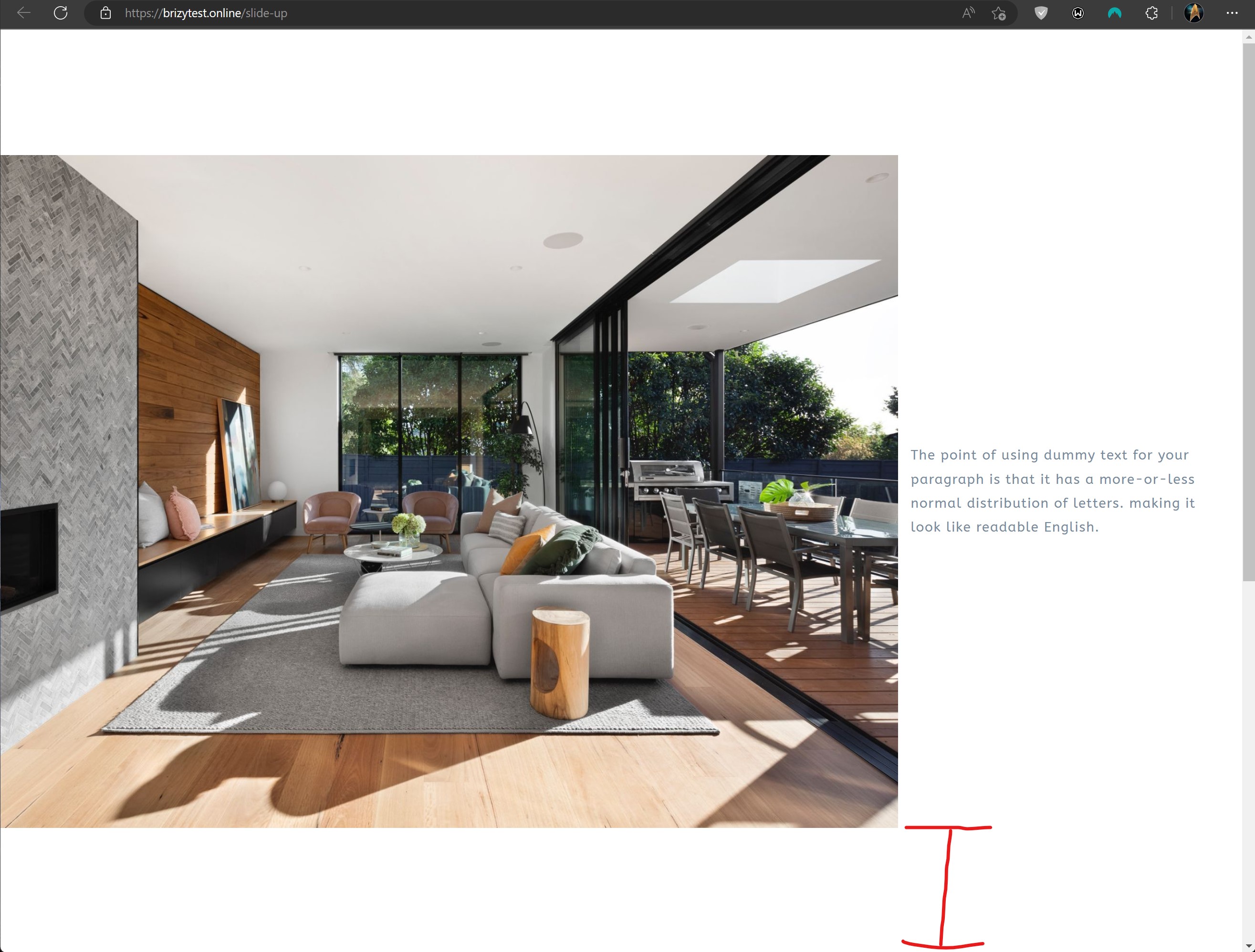
 0
0 -
Hi Luis,
You have mentioned
But if you use a browser window in an aspect ratio not wide enough (for example I use a square window on the side of my screen), the first image is present before starting the animation, and the second image doesn't load at all when you hit the bottom of the page. In a full screen window it loads fine.
I am sorry; I did not fully understand your point. Are you discussing a hypothetical or a real life scenario? Do some devices have square shaped display screens?
0 -
Hi.
No, it's not a hypothetical scenario. I have a 4k display and I don't use my browser full screen so the viewport is almost a square (width and height).
That's when the issue appears, even in your test page https://brizytest.online/slide-up/
I'm attaching some images.
In the second image, when the browser is not full screen, if you refresh the page, you'll see the top of the image before the animation starts.
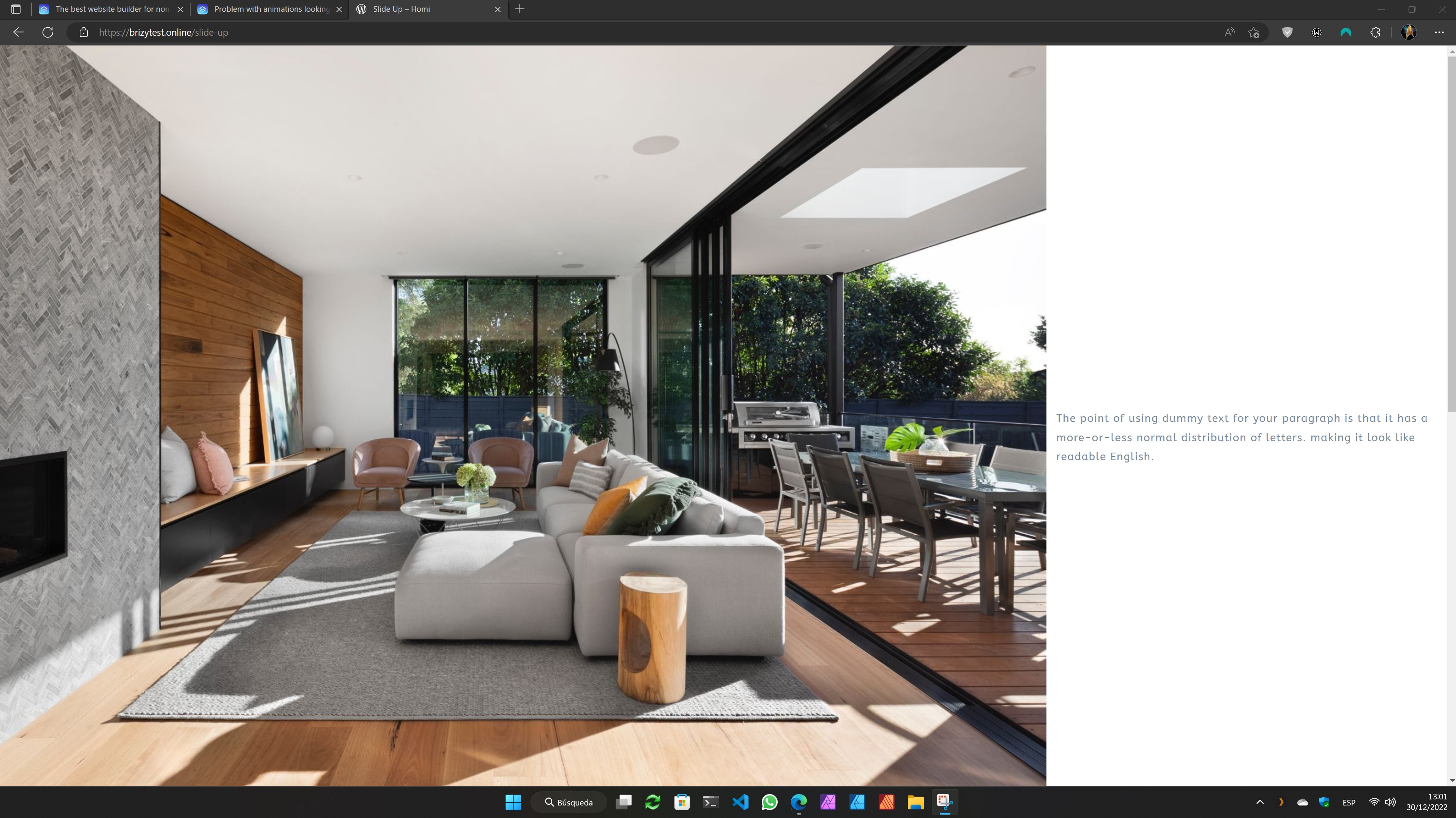
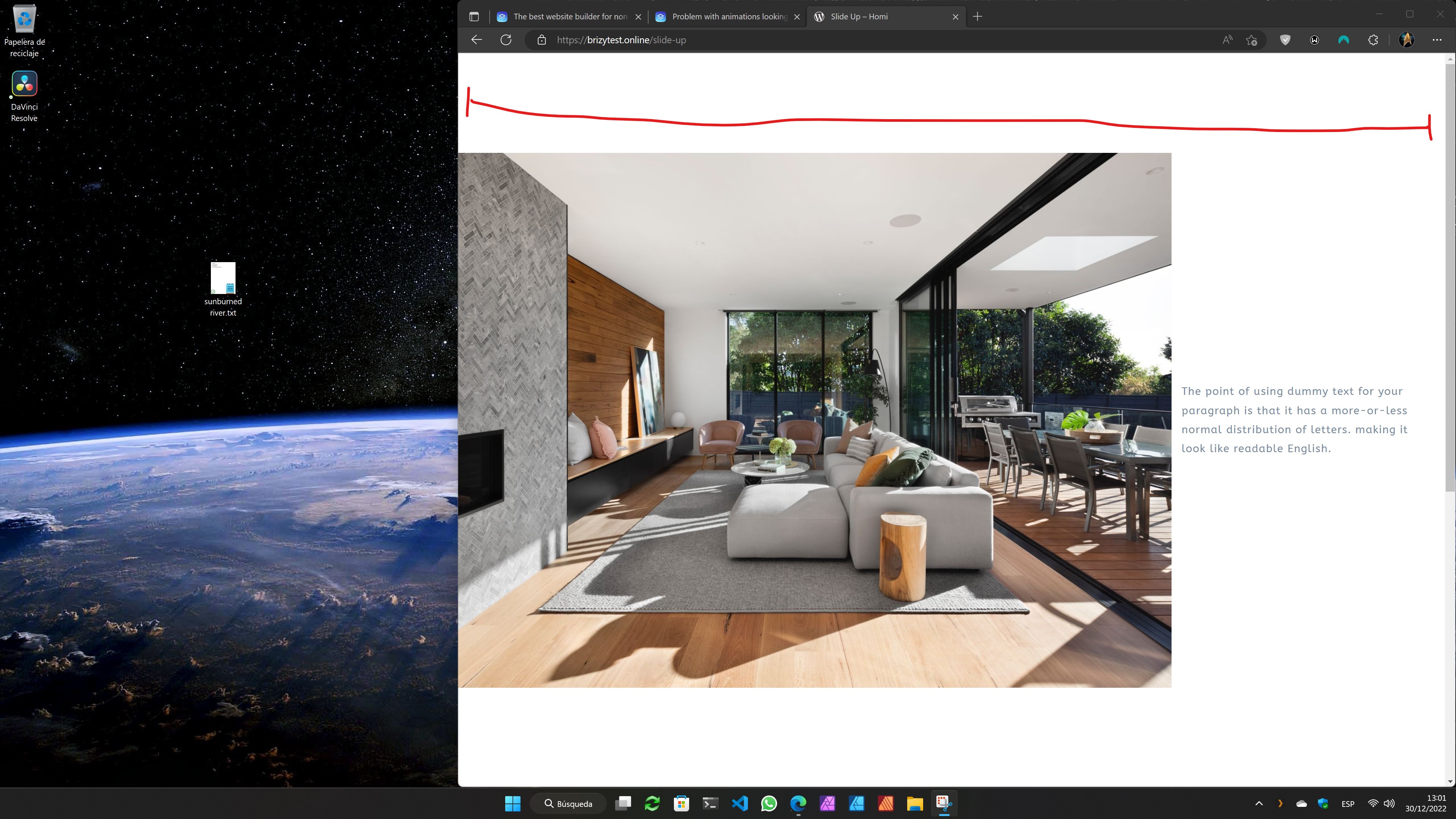 0
0 -
Hi Luis,
I understand that you may face this issue if you make your browser window square. I was asking the question more from the user's/visitor's perspective. Do you see a possibility that a website visitor may view your website on a square browser window? If there are square shaped devices available in the market, this could a possibility.
If the scenario you are thinking about is non existent among your website visitors, probably this should not be a big concern for you?
0 -
I opened this case since the client brought it up during a revision of the site.
I just wanted to let you know so maybe the devs can take a deeper look and see if it's a bug or just the way this feature works. If this is not the place to report a bug, please let me know how to do it.
I have switched the animations to fade, that also has the option to animate left, right, up, down, and that is working for now.
0
Please sign in to leave a comment.
Comments
10 comments