How to add a background image to slide out menu?

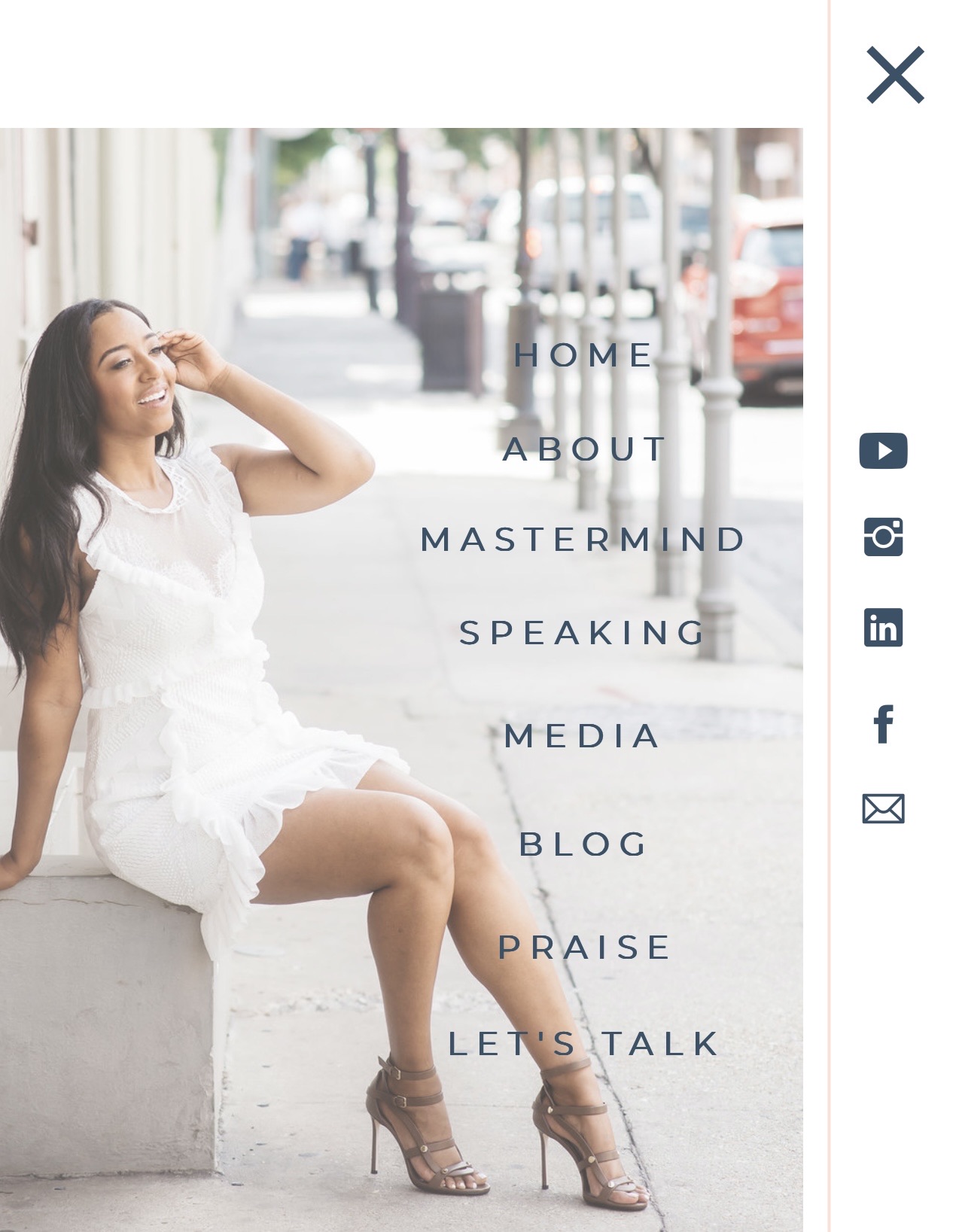
Hi there. How would I go about adding a background image to my slide out menu? My menu slides out from the left and instead of the site colors, I'd like an image in there somehow. Is this possible? Here's a perfect example of what I'm trying to do below.
Also, see how the social media icons are on the side as well? Is all of this possible with Brizy somehow? Please send steps on how to do this if so.
If not, will this functionality be coming to Brizy Cloud and if so, when?
-

Hi Lamont,
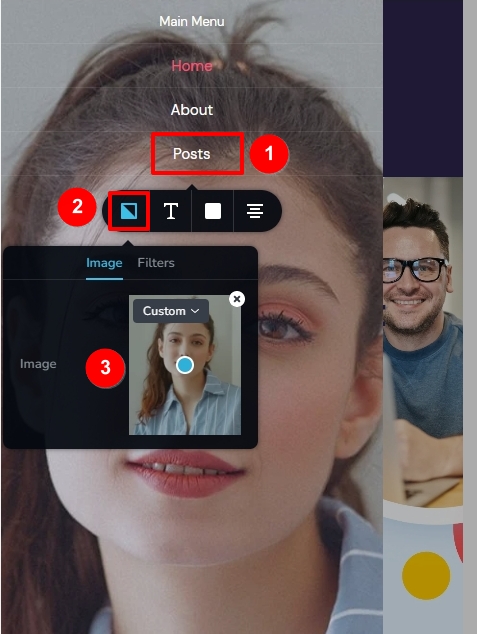
You can add a background image to the mobile menu drawer following this procedure
- Click on any menu item in the mobile design view
- Select the first icon on the left
- Upload the background image
If you have applied an overlay color to the mobile menu drawer, please reduce its transparency so that the background image is visible.
If you would also like to add social sharing icons to your mobile menu, then you will need to design your mobile menu using the popup builder. Here is an example. https://www.rishikeshwalks.in/
Please have a look at the first part of this video for the procedure to create a mobile menu using the Brizy popup builder. https://youtu.be/ssbAxYXCte0 If you have questions after watching the video, please get back to us, we will help you implement the exact design you are looking for.
0 -
Hi KC. Thanks for the steps for the BG image for the mobile menu, that worked perfectly. Is there any way to resize the image on the fly and make it smaller? For instance, what optimum photo dimensions are for the mobile menu? If not, if I resized it outside of Brizy (like made it 50% smaller persay), that would work, right?
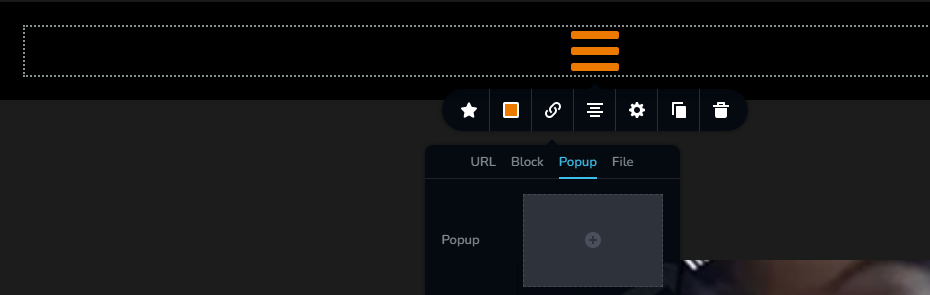
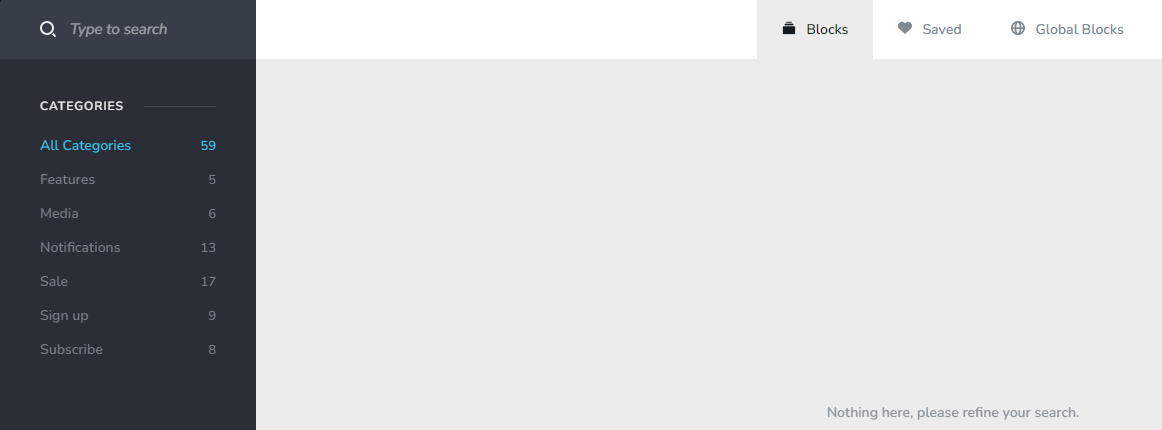
Second thing. Thanks for the video explaining popups, however, you gave me instructions for Brizy WP and I'm using Brizy Cloud. I'm mentioning that because I thought the instructions would be the same cross-platform. However, when I go in to Brizy Cloud and try to follow the steps for popup for the menu, or back to top button, this is what I'm getting. See attached screenshot and please advise.
It says "nothing here, please refine your search". What am I doing wrong?
 0
0 -
Hi Lamont,
You could try a vertical image of 800 x 1200 as the background image for the mobile menu. Please have a look at my test site where I have used a background image of this size. https://digital-works.brizy.site/
When clicking on the Popup option under links, you should see few premade popup designs and an option to create your own. I am not sure why these options are not available in your project. I will need access to your project to check this.
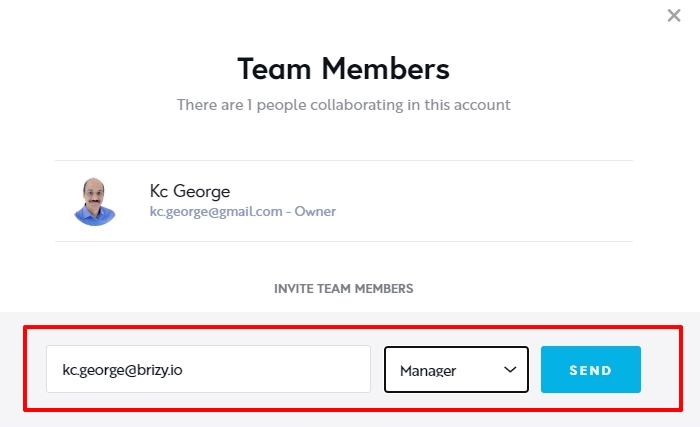
If you would like me to take a look at your project, please add me as a Team Member and assign me 'Manager' role. My email: kc.george@brizy.io
 0
0
Please sign in to leave a comment.
Comments
3 comments