Archives and categories are not translated

Hello,
I cannot translate some dynamically added texts on my website such as excerpts, titles, or category descriptions. Is there any way how to fix it?
Thank you.
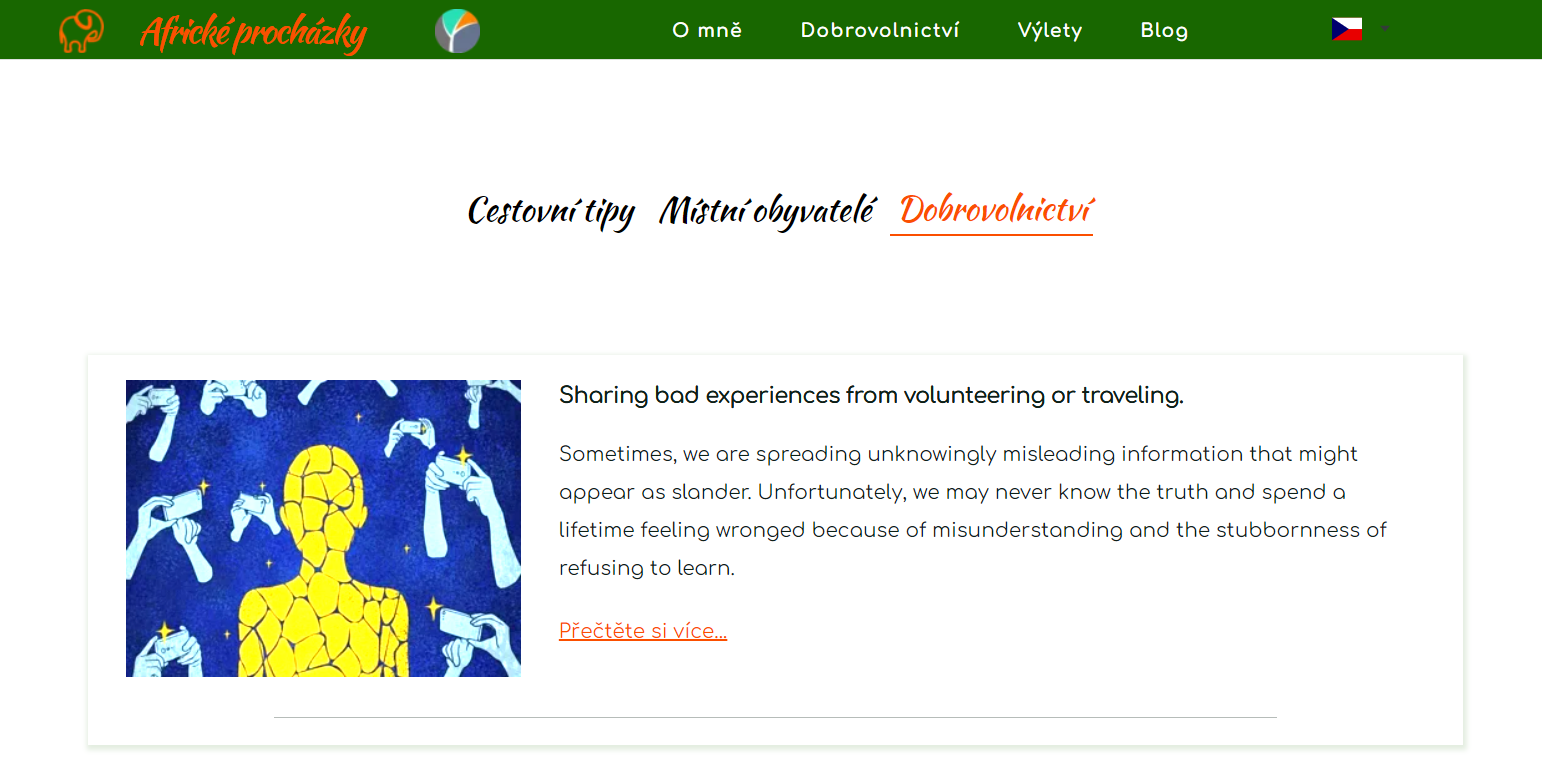
It should be all in the Czech language
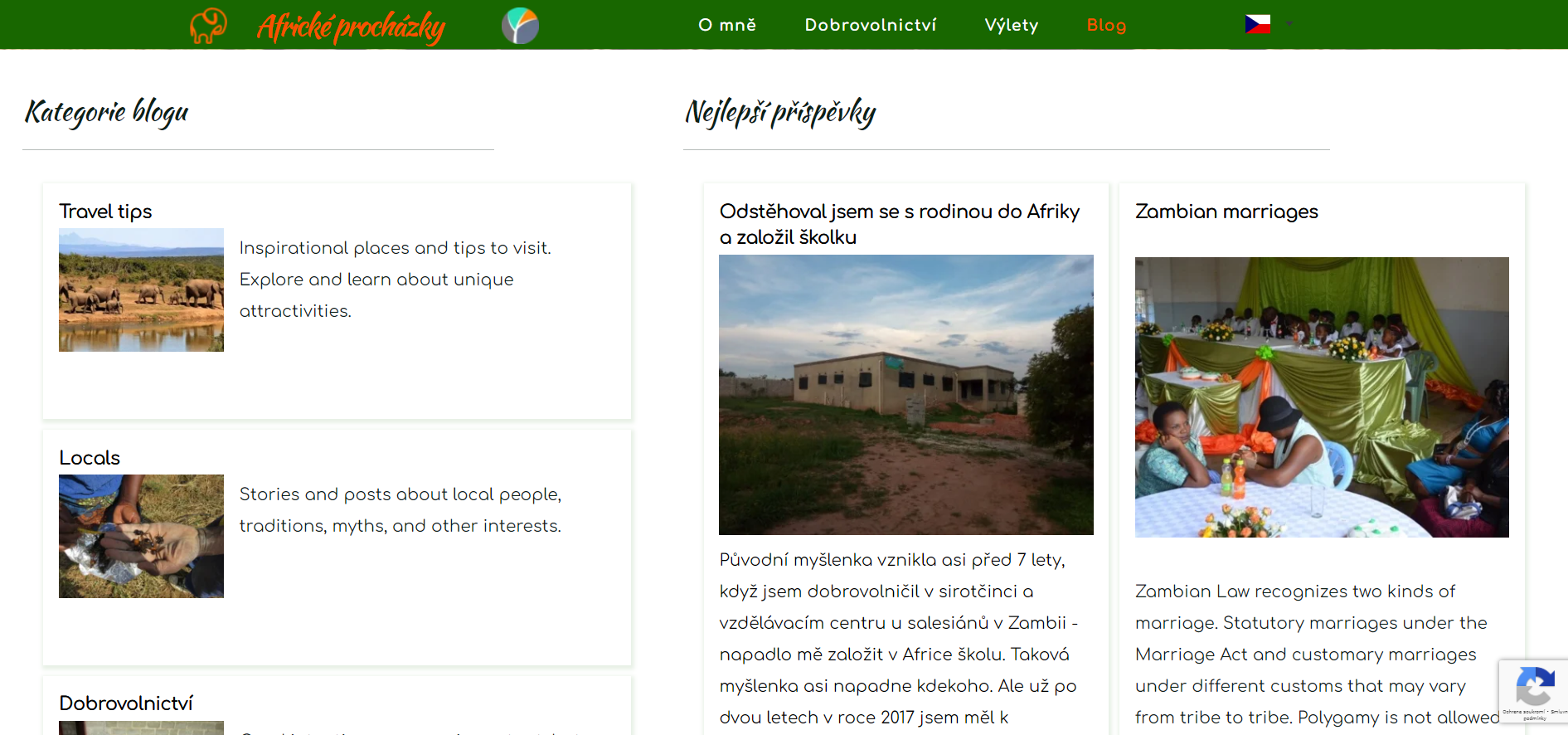
The first excerpt was written in Czech, so it is in Czech but the rest should be translated and it is not.
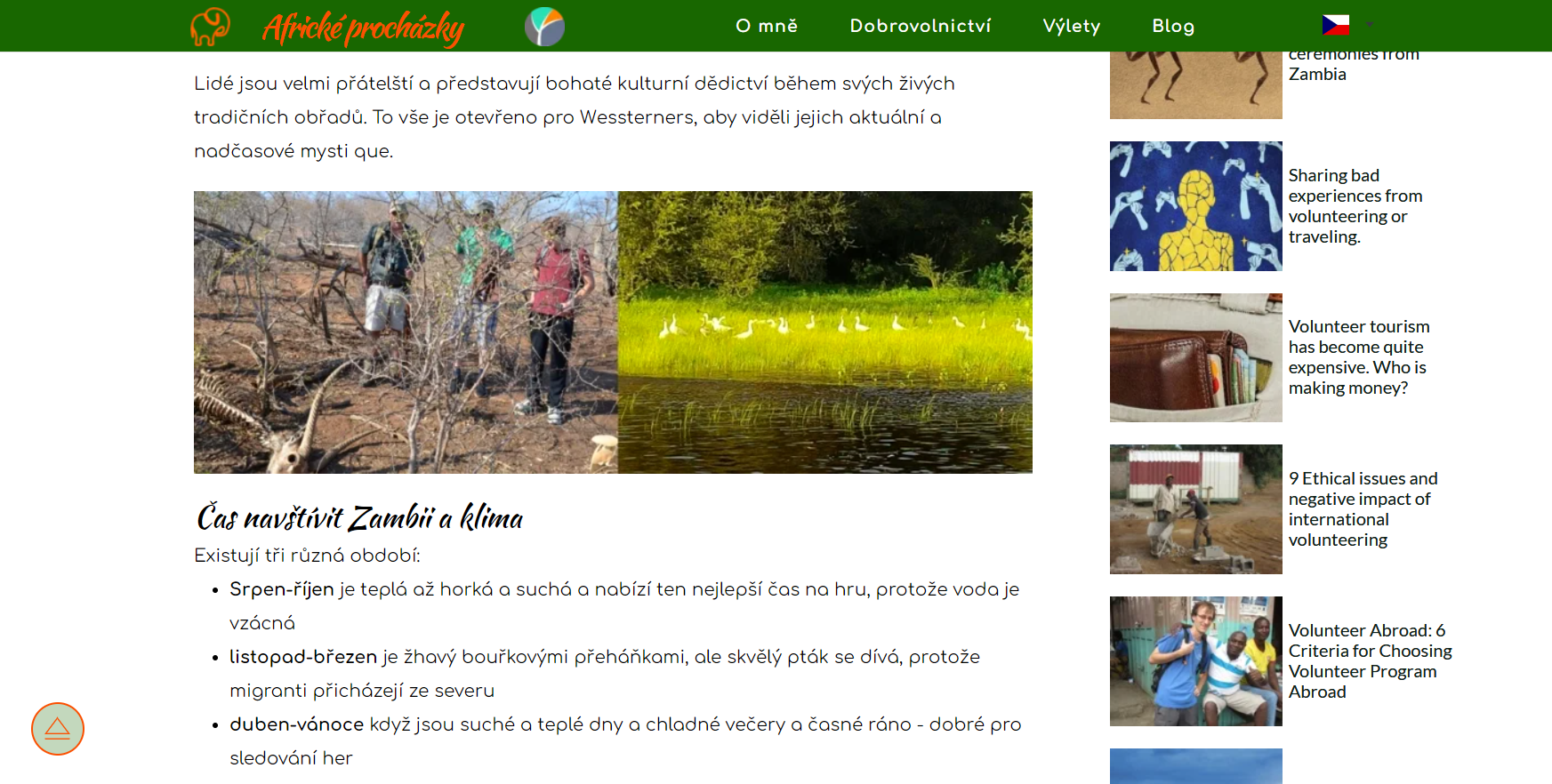
The main text is translated automatically but the post titles on the side weren't translated.
-

Hi Pavel,
We are sorry for this inconvenience. Translation of dynamic content has some bugs at the moment. We are working on fixing it. We will need few days to a week to fix this issue.
Can you please mention your URL so that we fix this issue on your project as well.
0 -
Thank you for your response.
Here are the urls:
https://www.africanwalks.com/cs/blog-2https://www.africanwalks.com/cs/locals
0 -
Hi Pavel,
Thanks for the details. We have escalated these details to our developers. They are still working on this bug
1 -
Hello George
I have received an email from you:
"Hi Pavel,
I am told that the issue with the translation of dynamic content is resolved. Can you please check if everything is working as expected in your site? "
I have checked the pages; some dynamic content is translated, but some is not (especially the excerpts or descriptions). Neither can I find where to edit the translation of the dynamic content.
I have another question, when I want to put a dynamic picture as a background in a column of blog categories it doesn't work. If I add a picture element with a dynamic picture, that works well but not as a background.
And the last one. Is it possible to create filters for blog posts similar to tags in the image gallery?Thank you.
0 -
Hi Pavel,
Thanks for your feedback. After I added my comment here, I realized that there are some issues with the translations and thought we need to fix those as well before informing you. We are working on fixing those issues.
You are right; dynamic images do not display when added as a background in the editor. Please save the work and check if it works in the frontend.
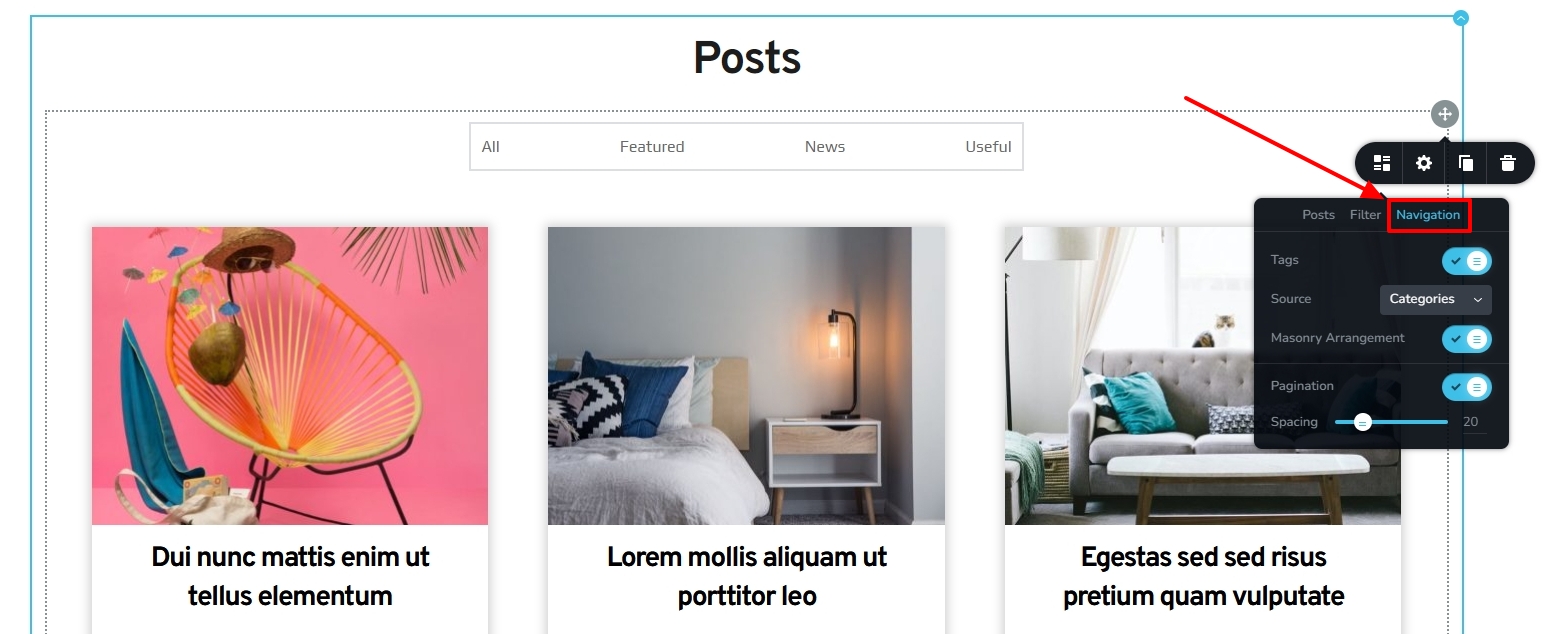
Yes; you can add tags and category filters for blog posts. In the Posts element under the Navigation tab, enable 'Tags' and select either 'Categories' or 'Tags' as source. https://jmp.sh/8vG1Ay9a
 0
0 -
Hello George, thank you for your prompt response.
I understand, that the translation issue still needs some fixes, it's OK.
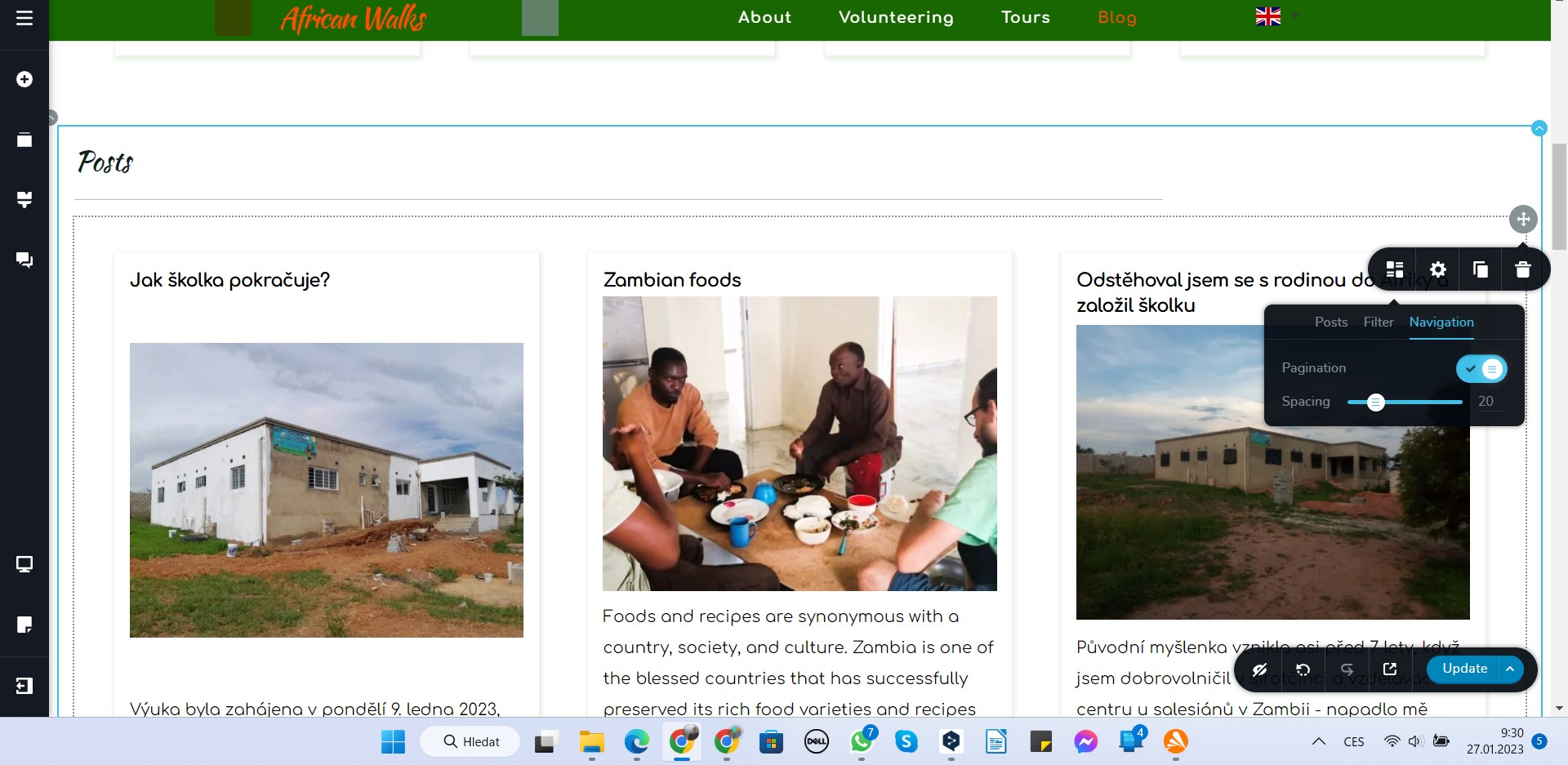
But in terms of the tag for posts, it doesn't work for me. I don't see those options you have. I am using Brizy Cloud Pro. See the print screen:
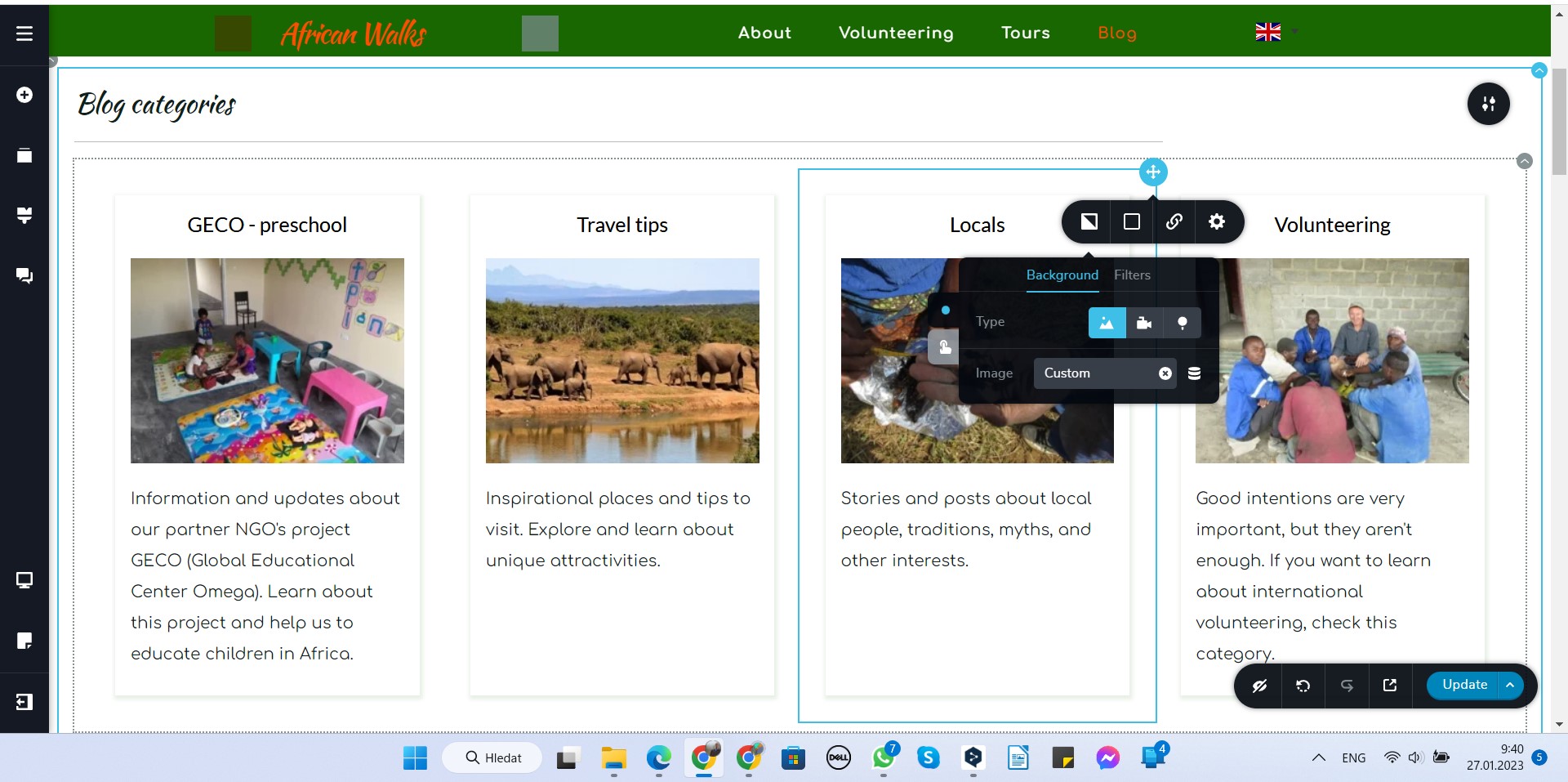
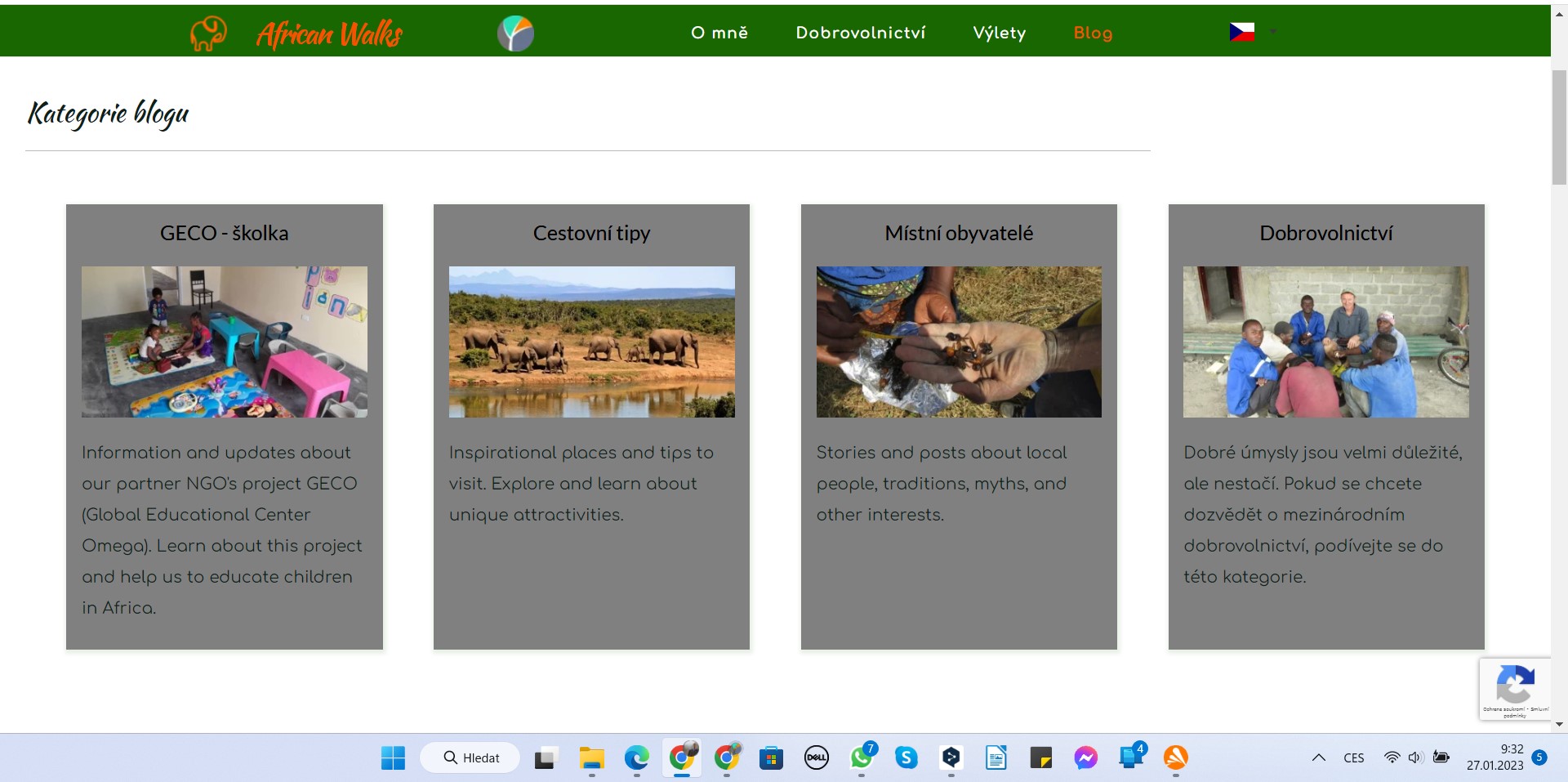
And the dynamic images don't appear even on the front end, instead, the background becomes dark.
Back end:
Front end
 0
0 -
Hi Pavel,
You are right. Only Brizy WP offers the tags for the Posts element. I apologize for the misunderstanding I've caused.
A dynamic background image cannot be added to a column within the Post element. With Brizy WP, a dynamic image added to a regular column's background displays at the front end. Again, I apologize; for a moment I thought you are using Brizy WP.
0
Please sign in to leave a comment.
Comments
7 comments