Boxed wesbite

How do I setup a new cloud project so that the whole site is boxed, see image below.
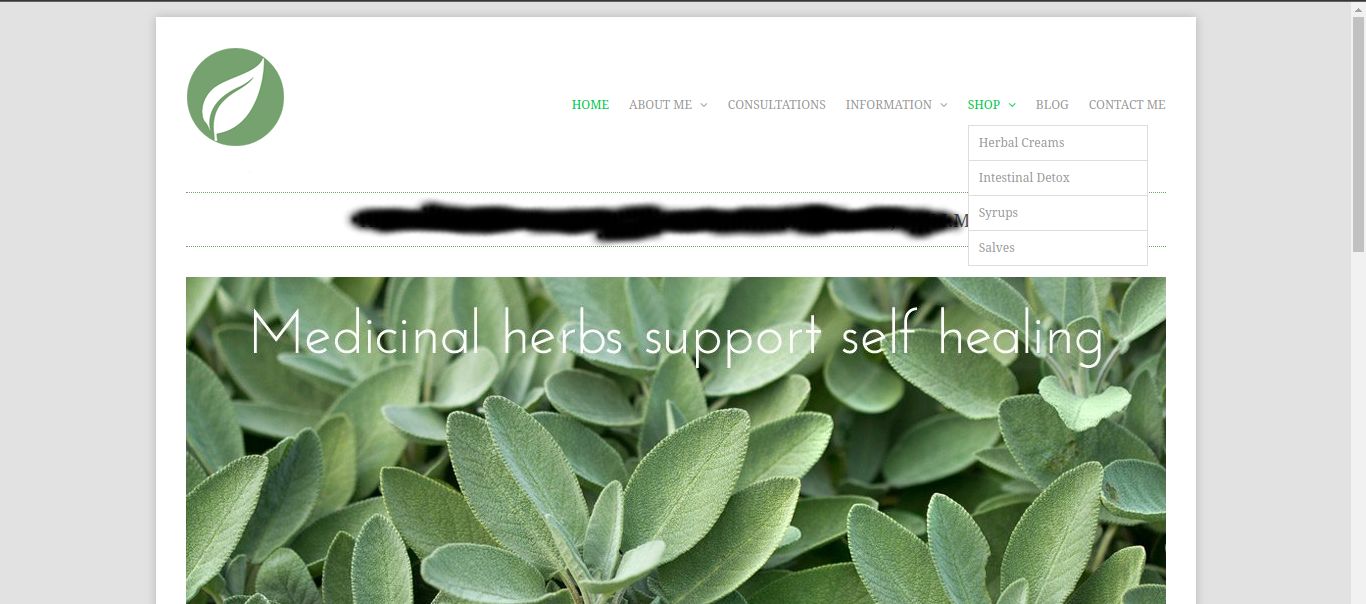
-

Hi Ray,
You could try adding this to Custom CSS under Project Settings https://jmp.sh/QPvPTZxA
body {

   padding-right:200px;
   padding-left:200px;
}
Please have a look at my test site here: https://digital-works.brizy.site/
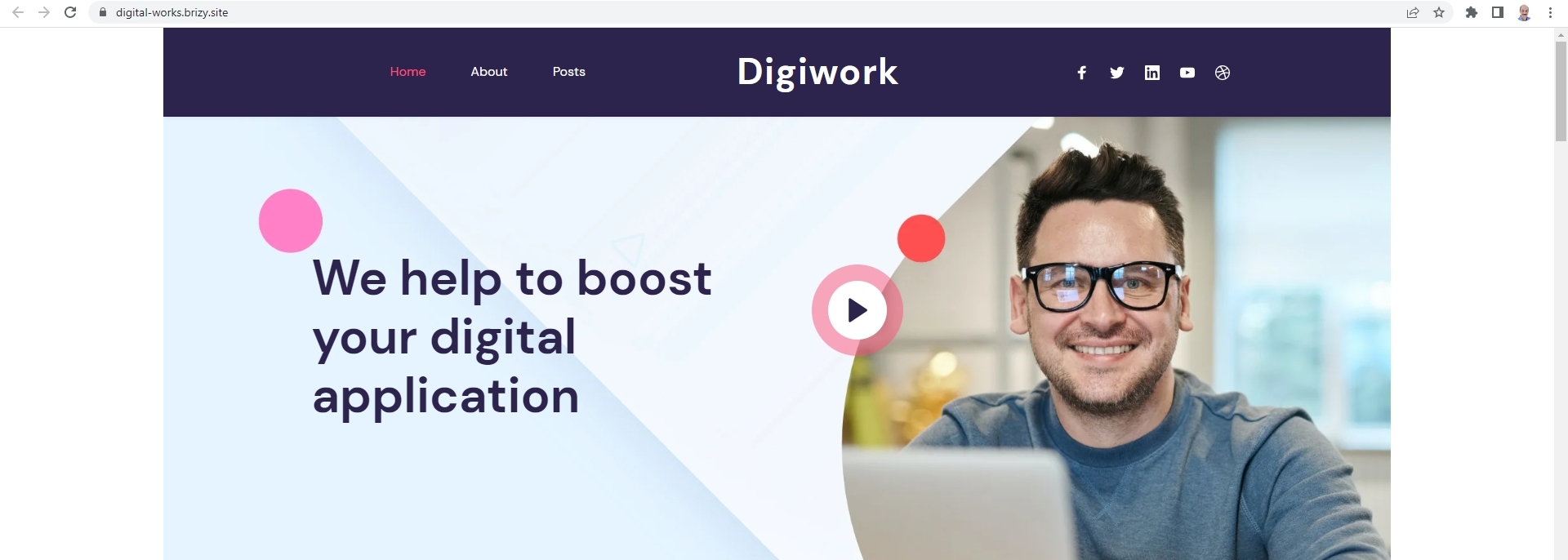
If you like, you can also add a background color
body {
   padding-right:200px;
   padding-left:200px;
   background: #ffa4a4
}
0 -
Question: Is this the legitimate way of making a site boxed.
I thought that would work but it hasn't, see images. The right padding hasn't been applied.

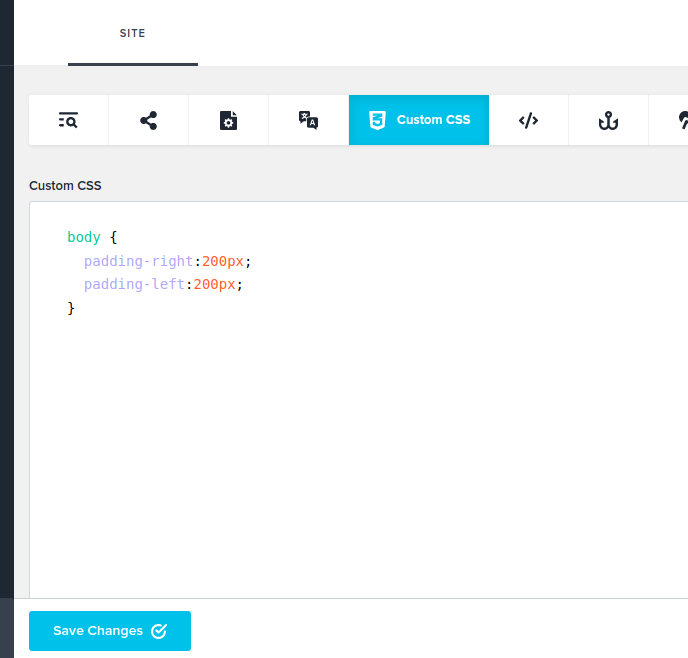 0
0 -
Hi Ray,
Can you please share your website URL? (The URL user has to type to visit your website and not the Dashboard URL)
0 -
I only have the Brizy site so far because it is for test purposes:
[link removed by user]
0 -
Hi Ray,
In your test website, for some reason, the right padding value is being treated as Invalid. https://jmp.sh/QGWYieWV
Please try it on a different test site; create a new site, import a layout and try adding this code
0 -
Yes a different site worked ok.
It would be to set this from Brizy cloud as an option. Obviously cloud is different from Wordpress and some themes do allow a boxed version. Perhaps you can place this on Trello. I haven't the time to navigate through Trello.
Thank you in advance for your help.
0 -
Okay KC George
What about if I only wanted this desktop view, and not t be visible for mobile or tablet view?
Thx
Ray
0 -
Hi Ray,
Please try this CSS to apply the padding only on the desktop.
@media (min-width: 991px) {
body {
   padding-right:200px;
   padding-left:200px;
   background: #ffa4a4
}
}
0 -
Thank you
0
Please sign in to leave a comment.
Comments
9 comments