how do i delete unwanted pixel from the landing page

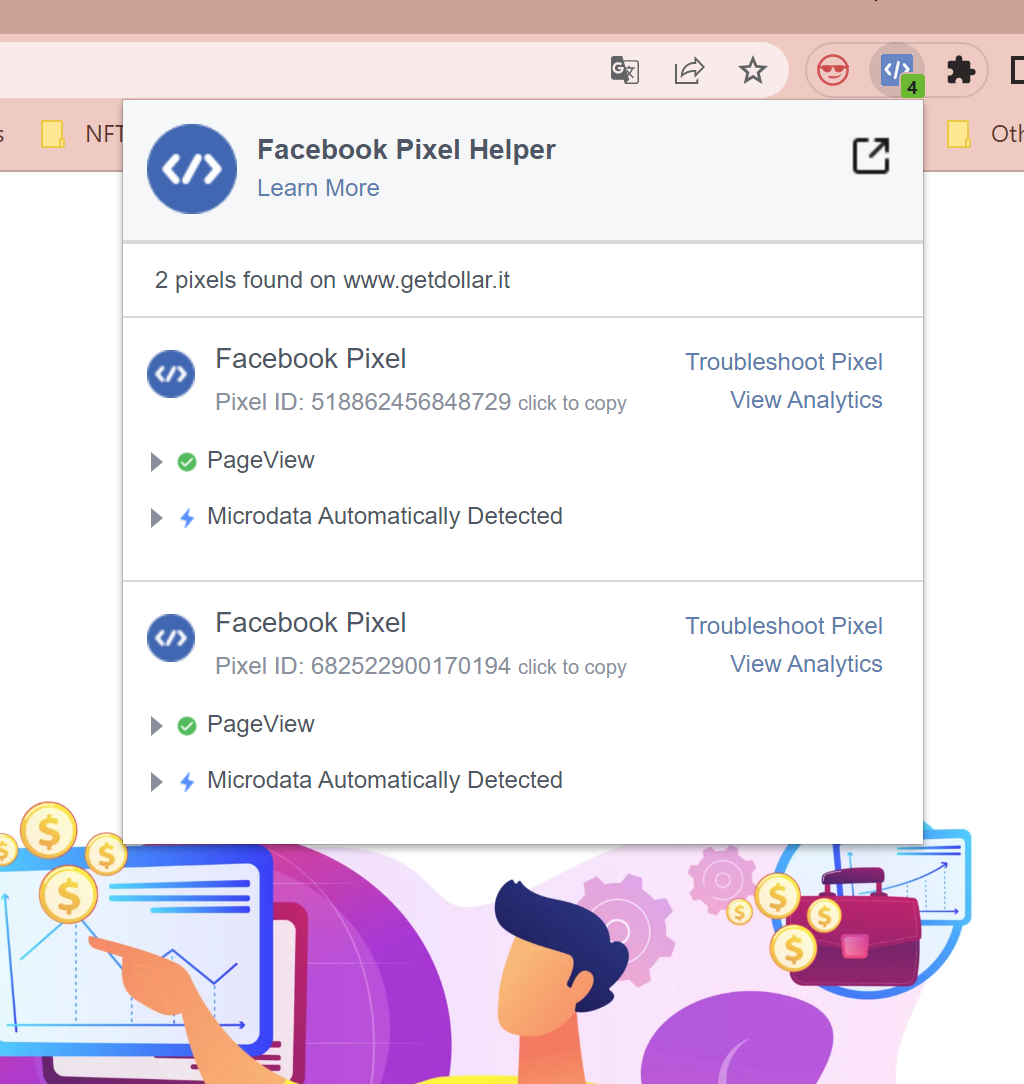
Hi, i hsd to substitute the fcebook pixel on my landing page and, despite i managed to add the new one, i can't get rid of the old one because it still pops up. How do i manage to delete it? I already deleted the related code snippet in the header section of the landing page. In the creenshot below, the new pixel is the one that ends with "729" while i wantto delete the one that ends with "194".
Thank you
-

Hi Veronica,
Looking at the page source of https://www.getdollar.it/ I see only one Meta Pixel Code. The ID for the code is 518862456848729. I do not see the pixel code with the ID 682522900170194
Please view the page source of your website and search for the ID: 682522900170194. You will not find any result.
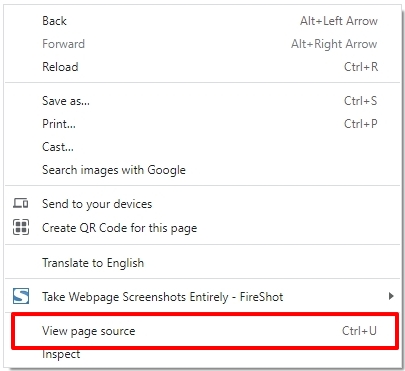
I am not sure why the Facebook Pixel Helper extension gives you incorrect report.
0
Please sign in to leave a comment.
Comments
1 comment