Media windows not appear 😭

In any pages, the media windows not appear.
There is only an X on the right up corner but the window there isn't 😭
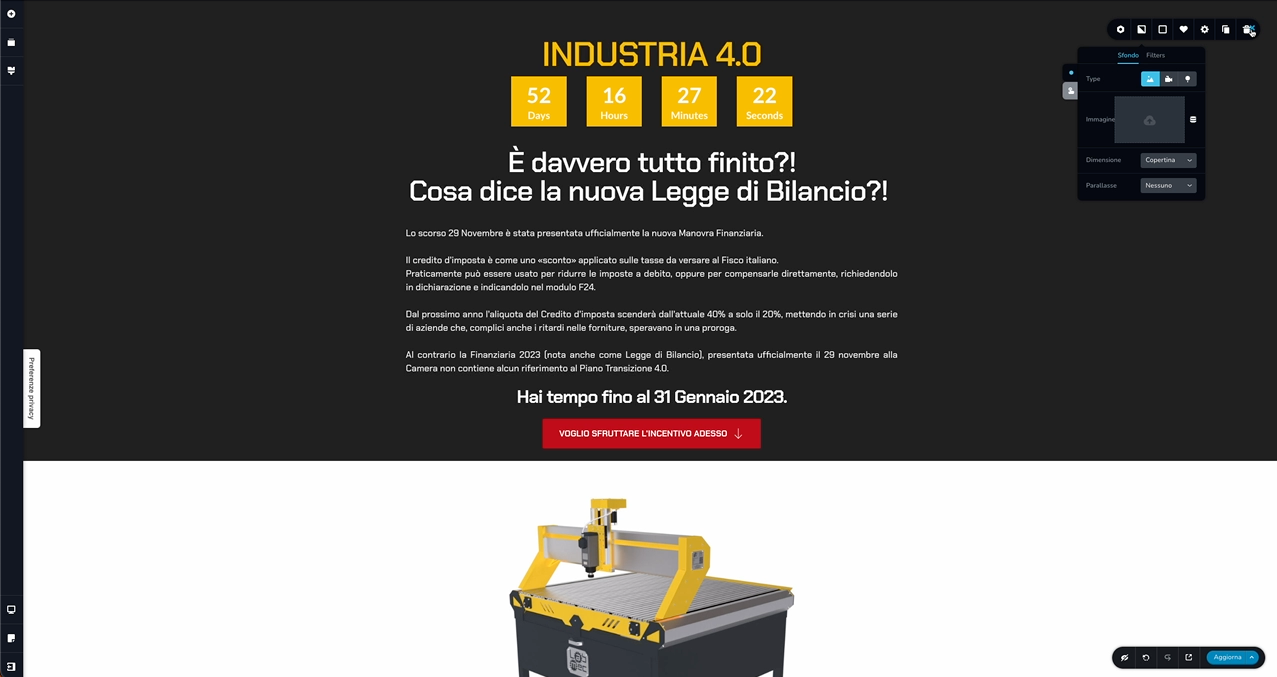
-

HI Luciano,
Can you do a few compatibility checks?
- Are you using WordPress 5.9 or above? https://jmp.sh/iqlQrFw
- Are you using PHP 7.4 or above https://jmp.sh/XrkFgLV
- Are you using a theme compatible with Brizy? Twenty Twenty One and these themes work well with Brizy. Please change your theme to one of these and check if the problem persists. https://www.brizy.io/theme-partners
- Do you have a plugin which is incompatible with Brizy? If none of the above helps, please deactivate one plugin at a time and check if the problem persists.
If you are not able to find a solution, please get back to us; we will help you troubleshoot
0 -
Are you using a theme compatible with Brizy? Twenty Twenty One and these themes work well with Brizy. Please change your theme to one of these and check if the problem persists.
At now, i've installed a custom theme.
If i activate TwentyTwenty, i'll lost the all modify or not?!
0 -
Hi Luciano,
In Brizy Editor, on the left sidebar, under the Page icon, if you have selected the Default Page Template, then your page header and footer design come from your theme. If you change your theme, your header and footer design can get disturbed.
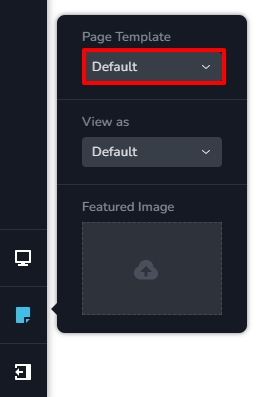
If you have selected Brizy Template here, your page header and footer are designed using Brizy and when changing your theme, your page design would be unaffected.
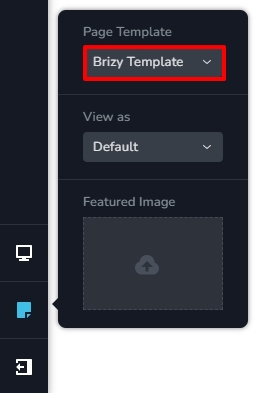
If you are using Brizy Page Template, you could try changing your theme to Twenty Twenty One.
0 -
Page Template is just "Brizy Template" and still not work :(
However, if i change theme... i will lose all the customization that i had made?!
0 -
Hi Luciano,
When using Brizy Template, the theme Customizer settings do not apply to your Brizy pages. Hence if you change your theme, your pages would remain unaffected.
Please change to Twenty Twenty One, Blocksy or Astra theme and check if you are able to upload images.
0 -
Hi George, i've changed the theme to TwentTwentOne and.. NOTHING.
Media upload window not appear 😭
0 -
Hi Luciano,
Are you on a local instance of WordPress? To offer further assistance, I would need access to your project. Please add me as a user to your WordPress Dashboard if you need assistance with this. My email: kc.george@brizy.io. As shown in this screenshot: https://jmp.sh/sOSGGR3, please turn on the option "Send the new user an email about their account"
Please let me know here when you send me an invitation.
0 -
hi, i sent you a credentials. can you update me with solutions?
thank you for your time
0 -
Hi Luciano,
I attempted to sign in to your WordPress Dashboard. I get this error.
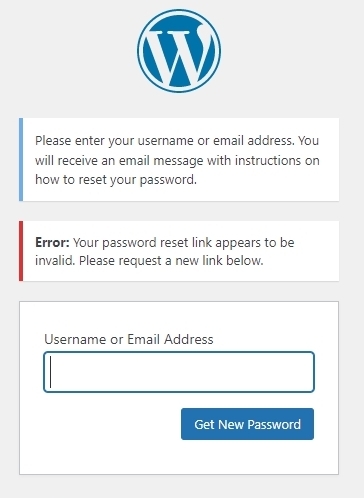
When I request for a new reset link, I get another error
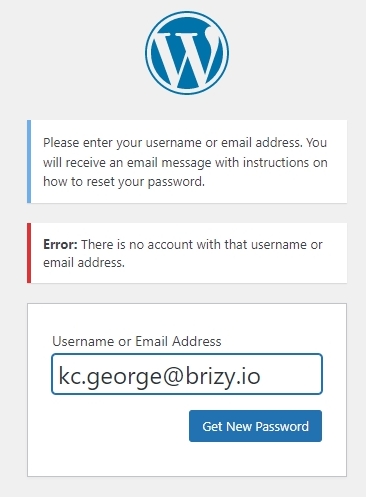
Due to these errors, I could not login
0 -
I just invited you, you can find your login credentials here attached, I await yours
0 -
Hi Luciano,
A specific setting in Iubenda interferes with Brizy development. In your WordPress Dashboard under Iubenda, - Cookie Solution - Configure (https://jmp.sh/hJfbRDRj) I have disabled the option "Automatically block scripts detected by the plugin" https://jmp.sh/TYS7J6Yv
When this option is disabled, images can be uploaded in the Brizy editor.
0
Please sign in to leave a comment.
Comments
11 comments