animated GIF display issue in slider

The animated GIF will only load when it's on the left of the slider... otherwise it's missing... You can see the issue live via the URL below:
Attached screenshots also show issue:
-

Hi
GIF image in a carousel seems to work fine at my end. Please see my test page here https://brizytest.online/carousel
Can you delete the GIF image and add it again and check if the problem gets resolved? If not, we will need access to your WordPress Dashboard to troubleshoot this issue for you. Please add me as a user to your WordPress Dashboard if you need assistance with this. My email: kc.george@brizy.io. As shown in this screenshot: https://jmp.sh/sOSGGR3, please turn on the option "Send the new user an email about their account"
Please let me know here when you send me an invitation.
0 -
KC,
I sent you the invitation...
P.s. I tried deleting and adding the GIF image again multiple times... the issue persists... I see it works on your test page... mine is not working like that...
Thank you!
0 -
Hi
I think the issue was due to the lazy loading of the images. I have copied the homepage design to https://thetwistedgrin.com/laugh1/ In this page, I have added the GIF image as a background to a column instead of adding it using the image element. Please check
If everything looks fine, please set the new page as your homepage under Settings - Reading https://jmp.sh/Q5Q5ktr0
0 -
KC,
I couldn't get the sizing to match the other images using the background idea... Is there an option to turn off lazy load for that single image? Also, I have a popup that I'm not able to edit in mobile view... you can see the "your email address" text box is left aligned... I want it centered like the "join now" button below it... any way to do that?
 0
0 -
Hi
We do not have a feature to turn off lazy loading for images at the moment.
I looked for the popup under Brizy - Popups. I did not find any. Have you added the above popup to a button/text? Please let me know how I can access the popup (what steps should I take to open the popup design)
0 -
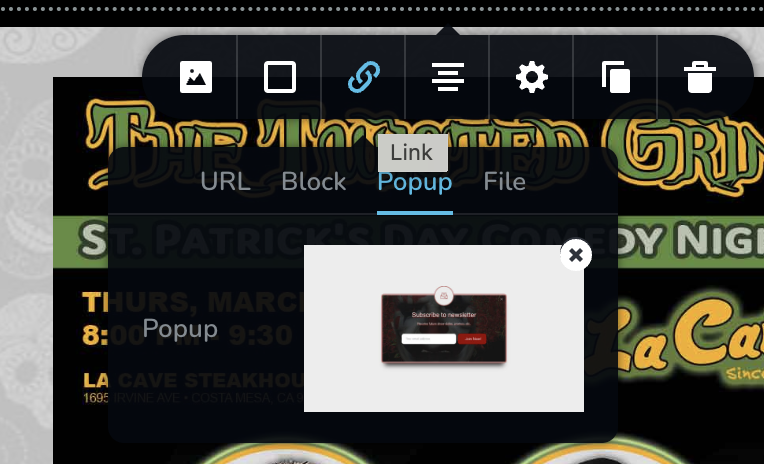
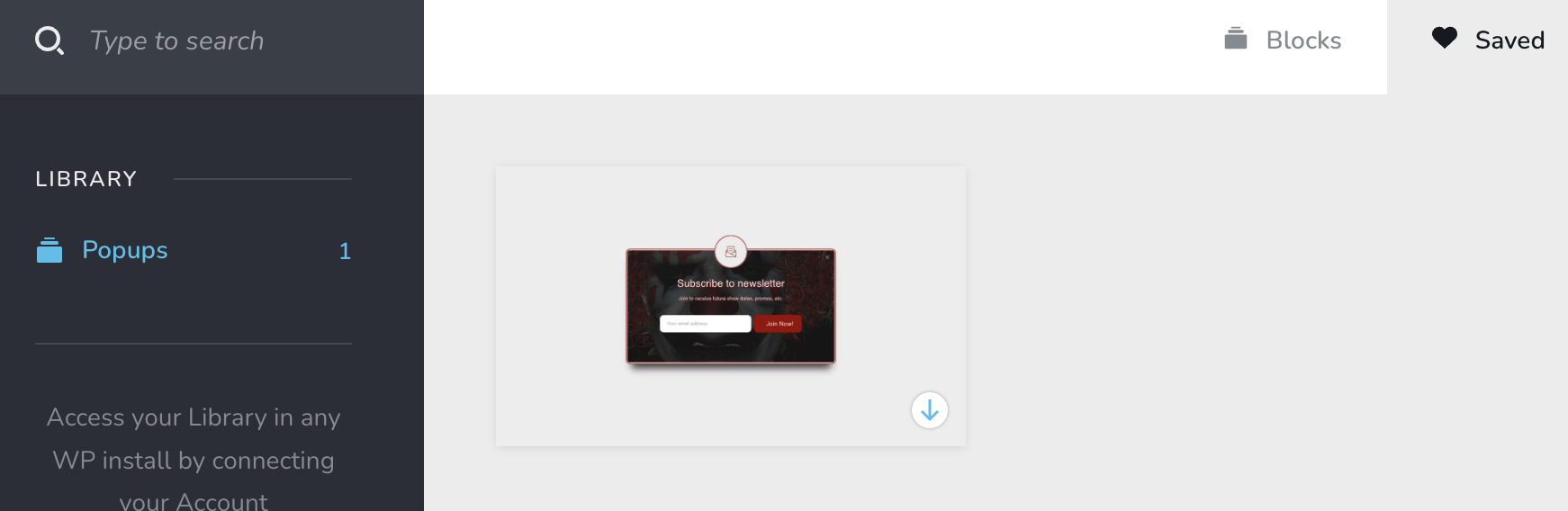
Yes, the pop up isn't displaying under "Brizy > Popups" as you say (don't know why)... but the popup is accessible when you add it under saved blocks:
 0
0 -
Hi
I have changed the pop up design for the desktop and mobile to make the form center aligned. Please open the page https://thetwistedgrin.com/test/ in the Brizy editor, click on the button 'View More', open the popup and save it. https://jmp.sh/lJMxGmuK Once you save the popup, you can use it on another page. You can also delete the test page once you have saved the popup.
I have also modified the page https://thetwistedgrin.com/laugh1/ to make the height and width of the GIF as close as possible to the rest of the images. Please have a look.
0
Please sign in to leave a comment.
Comments
7 comments