Loading Time

my website is taking forever to load. How can i fix this?
https://quince14446435.brizy.site/en/
-

H Konn,
While regular pages are compiled, cached and served through the CDN, the translated pages are generated dynamically when a person views the website. Dynamic generation of pages causes a delay for the multi-language websites.
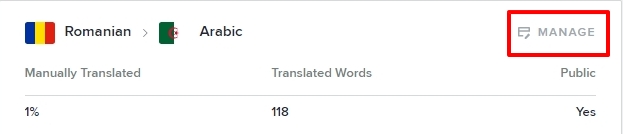
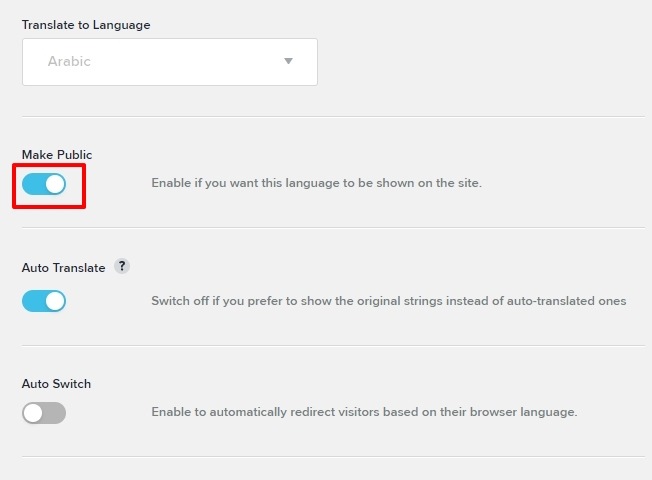
Disabling the translations can speed up the website. To disable translations, under CMS- Project Settings - Translate, click on 'Manage' for each language
Toggle the 'Make Public' switch for each language
 0
0 -
Hello,
unfortunately i cannot do that as my website is bilingual and i need it in 2 languages.
in the GTmetrix report the server takes too long to respond and also the fonts are taking some time to load, is there a way to use replace fonts with default font until the ones i used are fully loaded. what other steps do you recommend that can speed up my site and make it more efficient
0 -
Hi Konn,
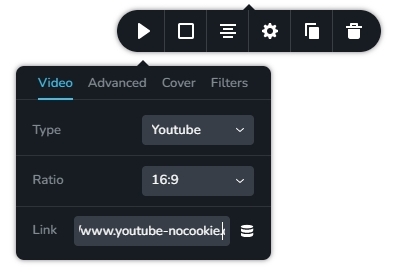
The auto playing embed video is another element that hurts the performance of your website in addition to the initial server response time. It appears that you are embedding the video using the nocookie URL to comply with GDPR. The Brizy Video element supports the use of the YouTube nocookie URL as well. Please paste the URL: https://www.youtube-nocookie.com/watch?v=aHWJ1m5enlE in the Brizy Video element.
To improve the performance of your page, you should also add an image as a Video cover here
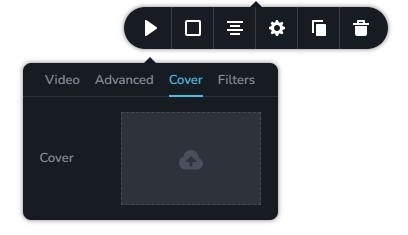
This change can reduce the total number of HTTP requests from 62 to roughly 35, which will enhance the performance of your page.
0
Please sign in to leave a comment.
Comments
3 comments