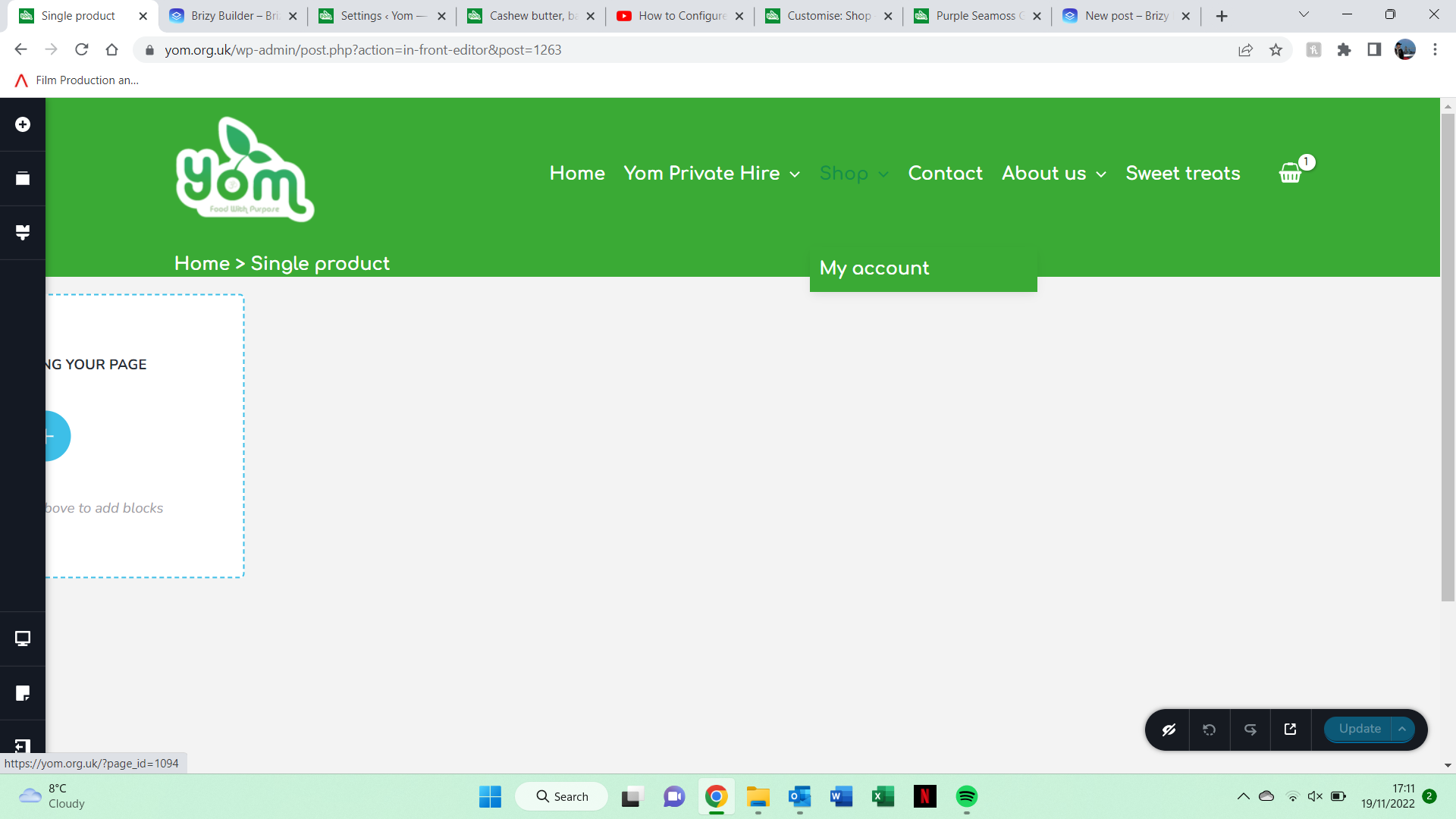
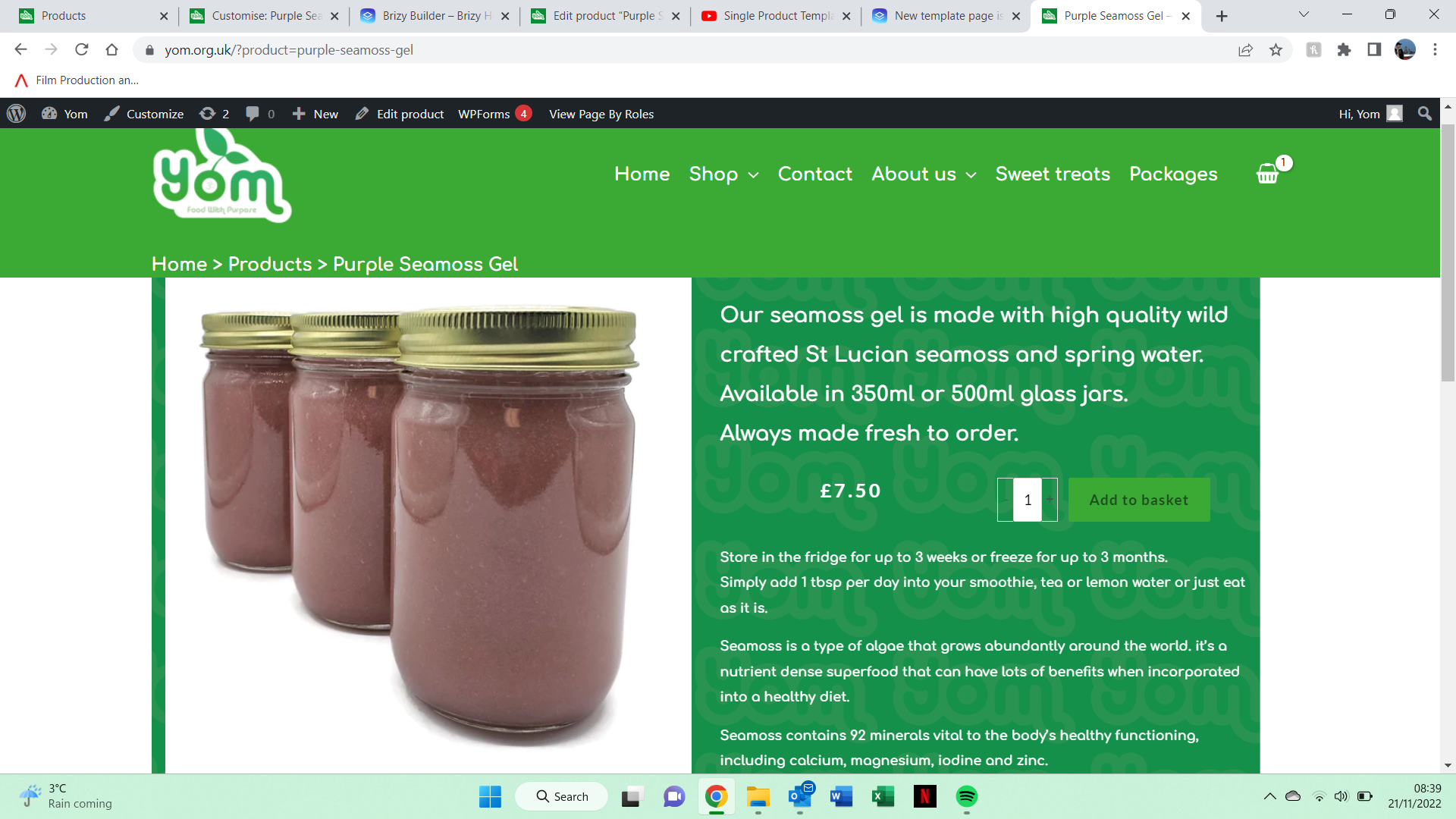
New template page isnt aligned

how would i solve this?
-

Hi Jordan,
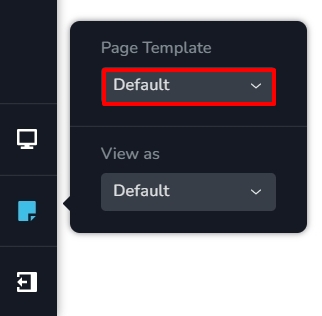
Looks like you are using the Astra theme and have selected Default Page Template for your Single Product Brizy Template.
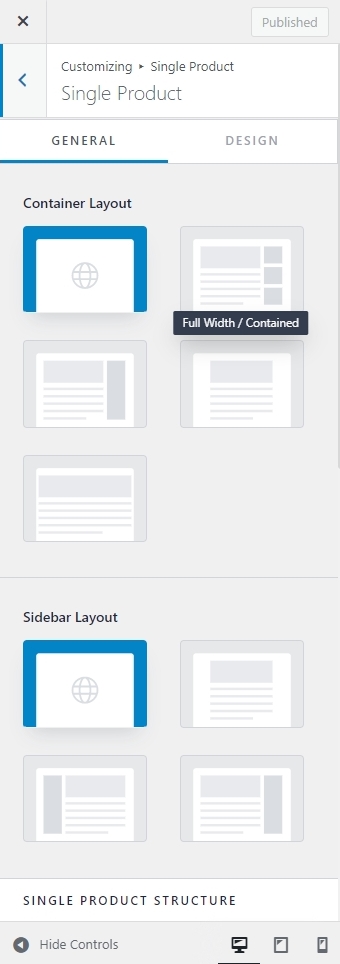
In your WordPress Dashboard under Appearance - Customize- Woocommerce - Single Product, please try different Container options and Sidebar Layout options and check if the issue gets resolved.
 0
0 -
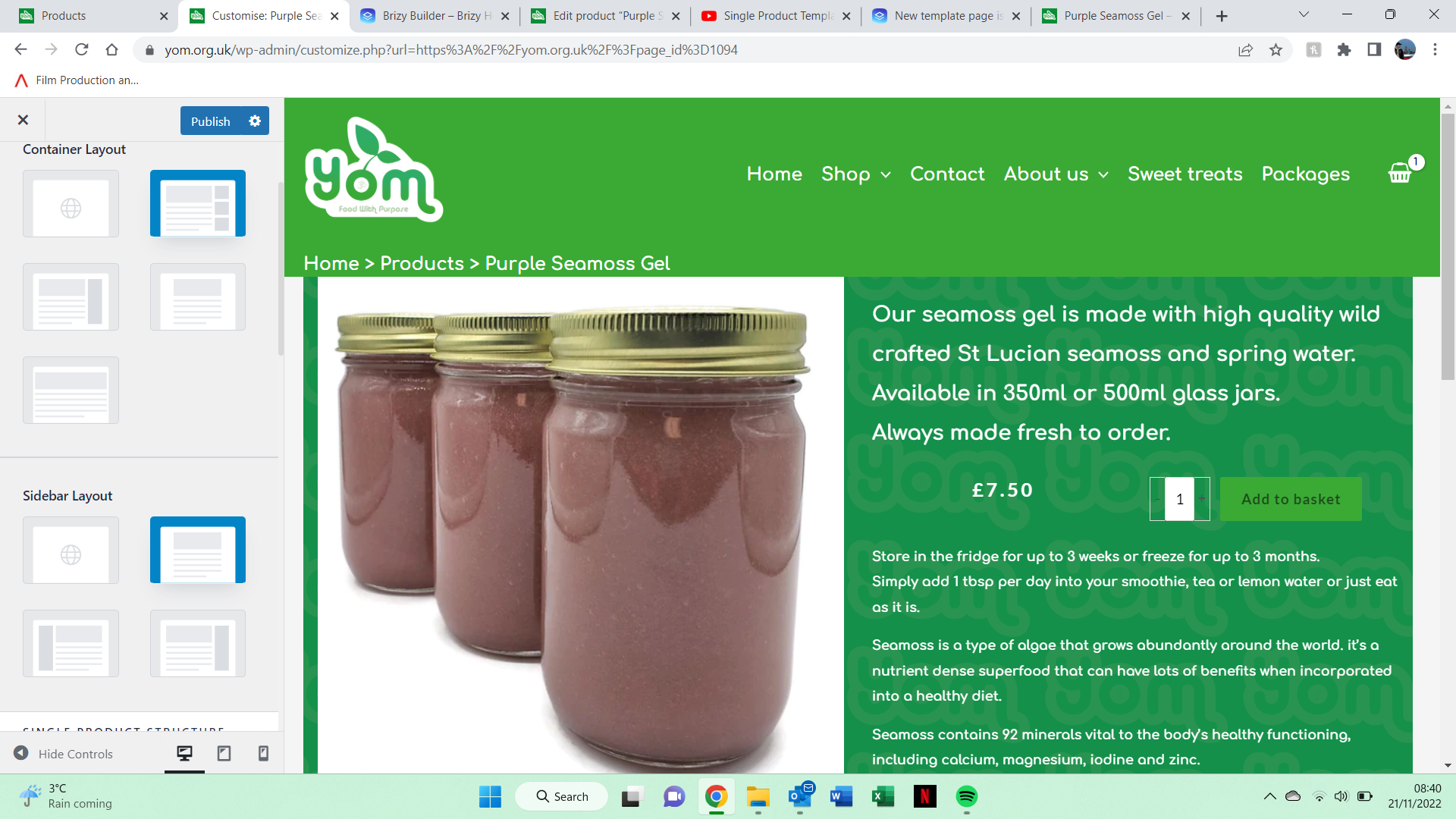
I tried changing it but it still isnt working
 0
0 -
Hi Jordan,
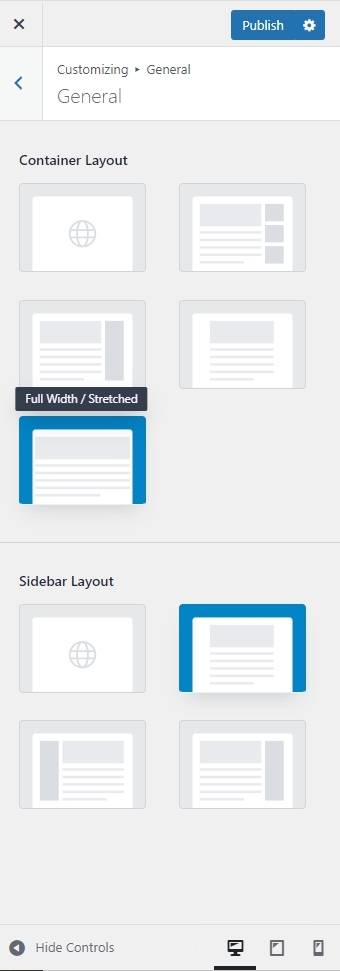
Please also check the settings under Appearance - Customize- Woocommerce - General.
If you would like a full width product catalog and single product pages, please try the Full Width Stretched option here.
 0
0 -
I Have tried this and still not working unfortunatley
0 -
Hi Jordan,
Perhaps you should inquire about how to make the single product page full width with the Astra Facebook Community?
Alternatively, if you grant me access to your project, I'll try to solve the problem.
0 -
ill happily grant you access, what do i need to do?
0 -
Hi Jordan,
Please add me as a user to your WordPress Dashboard if you need assistance with this. My email: kc.george@brizy.io. As shown in this screenshot: https://jmp.sh/sOSGGR3, please turn on the option "Send the new user an email about their account"
Please let me know here when you send me an invitation.
0 -
i have sent it
0 -
Hi Jordan,
Your Single Product Brizy Template had a boxed design. I have made it full width. Please check.
0 -
it looks good but my header isnt on the page. i appereciate your help
0 -
Hi Jordan,
When I applied the full width, the header automatically disappeared. There could be some incompatibility issue between Astra and Brizy. I have added some margins on top of the hero block to force the page to show the header. Please have a look
0 -
thankyou
0
Please sign in to leave a comment.
Comments
12 comments