Text on top (in foreground) of custom video stopped working

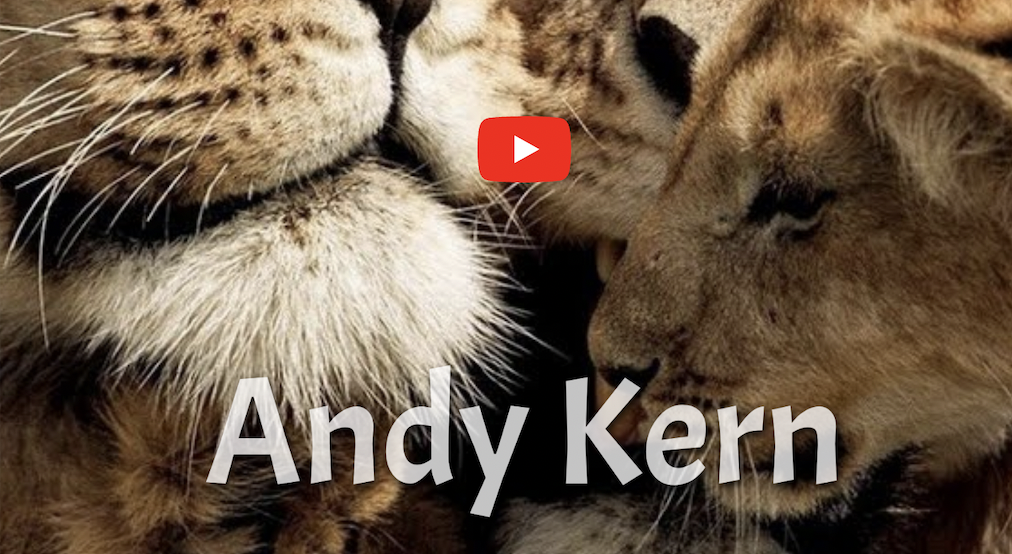
It may be the latest updated version, but all of a sudden the text I had "in front of" (text visible in the foreground) a custom video is now "behind" (text not visible in the background) the video... the text still remains in front of an embedded YouTube video, but as you can see in the screenshots, it's hidden when I use the custom video (this worked fine until just recently)
The image with lions is the youtube video, obviously, and you can see the text ("Andy Kern")
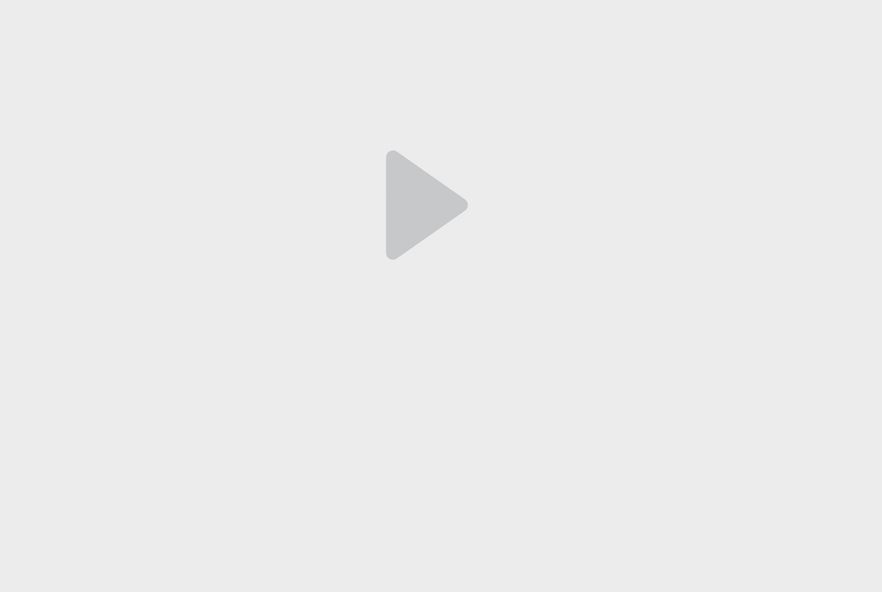
The other image is the custom video, and you cannot see the text because the video is in front of it...
How do I get the text in front of the custom video like before?
-

Hi Tank,
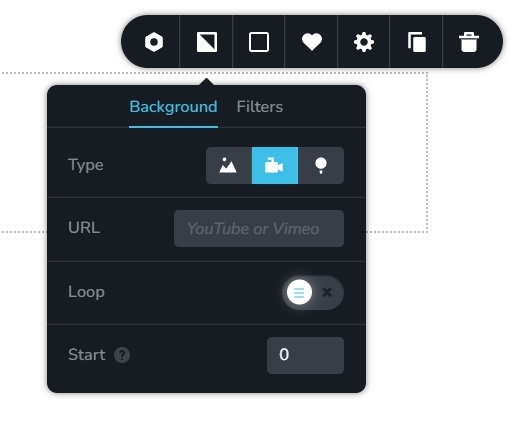
Can you please explain how you are using a custom video in the block background? Usually only YouTube and Vimeo videos are allowed as a block background
 0
0 -
It wasn't on the block's background, it was an embedded video element... historically, the text appeared in the foreground (text was visible), but now it's in the background (text is hidden)
0 -
Hi Tank,
You are right, a text placed in front of a video element by adding negative margin, is not be visible with the most recent Brizy versions. I will report this issue and we will work on fixing this.
In the meantime, to fix the issue on your website, you can either
- Roll back to the previous versions of Brizy or
- Upload the video to YouTube and use its URL in the video element.
To roll back to the previous versions, please use these files
- Brizy 2.4.12: https://jmp.sh/pJmV5bN6
- Brizy Pro 2.4.11: https://jmp.sh/eJNcm0Jn
Here is the procedure to roll back
- Deactivate and delete Brizy Pro
- Deactivate and delete Brizy
- Under Plugins - Add New - Upload Plugin, upload Brizy 2.4.12
- Upload Brizy Pro 2.4.11
0
Please sign in to leave a comment.
Comments
3 comments