Edit with Brizy not working after migration

Hello!
I have using Brizy for multiple websites for clients, now I finally created my own and I have an issue after migrating it (using Duplicator Pro) to a secondary domain (in order to translate it in English). The main website is www.addvices.ro, all is good there, everything works fine and I can edit all the pages with Brizy, but on addvices.com I just cannot edit any page, the loading page screen is loaging continuously...
I also disabled all the other plugins (they are all updated to the latest version), reinstalled Brizy and Brizy PRO, activate again the license - nothing works... the screen below is loading continuously and stays like this forever...
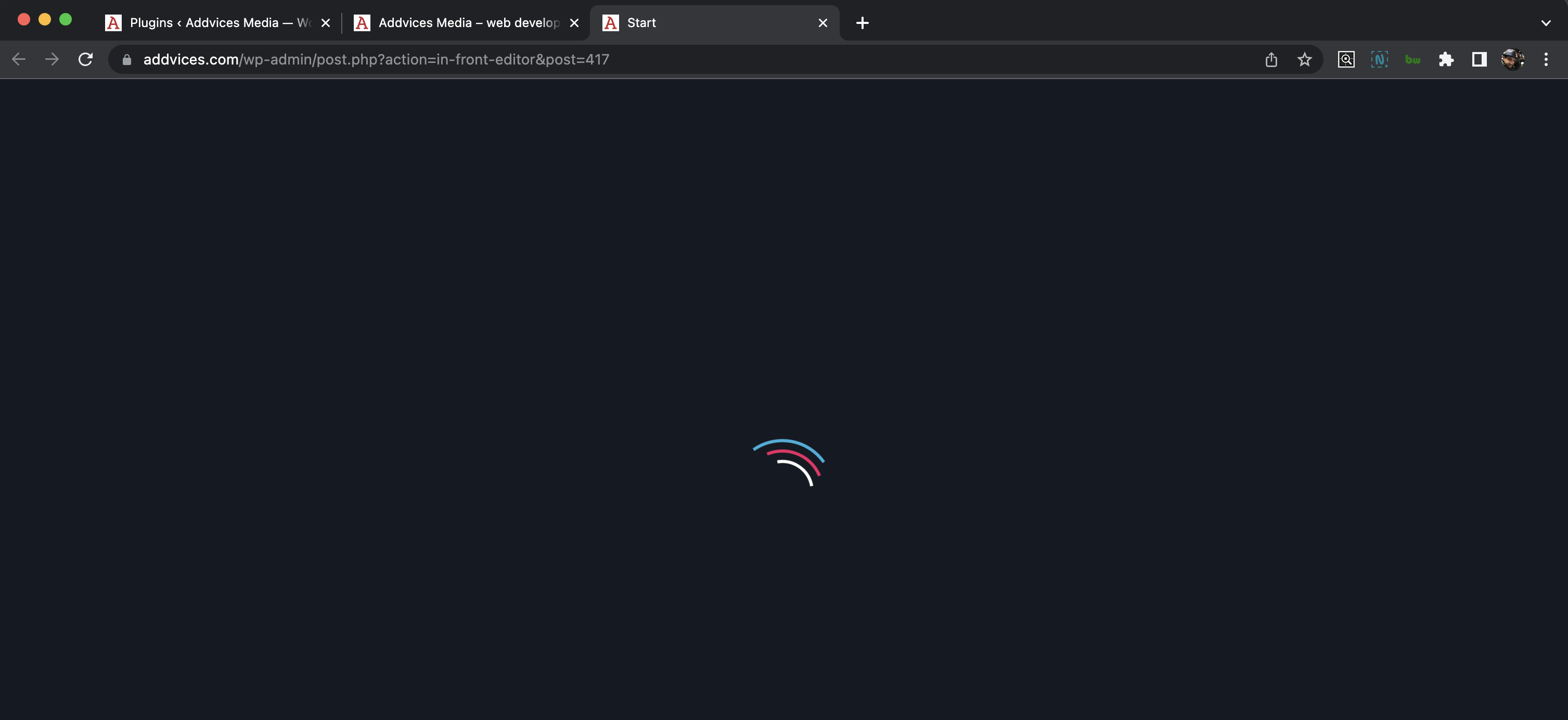
A interesting issue is also about the dashboard, the brizy icon on the left side menu is gone there... I do not know if is any connection with other issues you had before... just have this info also.
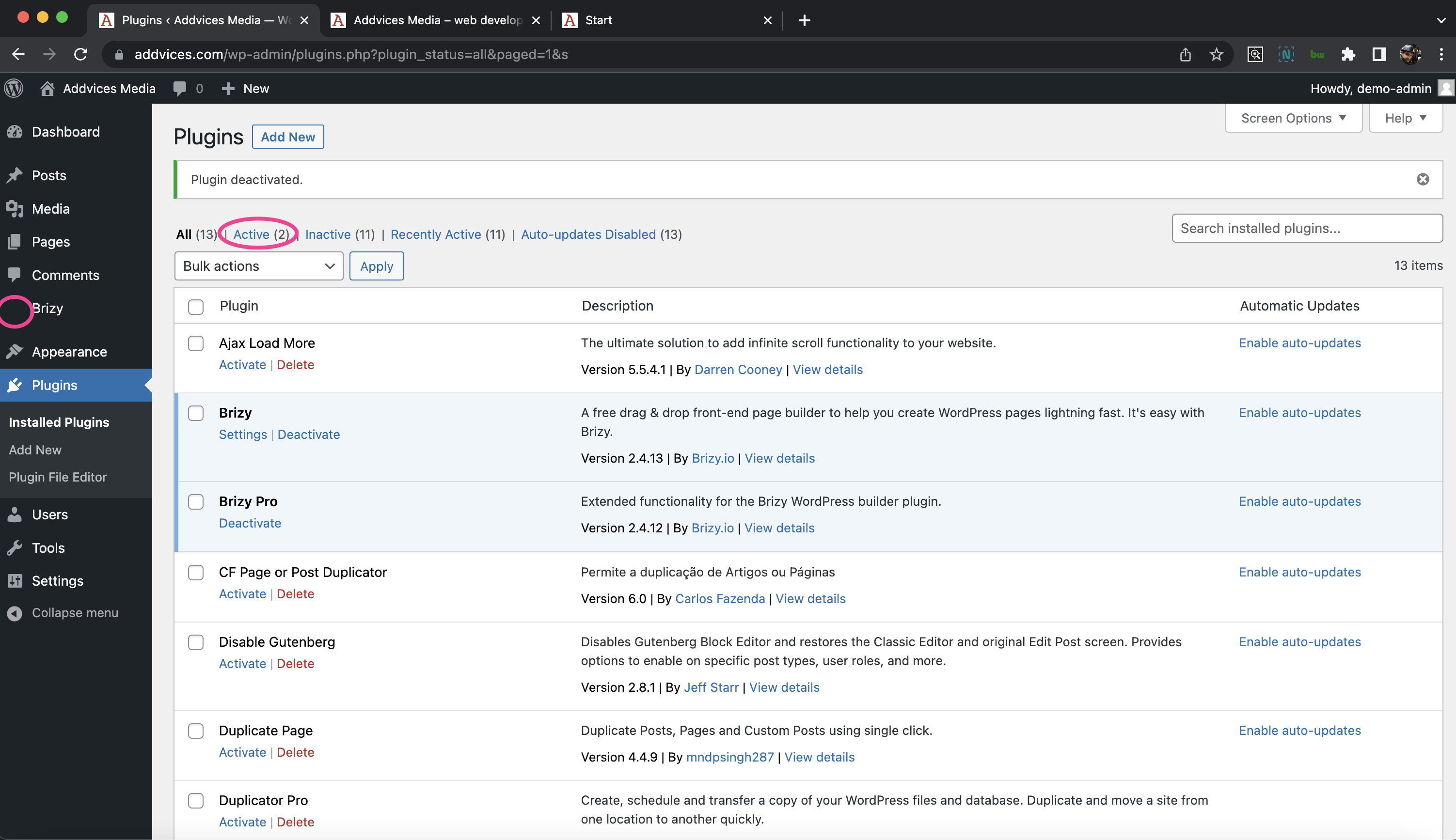
I checked all your previous threads about this topic and nothing was truly helpful...
Thank you and I look forward to your feedback!
Catalin
-

Hi Catalin,
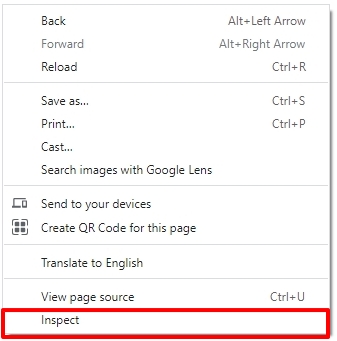
Please login to https://www.addvices.com/ WordPress Dashboard using Google Chrome and attempt to open a Brizy page and when you see the looping pre-loader, please right click and select Inspect. On the right pane that opens up, please select the 'Console' tab and share with us the screenshot of the console errors. https://jmp.sh/hy39mOpw
In https://www.addvices.com/ WordPress Dashboard if you see any error message when accessing the Plugins area, please share a screenshot of the error also.
0 -

I have the same problem in all pages except for the homepage. The inspect element doesn't report any error or warning.
PS: In my case the icon didn't appear because the url of the logo into the whitelabel section was my old url that it was not accessible from outside.
0 -

Hi Paolo,
I already made a private ticket in the first post, see here.
Best regards, Nelea.
0
Please sign in to leave a comment.
Comments
3 comments