Brizy SSL Issue

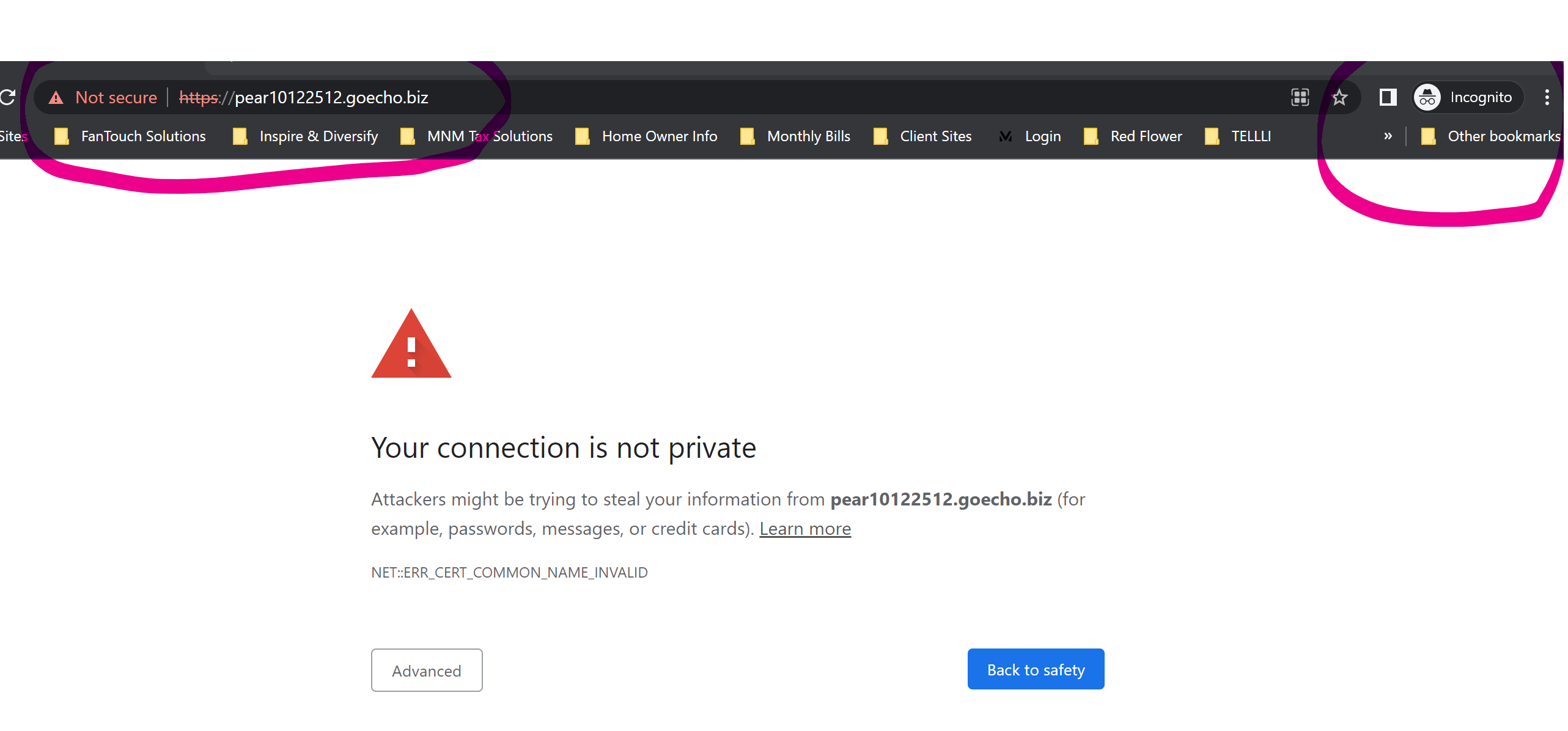
I'm experience SSL issues with https://pear10122512.goecho.biz/ as you can see here in an incognito window.
-

Hello Mark,
Thank you for contacting us.
Please delete this A record 52.39.68.83 , from the DNS settings. See here.
Also, you did not set up correctly the CNAME from the DNS settings. Please check this article in order to set up the CNAME correctly. After this you should have all the records in the project settings green, this is an indicator that the configuration was done correctly. Then the SSL certificate will be propagated.
Best regards, Nelea.
0 -
Hello, how do I access the A record? https://pear10122512.goecho.biz/ is a Brizy domain address tied to my Brizy whitelabel account.
0 -
Hi,
The SSL for your website is working, please see here.
Best regards, Nelea.
0 -
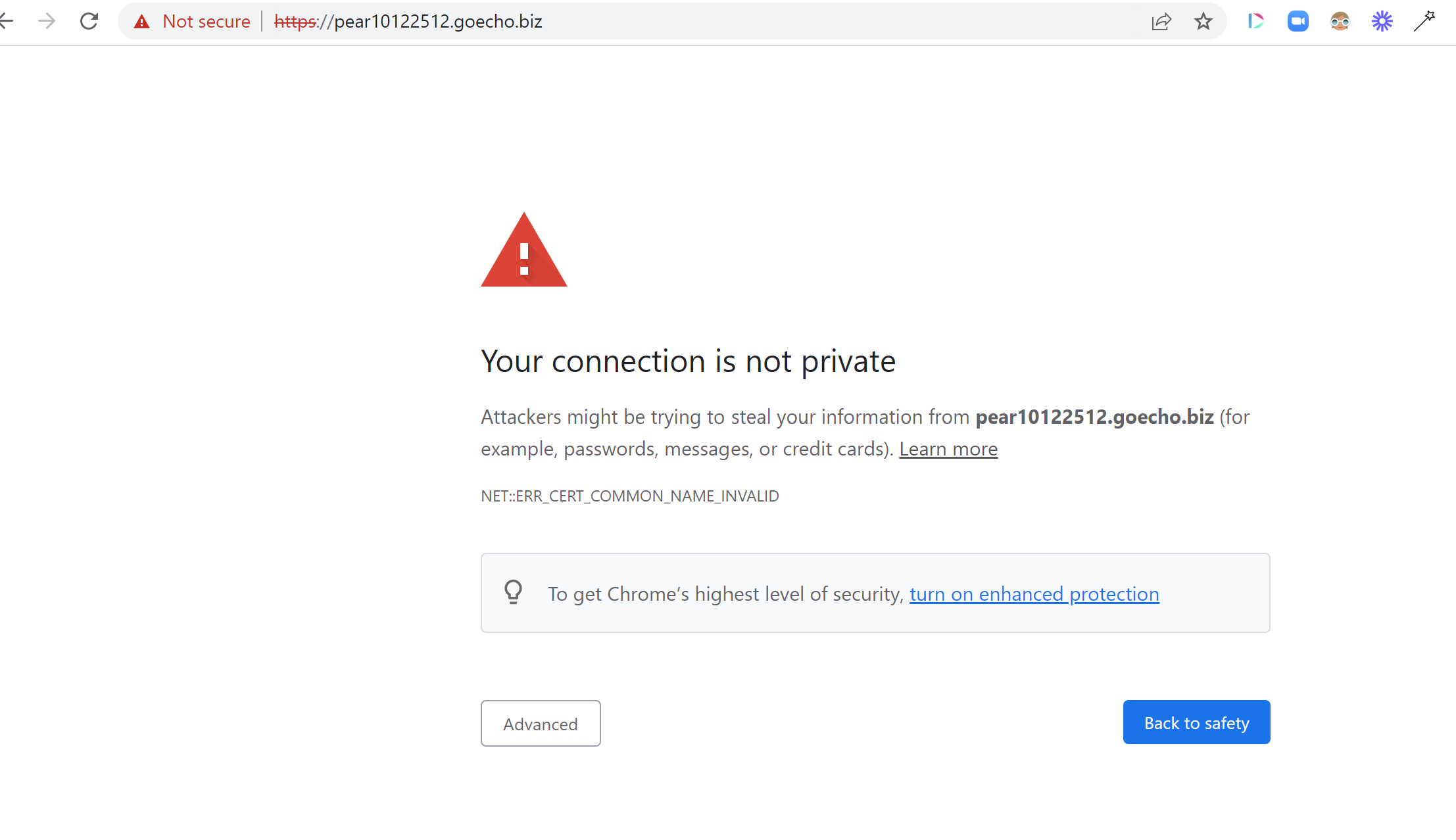
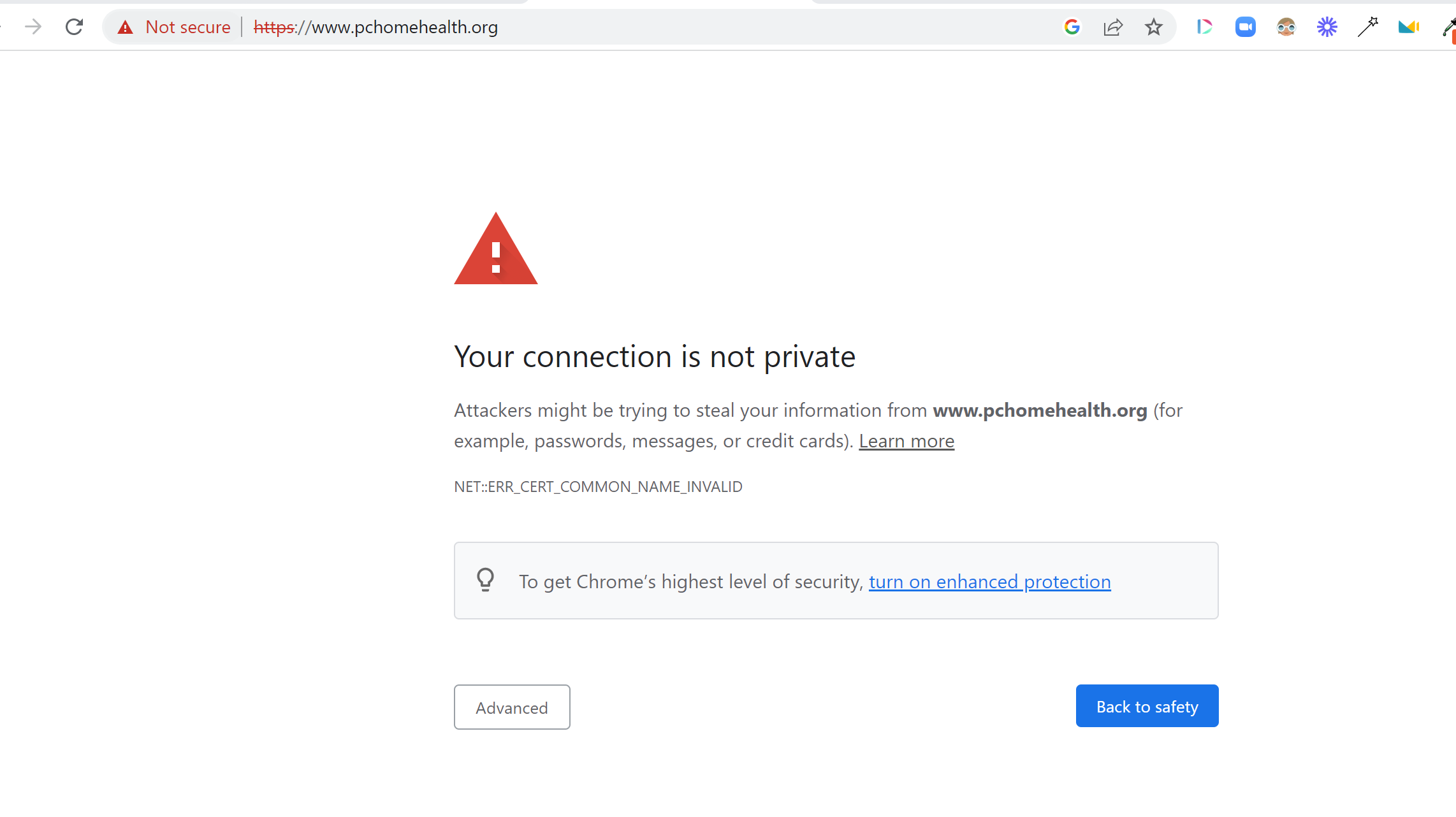
Still having issues with multiple websites:
https://pear10122512.goecho.biz/ and https://www.pchomehealth.org/
 0
0 -
Hello it seems that the SSL works off and on which is causing great confusion with my clients. Please check my settings for https://pchomehealth.org/ and prosperworldwide.shop. Also, we're mainly seeing this issue when someone attempts to access the websites from Facebook, Instagram and TikTok and it's very inconsistent.
The two attachments are taken from the same Instagram account at the same time. The one that shows the website was pulled from an Android and the one with the certificate error message was pulled from an iPhone. Not sure why it's doing this but I really need to get this resolved.

 0
0 -
Hi Mark,
Please delete this ip address 52.39.68.83 from the DNS setting. After this everything should work fine.
Best regards, Nelea.
0 -
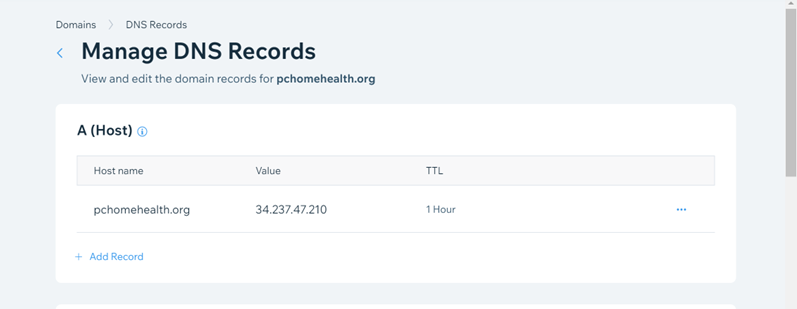
For pchomehealth.org I only have one A record which is 34.237.47.210. I don't see 52.39.68.83.
 0
0 -

Hi Mark,
The A Record with the IP address 52.39.68.83 is associated with www.pchomehealth.org and not with pchomehealth.org
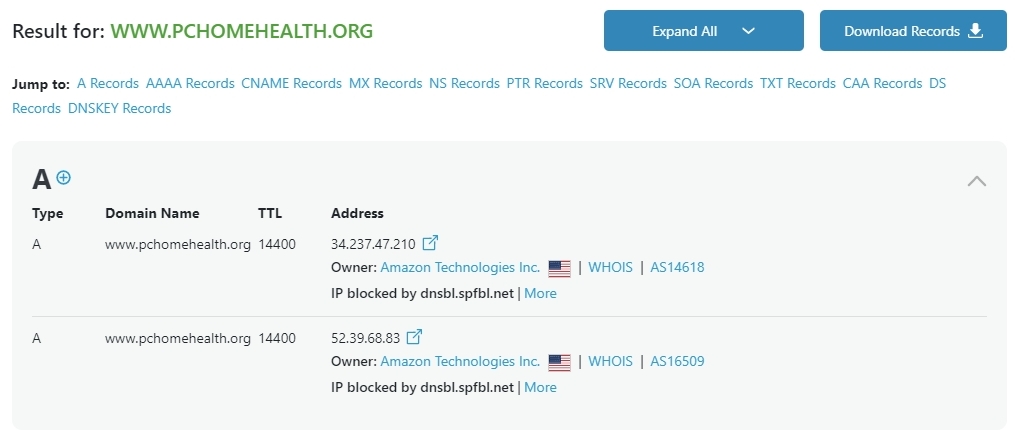
Please look through other domain records like CNAME and check if you see this IP address added to any record.
If possible share a screenshot of all records associated with this domain.
0 -
I checked and this is all that I see.
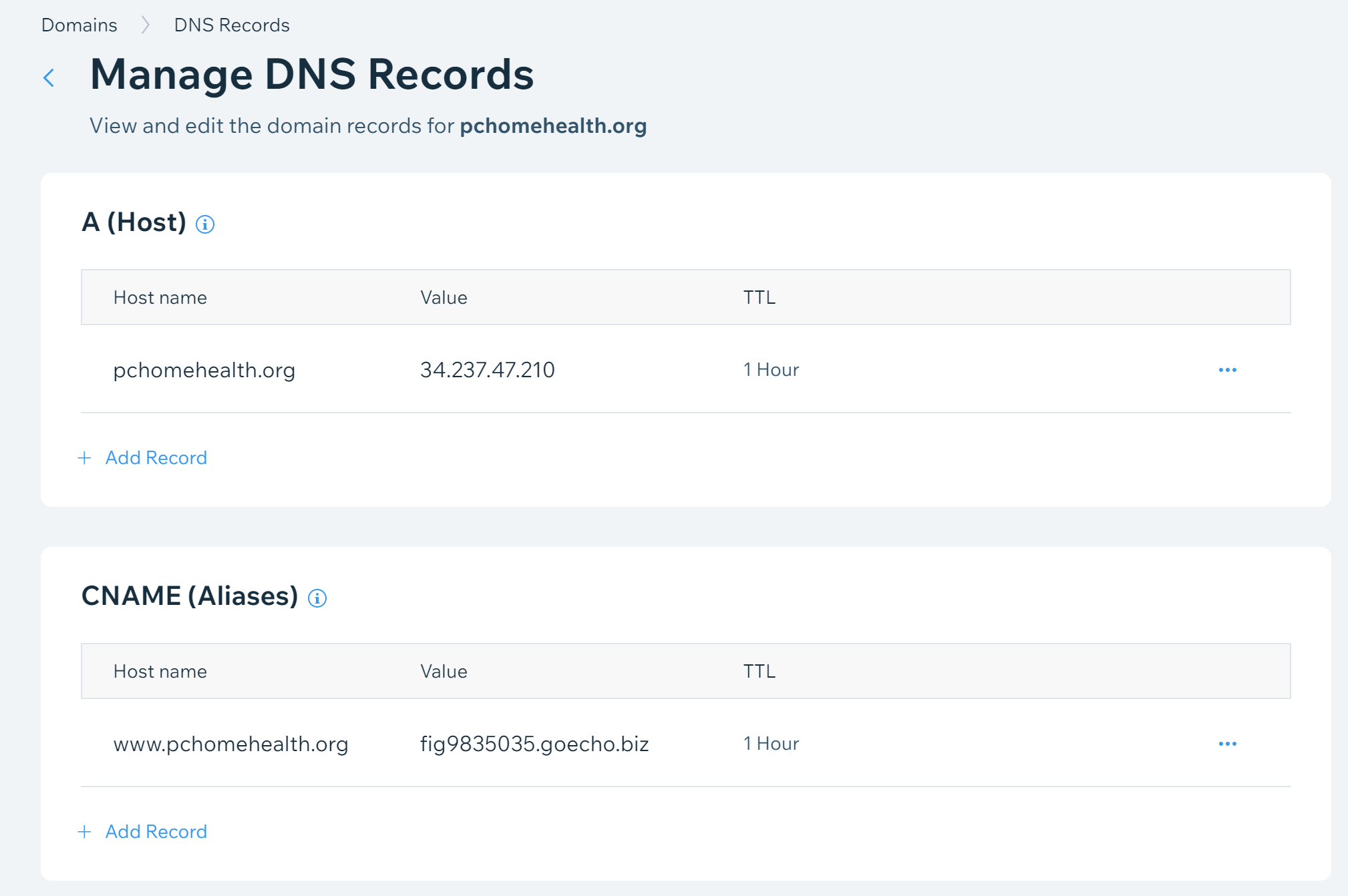 0
0 -
Hi Mark,
If you do not see the A Record with the IP 52.39.68.83, you could consider this option.
Your DNS records are hosted at Wix Name Servers at the moment. You have the option to host your domain records with Network Solutions as well. Please login to your domain registrar account with https://www.networksolutions.com/ and replace the Wix name servers with these domain name servers
- ns1.networksolutions.com
- ns2.networksolutions.com
Please follow instructions on this page https://support.appliedi.net/kb/update-your-dns-at-networksolutions-com/
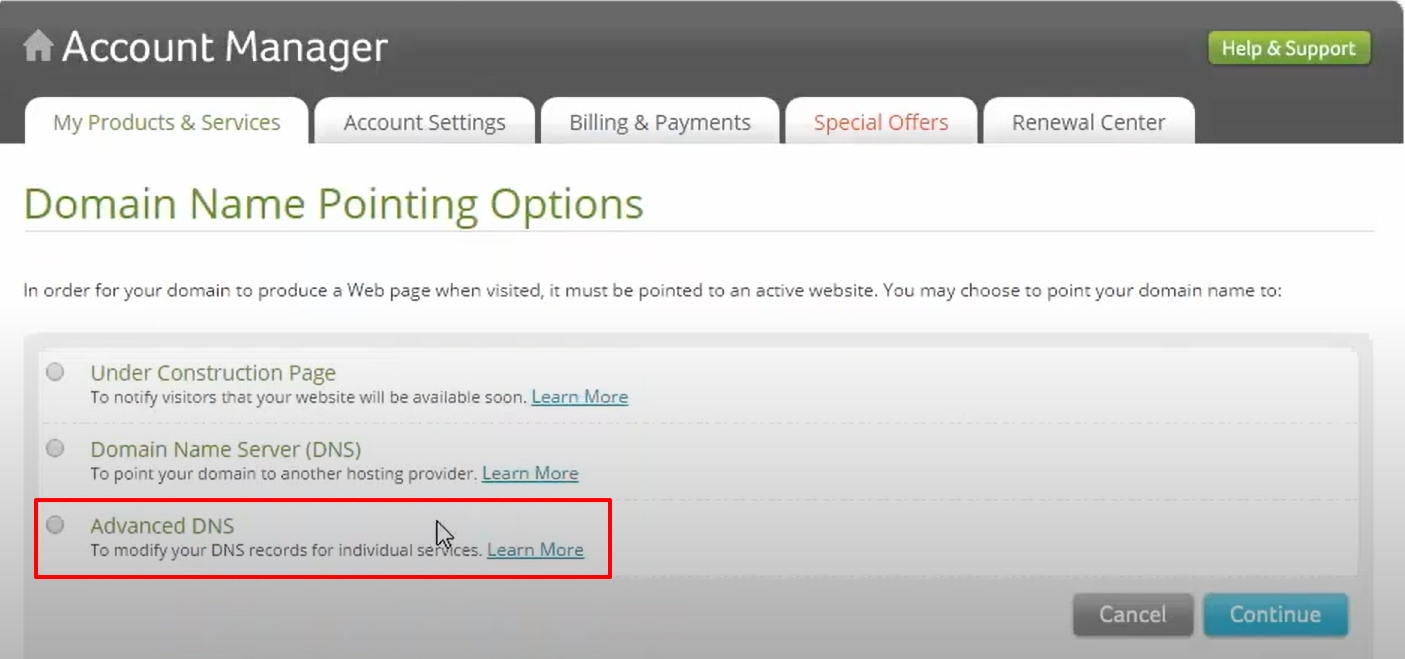
Once you have updated the name servers, you can add the A Record and the CNAME Record by clicking on the 'Advanced DNS' under the Domain Name Pointing options
 0
0 -
Actually the domain was purchased through Wix and they do not allow you to change the nameservers.
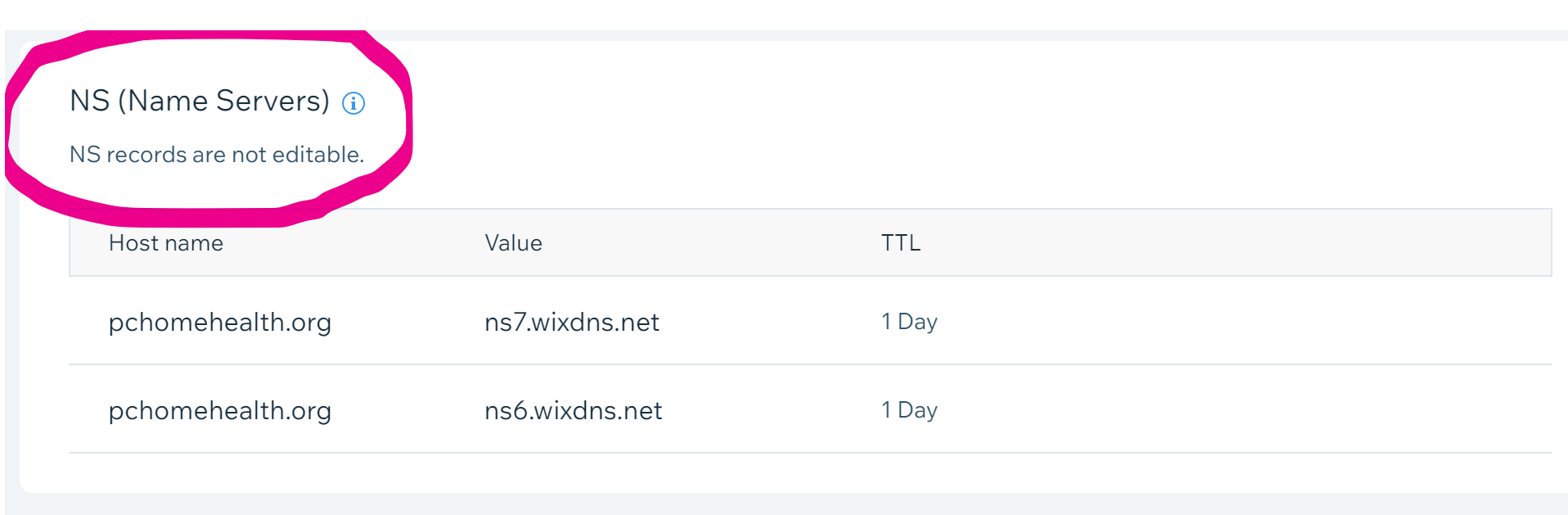 0
0 -
Hi Mark,
Please contact Wix support and make this request.
I bought the domain pchomehealth.org from you. Two A Records are associated with www.pchomehealth.org, according to a DNS Lookup of this domain.
- www.pchomehealth.org 14400 34.237.47.210
- www.pchomehealth.org 14400 52.39.68.83
Could you kindly assist me in deleting the A Record with the IP 52.39.68.83? In my dashboard, there isn't an option to do so.
0
Please sign in to leave a comment.
Comments
12 comments