MIGRATION

Hi,
I recently created a website on my own hosting and after I was done I needed to migrate it to my client hosting service. So I tried a few methods.
The first is using the Tools>Export/Import method on WordPress by default which has worked for me before. and everything loaded except for images.
The second method was saving all the pages as layouts to my Brizy account, which was successful while exporting but on my client's side they don't load as intended and are stuck as shown (see attached picture).
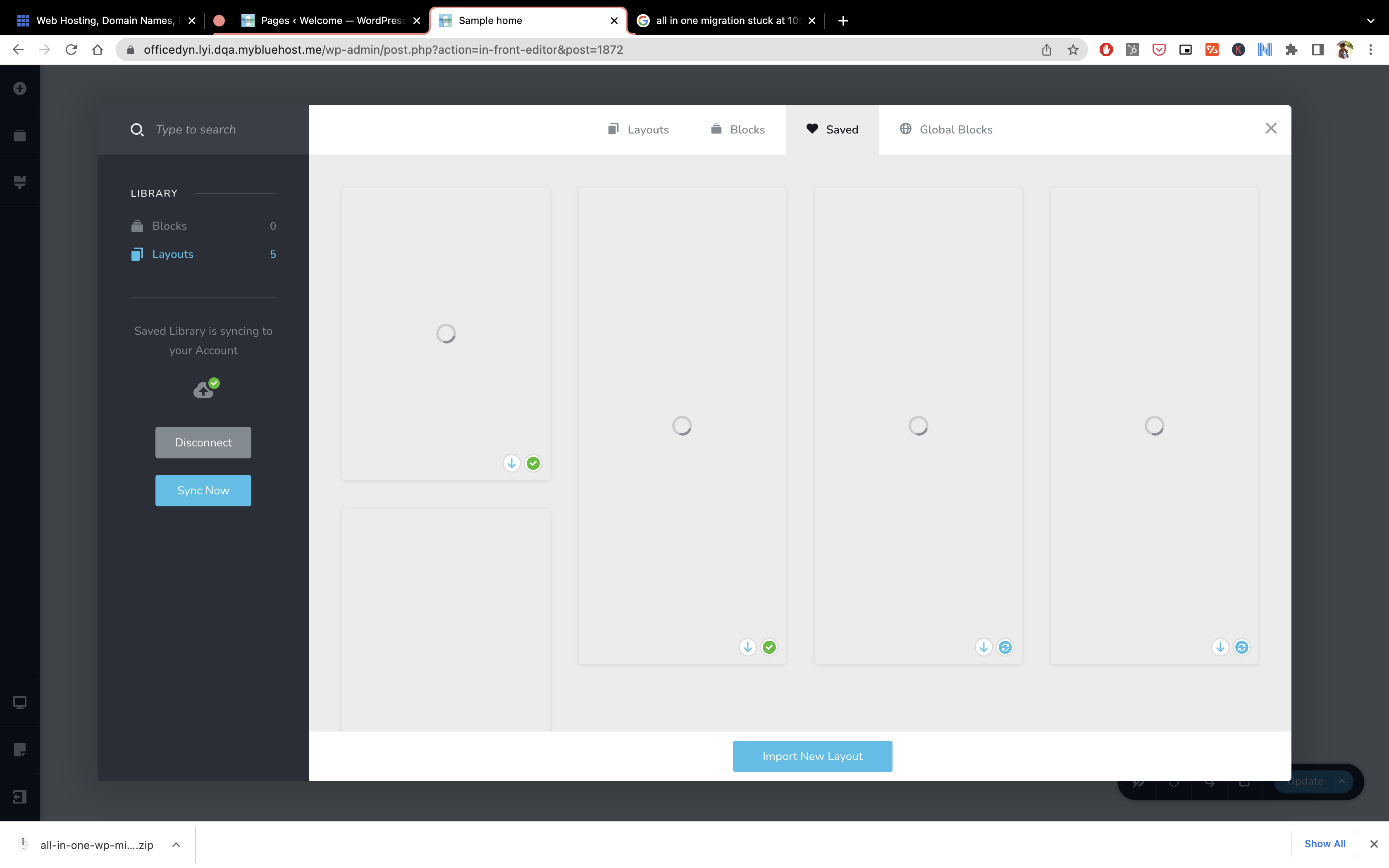
And when I click on one, the import is successful but once again images don't load.
The third method was downloading the page layout to my computer and uploading it to the client's server, but that led once again to the situation in the above examples where images don't load.
Finally, I cleared all WordPress files and did a fresh install and still, the images don't load even when I try to create a new block. (see below)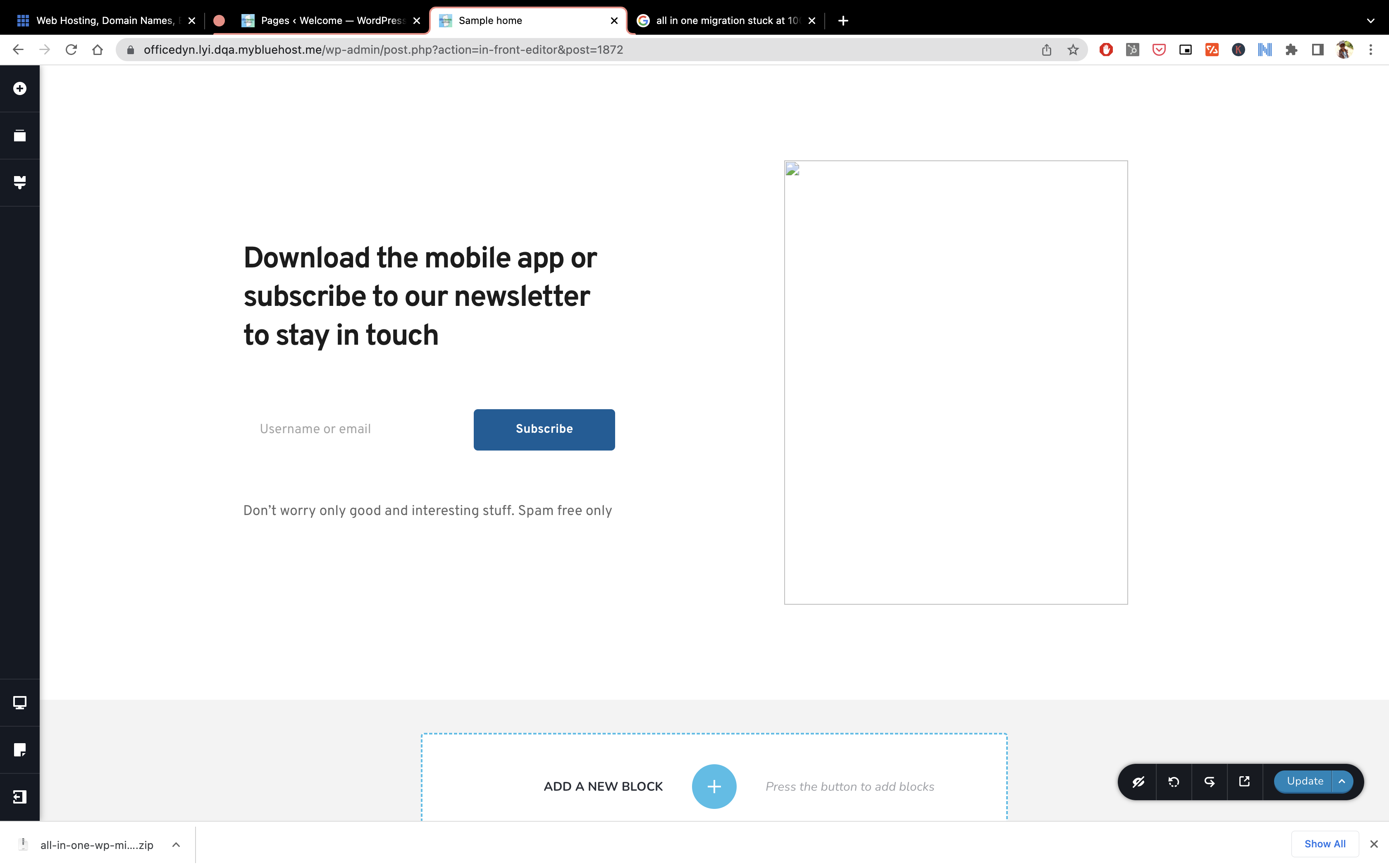
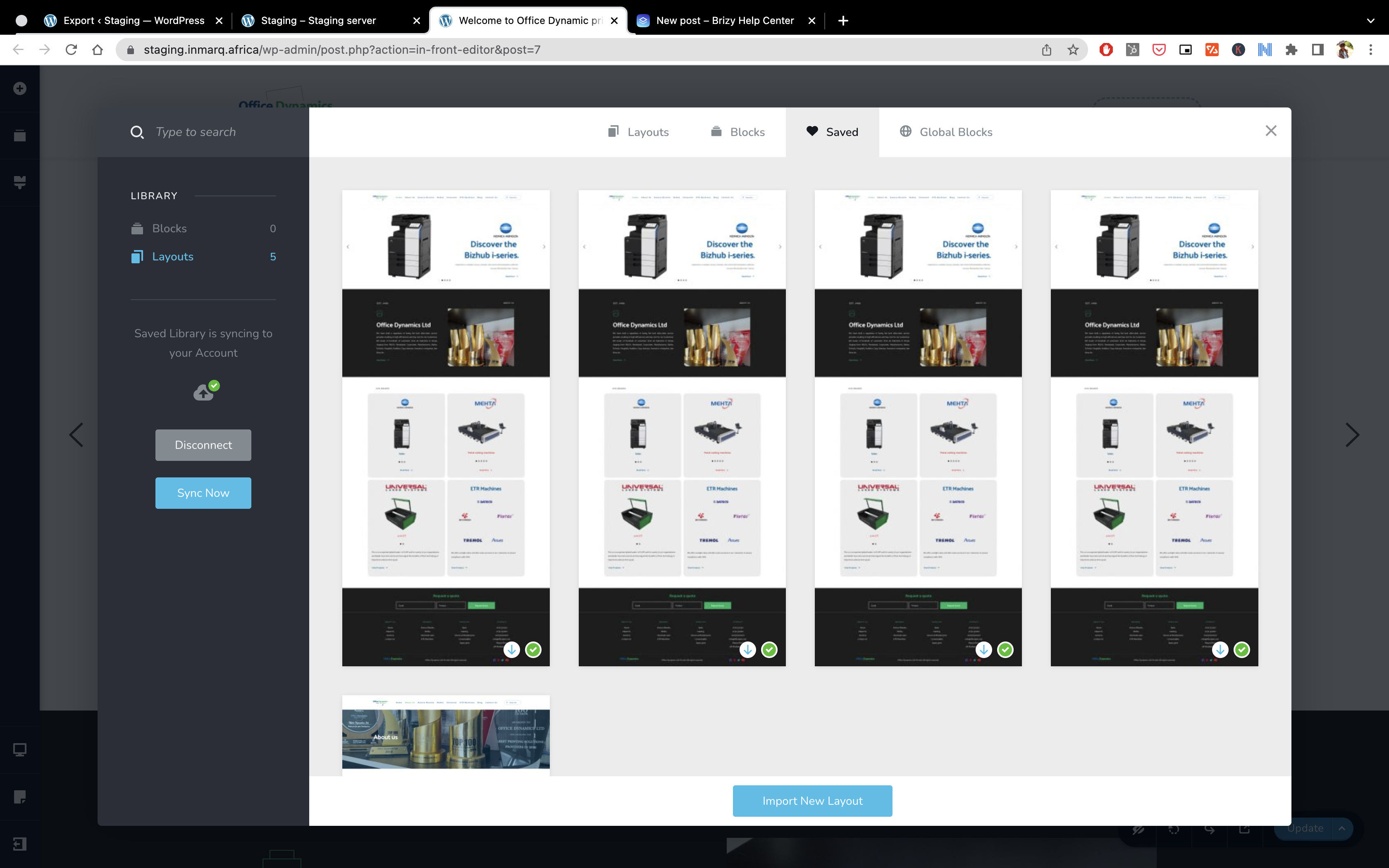
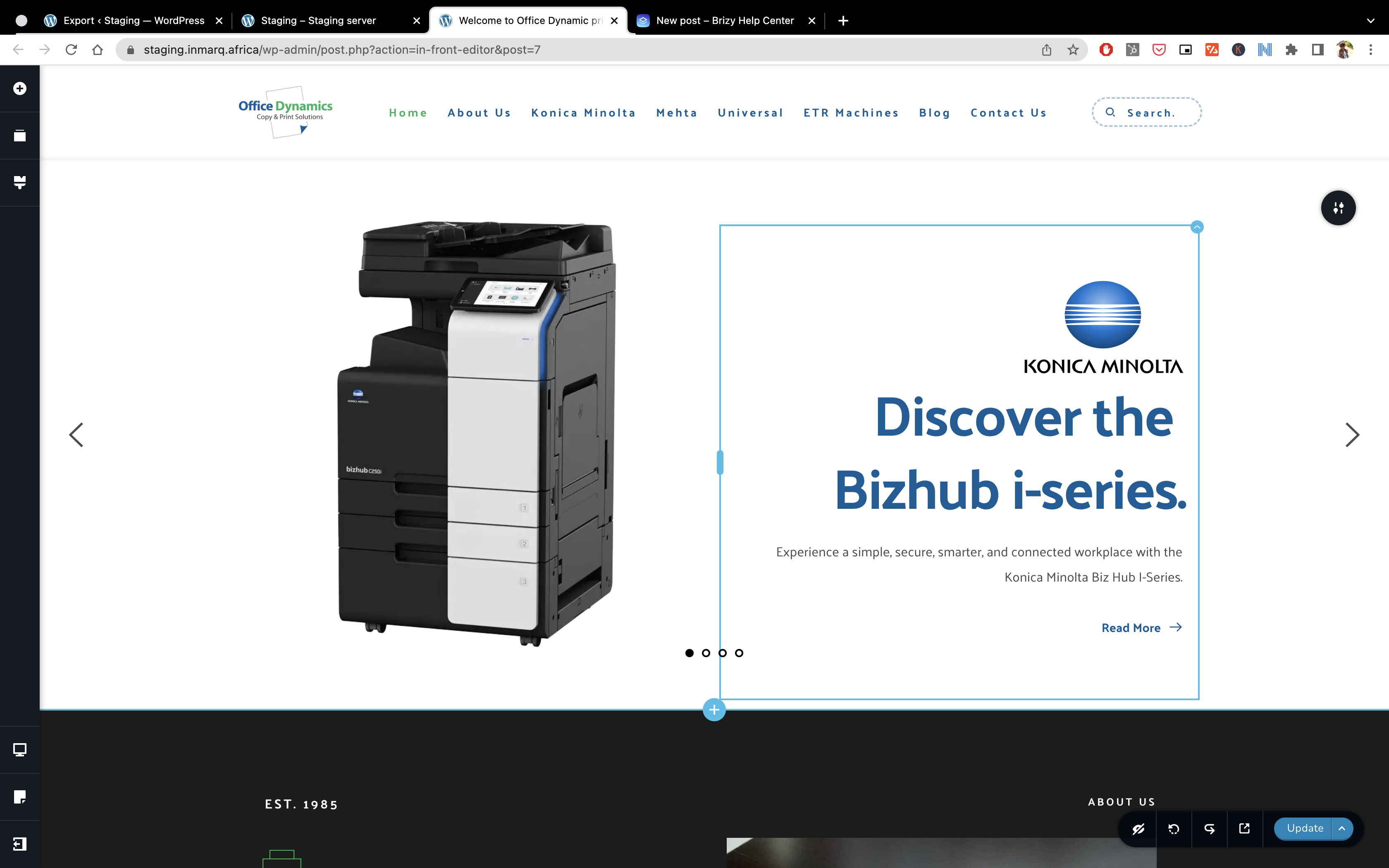
I don't know if its a Brizy issue or an issue with the host, please help, As you can see below on my own hosting it works just fine.
-

Hi,
We suppose that in the migration process, some Brizy folders and files or WordPress files weren't migrated fine. In the Brizy, is created a special image folder where are stored all Brizy images. Could you please try to migrate the site using the WP All in One Migration plugin? Mostly Brizy users use this plugin and in most cases, all is working fine.
Best regards, Nelea.
0 -
I tried that as well, but the issue still persists
I still can't load any images.
0 -
Hi,
We would like to check this problem from your dashboard. Could you please send us the wp credentials for these sites? I have created a private ticket for this request. You had to receive a notification regarding this by email. Could you send us in that private message the wp credentials to them?
Best regards, Nelea.
0
Please sign in to leave a comment.
Comments
3 comments