Missing elements on page

Hey everyone,
I'm working on this project: https://pomegranate10121856.brizy.site/
Editor URL: https://www.brizy.cloud/projects/10121856/editor/page/970731
When I publish the page, several elements from the page are missing. (lots of whitespace in between)
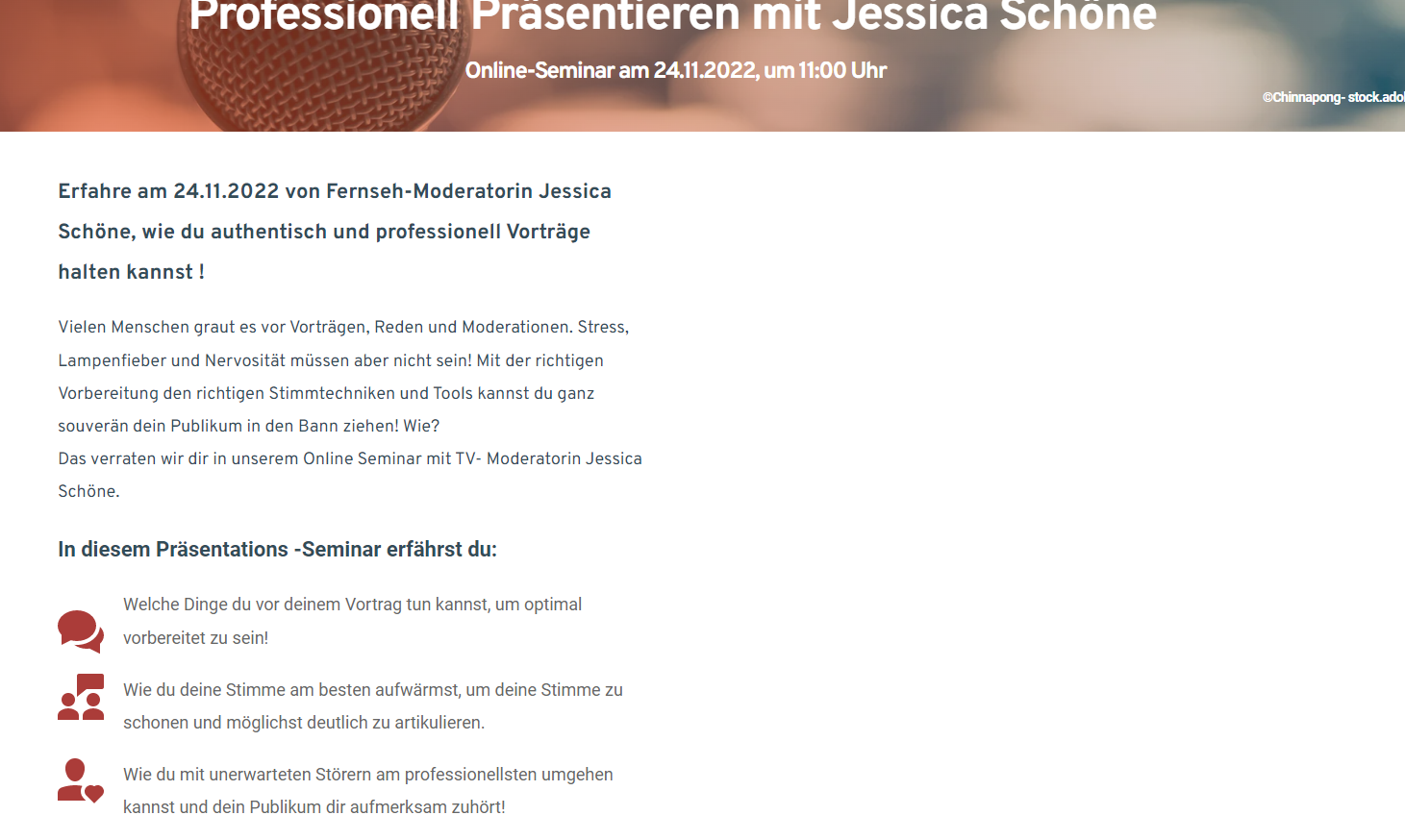
Do you have any idea what's causing the problem here?
Best
David
-

Hi David,
If you have added an embed code from https://www.ccm19.de/ please remove it and check if the problem persists.
0 -
Thank you, unfortunately that doesn't help.
0 -
Hi David,
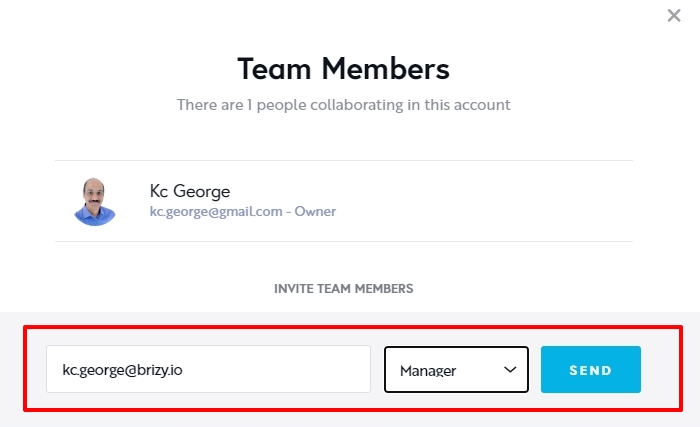
We need access to your project to offer further assistance. Can you please add me as a Team Member to your project? My email: kc.george@brizy.io. Please assign me the 'Manager' role. Please let me know once you have sent me the invitation.
 0
0 -
Done
0 -
Hi David,
The page contained some hidden parts. Now I have made it visible. To make the remaining sections of the website visible, please follow the instructions below.
There are two types of popups you can add using the Brizy Popup builder.
- Conditional Popups: These popups get triggered automatically when a condition is fulfilled
- On-click popups: These popups gets triggered when clicking on a button, text, icon or another element.
After clicking on the link icon, you may either start from scratch when creating an on-click popup or add an existing on-click popup from your saved popups. Please do not add a conditional popup to a button. If you do this, your website might behave strangely.
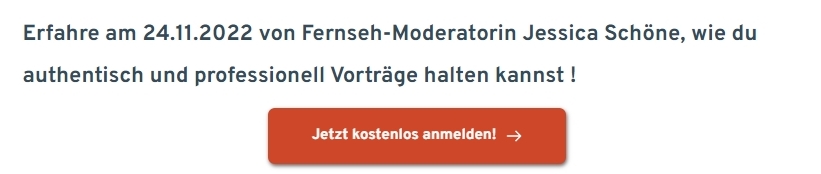
Please remove the popups you have added to the 2 buttons "Jetzt kostenlos anmelden!" and the rest of the elements within your page will show well in preview.
 0
0 -
Thank you KC George! That helped a lot.
Cheers
David
0
Please sign in to leave a comment.
Comments
6 comments